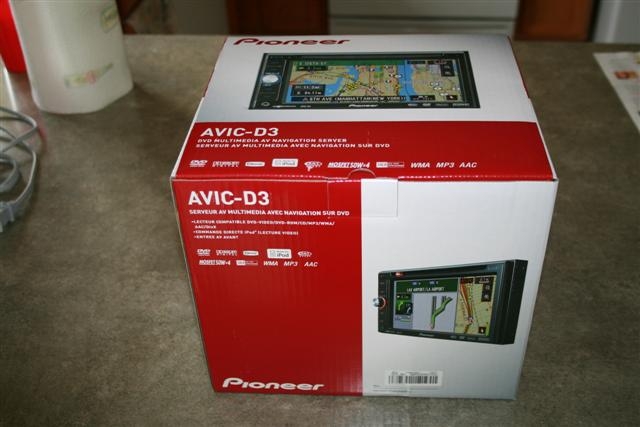
Step 1: Boxphotos/rsz_0.jpg
avic411.com/D3Bypass/) into standard HTML.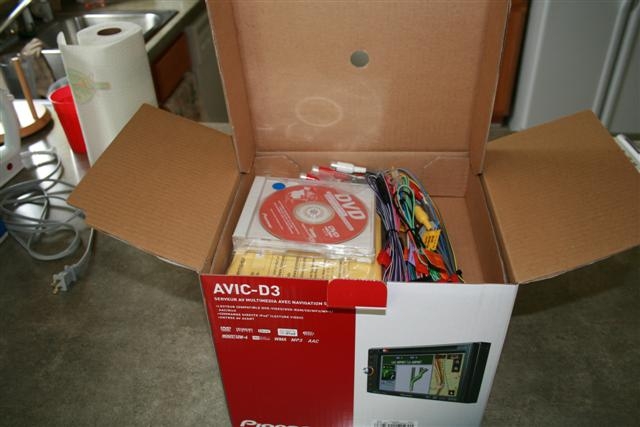
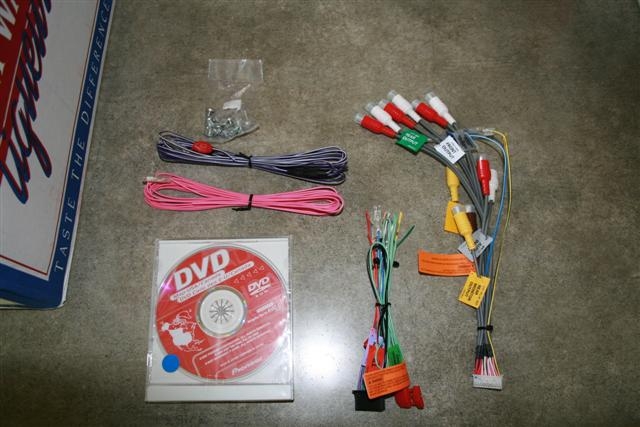
Wires, DVDs, etc. For bypass, you need the two sets of wires on the right.
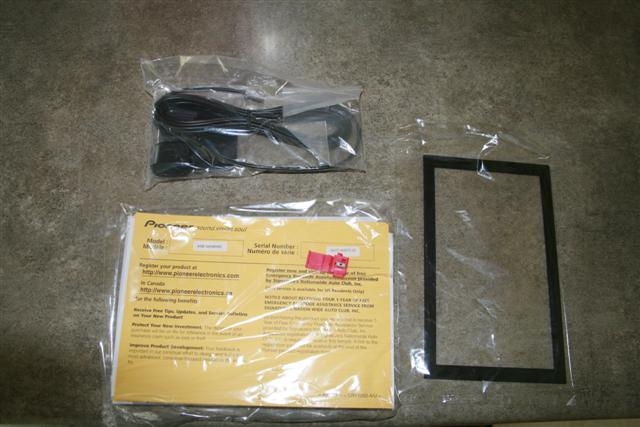
Bezel, paperwork, wiretap, and GPS antenna
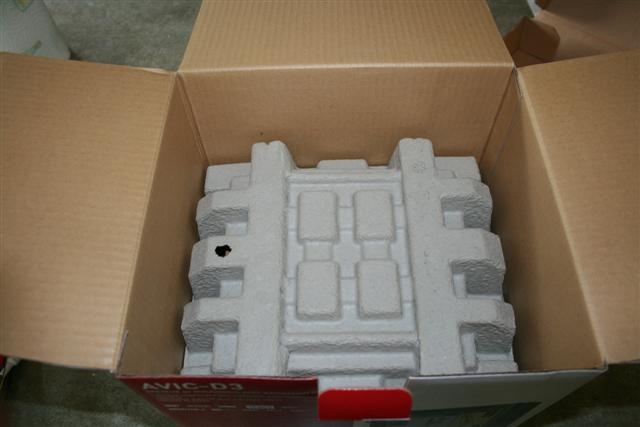
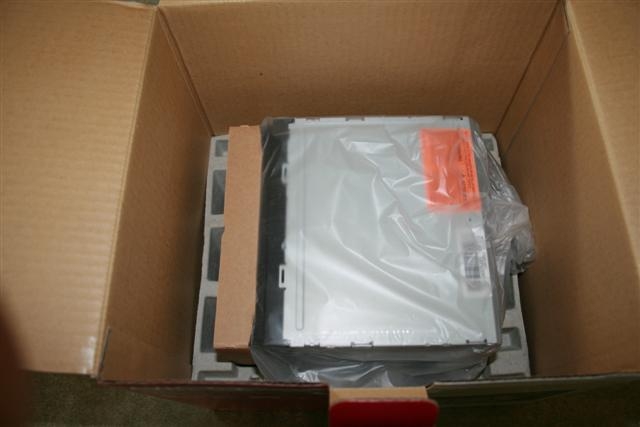
D3 sitting all pretty in the box.
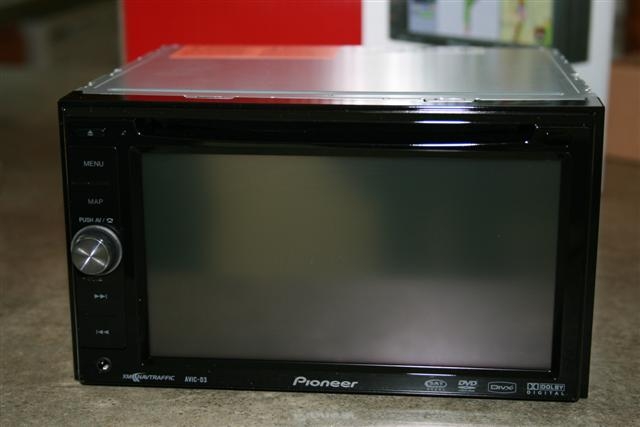
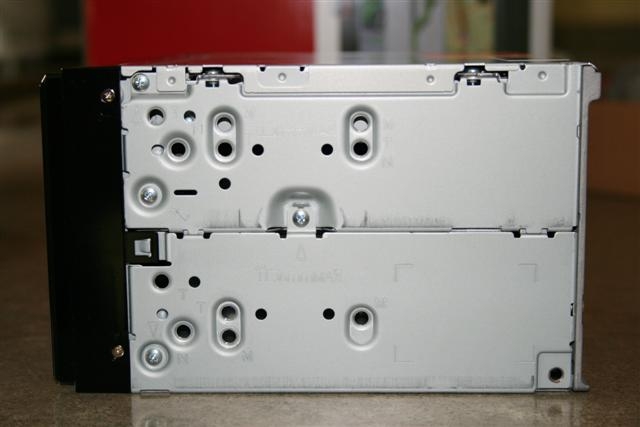
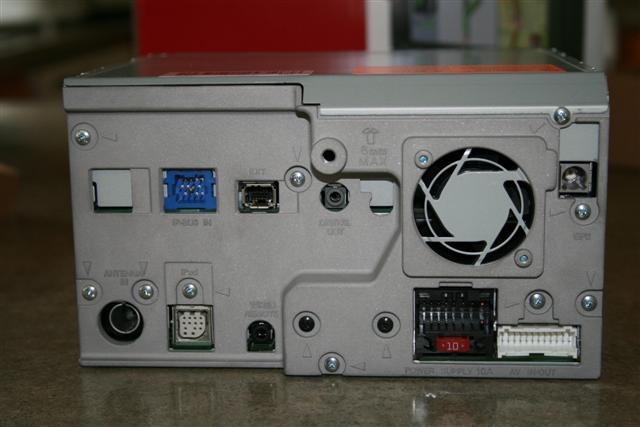
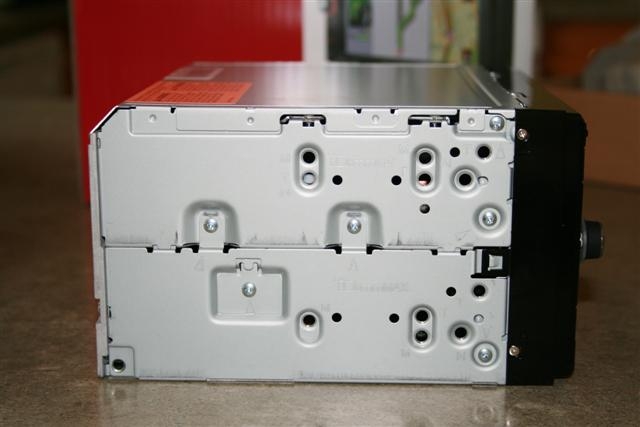
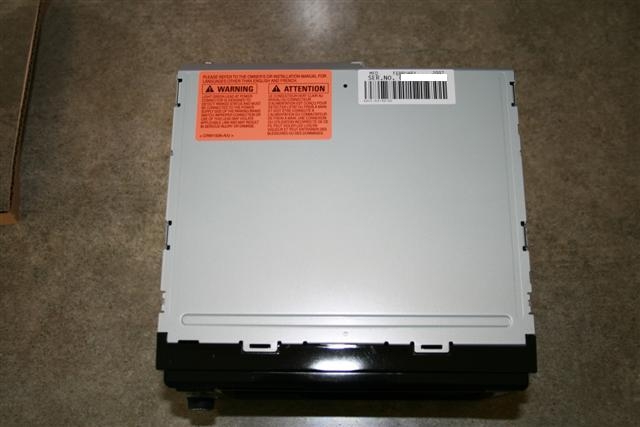
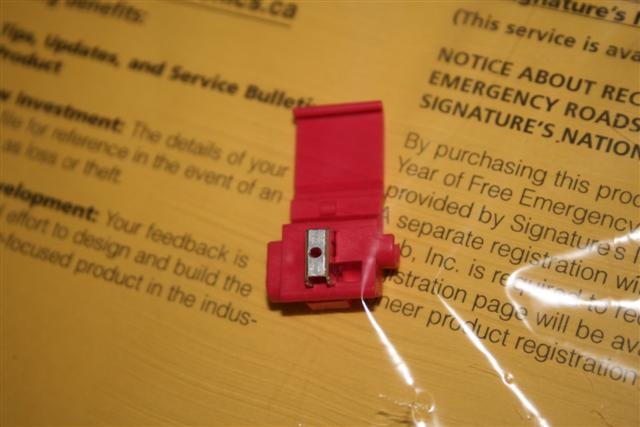
Wire tap included with D3
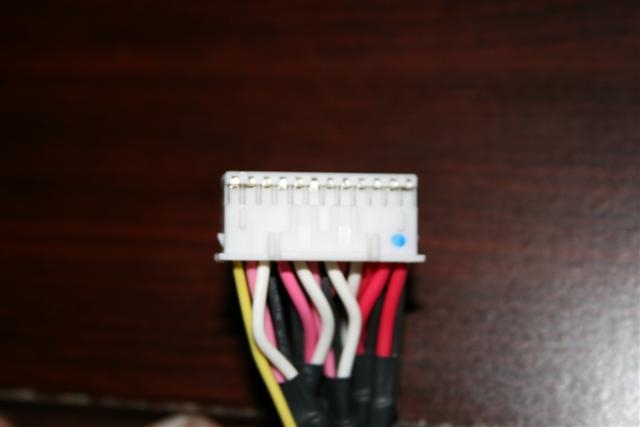
This is the A/V wires. The mute cable is found here. Noticed the little tabs running along the end.
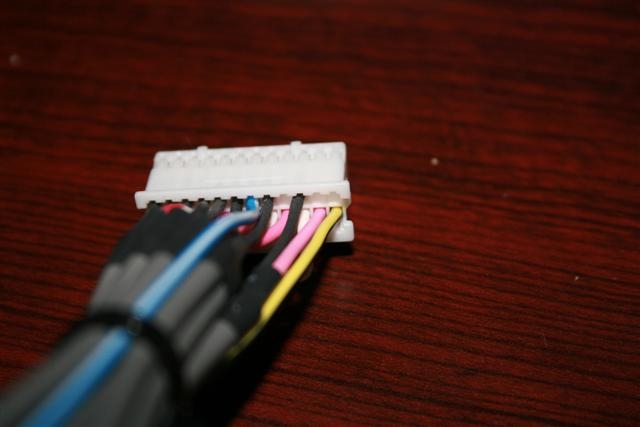
Mute wire in the original position
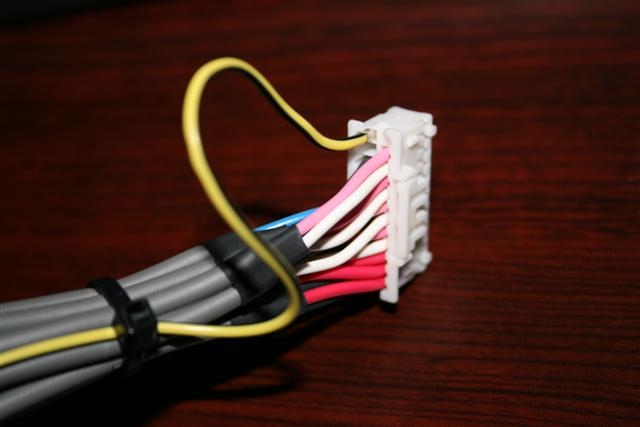
Here is the mute wire in the new position
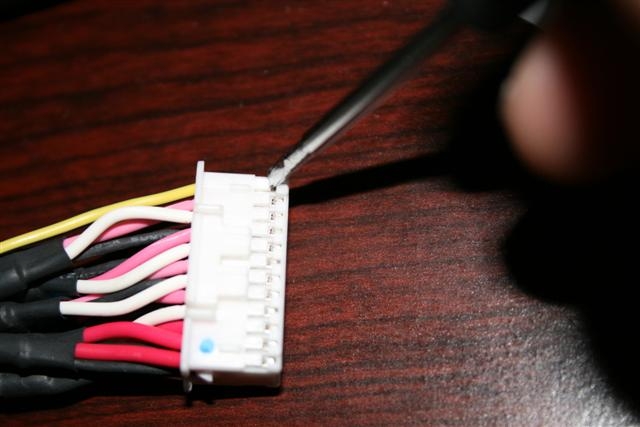
To pull out Mute wire, take a small screwdriver (flat head) and gently pry up the plastic tab holding the mute wire in. With your other hand, gently pull the mute wire out. You should not have to pull very hard.
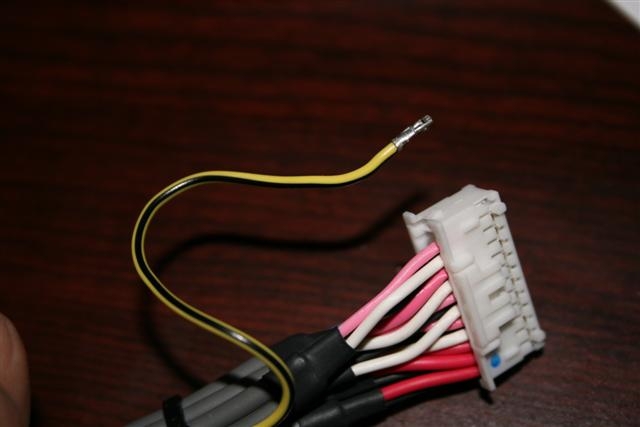
Mute wire hanging out. Notice I pulled out some slack from underneath the zip tie so I could work with it?
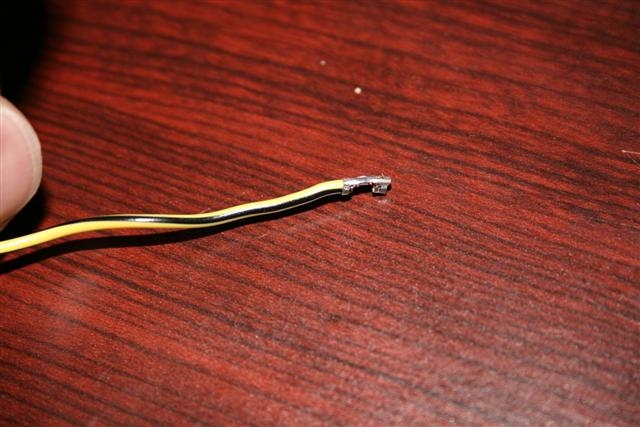
Mute wire. notice the groove at the bottom. That part goes on the bottom. The flat part goes on top.
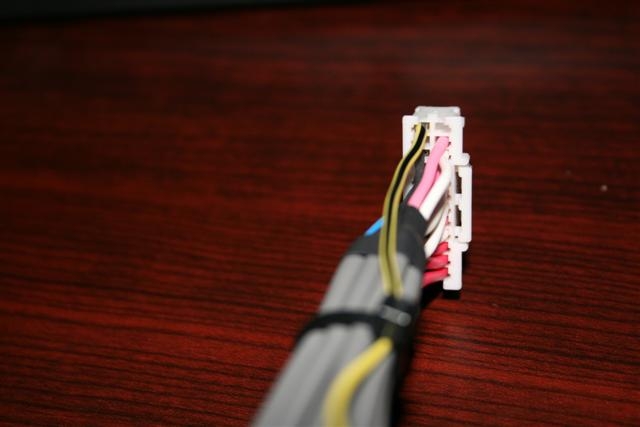
Mute wire in place.
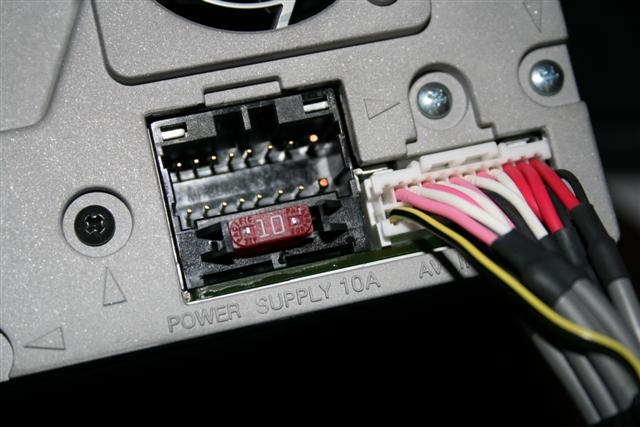
After moving your Mute Wire, be sure to plug it into the D3 to ensure it fits ok.
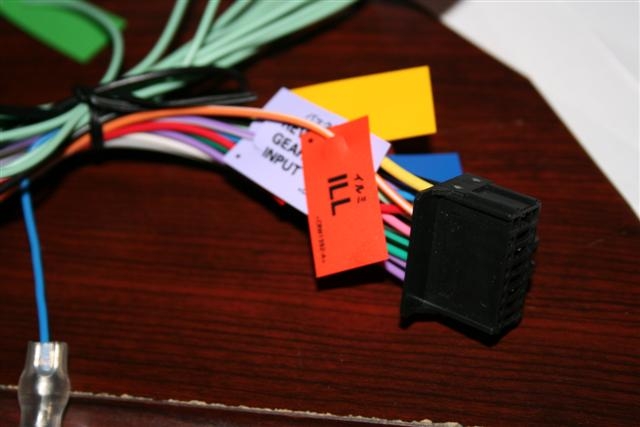
This is the other set of cables for speakers, illumination, power, PARKING BRAKE, etc.
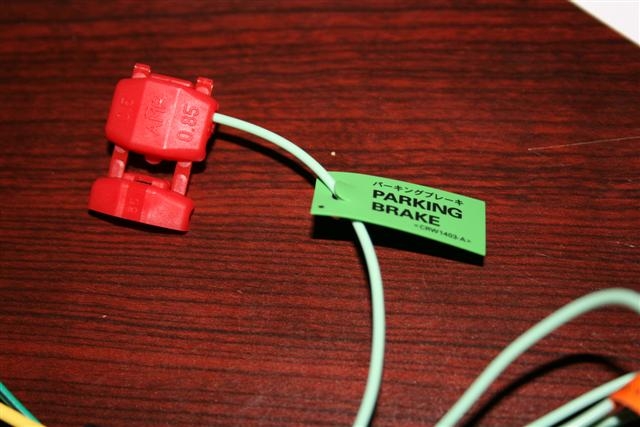
Here is the Parking brake wire. Needs to be grounded for bypass.
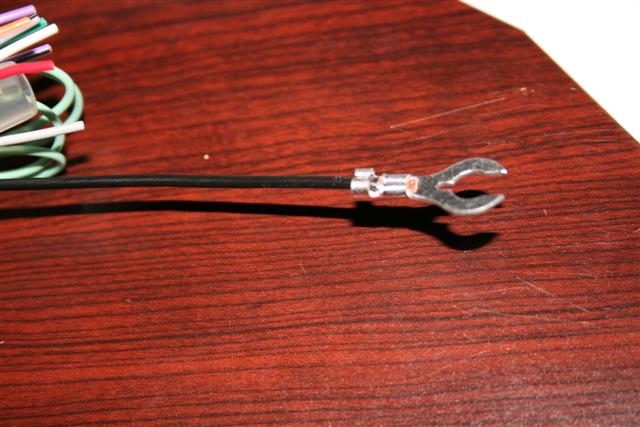
This is the ground cable. Notice the spade connector at the end? You use this to ground the wire to the car. Technically, you could use wire taps to connect the Parking Brake and Mute wire to this wire, then attach it to something metal in your car. Not Confirmed.