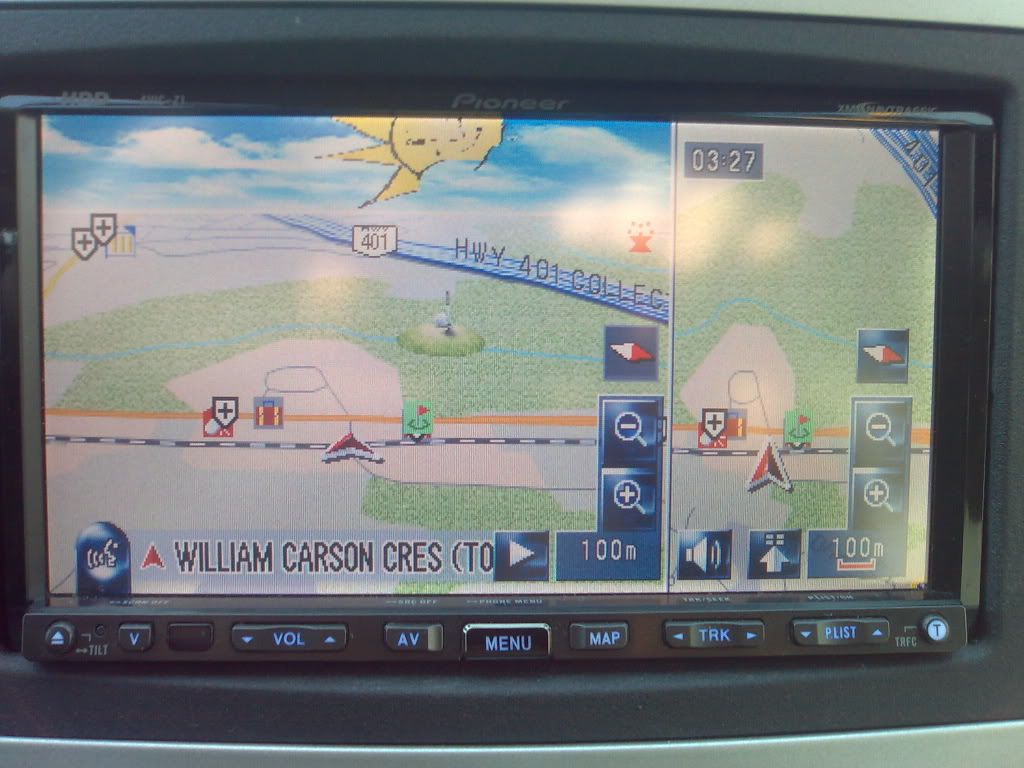
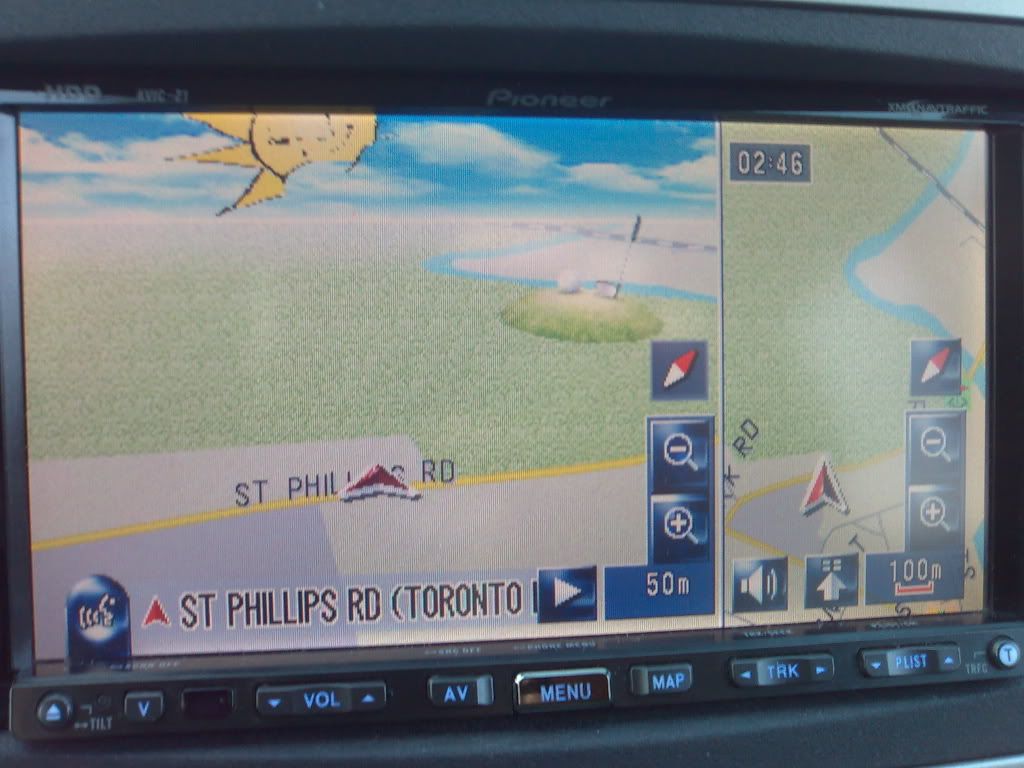
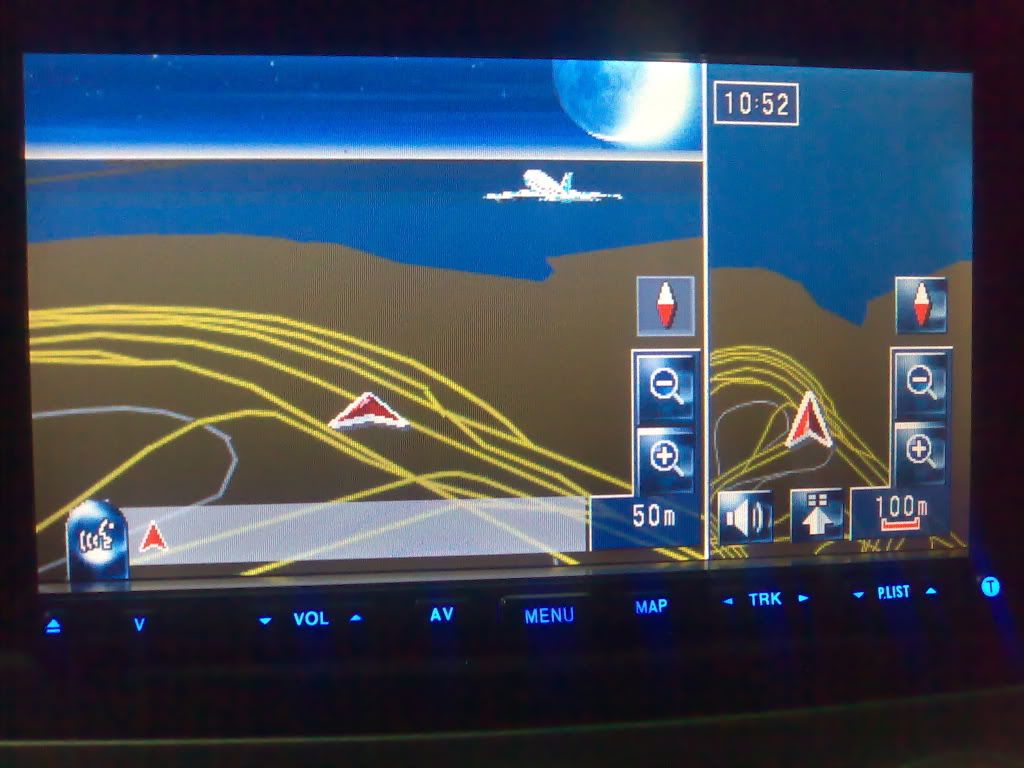
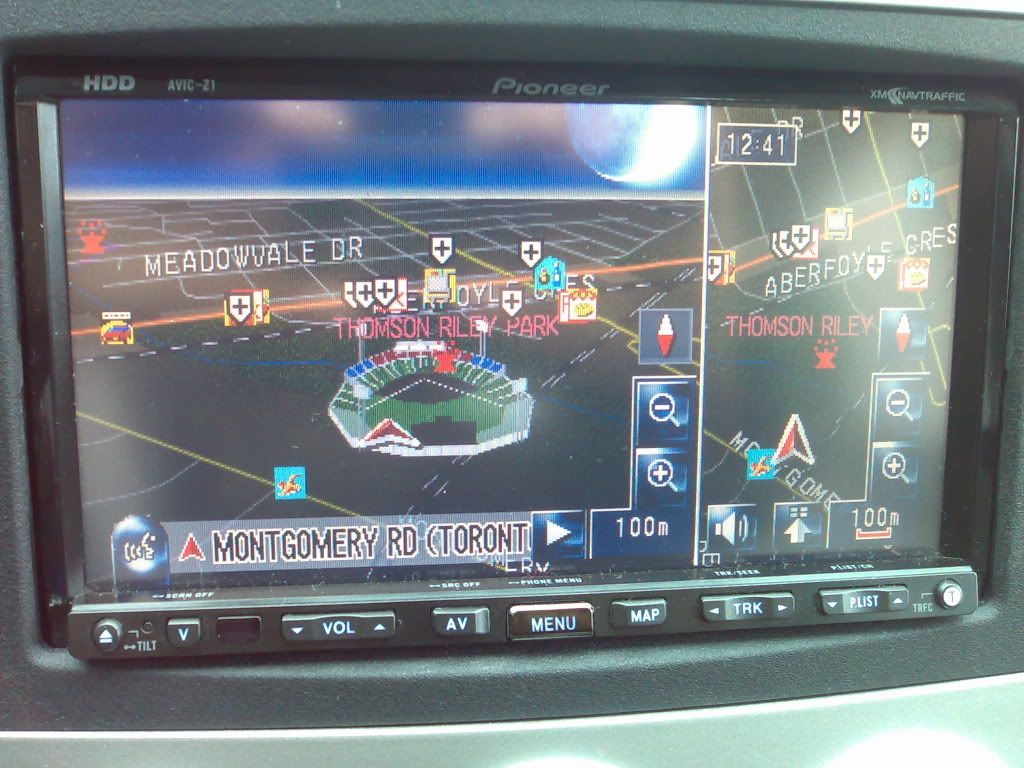
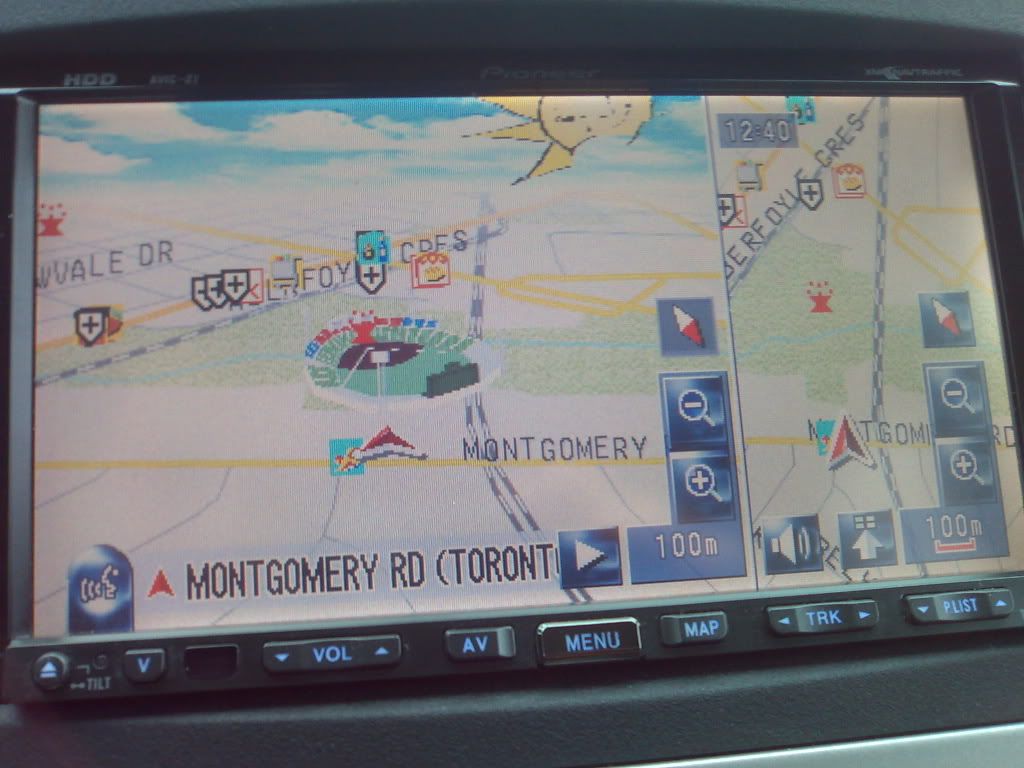
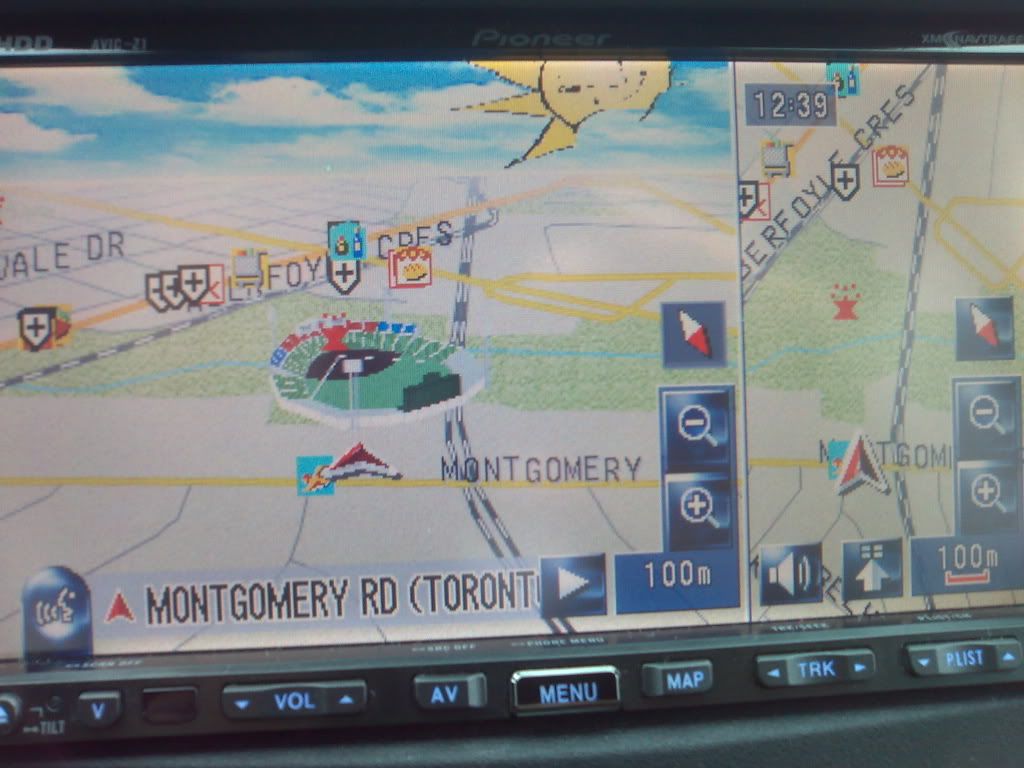
The new icons that I noticed are a baseball field 3D, golf field 3D and at the airport a 3D airplane but other than that nothing special. I don’t see anything what pioneer had showed on the photo in their web site. I don’t see any higher grounds or anything that would show 3D or different colors between buildings.
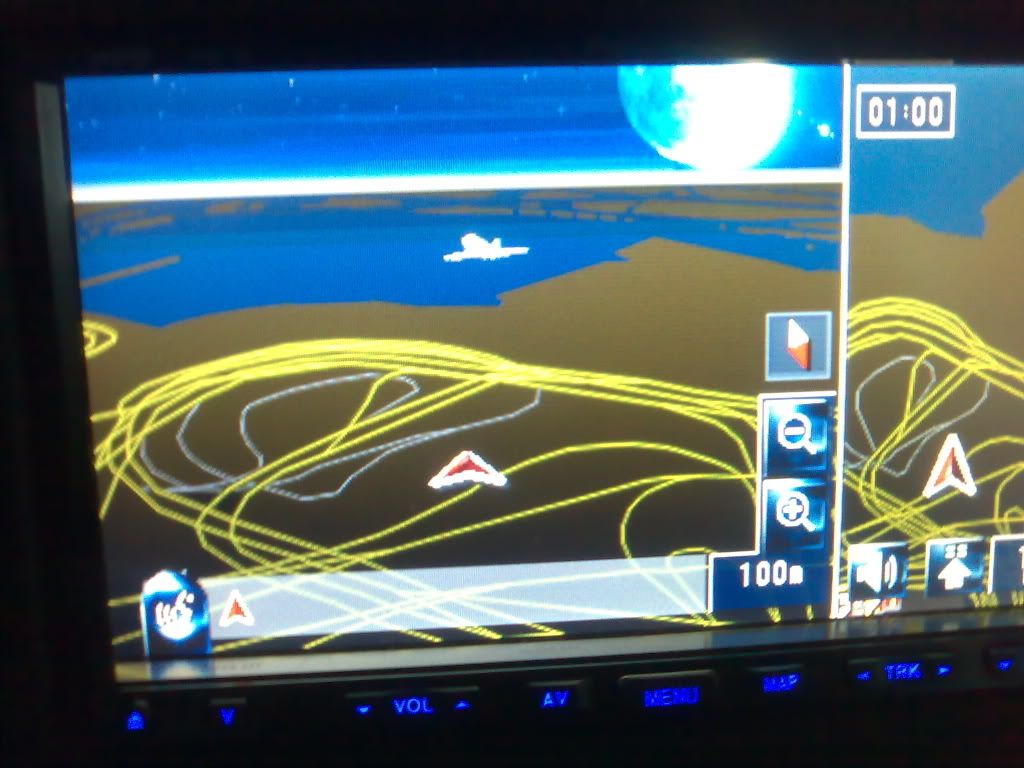
Here I will show you some changes on AVIC-Z2 new maps. First I made some changes to DAY and NIGHT horizon image. To the DAY horizon image I added the sun and to the night one I added the moon. Look at the photos below and let me know what do you think.
To do this you have to go to this location SDATA/SKY/GZ/NM
And copy this 2 bitmap images without changing the names to a safe place like my documents or desktop. Both images look one straight image but when you see it on action the image moves with the map. To add and image or icon (whatever you want) try to put it on the right corner to get west..what I mean is that if you put the image or whatever in the right corner the sun (in my case) stays only west.
Yesterday I found the location for the warning message when you open the rear camera but today I was looking again and I think I lost it. The file was a .DAT file and I open it with notepad and the message was there.