I set up this thread because I didn't find much information out there when I went to install this to my 2001 Tacoma. You can find a lot more information on the 2005+ models but not the older ones. This is a basic brake down of the steps needed for the Avic D3 Install with the bypass.
I'm also going to post most of this thread along with two amps under the seats, subwoofer and Diamond Hex components at www.customtacos.com if you're interested and if i broke any rules by putting another website down I'm sorry and whoever needs to can remove that.
Enjoy!
I soldered all joints and heat shrinked them for quality and to minimize the space taken up behind the deck with all the wires.
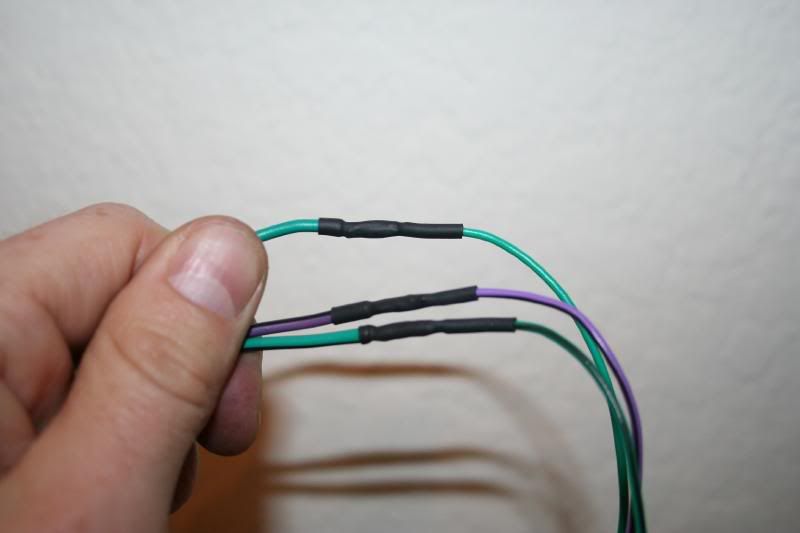
Here is the bypass I just soldered the moved mute, brake, and ground all together. This worked great and there is no engine noise introduced into the system which is what i was afraid of.
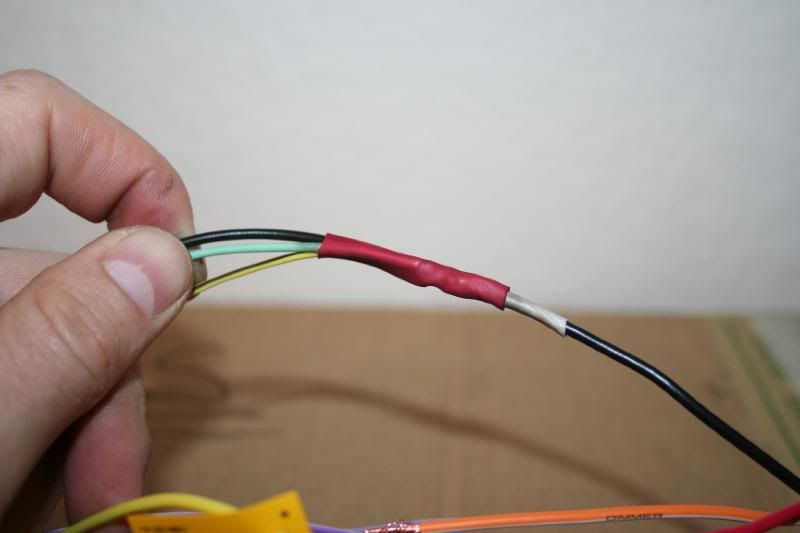
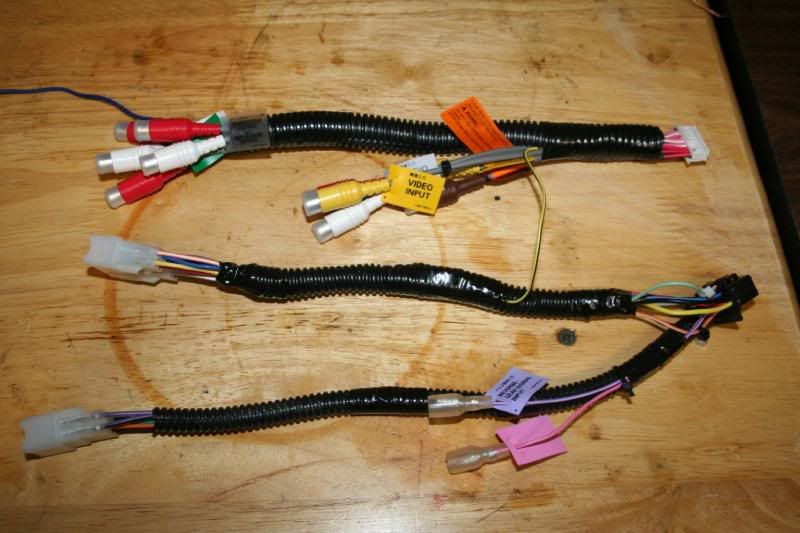
here is the harness as neat as I could get it by soldering all the joints and using wire loom.
I mounted the GPS antenna on top of the air vents you see there. This spot seems like it was made for the antenna. It's flat, there’s no metal anywhere near it, and it's out of sight for all thouse pieces of crap out there that steal things.
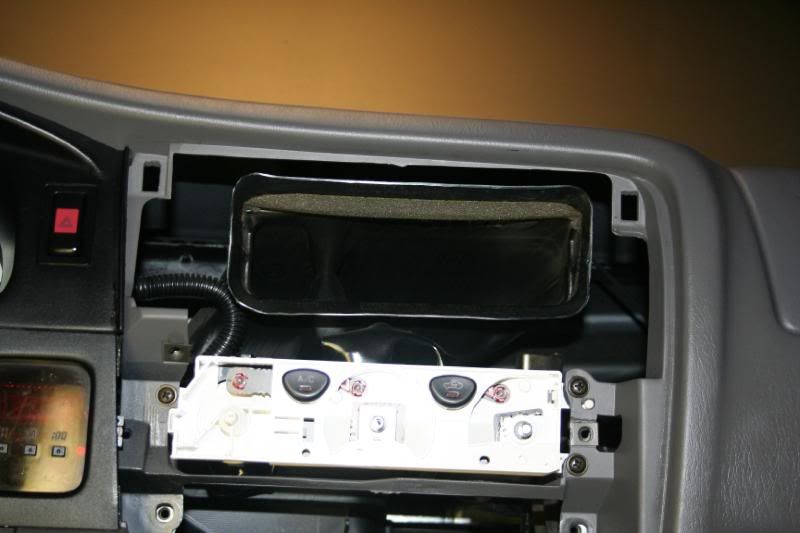
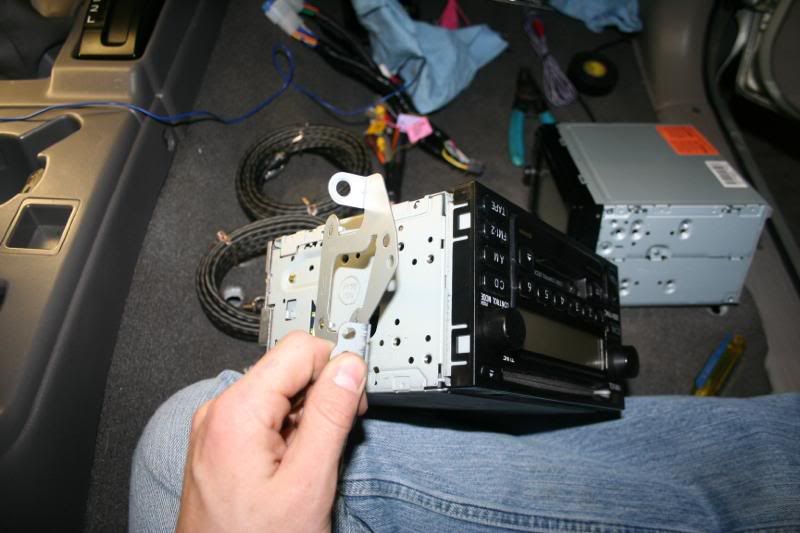
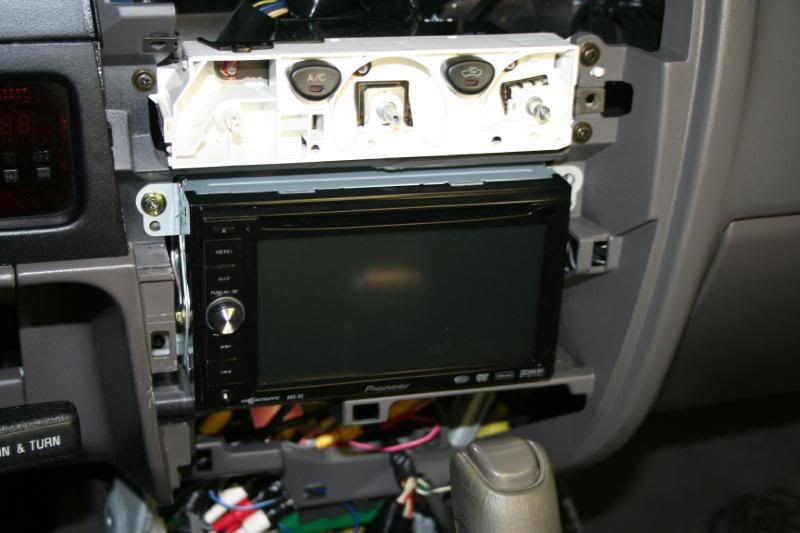
Take the brackets off the stock radio and bolt them right on the D3 one hole won't line up but three bolts should be fine to hold it.
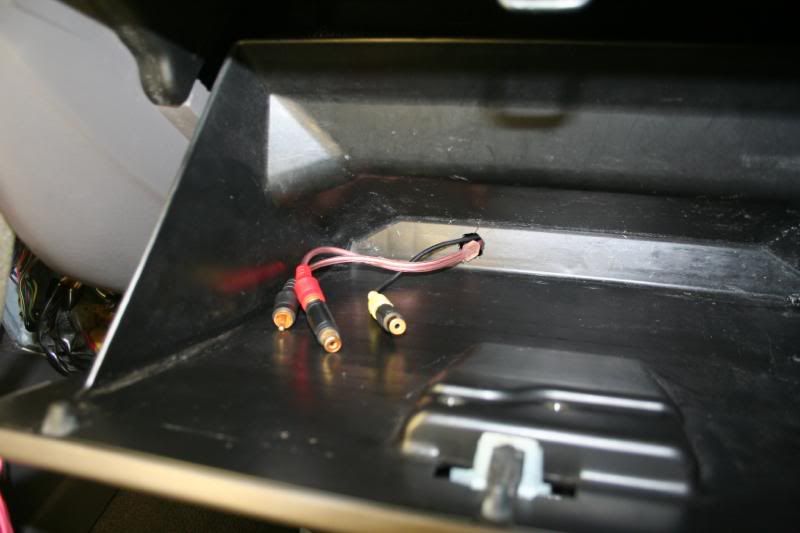
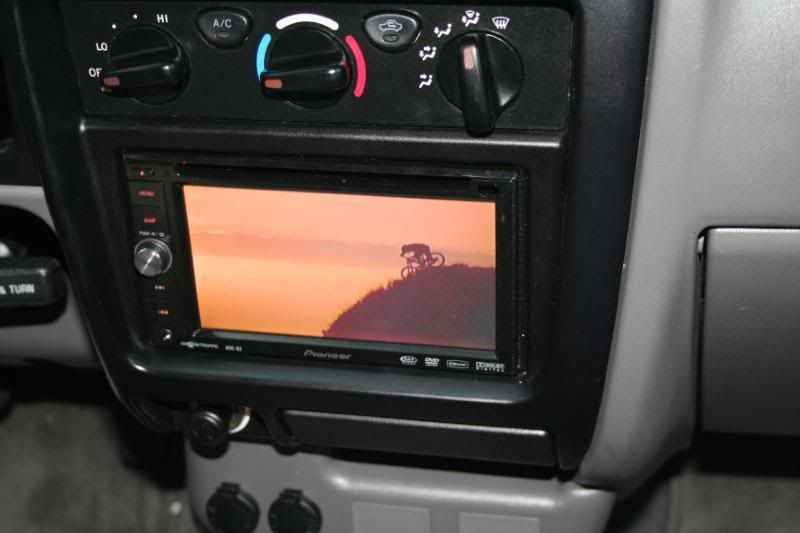
I do a lot of filming with a hand held video camera so I wanted to utilize the Aux #2 port so I routed it to glove box with female adapter plugs on the end so I can plug in my camera after filming and watch it on the screen that way if my buddies and I want to watch some of our Mountain biking footage we can all watch.
A little energy to keep going!

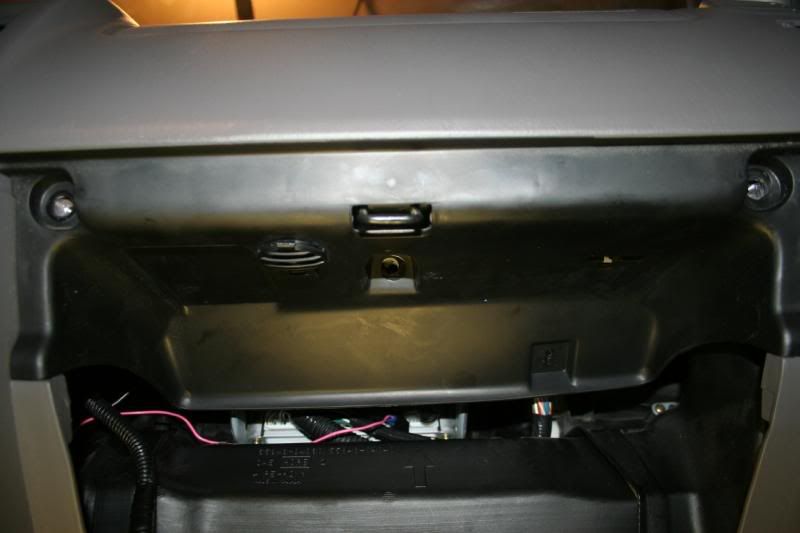
The ECU is directly behind this panel which is where you will find the VSS wire. There are only three easy bolts to remove this panel. and some little tabs on the sides you need to push out:
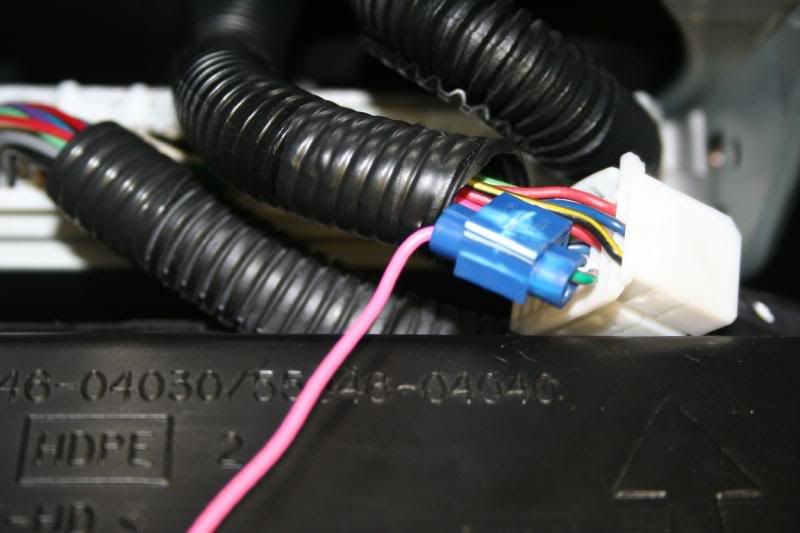
There are four connectors that plug into the ECU. Of these four there is only one 28 pin connector which was third from the right. So if your looking at the ECU behind the glove box and the connectors are laid out like this [1 2 3 4] its number 3. On the 28 pin connector there is only one green/orange wire and that’s the one you want. You can see it clearly in this Picture.
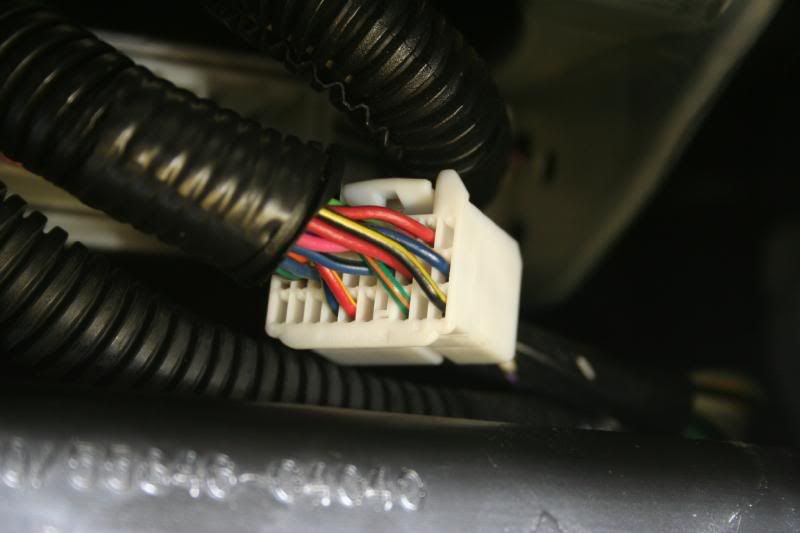
Here’s the VSS getting tapped into with the hardware provided:
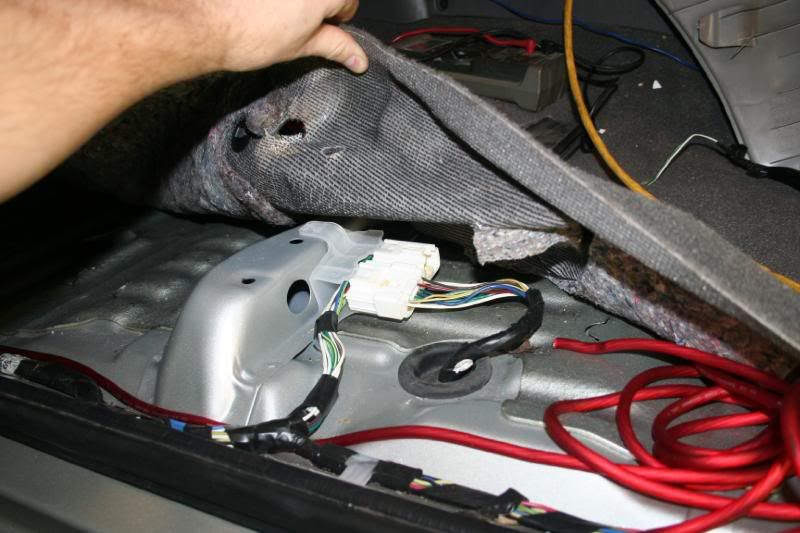
The reverse back up wire to use is underneath the driver’s seat under the carpet. There are two plugs there and i believe its the connector closest to you. It’s a red/black wire. I just put the DMM on the first Red/Black wire i saw and put the truck in reverse and 12 volts popped up. Then tap into this wire just like you did the VSS.
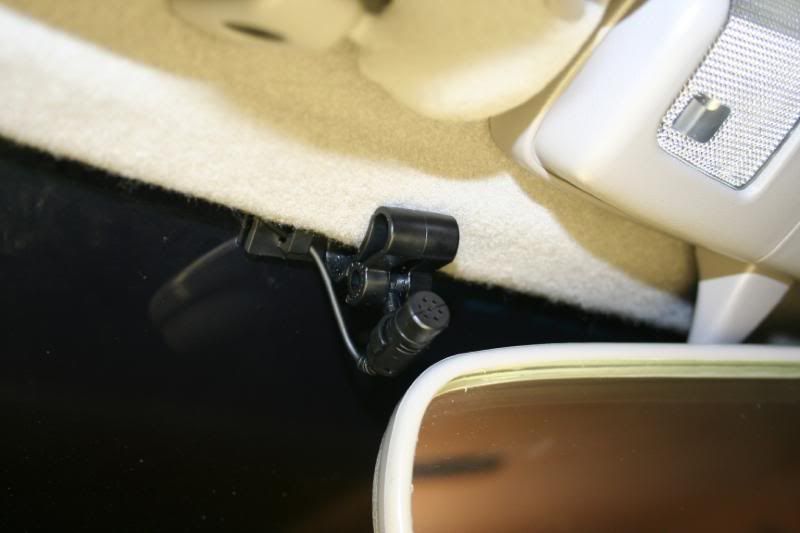
I mounted the Mic close to the rear view mirror. I've asked numerous people that I’ve talked to and get nothing but positive feedback from there end of the conversation about the phone call sounding clear. This is a good spot to mount the mic.
The BTB200 brain is up above my driver’s side kick panel. 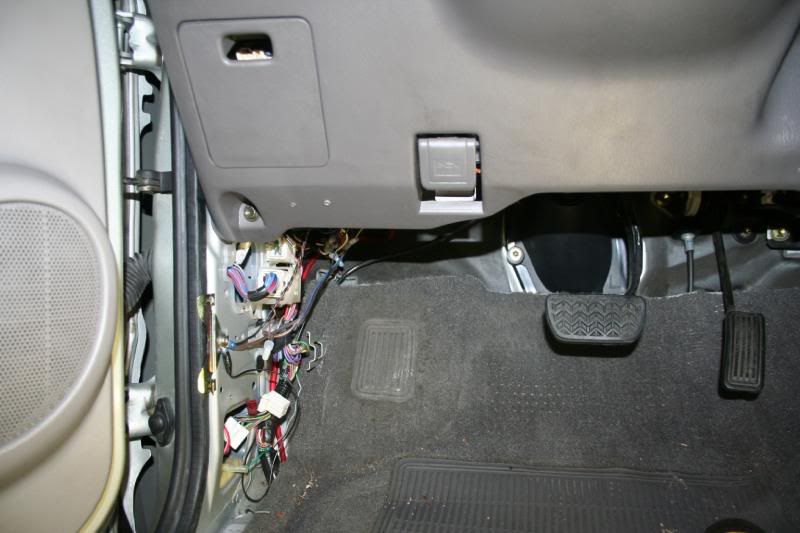
I don't like how the install came out on that so I’m not going to embarrass myself. I just used Velcro to slap it up in there but I had to fit a huge crossover for my components too so it came out kind of sloppy. I ran the power for the BTB through the fire wall and straight to the battery. I had problems with the BTB200 not working at first and then working and then not working. This lead me to believe it was a ground so I cleaned up the ground and still had the same problem. Turns out the fuse had a bad connection on it so I bought a new fuse holder at Autozone for 2 bucks and spliced it in and she works perfect now.
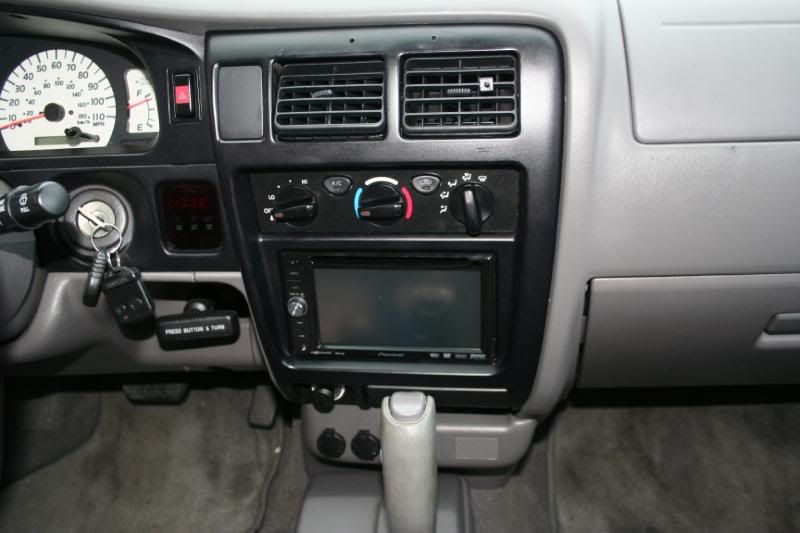
The home stretch. The D3 bolts right in just like a factory deck plus when you change the back lights to Amber on the deck it looks like it came from the factory like that:
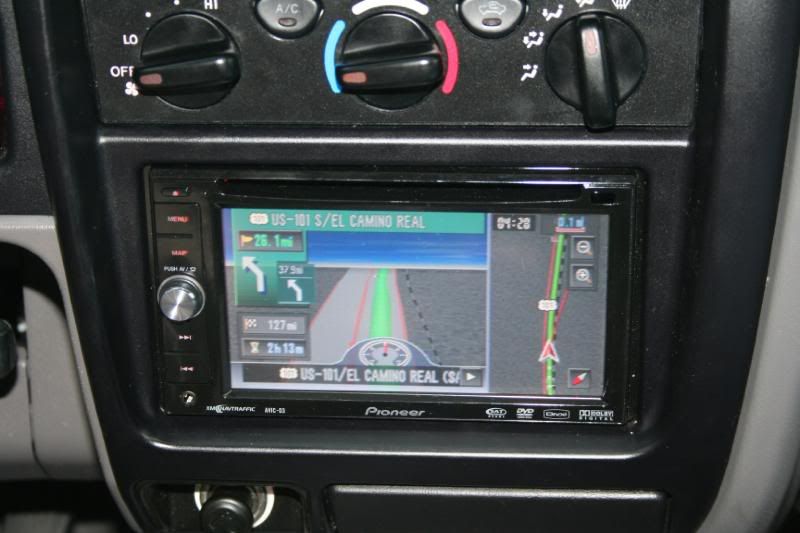
The bypass worked perfect. My wife and I took a trip and you can see the DVD playing while driving there (and you can tell i'm in the passanger seat...safety first). Navigation worked really well always had 6+ satellites. BTB200 Works great with my Verizon Wireless LG enV phone really easy to set up you just need to make sure you set the phone to visible. Over all I’m extremely happy with the deck.
 8)
8)