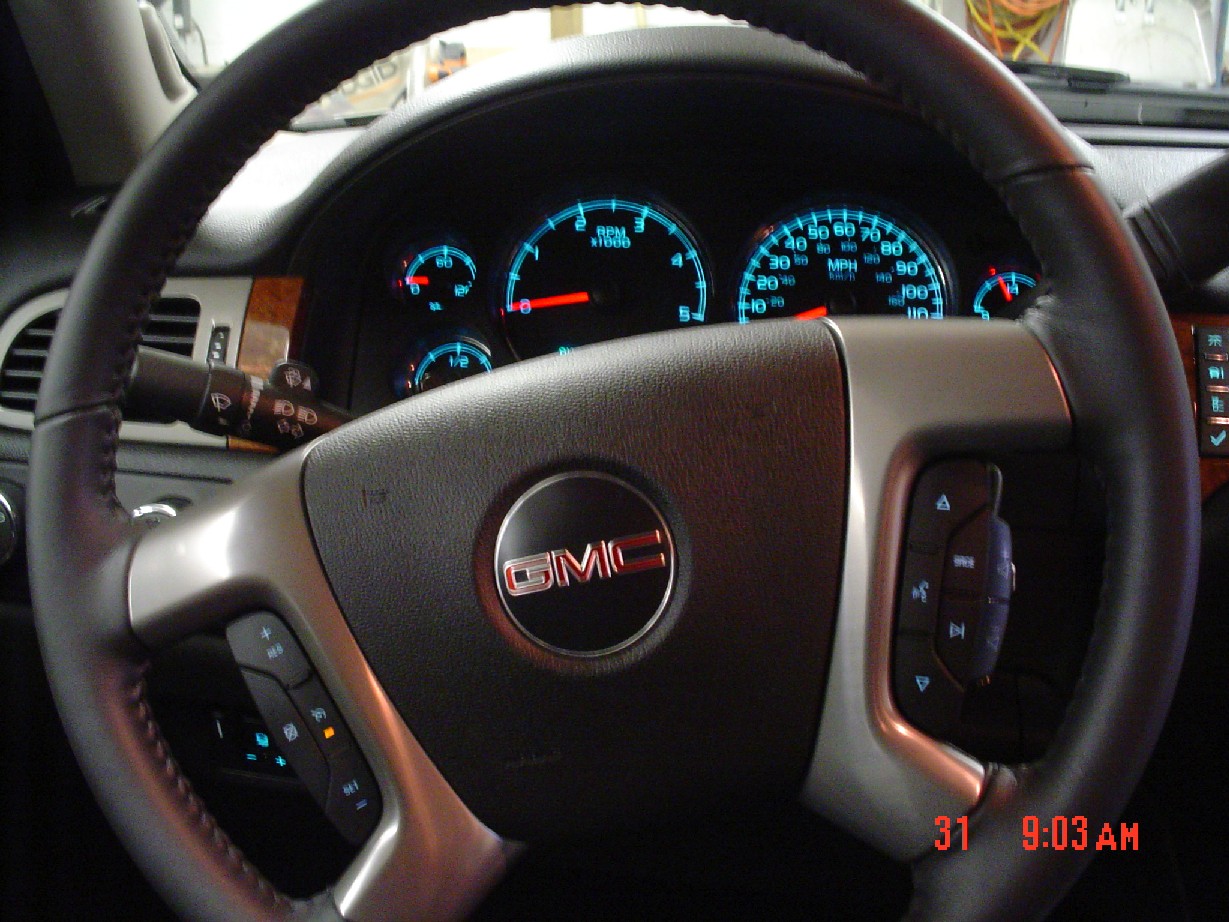
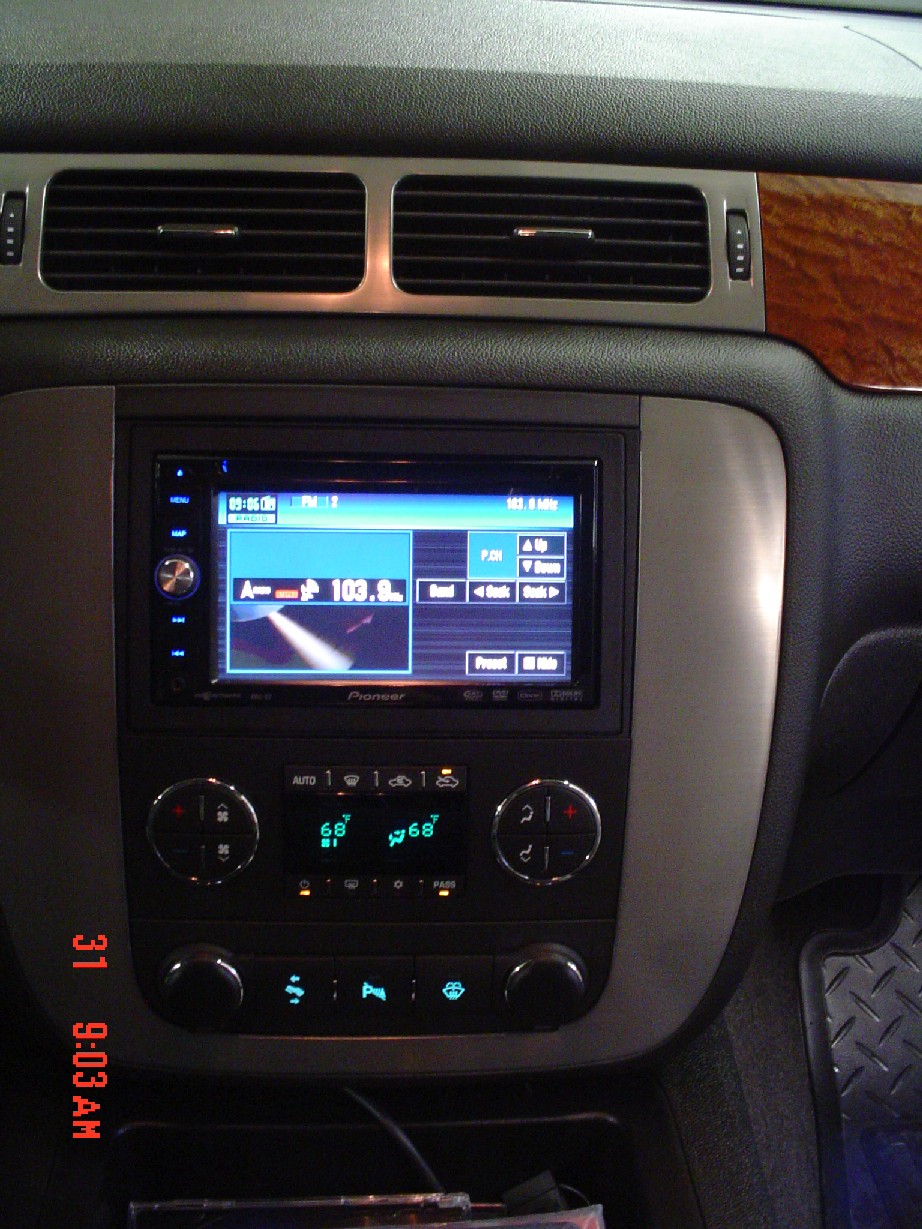
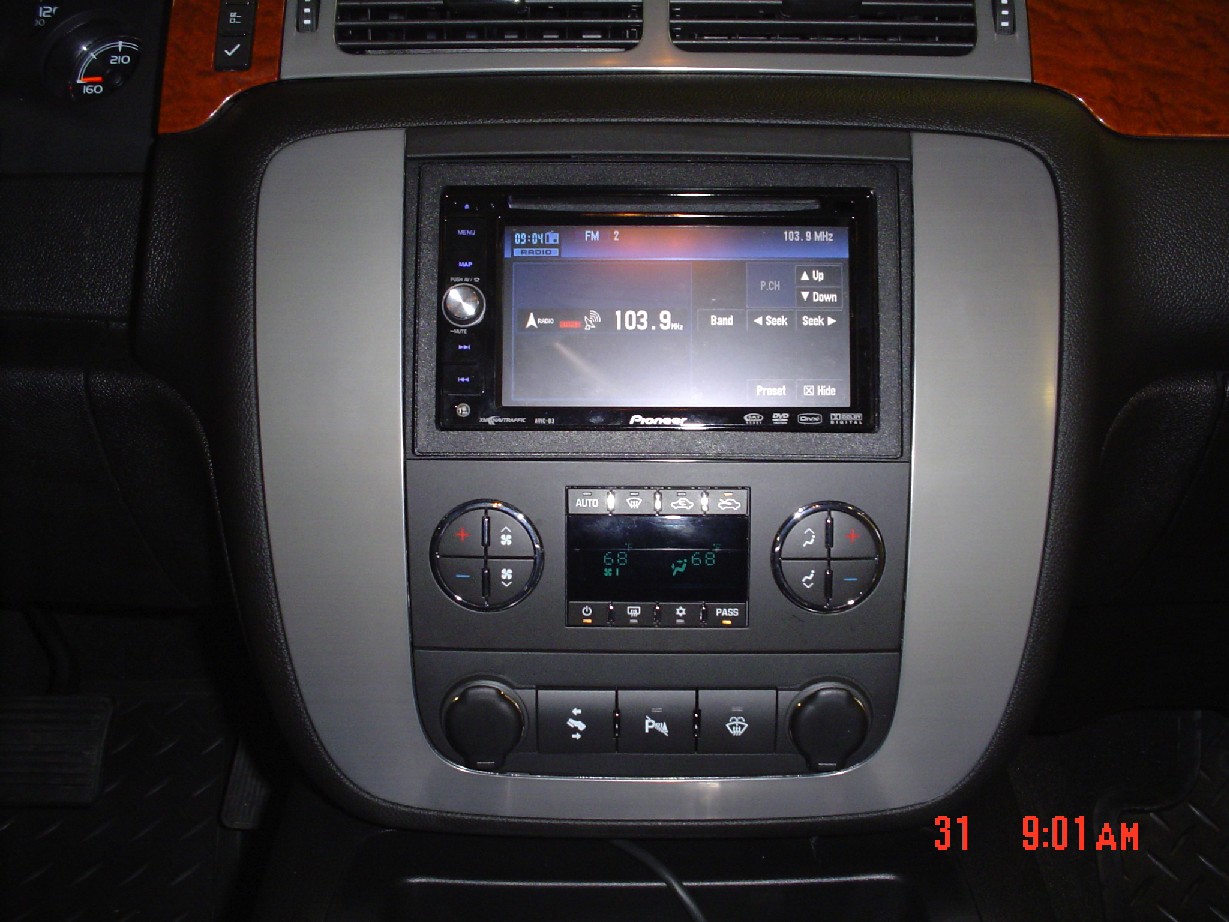
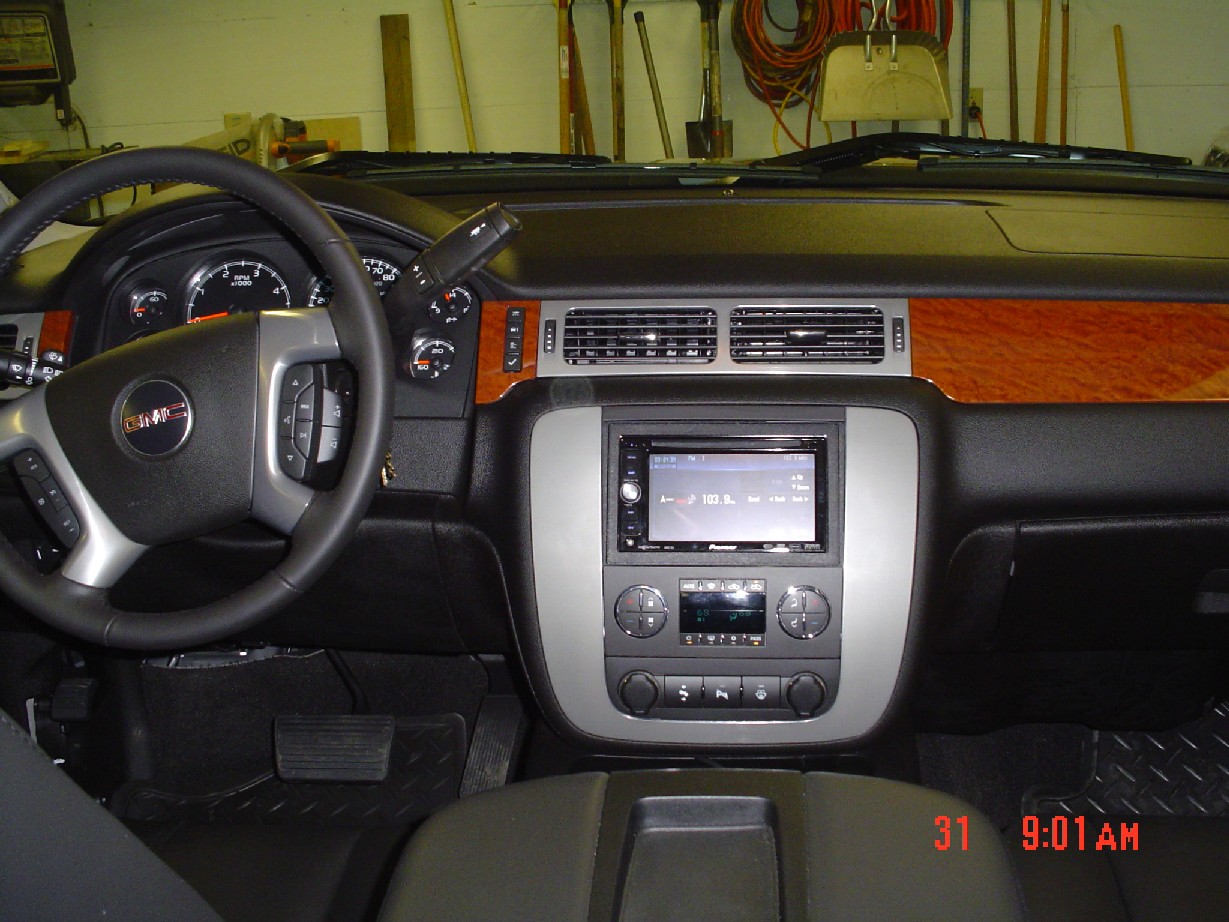
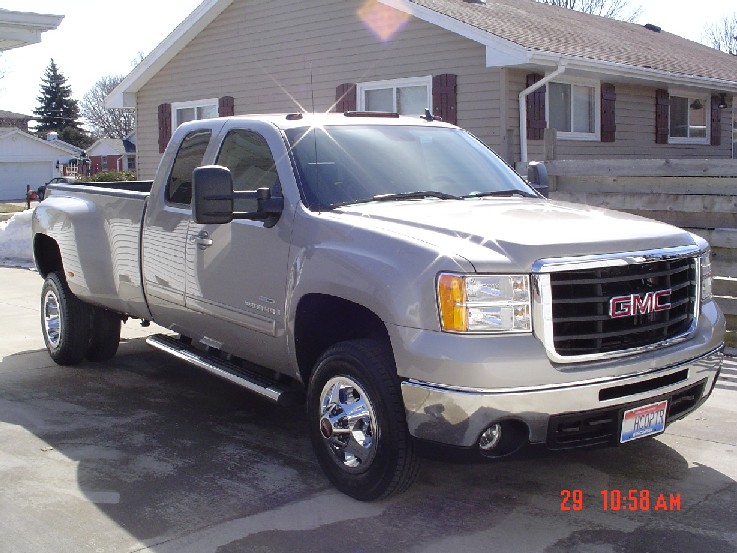
Got my new 2008 GMC Ext Cab 3500 SLT Dually (LMM) last Friday. Started the D3 install on Saturday. The hardest part was tearing apart a brand new $45,000.00 truck to do the install. The original audio was the sterio sytem with 6-disc changer and the premium Bose system. This als included the steering wheel controls.
First I read all the instructions and spent a couple weeks prior getting as much info as possible from this site and Dieselplace.com.
The Equipment used:
1. AVIC D3X included the D3, BT200, GMOS-LAN-02, iPod Adapter & harnesses)
2. SWI-PS (to make the sterring wheel controls work)
3. Dash Adapter Kit
4. Color rear view camera (for my 5th wheel RV)
Removing the dash panel was simple, start at the bottom and slowly work your way around it.
I then removed the six screws holding the stereo, fan/heater control panel, and cigarett lighter panel.
I then laid out all the wiring harnesses and hooked them together as per the instructions. I soldered all connections and covered them with heat shrink.
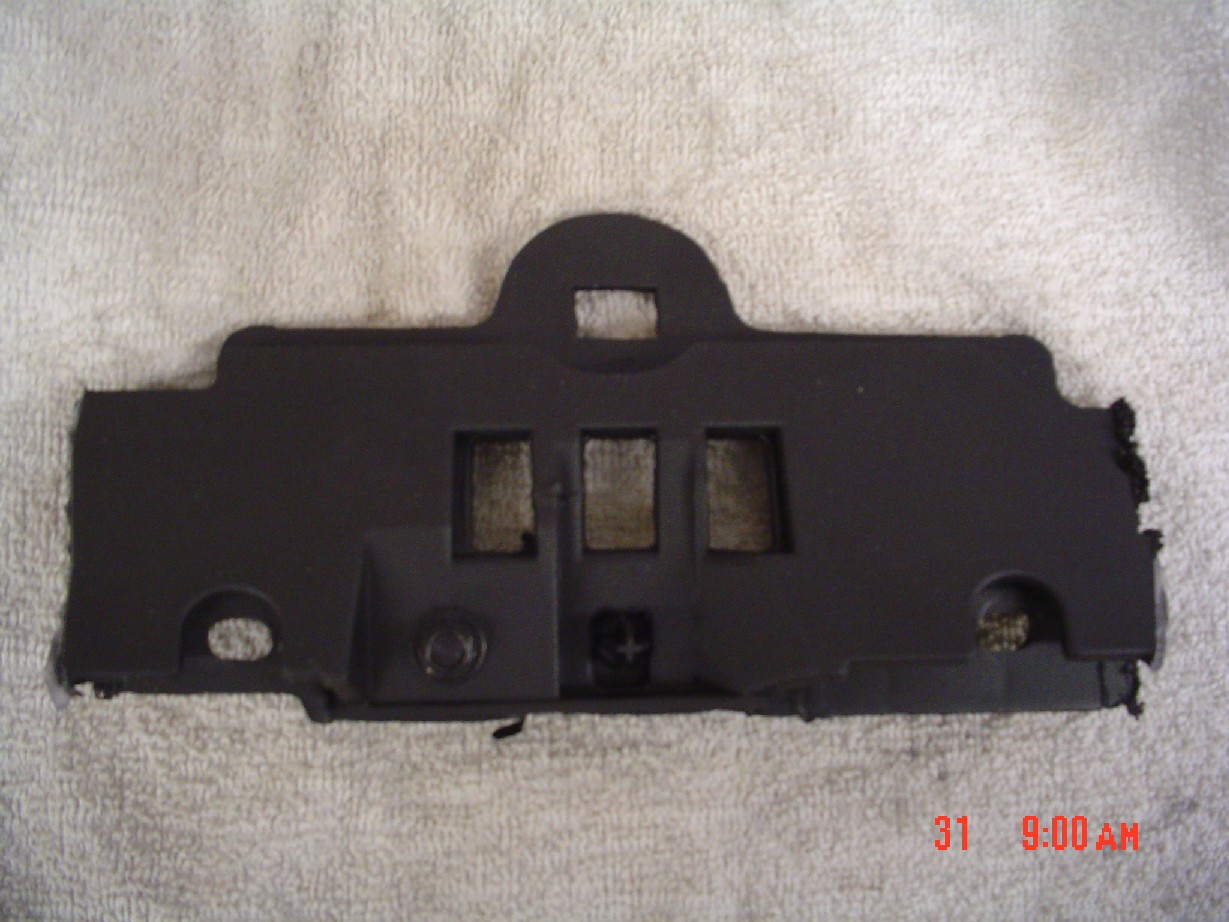
Next I tried to see how wel the D3 would fit befor removing any plastic. The D3 stuck out abot1/2 inch and therefore I had to remove the large plastic in the rear by cutting it losse from both sides with dremel tool.
I had to remove the dash panel under the sterring wheel to access wires and run wires plus place the BT200 and SWI-PS ( I used heavy duty velcro to hold things in place along with tie-wraps and tape)
After getting all the wiring hooked up I tested as much as possible before inserting the unit into the dash.
Finding the correct wire for the sterrin wheel controls was made easy by using the 2008 Chevy wireing diagrams found on this site. (If you need them PM me and I will e-mail them to you.)
I did not hook my camera up to the reverse wire because I keep it on all the time with my 5th wheel RV so I can see whats behind me while traveling.
The VSS wire was a challege but found that the sensore is located on the tail shaft of the transmission so thats where I hooked into it.
Following is the picture sequence:
1. Truck
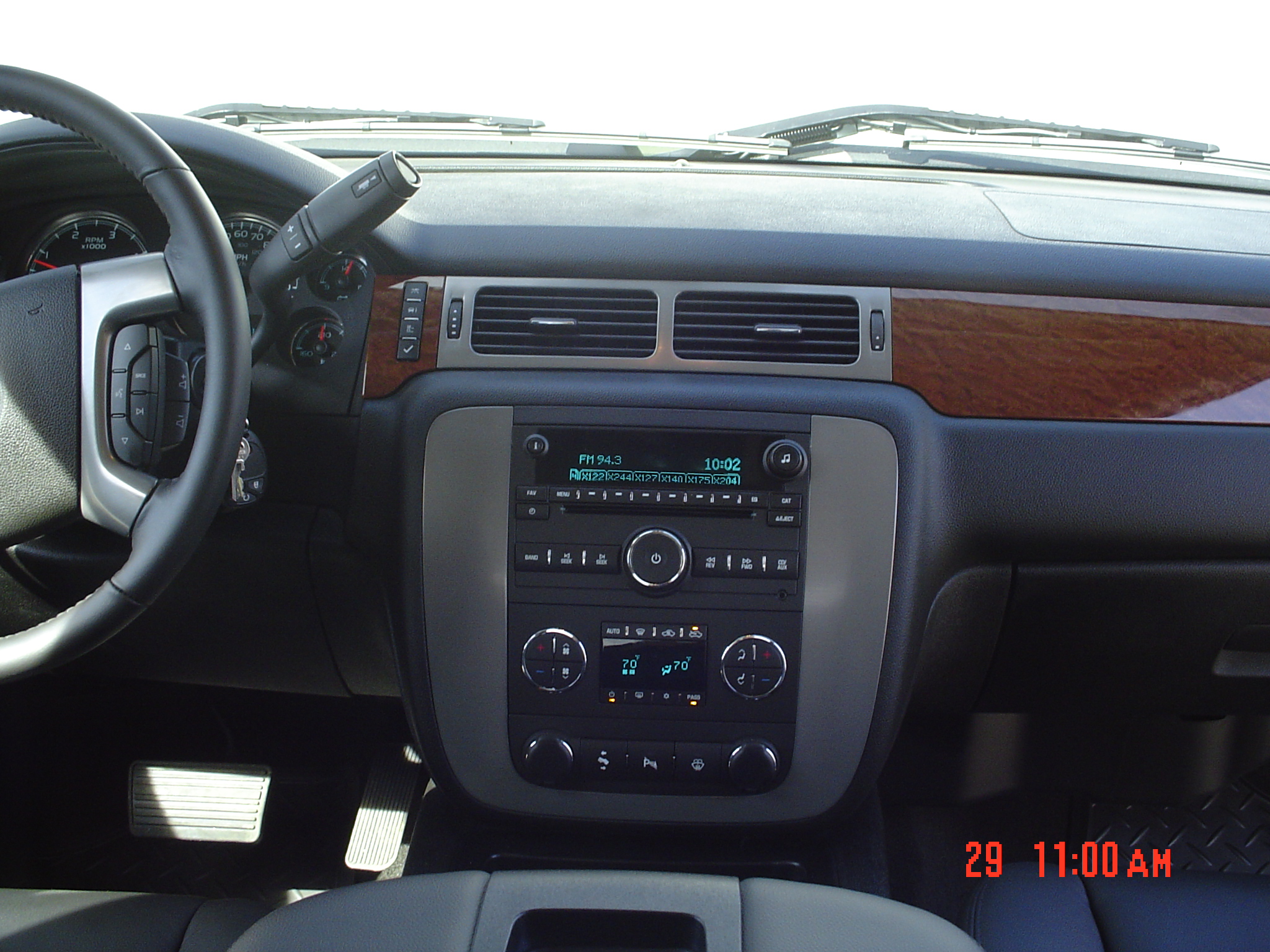
2. Interior with original equipment
3. Same as above
4. Piece of plastic I had to remove
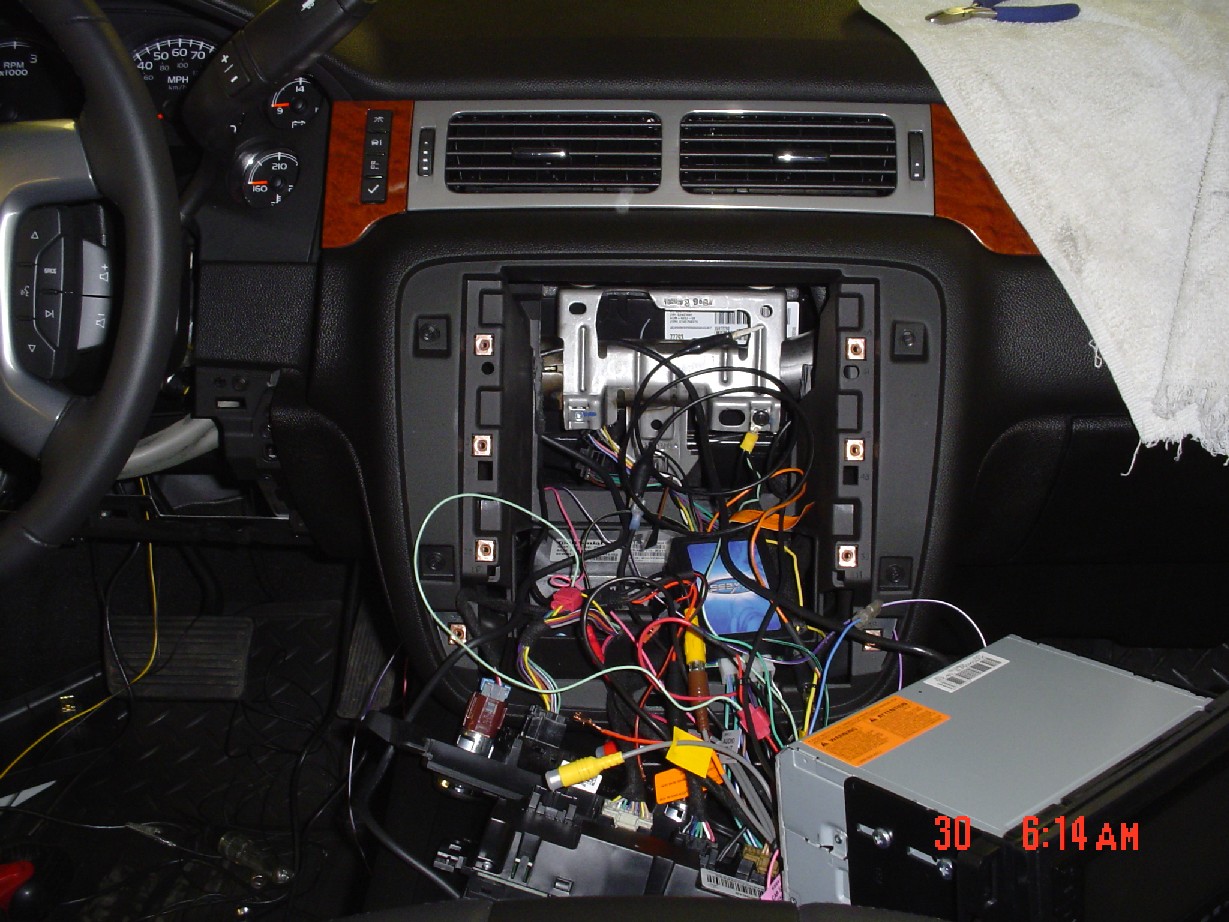
5. Testing everything (looks like a wiring nightmare at this point)
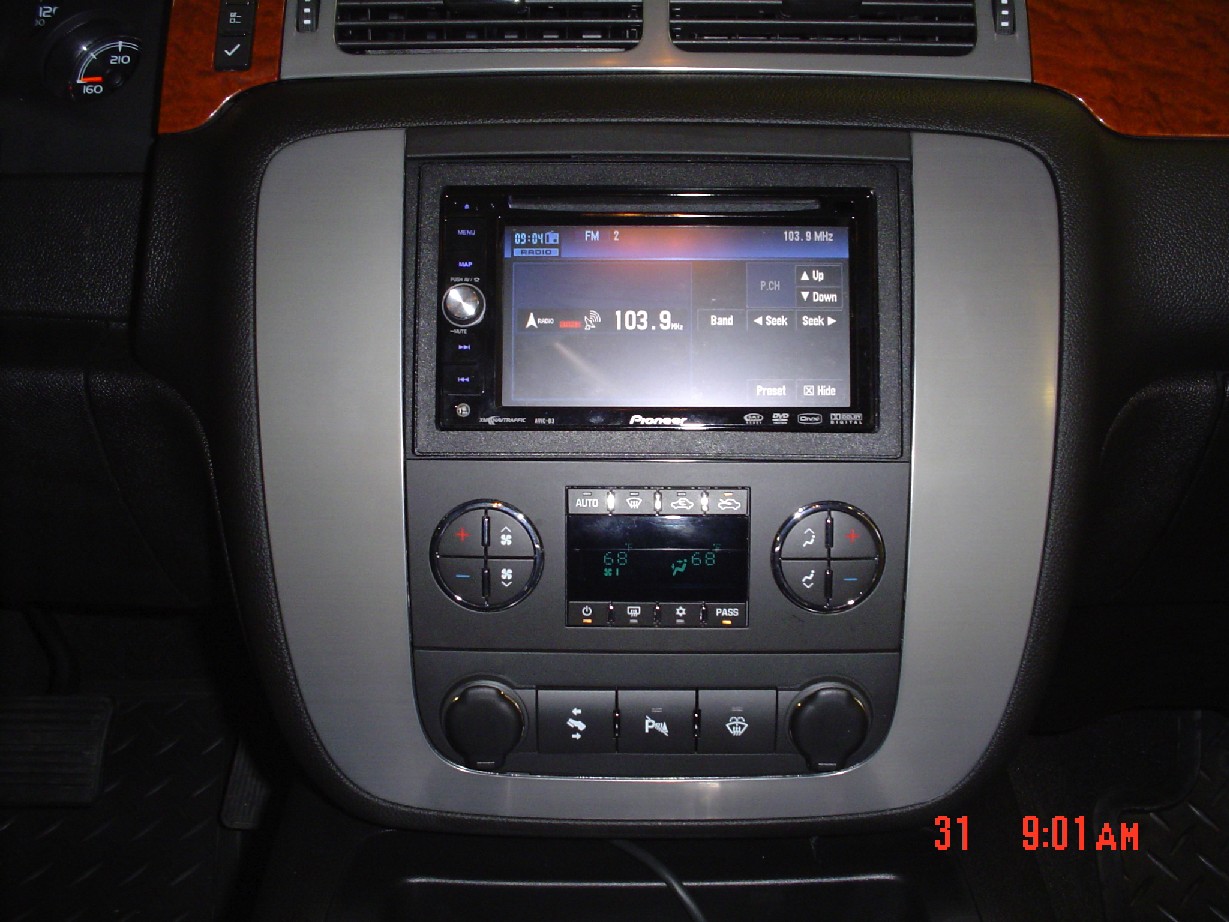
6. D3 inplace
7. other related pictures
The SWI-PS worked fanyastic once I got it programmed properly. The instructions could be better.
The GMOS-LAN-02 worked great and instruction were very good.
The BT200 works great and the instructions were pretty good.
The camera was simple (I had installed one before)
Overall if I had not been very mechanically inclined and did not understand basic DC current I would not have tried this install on my own.
One last note.....the music is fantastic with the Bose. I'm 63 so long live rock & roll!