Can anyone tell me step by step on how to remove the warning message at the top of the screen so i can use it as my PS3 screen? I know somebody has had to do it lol
Posted Aug 28, 2008 · 22:46 UTC#1
Can anyone tell me step by step on how to remove the warning message at the top of the screen so i can use it as my PS3 screen? I know somebody has had to do it lol
Not possible as far as we know right now. That may change in the future, but currently our ability to customize is limited to the navigation section.
ok thank you and sorry for the second post im ansy right now to get my deck back in but i cant until i fix this stupid problem and nobody knows how to
Can't you use the AV input?
can you take a picture of the message at the top? i havent seen it
It's the warning message that tells you that the image on the screen could possibly be reversed or whatever...
Yea but when i plug the PS3 into the AVinput its staticky ill host a pic when i get home. but it works fine if i turn the sound on av and just use the back-up monitor
Well seems as is it works ow...
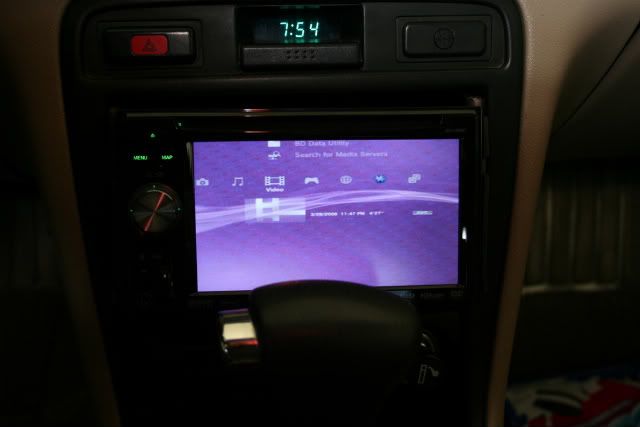
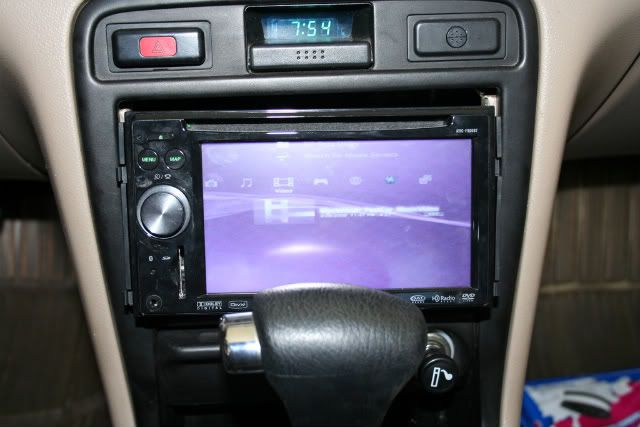
Hehe Costco has good deals :]
 [/img]