Search Archive

Change Splash Backgroundand save them to the setting. Steps

By trizent1 · Nov 26, 2008in Hacks/Mods💬 15 posts👁️ 2,779 views
Posted Nov 26, 2008 · 02:13 UTC#1

Ok. I just got my F900 man this radio is so damn hard to mess with. Im better off with the kenwood. Any way if you want to change the slash Do these steps very easy.


1. Make sure u have the test mode loaded on SD card. If you dont go to search and type in Test mode and make sure its for the F-Series.

2.Take a pic or background you like and save it on your S.D Card as a Jpeg or Jpg.

3. Make sure the radio is off and Put the SD card in.

4. Let the radio read the test mode

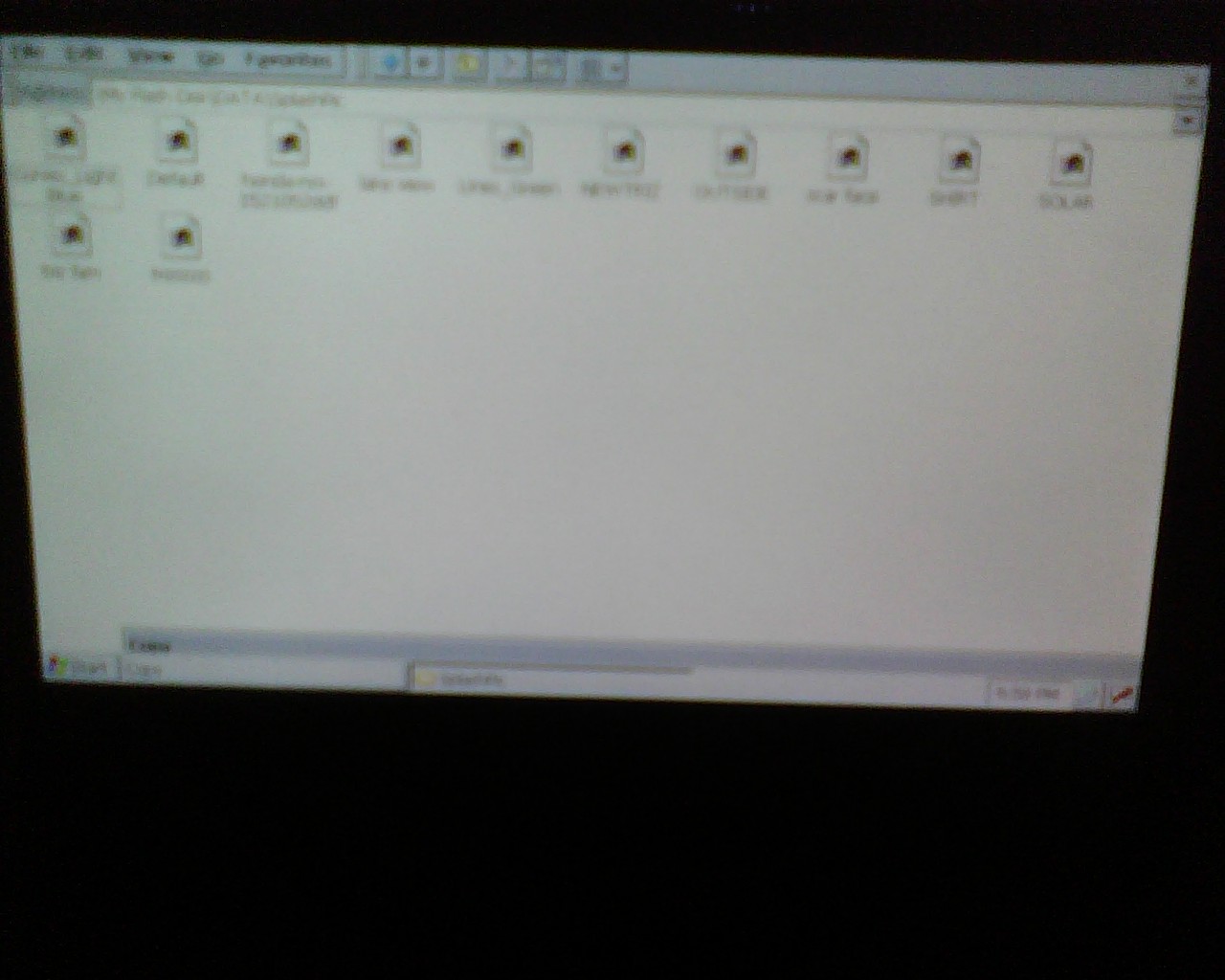
5. Go to programs & click windows explorer

6. Then click on Storage card & open it up.

7. copy all the background & Pic you want by highlighting all the files you want with ur finger then to copy it click edit then copy same goes for paste.

8. click the back botton or file to go back to all your files and Click on My Flash Disk open that up

8. then click on Data open that up

9. Then click on splashpic. Then copy all the Pic or backrounds you want on there. "Yes" U can always go in and change them and delete them.


Now you done turn off the car and take out the SD card Now you have the Splash save into the radio setting. Enjoy..

post-25081-12872756348455_thumb.jpg

post-25081-1287275635106_thumb.jpg

Posted Nov 26, 2008 · 02:36 UTC#2

seems easy enough.


and that was helpful. thanks!


is kenwood seriously easier to mess around with? and is their software or OS better?

Posted Nov 26, 2008 · 12:47 UTC#3

We'll I has Kenwood Double Din and yes Its every easy too use and u can mod them also the 1s that have the harddrive..

Posted Nov 26, 2008 · 12:48 UTC#4

We'll I has Kenwood Double Din and yes Its every easy too use and u can mod them also the 1s that have the harddrive..

Posted Nov 26, 2008 · 19:35 UTC#5

Why would you want to go through all this trouble when you can import images from SD or USB right from the settings screen?


Just create a folder called "Pictures" on SD or USB and place the images you want to use as a splashscreen in that folder. On the settings screen select "Import from SD" or "Import from USB". This is described in the manual.


So, do not mess with test mode if you only want to change the splash screen!

Posted Nov 27, 2008 · 09:05 UTC#6

reason for doing this is that you do not actually save it onto the unit.. if you wanted to change your splash often then you would have to keep selecting them by inserting either sd or usb

Posted Nov 28, 2008 · 03:28 UTC#7

I know I could have did it that way. But everything I wanted to change it I would have too look for my usb or sd card. Now I just go into the options and seleted it from there... without no card

Posted Nov 29, 2008 · 02:16 UTC#8

So does that mean if you use the settings to change the splash picture, you have to keep the card in? I don't have my unit yet.

Thanks

Posted Nov 29, 2008 · 03:04 UTC#9
So does that mean if you use the settings to change the splash picture, you have to keep the card in? I don't have my unit yet.

Thanks


No it does not. Once you upload it from the SD card (or USB) it is saved to the unit and you can remove the card.

Posted Nov 29, 2008 · 10:55 UTC#10
So does that mean if you use the settings to change the splash picture, you have to keep the card in? I don't have my unit yet.

Thanks


No it does not. Once you upload it from the SD card (or USB) it is saved to the unit and you can remove the card.


What he is accomplishing by doing it this way is being able to have several different pics saved on the unit at once. That way he doesn't have to use the USB or SD card to change to a different custom splash screen everytime he changes it.

Posted Nov 29, 2008 · 13:25 UTC#11

Ok. that makes sense. I thought it might be something like that, but since I am waiting for the unit, I couldn't try it. Thanks for the answer. :D

Posted Nov 30, 2008 · 00:32 UTC#12

Yes another reason for me doin it that way, Not just cause now I have more pic in the unit and i dont have to keep on putting in the SD or USB card is that Im having soo much problem just putting the pic in the radio by usb or sd card.. I tryed jpg bmp or wha ever and it says theres no pic on the sd card.. Now plz can some 1 tell me how to add them by SD card or usb like wha format do i use. Cuz I tried all

Posted Nov 30, 2008 · 00:49 UTC#13
Yes another reason f ............. Cuz I tried all


On the SD/USB put all pic's in a folder called "Pictures", poi downloaded in a folder called "POI", and music files in folder called "Music".


The unit needs all info organized so that it's not randomly searching all the files on the SD/USB, which could be a lot. Without the information compiled on the SD/USB in this fashion it would be major waste of resources. 8)

Posted Nov 30, 2008 · 17:20 UTC#14

ok, thanks ill try that

Posted Nov 30, 2008 · 17:26 UTC#15

ok, thanks ill try that