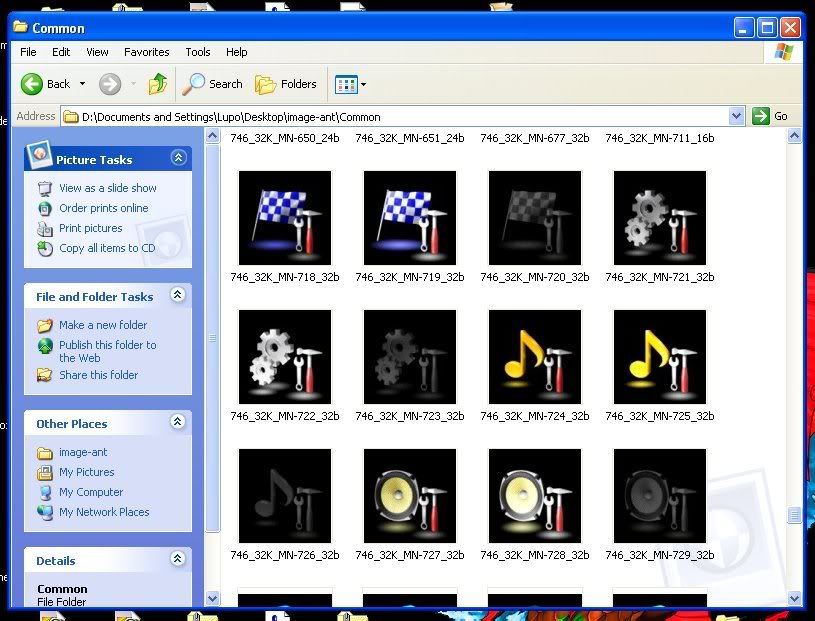
Im running in to some road blocks here and have spent the last hour searching the forum for help. If this has been asked/answered before, I am very sorry...
I was able to get the 3 main menu icons changed. I found the size of the original icons and created the new icons using the same size. They are .BMP's and for all specs seem to be the same as the originals, just different actual image.
I attempted to change the 4 settings icons and came across an issue that I cant get past. The icons are again the same size as the originals, there are 3 versions of each image (3x4) and all image names are correct.
I have attempted to put them in to the IMEGE.RES file individually, and as a copied/pasted group of 12 images. In both cases, when I swap the new IMEGE.RES file in, the Main Menu icons are now screwed up and the Settings icons are black.
The Main Menu icons consist of ONE of the settings icons in the Destination spot, and the Contacts and AV Source icons missing all together.
SO, I gave up on this and moved to the individual contacts icons. For this, there are again 3 version of 6 icons (6x3) for a total of 18 new images.
All images are the same size as the original, all are BMP's and the only difference in in the actual image.
Again I try to put these in to the IMAGE.RES file both individually and as a group, and the exact same thing happens. One of the images becomes the DESTINATION icon, and everything else is black.
Before I put the new images in to the IMAGE.RES file, I rename the originals with the suffix .BAK so that I can always go back to them. And in every occasion, simply reverting back to the original images has worked.
Any ideas, why changing an image on a different page would do this? And curiously, the icon that always ends up shown incorrectly is the DESTINATION icon.
I have uploaded my IMAGE.RES file to Rapidshare if someone would be so kind as to take a look at it I can PM the link to you.
T