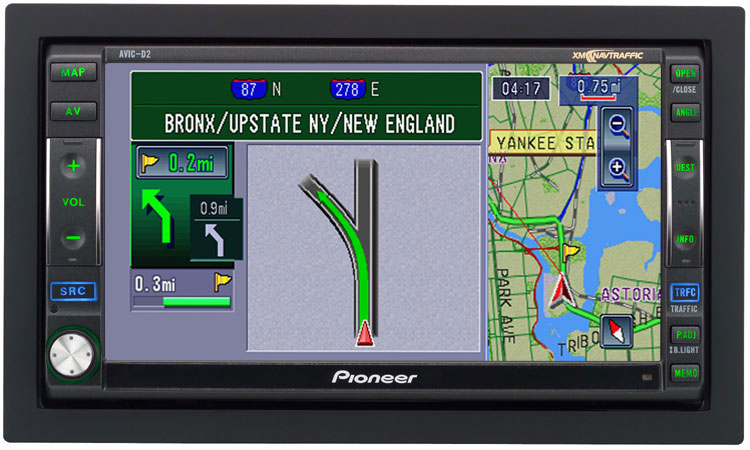
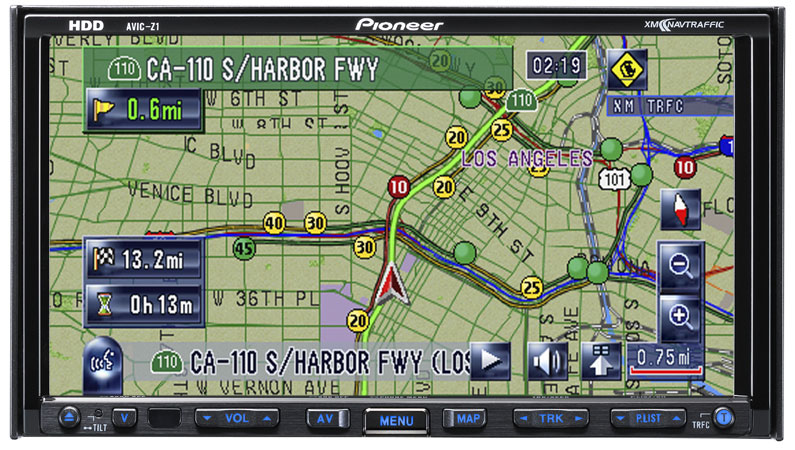
I got in!
1. Open the face.
2. Hold Eject.
3. Press Reset
4. Once screen says "Push Reset button or Restart Engine" release eject button. LEAVE THE TOUCH SCREEN OPEN!
It took me a while because it allows you to enter 8 buttons before it stops beeping, but by pushing th AV button would make a sound after the beeps stopped. The AV button acts as the backspace button, so if you enter the code wrong, just hit the AV button until it stops beeping and start over. If you closed the touch screen simply push the AV button (should only beep once since it only has to clear the one input button you pushed; the open close button.)
Anyways, the password is:
P.LIST UP
P.LIST UP
P.LIST DOWN
P.LIST DOWN
T (T is always enter)
If the service Menu appears, close the touch screen.
Now it will show a service screen, looks like it is mostly for clearing memory. But TRACK LEFT and TRACK RIGHT will take you to other menus, three in total. Menu 2 is HDD related stuff, and Menu 3 has one option simply called "Bluetooth Device"
I didn't want to play a lot with the menus tonight, but tomorrow I will. I'm sure some of you will be up all night with this.
Menu 2 has an option that gives you access to all of the folder (maybe files) on the Z1 HDD, like I said, I didn't play too much. But, this maybe very helpful to those trying to crack the HDD or just maybe (fingers crossed) add/delete files to the HDD.