Search Archive

Mr_CS and IDT's Bluetooth Status Mod. Working?

By diaftia · Nov 20, 2009in Hacks/Mods💬 13 posts👁️ 1,498 views
Posted Nov 20, 2009 · 17:29 UTC#1

Does anyone have this working? I get "Unknown (something)" (<-- cant tell because its behind the clock) in REALLY SMALL text when I try to load the following code into my mods. Even made a snazzy new bluetooth icon that I am more than willing to share with anyone that wants it.


The code that I have added to navigatemap_800_480.ui is below, and thanks for the suggestion re the bmp file.

; the Bluetooth Button indicates Bluetooth Connected in bottom left corner, push to dial home - Added by mr_cs based on suggestion by ill.die.trying

; remember to add bmp file


Colin

Posted Nov 20, 2009 · 18:03 UTC#2
Does anyone have this working? I get "Unknown (something)" (<-- cant tell because its behind the clock) in REALLY SMALL text when I try to load the following code into my mods. Even made a snazzy new bluetooth icon that I am more than willing to share with anyone that wants it.


The code that I have added to navigatemap_800_480.ui is below, and thanks for the suggestion re the bmp file.

; the Bluetooth Button indicates Bluetooth Connected in bottom left corner, push to dial home - Added by mr_cs based on suggestion by ill.die.trying

; remember to add bmp file


Colin
 

i got it working when i had a unit

Posted Nov 20, 2009 · 21:08 UTC#3
Does anyone have this working? I get "Unknown (something)" (<-- cant tell because its behind the clock) in REALLY SMALL text when I try to load the following code into my mods. Even made a snazzy new bluetooth icon that I am more than willing to share with anyone that wants it.


The code that I have added to navigatemap_800_480.ui is below, and thanks for the suggestion re the bmp file.

; the Bluetooth Button indicates Bluetooth Connected in bottom left corner, push to dial home - Added by mr_cs based on suggestion by ill.die.trying

; remember to add bmp file


Colin


i got it working when i had a unit


You get rid of your AVIC?


I have to think that the visiblemodel is not working correctly on mine. I wonder if its the modded ezrider I am using. Maybe I should try the older one that is not modded for elevation and see if that is causing the unknown stuff to appear. I will try to take a picture of it but its REALLY small.

Posted Nov 20, 2009 · 21:36 UTC#4
[

You get rid of your AVIC?


no, it malfunctioned and is out of warranty, trying to save up right now to get a 2nd hand replacement

Posted Nov 20, 2009 · 22:29 UTC#5

Works on mine as well. I'm using the standard hacked ezrider.

Posted Nov 23, 2009 · 02:53 UTC#6
Works on mine as well. I'm using the standard hacked ezrider.


That is the oddest thing. This is the visible model that I am using:


visiblemodel="other.pioneer.bt_connected"


The text comes up as unknown object type really small. I will try using the old image again and see if that is it.

Posted Nov 24, 2009 · 18:41 UTC#7

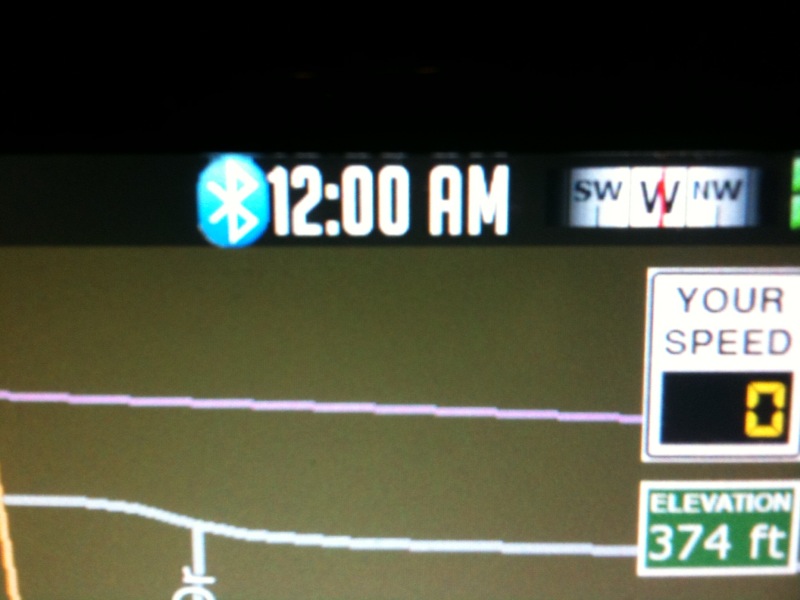
Here is what there error I am getting looks like. Unknown Object Type... Anyone know why this might happen?


post-26802-12872760058252_thumb.jpg

Posted Nov 24, 2009 · 21:42 UTC#8
Here is what there error I am getting looks like. Unknown Object Type... Anyone know why this might happen?


IMG_0232.jpg


from my experience it's the BMP that's causing this, try creating a new BMP and just copying the image to the new one

Posted Nov 29, 2009 · 00:25 UTC#9
Here is what there error I am getting looks like. Unknown Object Type... Anyone know why this might happen?


IMG_0232.jpg


from my experience it's the BMP that's causing this, try creating a new BMP and just copying the image to the new one


I did try that but it was a fancy one with some alpha layers. Maybe I will just use some random bmp that is good to test. Thanks for the tip.

Posted Dec 01, 2009 · 00:09 UTC#10


from my experience it's the BMP that's causing this, try creating a new BMP and just copying the image to the new one


I did try that but it was a fancy one with some alpha layers. Maybe I will just use some random bmp that is good to test. Thanks for the tip.


So I used an image that was a system default image for current road. Still get the same error. Can someone post their working code on here so I can compare to what I am using?

Posted Dec 01, 2009 · 02:06 UTC#11


from my experience it's the BMP that's causing this, try creating a new BMP and just copying the image to the new one


I did try that but it was a fancy one with some alpha layers. Maybe I will just use some random bmp that is good to test. Thanks for the tip.


So I used an image that was a system default image for current road. Still get the same error. Can someone post their working code on here so I can compare to what I am using?


Here try mine. This is what's in there now and what I had pre 3.0. Disregard the first onrelease as it does not work yet. You can probably just delete it and the change the onlongclick to onrelease:


	onrelease='EXEC "other.pioneer.show_phone"' onlongclick='EXEC "other.pioneer.call_number" "other.pioneer.home_phone"'>


Here's my bmp if you want to try it.

phone.zip

Posted Dec 01, 2009 · 18:26 UTC#12

Here try mine. This is what's in there now and what I had pre 3.0. Disregard the first onrelease as it does not work yet. You can probably just delete it and the change the onlongclick to onrelease:


	onrelease='EXEC "other.pioneer.show_phone"' onlongclick='EXEC "other.pioneer.call_number" "other.pioneer.home_phone"'>


Here's my bmp if you want to try it.


Beautiful thanks... here is the BMP I created too. I haven't seen yours yet so I am not sure if its better or worse than what you have. Just thought I would share in return.


smallbluetooth.bmp.zip

Posted Dec 02, 2009 · 08:13 UTC#13

Looks like it did the trick! The biggest difference between what you had and what I had was that you put yours in the common folder and gave it a label.


Mine:


Yours:


Shouldn't matter but its working so I am not complaining! Thanks for the help. Here is how it ended up looking with my custom image:


post-26802-12872760318888_thumb.jpg