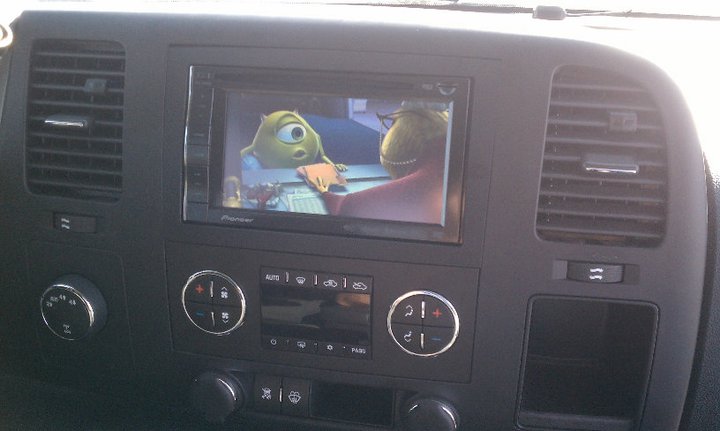
I am new to the forums here but I thought I would take a few minutes today to hopefully help anyone out with the same type of install (x-920BT) I did: 2008 Chevy Silverado Quad Cab (non-Bose).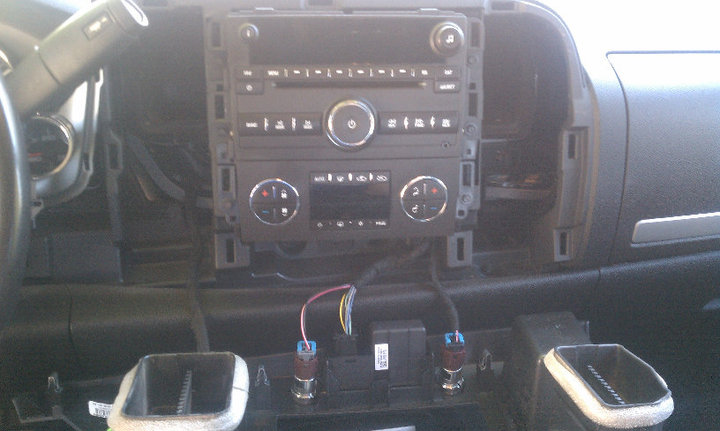 I wanted to retain the factory door chimes and Onstar, my steering wheel controls, and also get the add on XM tuner from Pioneer.
I will first put here what I bought, all off of Amazon, I got in on the special a month or so ago:
Metra Axxess ASWC Universal Steering Wheel Control Interface (Black) My link
Axxess GMOS-LAN-01 LAN OnStar Interface for Non-Amplified Systems My link
Metra 95-3305 Double DIN Installation Dash Kit for 2006-up Chevrolet Vehicles My link
Pioneer GEX-P920XM XM Satellite Tuner My link
Metra 40-CR10 Chrysler 2002 Antenna Adapter Cable Metra 40-CR10 Chrysler 2002 Antenna Adapter Cable My link
Pioneer AVIC-X920BT 6.1-Inch In-Dash Double-Din Navigation A/V Receiver with DVD Playback, Built-In Bluetooth and Widescreen Display My link
Here are my tips:
Unplug the car battery terminal.
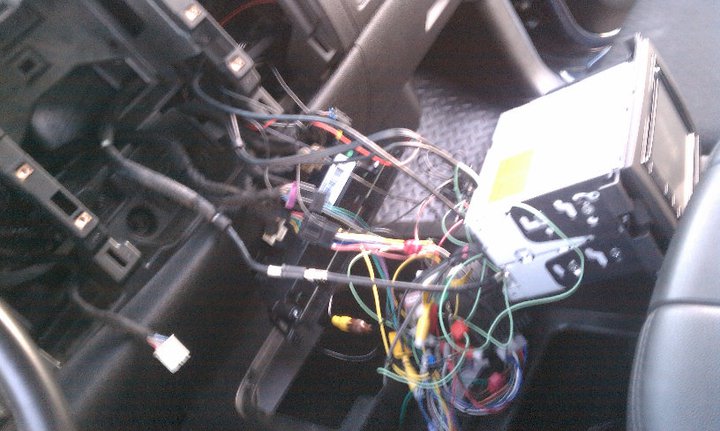
When I received everything I did all the "pre wiring" in the house. I found 18-22 gauge wire tap ins to work pretty well for me, when wiring this all.
I downloaded and printed the GMOS and ASWC wiring kit to make life easier.
The Mrs. had a variety of sewing needles and once you find the right sized one, it will work way better to push out the mute wire pin than trying to use staples or cutting the factory male plug connector.
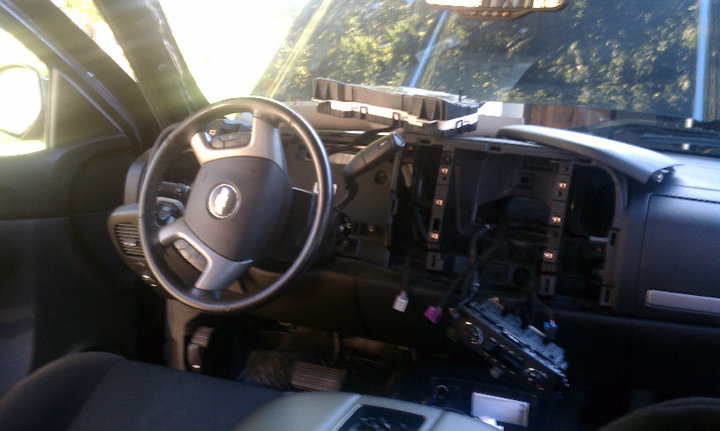
I had to take off my truck's gauge cluster to pull the mic wire thru, I thought using a extenda-rod magnet to help pull it thru and over to the head unit area. I clipped the mic onto the top of the A frame arm. Reception seems to be pretty good from people that I've talked to, haven't used it much.
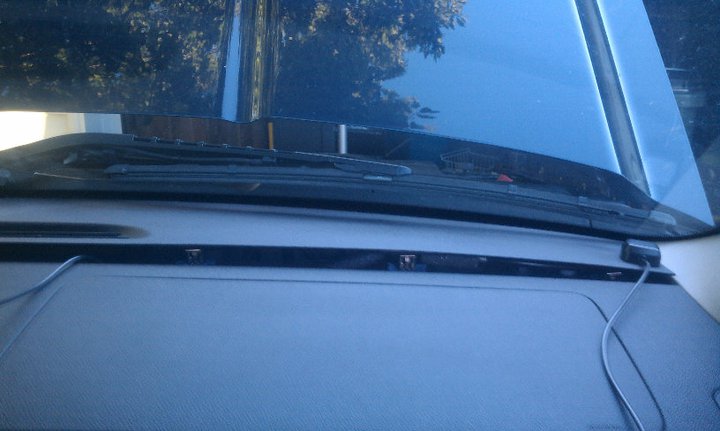
I popped off the the top long piece of the dash by the windshield and ran the nav sensor down thru and that looks really nice to only have a couple inches of nav wire up in the front part of the dash by the windshield.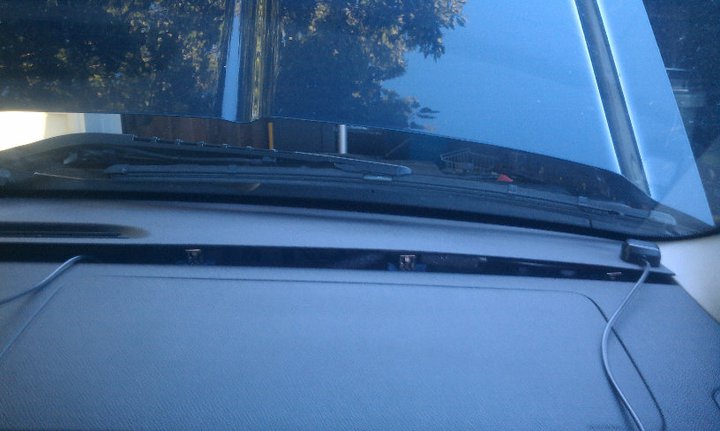
I "hid" the XM unit in the center console cup area and ran the cables for the power and ground up thru the back of the glove compartment. I ran the antenna wire also thru the back of the glove box and out thru the door gasket and up to close to where the factory antenna is. Seems to get pretty solid reception.
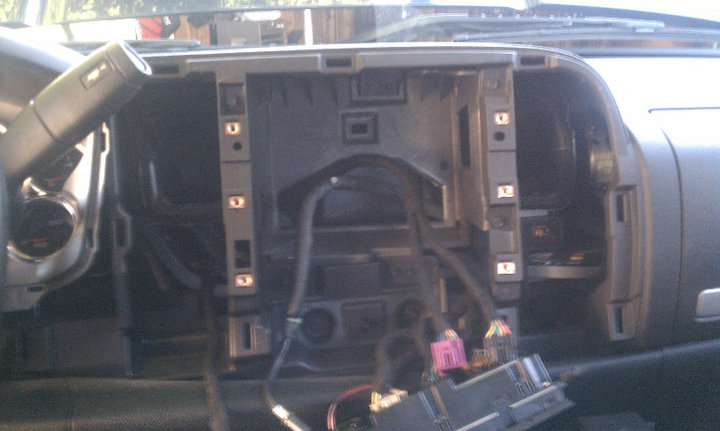
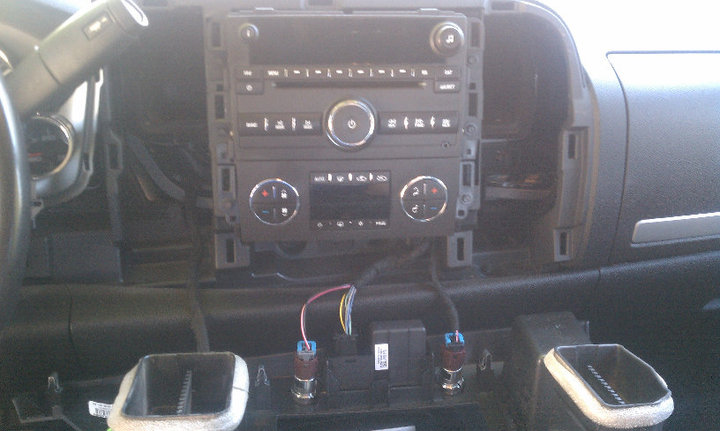
I had to cut out part of the factory dash area behind where the head unit goes to allow for room for the GMOS and ASWC to fit. If I didn't have those two items, I probable wouldn't have needed to do that. I used a small drywall outlet cutting saw to do that, it worked really well. Just make sure to vacuum that area out so there isn't excess plastic pieces in there, pic shows pre cut. 
I ran down the ipod cord and kind of have it tucked behind the console for now. No one I know has an iPhone, so its not essential just yet, but its there if I need it.
My follow up:
I still want to do a camera, and I bought a cheap one off of eBay. I have toyed with it and can't get it going. Even using a multi meter to diagnose it hasn't helped me.
I might think about an HD radio in the future since there is room to hide it in the console area by the XM. I just want to do more research on it, local stations, reception, etc.
DVD's have played very well, dark movies are a little tough to watch sometimes but resolution is great. 
Navigation has been good, it could be better, but I knew what I was getting into with this model.
Bluetooth has worked flawlessly for me.
MicroSD card has worked great. Might get a couple more and just keep my whole music library in the truck. I know I could burn them to DVD's too but I like just leaving the card in the whole time so I can also have the DVD player handy and not have to swap out as much.
Hope some of this info helps, follow VBLUE's instructions for the bypass and it'll work fine, and have patience!