Unit just shows this, can't get it to do anything else. Help
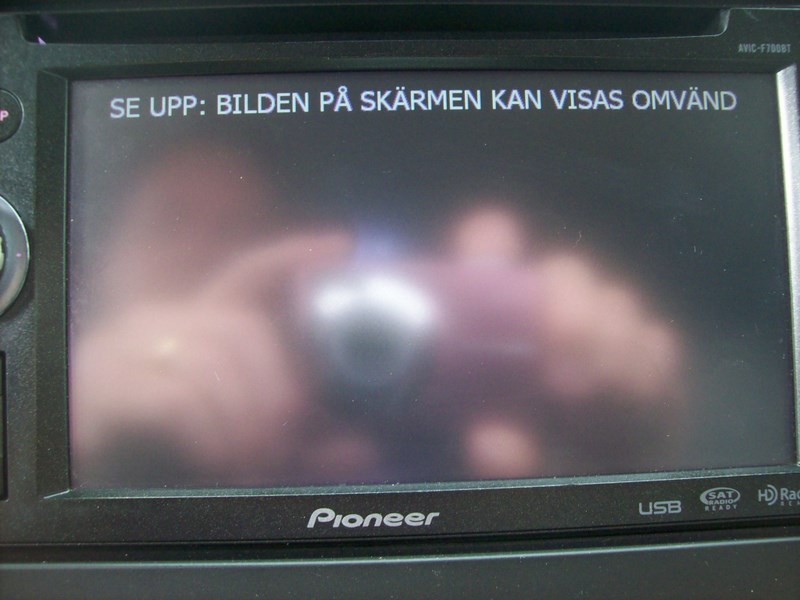
Unit just shows this, can't get it to do anything else. Help
My guess is it says "Caution: the screen may appear reversed" in a language I'm not familiar with.
I'm currently having the same problem that I'm trying to fix...For a quick fix, you can probably hit the reset button(to the left of eject) and wait for it to load like normal(I'd give it 45 seconds) and then press the map button, from there you can at least access the stereo's options...But once you turn your car off, that screen will be back next time you turn it on.
BTW, if you figure out how to fix it before I do, please let me know.
My guess is it says "Caution: the screen may appear reversed" in a language I'm not familiar with.
I'm currently having the same problem that I'm trying to fix...For a quick fix, you can probably hit the reset button(to the left of eject) and wait for it to load like normal(I'd give it 45 seconds) and then press the map button, from there you can at least access the stereo's options...But once you turn your car off, that screen will be back next time you turn it on.
BTW, if you figure out how to fix it before I do, please let me know.
I don't know how it switched from English to what ever it is now, just turned it on one day and get this...I can hit the map button and get the warning screen I guess can't read what ever language its in but it won't go any further than that. I will try to hold the reset down for 45 and see what happens. Thanks Michael
Got it back to english but it has system startup in progress but it never gets past that. Thanks Michael
I just attempted the 2.008 update, using an SD card formatted in FAT32 and because of that screen, it refuses to update.
I tried following the instructions and when that didn't work, I pressed the reset button while inserting the card and that didn't work either.
Then I tried pressing the reset and eject buttons at the same time and still no dice.
Can't anyone help with this problem? After reading several pages I've seen many threads on this subject, but no real answers.
I really like this deck, but if I can't figure something out soon, I'm ripping it out and never touching an AVIC again.
I was finally able to get to the menu and the backup camera is turned on even though I don't have one...It worked fine for a while but then its back to it old ways. Must have internal memory or drive problem for it to reverting back the same settings. Looks like it a flat $200 repair rate at Pioneer. I guess it gets shipped off...Thanks Michael