these are just some pics of my z1 in my navigator.  sorry the z1 screen looks so dirty, it always looks dirty in pics.

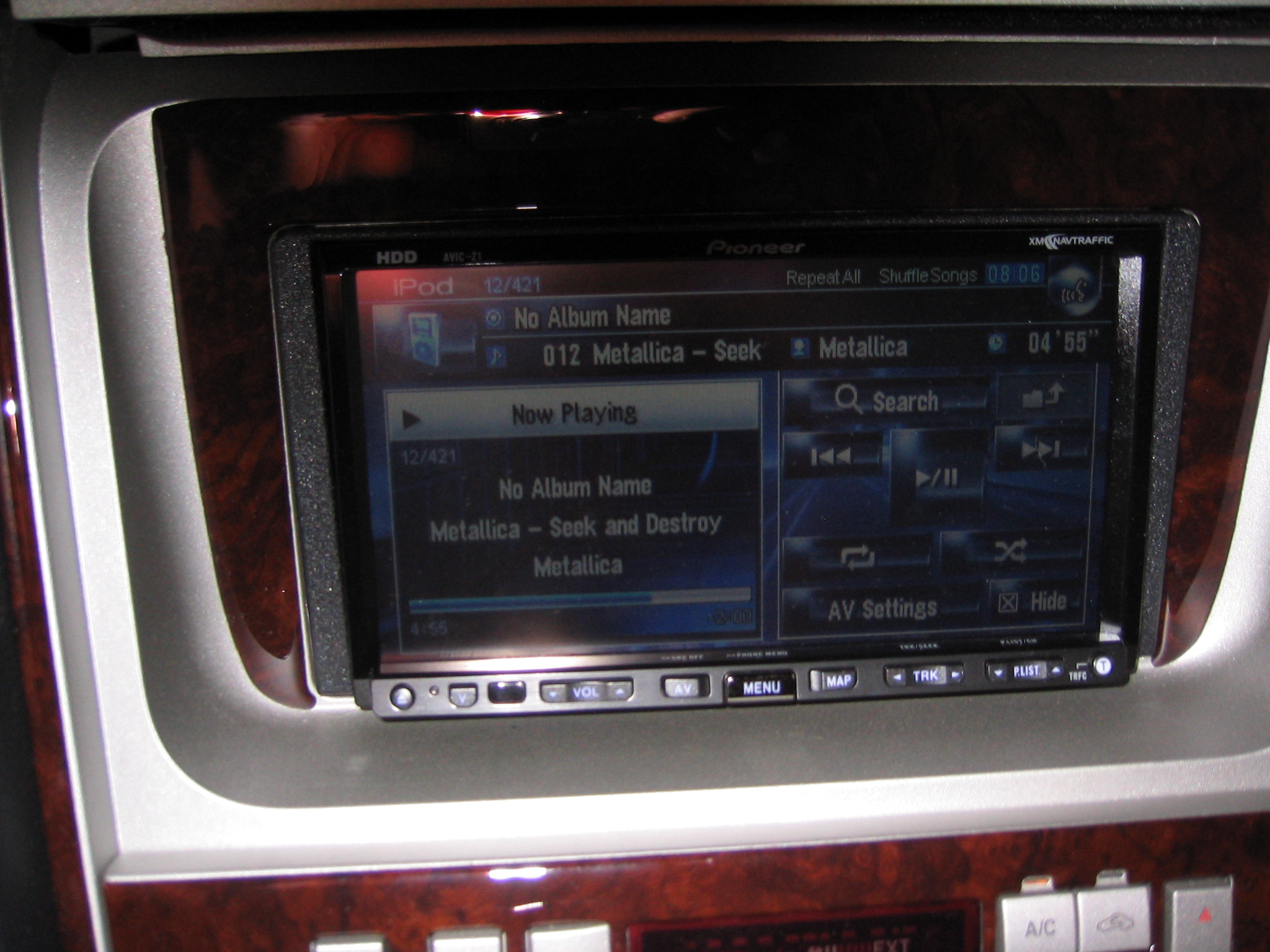
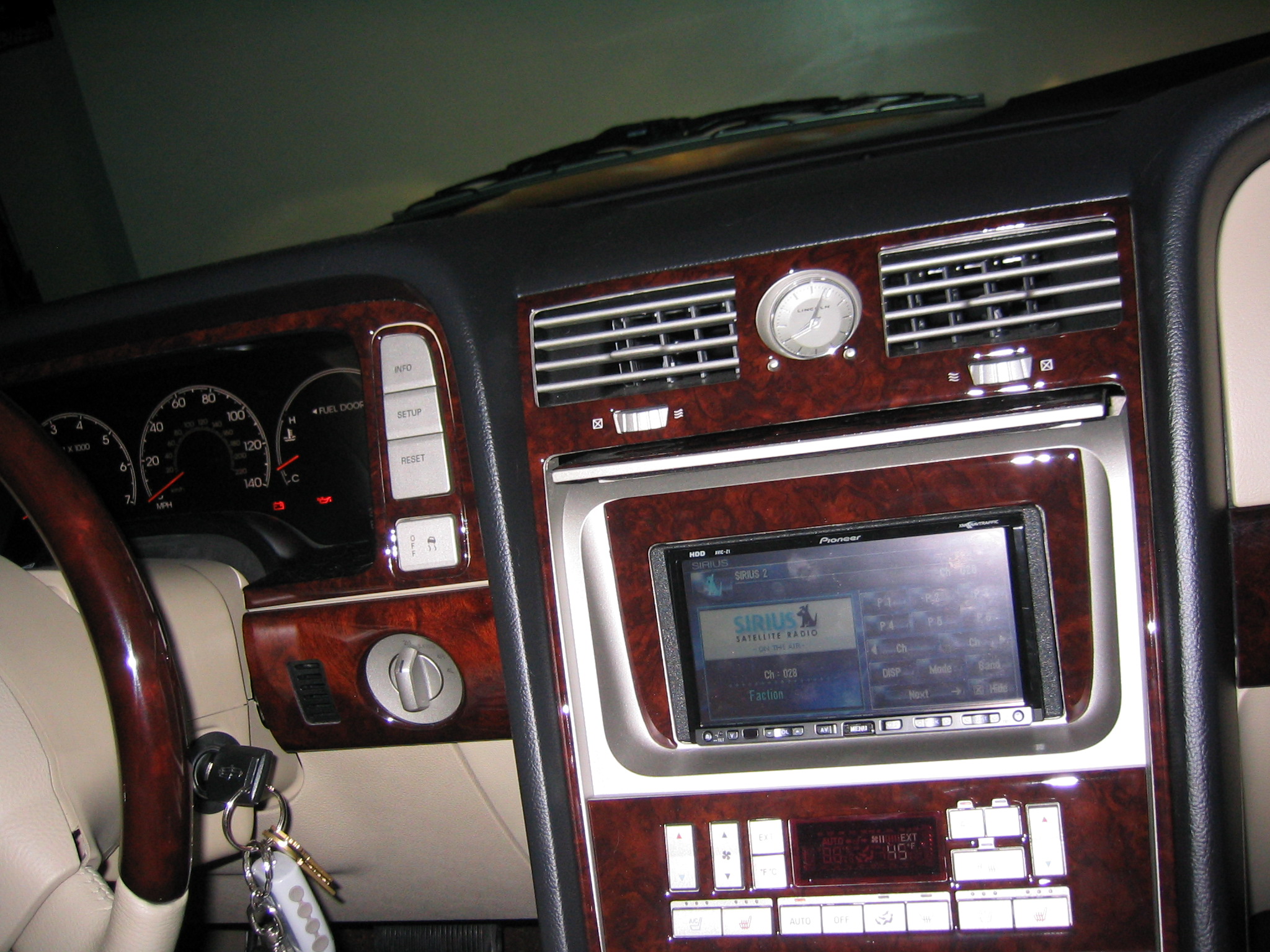
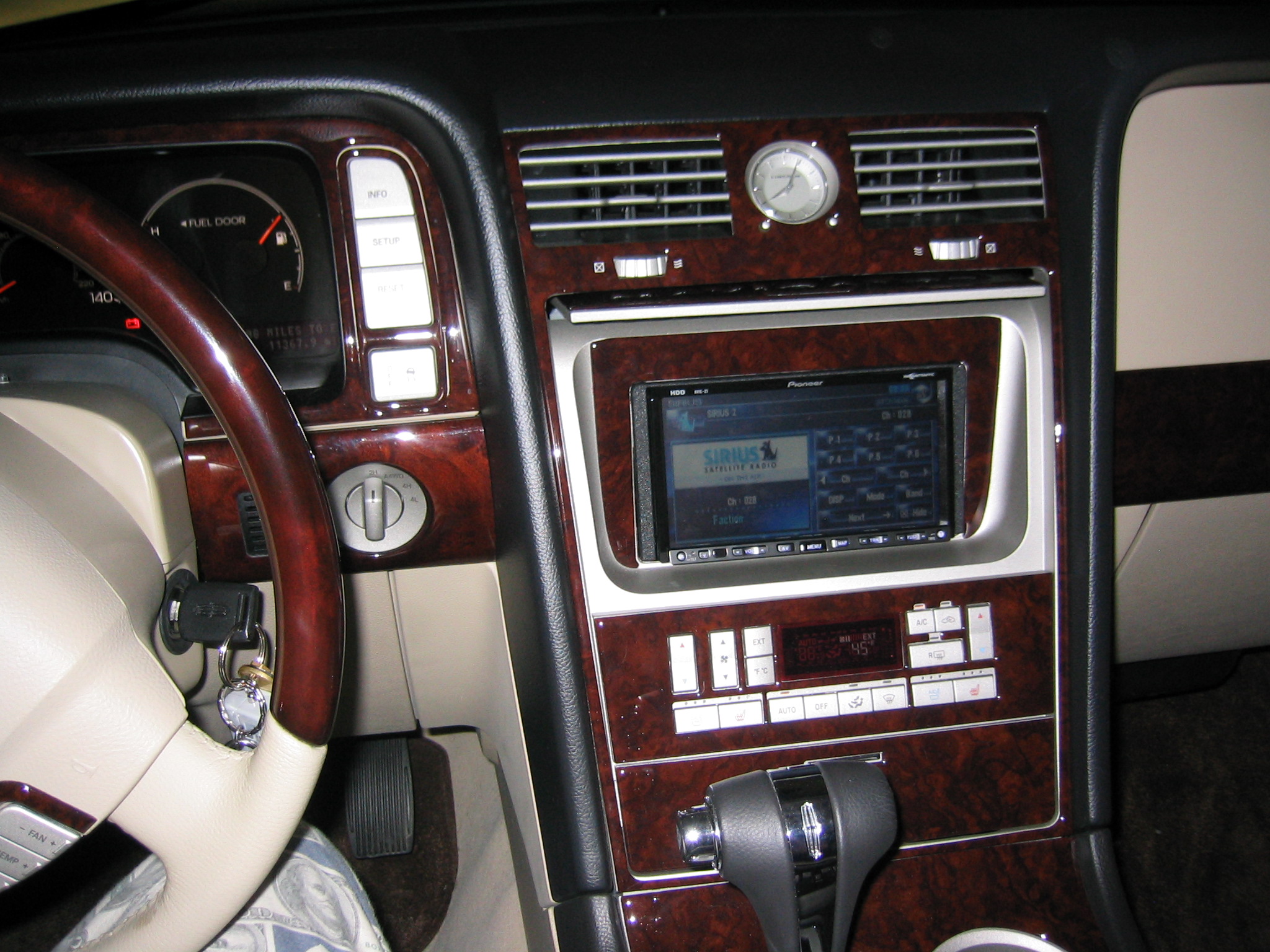
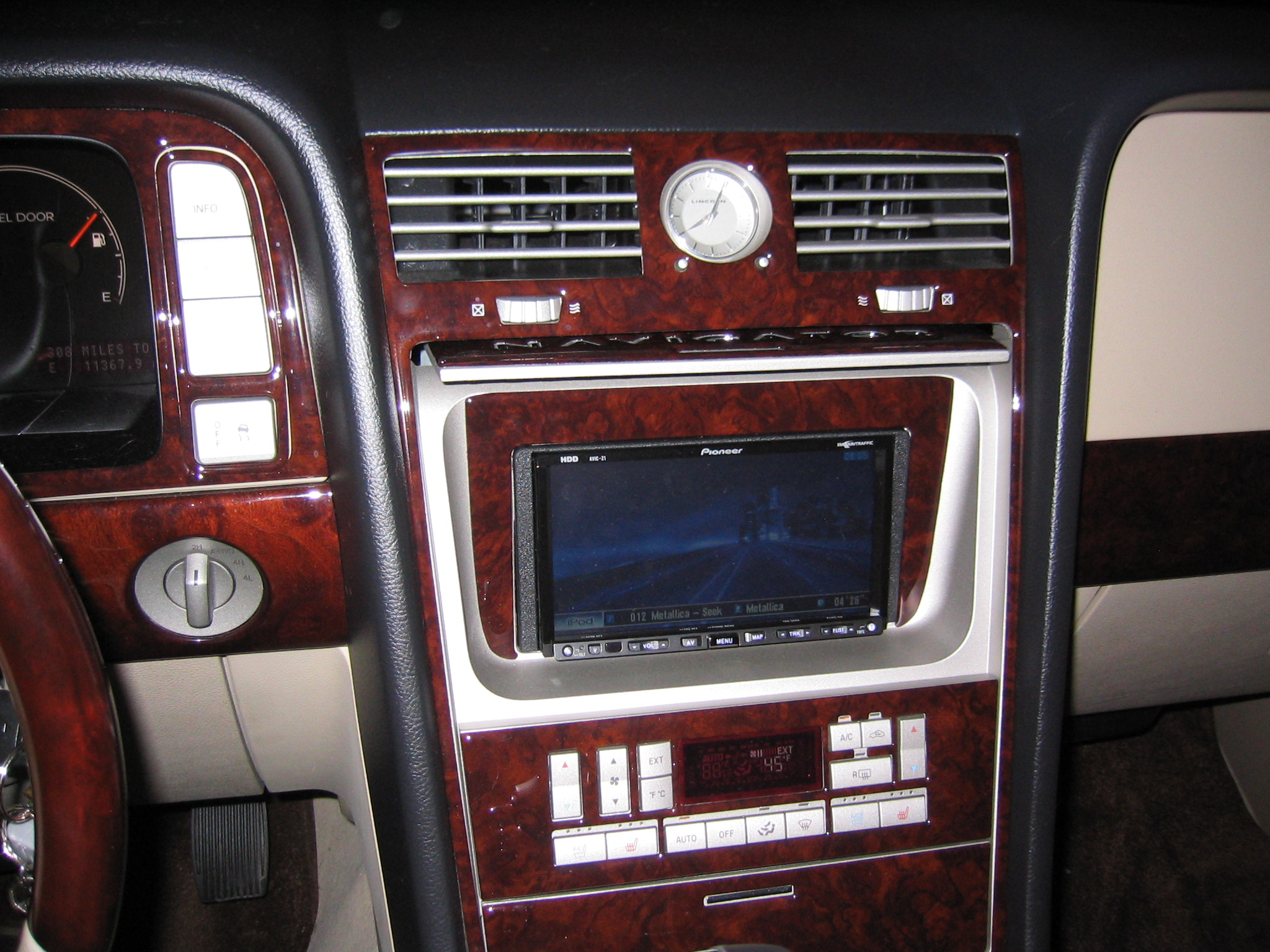

these are just some pics of my z1 in my navigator. sorry the z1 screen looks so dirty, it always looks dirty in pics.
Looks nice and that background should match that wood grain pretty close as well.
nice. picts are huge
thanx, i suck at taking pictures, and i don't know how to make them smaller 
NICE Job, At least you dont have to worry about it hitting your shifter like mine lol.
thanx, i suck at taking pictures, and i don't know how to make them smaller
Easiest way is to download Microsoft's Image Resizer from the
Windows XP Power Toys site:
http://www.microsoft.com/windowsxp/down ... rtoys.mspx
Here is a link to the file itself:
http://download.microsoft.com/download/ ... ySetup.exe
Before posting, take the pictures, put them in a folder, then select them,
right click and click on resize pictures. Select the size you want.