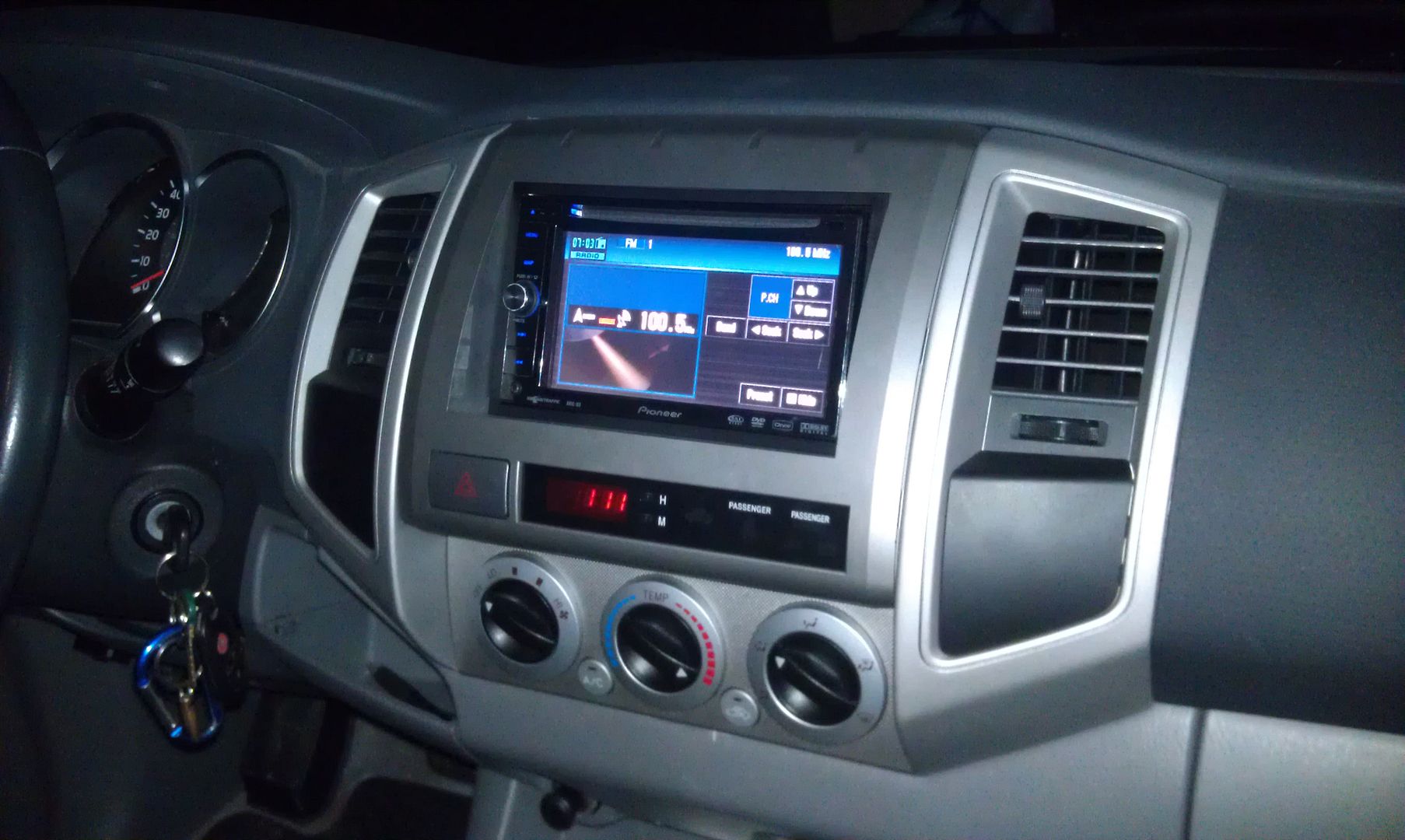
First off, new member, but I've been reading over the forums and have already done the bypass (super easy, not sure why so many people have issues with that), and I'm not a COMPLETE idiot with the unit itself and/or wiring, computers, or electronics in general 
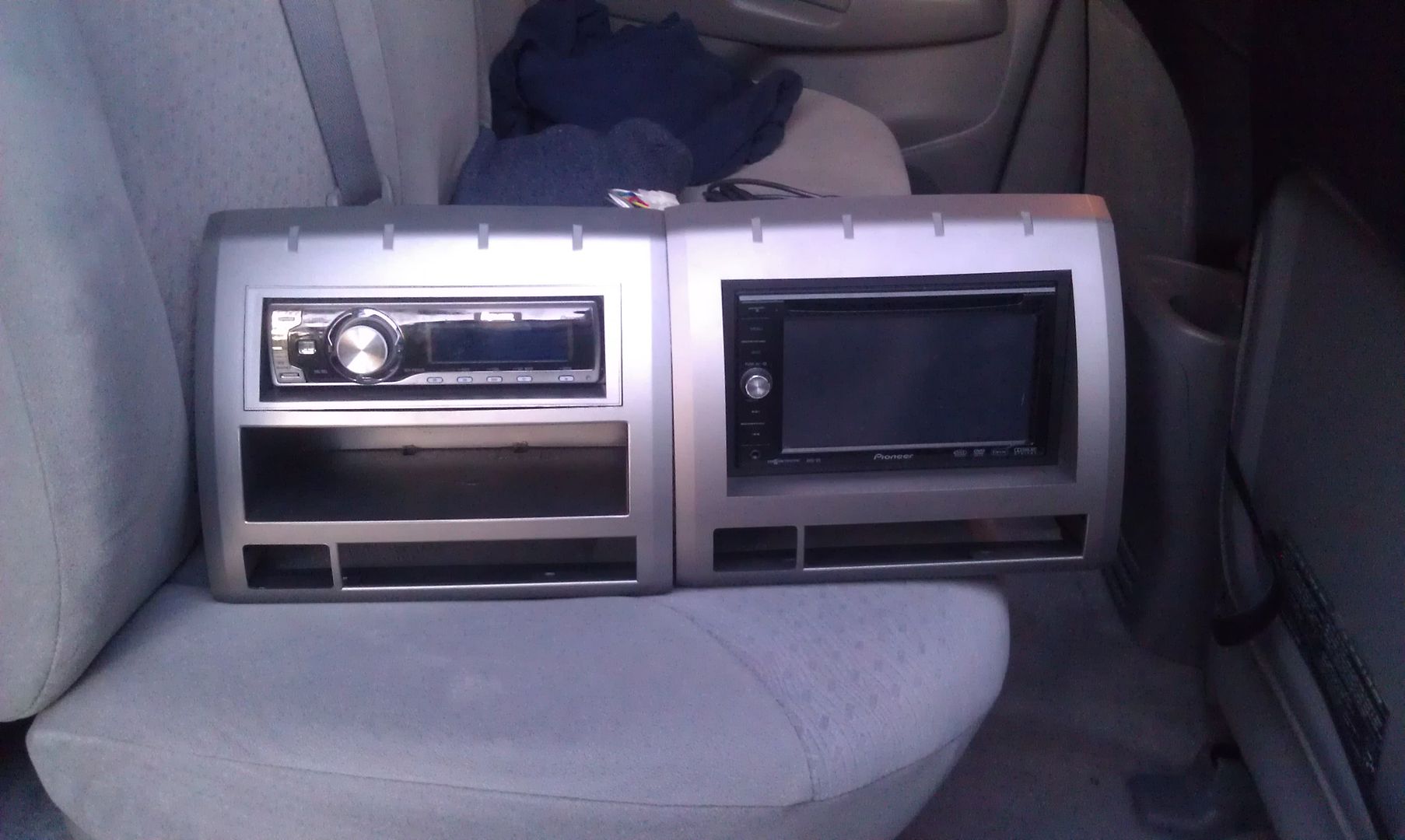
I bought this D3 used from a buddy at work and didn't get the original map discs (classic situation). Didn't get a GPS antenna either, but that's another problem all together, lol. The unit is not yet installed into the truck (it'll be going in my 2006 Toyota Tacoma), so I have it temporarily wired to a plug to plug it into the cigarette lighter to test the unit and make sure everything functions properly.
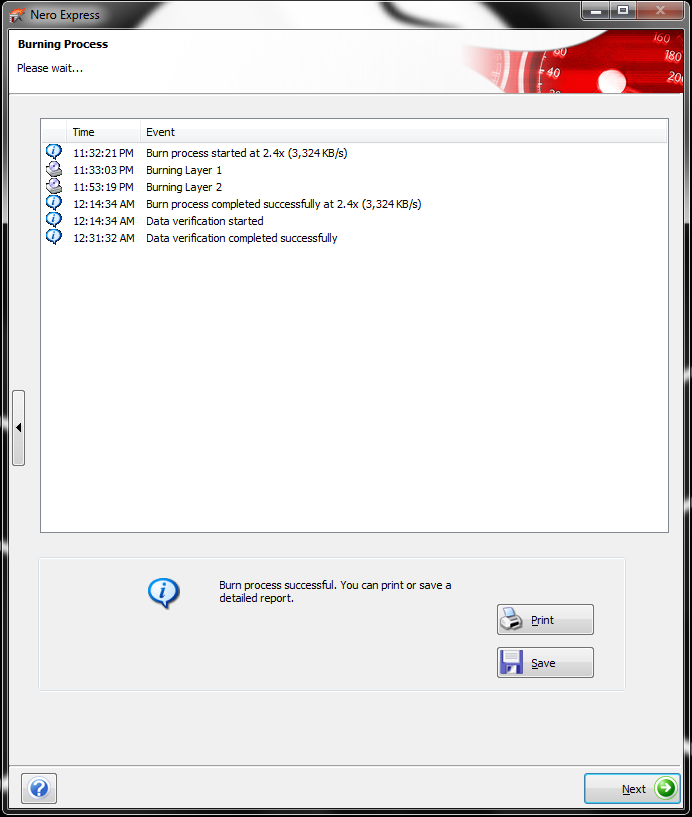
I really don't feel like spending money on a pair of DVD-DL discs with the maps and updates on them if I can make them myself, so I had a bunch of blank DVD-DL discs laying around and decided to download the East disc via torrent and burn it myself. I used Nero to burn the ISO and the burn was successful the fist try, which surprised me because I've had issues in the past burning DVD-DL discs...
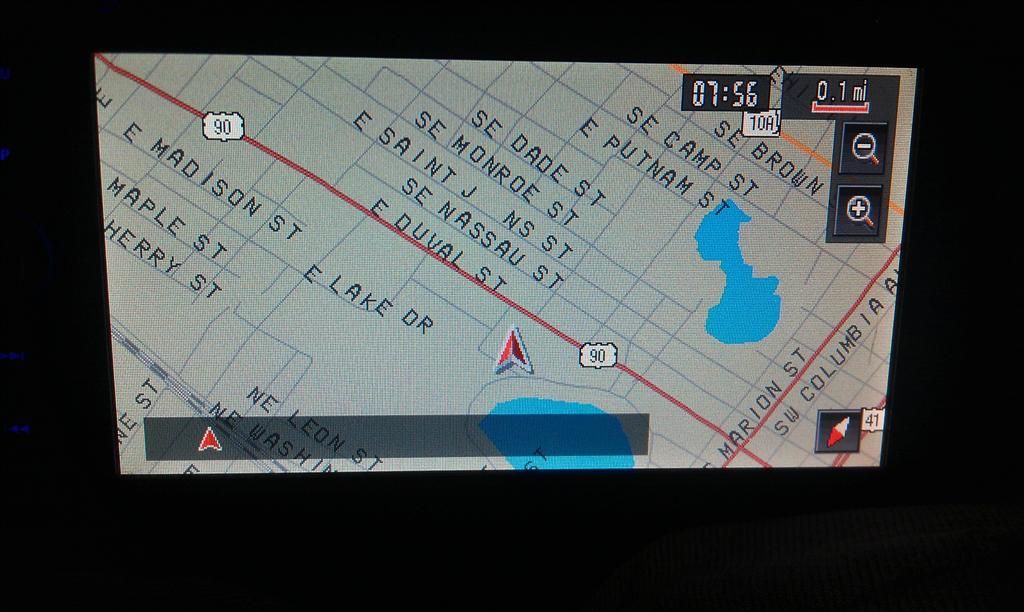
So I powered up the unit and pressed MAP, and the "please insert appropriate disc" message appears as expected. I put in my newly burned disc, and after it read the format, the update began. I showed a few screens telling me it was doing the update and not to power off the unit, it rebooted, then gave a screen saying it was preparing the unit to use memory GPS or something along those lines and it should take about 30 seconds. Well I waited and waited, about 2 minutes, and then that screen shut off and the unit rebooted again, this time just to a blank black screen. That blank screen stayed for about 3 minutes, and then it rebooted again, to the same blank black screen again. It repeated this process about 4 times before I realized it was just going to keep doing this, so ejected the disc. After I ejected it, it went right back to the "please insert appropriate disc" screen, and I switched over to the radio just to make sure I didn't brick the unit by ejecting the disc Everything still works like it did before, but I still get the "please insert the appropriate disc" screen when I hit MAP and try to bring up the nav or go through the menu and try going to the nav.
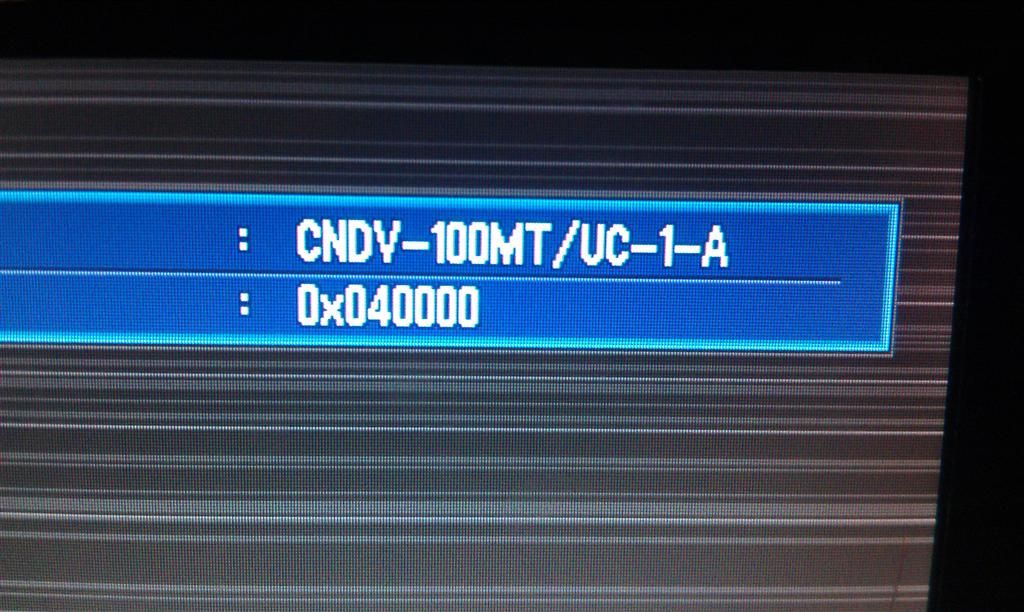
So at this point I hit MAP and put the disc BACK in, it tells me it's reading the format, and now it can't read the disc?!?!? It read it fine just 10 minutes ago and said it was updating! So I ejected it, tried to clean it off, and put it back in; same thing, "read error"...
I find it odd that it will read the disc and then it wont, but could it possible be the disc that I'm using? It's a Memorex DVD+R Dual Layer if that makes any difference. Is there a change that the fact that I don't have a GPS antenna to plug into it at the time not allowing it to do anything with the navigation?
I'd really like to be able to make the working disc myself so I can actually have more than one disc, or at least know that I can make another later if I have to. But if worse comes to worse, I'll break down and maybe buy one from SWDW, because I'm definitely not paying what Pioneer wants for them...
Thanks in advance!
 but apparently MagicISO is not the same as ISOMagic listed above, lol, two different programs, so I'm going to try ISOMagic right now
 , and I'm burning them as a data DVD with Nero (since it actually seemed to do something with the first disc that the D3 could read), this time back onto a Memorex disc. It's on the 2nd layer burning right now, so I'm keeping my fingers crossed that the data verifies successfully and the D3 can read it!
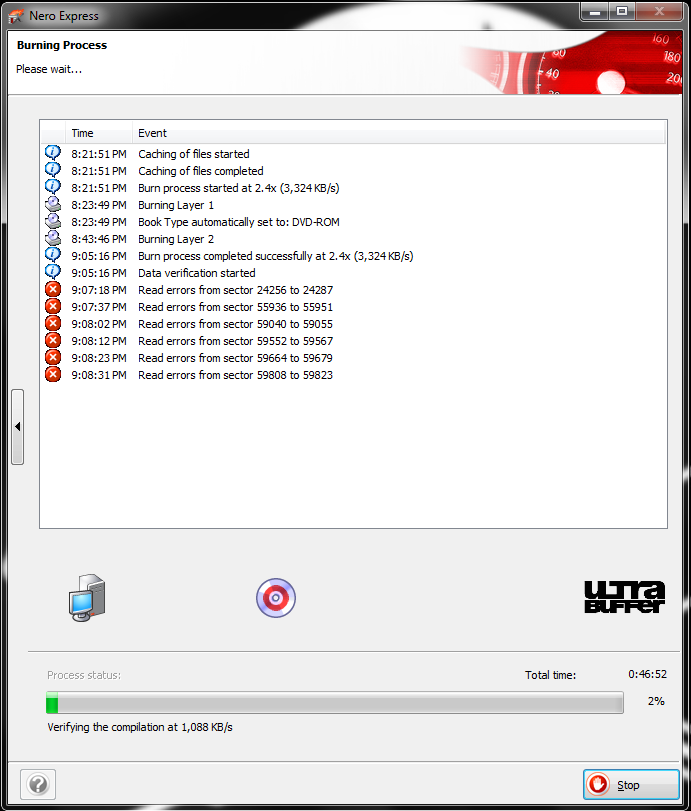
 maybe get a nice SATA drive and get away from this ancient IDE drive, lol