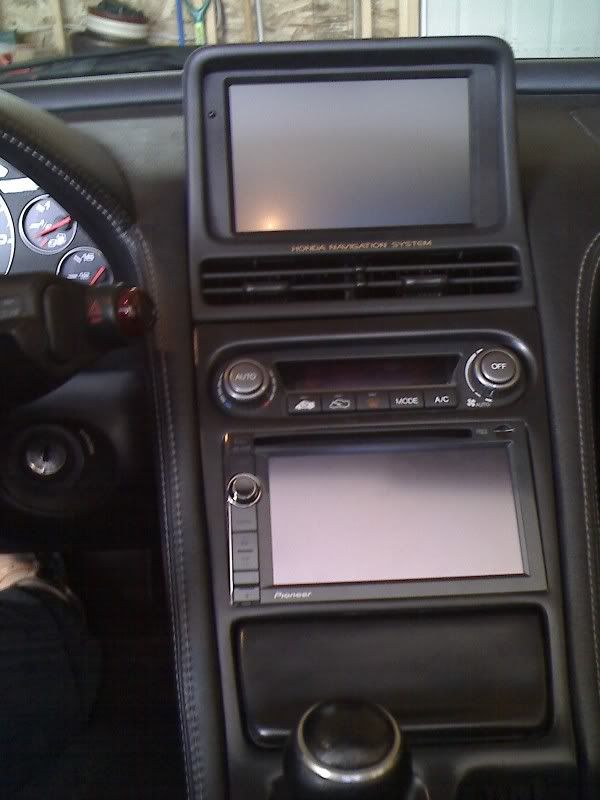
I have the X930BT in my car. It has the option of calculating/logging gas mileage. You enter how much gas costs, volume filled and kilometers driven and it then gives you L/100 kms. Fairly straight forward calculation and that's not the issue. On the gas mileage screen there is an "export to SD" button to save it on the card. I did that for a few months and now that my car is in storage for the winter I tried to upload them to my computer. On the card is a .DAT file. My computer (Windows 7) and my girlfriend's computer (some sort of newer MAC) don't know what to do with the file. I Googled a little bit and dabbled with the renaming of the file like Google said but it only came up with gibberish. I downloaded a program to open it and again it only came up gibberish.
Does anyone know how to make use of the .DAT file? I was expecting some sort of Excel spreadsheet.
Pictures of unit below.