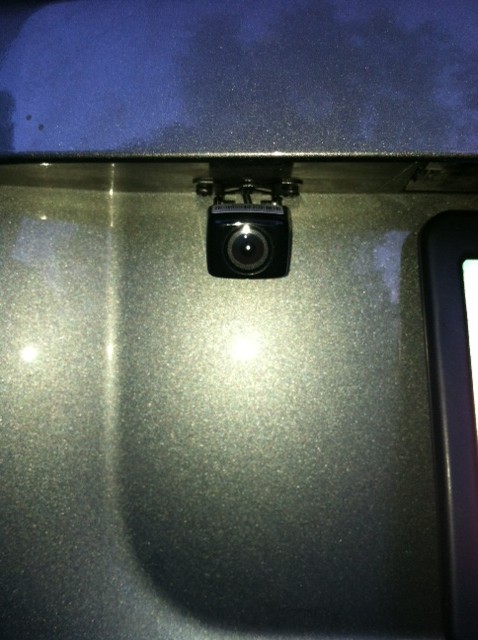
step1: find the location where you want to mount the camera and mount it.
Step2:running the cables from the back to the front. I had to use a coat hanger with a closed hook at the end of it to get the cables from the tailgate to the main body frame. This step takes the most amount of time.
Step 3: I had the camera draw power from the "red cable" on the pioneer head unit. The camera uses very little power and you dont want to hook it up to the yellow +12V that line is constantly on. I used the blak cable on the pioneer for the ground for the camera.
step4: plug in the video cable from the camera into the RCA jack on the pioneer unit labeled "REAR VIEW CAMERA IN". it is brown.
Step 5: directly from your manual
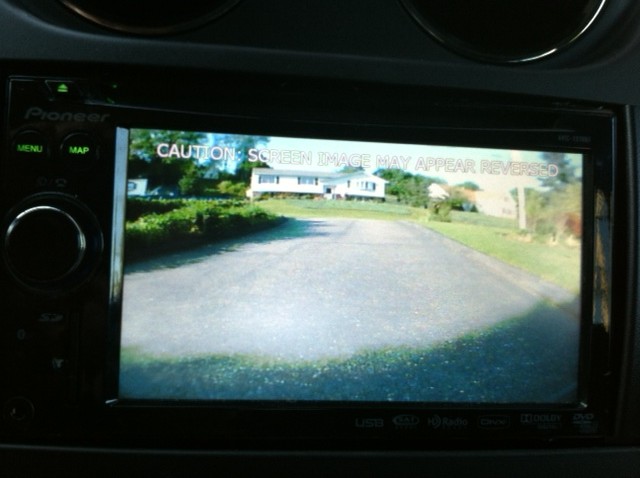
When this product is used with a rear view camera, it is possible to automatically switch from the video to rear view image when thegear shift is moved to REVERSE ®. RearView mode also allows you to check what is behind you while driving. It is necessary to set [back Camera] in[system Settings] to [On] when connecting the rear view camera. (For details, refer
to “Operation Manualâ€.)
Step 6:Make sure you have your Violet/white cable connected on your pioneer unit. This will tell your pioneer when you are in reverse and automatically switch over.