Hello,
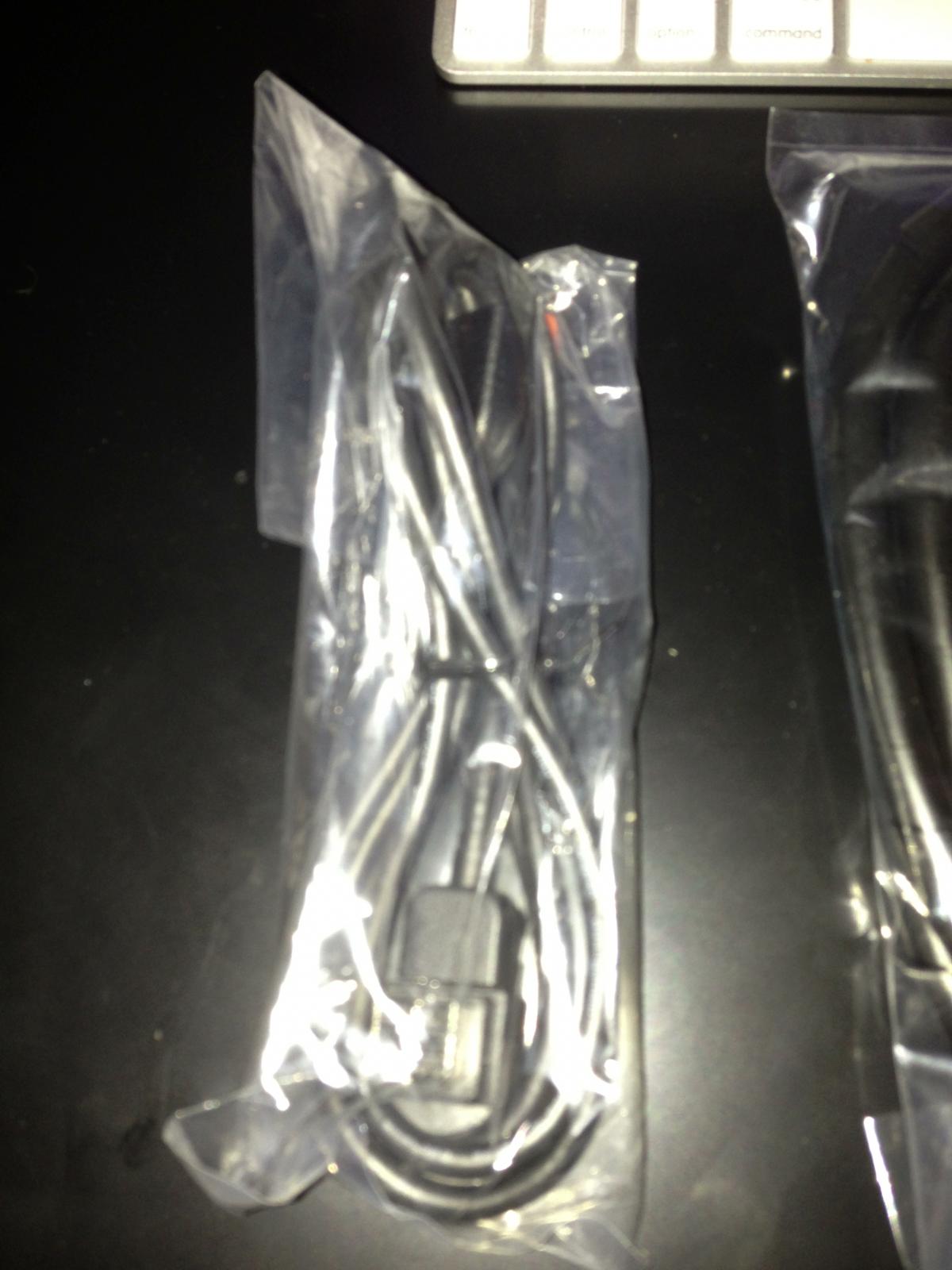
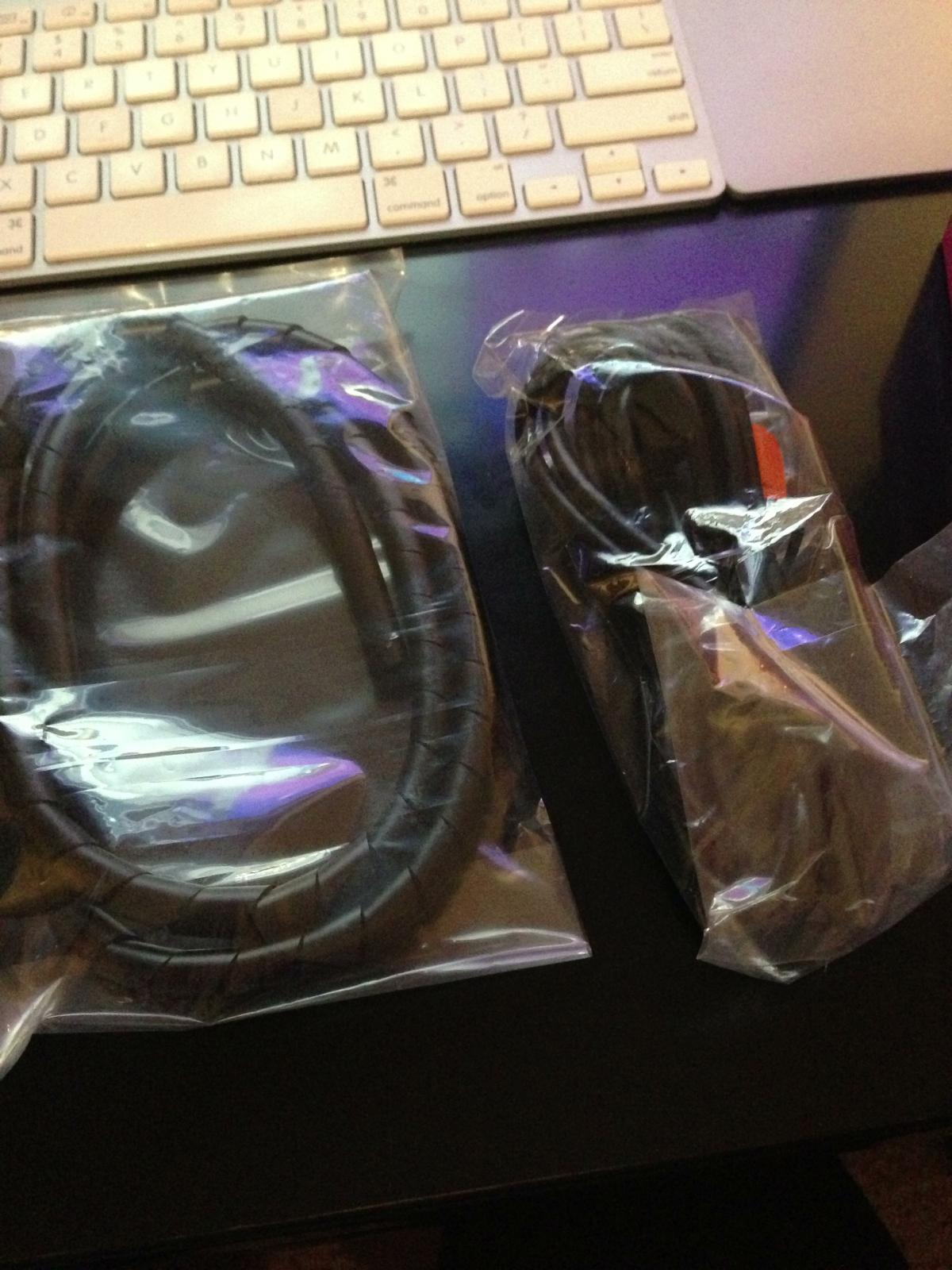
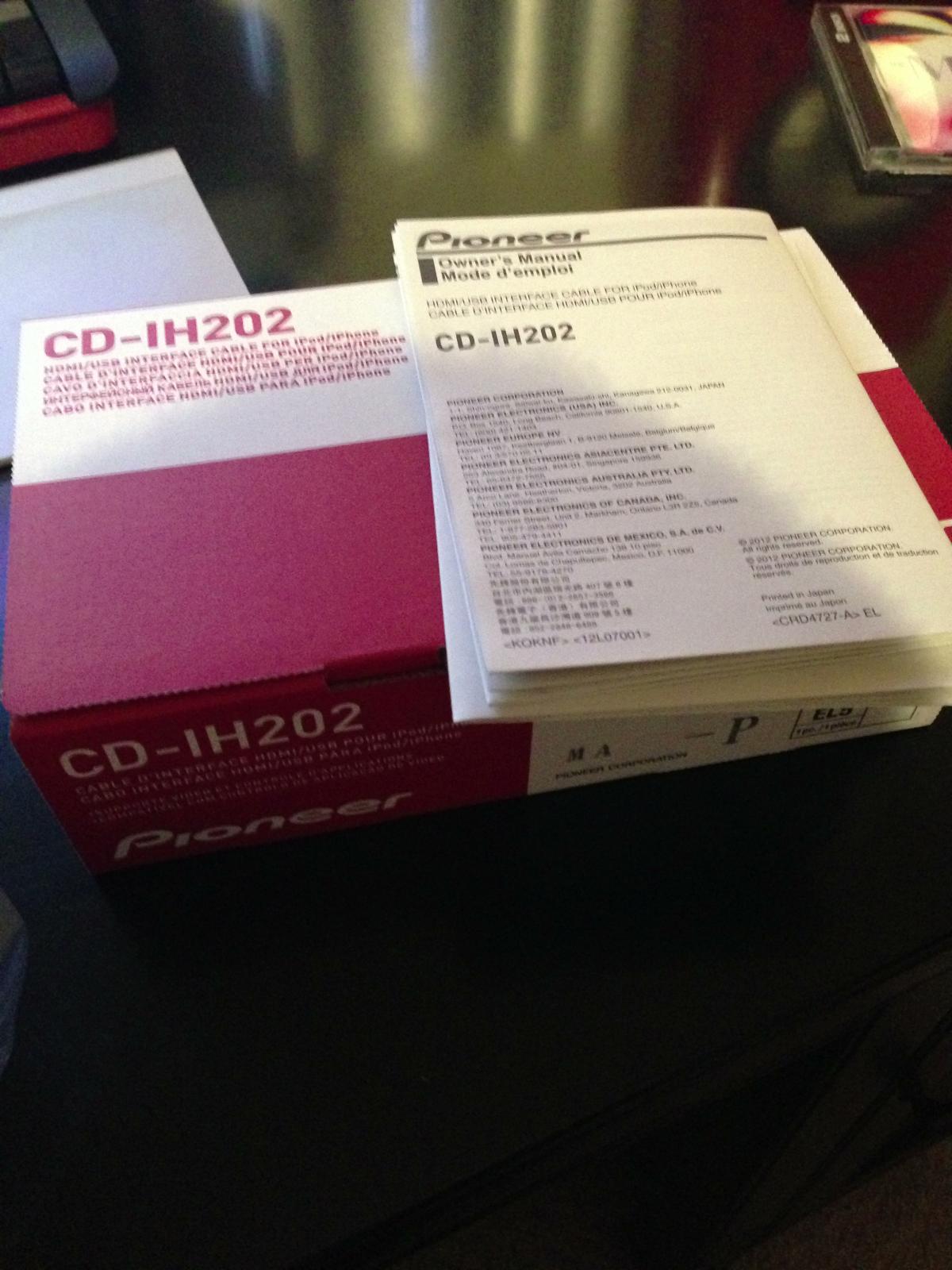
I thought I would share and post pictures of what is included in the Pioneer CD0IH202 Cable for the AppRadio 2 support of Lightning Port enabled iOS devices.
Pioneer Multi pin to Female USB Cable - This will replace your current Apple 30 PIN to Pioneer Multi Pin cable. It provides a USB port (that can be hidden) that is front facing anywhere in your vehicle.
- Use #1 - Makes the AppRadio more easily updatable to future firmware versions/fixes.
- Use #2 - Provides a way to charge your iOS device that is going to be used primarily with your AR2. This way you do not take up any other power ports/adapters in your traditional cigarette lighters. That way they are available for your passengers devices, as well as your companion devices.
Pioneer Vehicle Grade HDMI Cable - This is a thick HDMI cable. It is probably sheilded to not pick up noise from the inner dash power systems.
- Use #1 - Any HDMI cable will do the job. I have the HDMI cable from Best Buy (brand: RocketFish). They installed it initially for me because I could hook any HDMI device up to it and get video/audio. Dont need advanced AppMode/AppRadio Control App to push video out to the AR2
- Use #2 - This is the display out for the AR2 Advanced AppMode
Lastly, there is a binding cable. It has a swirly pattern to it. It will neatly bind the USB and HDMI cables together. Which will create a neater appearance.
I really really wish Pioneer would have gone the last mile and provide a BLACK Lightning to Digital AV HDMI/Lightning to USB Cable. It is very "telling" to have the last 5 inches of the cable be a bright white. The cable fades into my dark interior when is black. But the white makes it impossible to hide.
I have a BracketTron vent cradle that sits inches from my AR2. I love it. It makes it so easy to just hold down the HOME button on the iPhone to prompt Siri over my AR2 Bluetooth. It also makes it very easy to tap the ALLOW popups, as well as launch the AppRadio Control app from the cradle with no distractions.
I may have this installed this weekend. But I have been using the RocketFish HDMI to Digital HDMI AV to Lightning Adapter, and then using my Lightning to USB cable plugged into my vehicle's cigarette to USB adapter. The Lightning to USB is almost a good foot longer than I need... so I have it binding the HDMI cable (which means I wrapped it round and round and round the HDMI cable, and then tucked the excess under the center console molding. Its fairly neat and out of the way, but the white and adapter makes it still some what an eye sore.
So there you have it. That is what is included. Not much to it considering the $60 price tag. I did get it shipped out earlier than promised. So that was a major kudos to Pioneer. Its nice to know they took notice to their flagship App Enabled Head Unit's customers demand for Lightning cable support. I just hope there is a MORE "custom" look and feel to say a future AR3 model.