Search Archive

Need Help! SPH DA100 can't connect with iphone 5, and can't update firmware

By nutt23 · May 07, 2013in AppRadio, AppRadio 2, AppRadio 3💬 4 posts👁️ 3,841 views
Posted May 07, 2013 · 07:26 UTC#1

Hi,


I live in Sydney Australia and I purchased SPH DA100, CD-IH202 interface cable, micro bypass and ND-BC6 camera from US ebay seller (all from Difference seller).


I installed HU and into the car everything is fine. rear camera work perfect. 


CD-IH202 with iphone 5 can use just external monitor( like mirror).

post-82692-0-23215300-1367911476_thumb.jpg


On the menu show android icon not the map and red pinpoint.

post-82692-0-32454900-1367911371_thumb.jpg


Iphone 5 with bluetooth is ok. but I can't use any app connect appradio with iphone 5.


i tired to use stock cable(30pin) with 30pin to lightning adaptor  with my iphone 5. i can use ipod feature but not 100%. but i stillcan't use any app connect appradio with iphone 5


I tired to update firmware but it doesn't work. it show "The version up file can't be read. Please save only one version up file to USB memory. Press BACK to return and retry update"
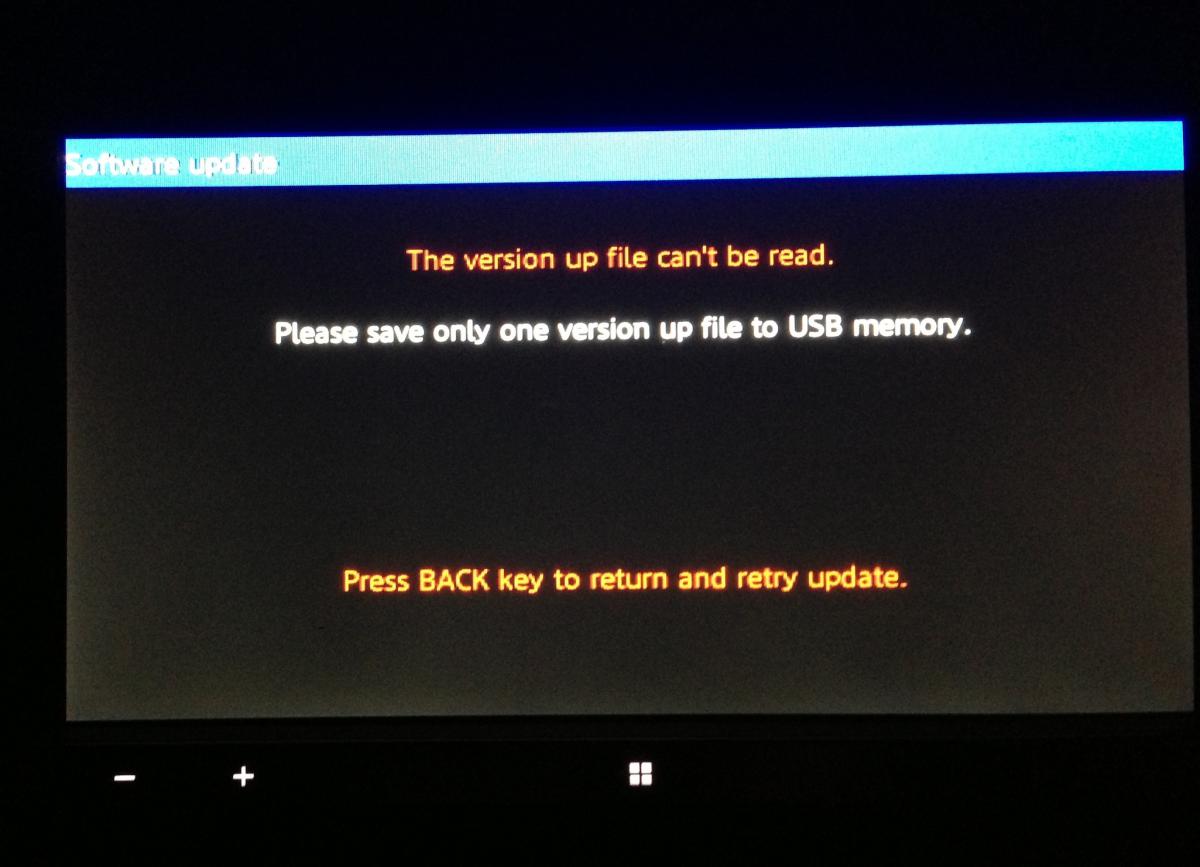
post-82692-0-75253600-1367910279_thumb.jpg


i tired to download firmware 8.30 from US website and firmware 8.17 and 8.30 from EU website. But its all doesn't work.


How can I check my current firmware?


anyone can help me to solve the solution?

Posted May 07, 2013 · 08:12 UTC#2

Makesure your thumbdrive is FAT (FAT16 works very well for my case).

Makesure you only put one file at a time. Best you can format/ erase the drive first.

Put in the .yuk file, update, then erase drive, put in .hat file. update.

If one thumbdrive doesn't work, try another.


If you using Mac OS, you will need windows. Do not unzip in Mac OS , somehow that doesn't work for me.

Posted May 07, 2013 · 10:23 UTC#3

If you already have the most recent firmware on the unit you need to change the connection setting from other to digital av.

Posted May 07, 2013 · 11:08 UTC#4

Makesure your thumbdrive is FAT (FAT16 works very well for my case).

Makesure you only put one file at a time. Best you can format/ erase the drive first.

Put in the .yuk file, update, then erase drive, put in .hat file. update.

If one thumbdrive doesn't work, try another.


If you using Mac OS, you will need windows. Do not unzip in Mac OS , somehow that doesn't work for me.

Thank you vey much. I used Mac OS to unzip, before. and now I use windows to unzip. and the problem all solved, thank you very much again