Fplatel. My response to your queries are years late; this is actually the first time that im seeing your message. I expect that by now you would have resolved your MRZ 099 issues. I will nontheless post my best answers.
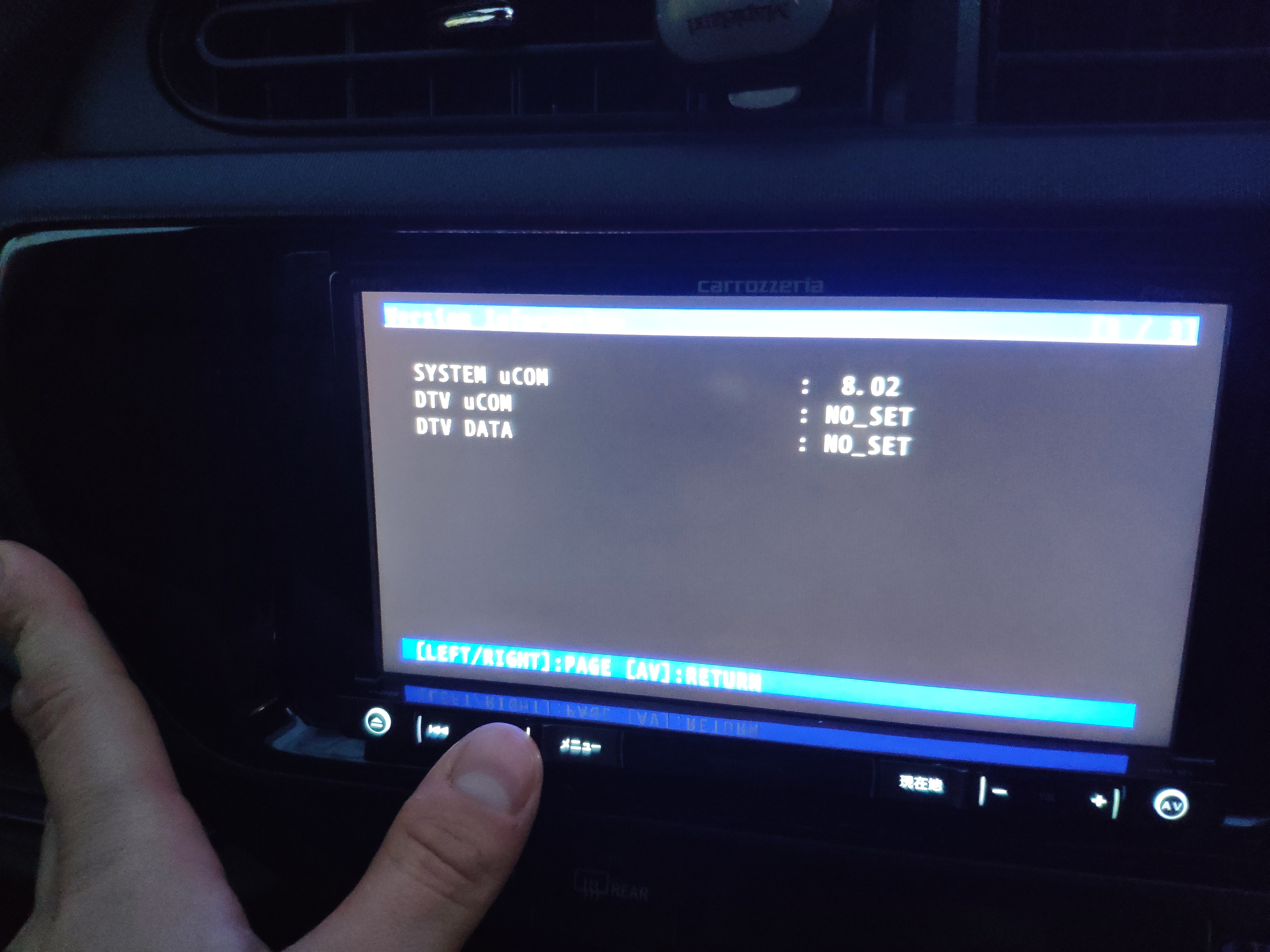
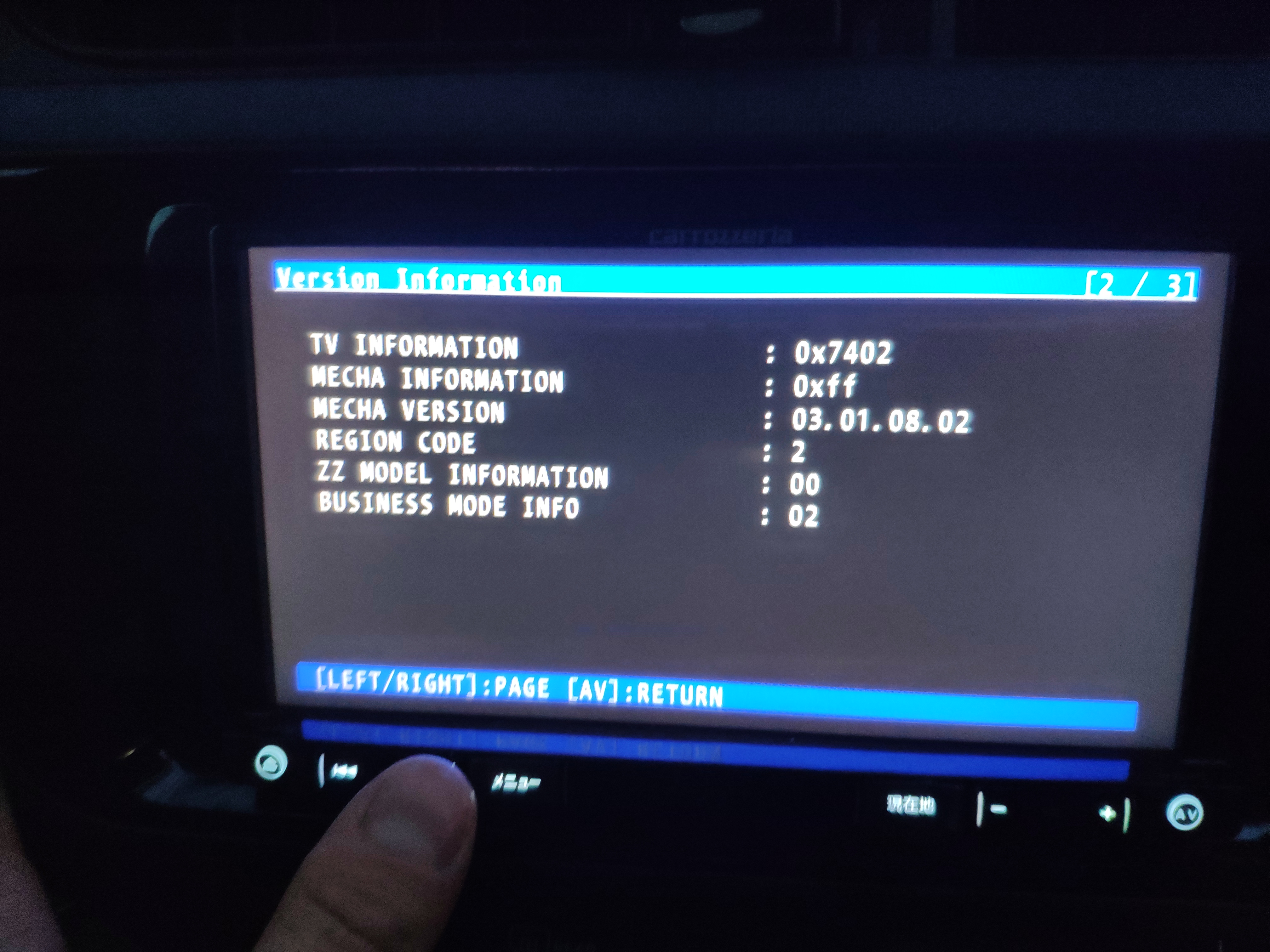
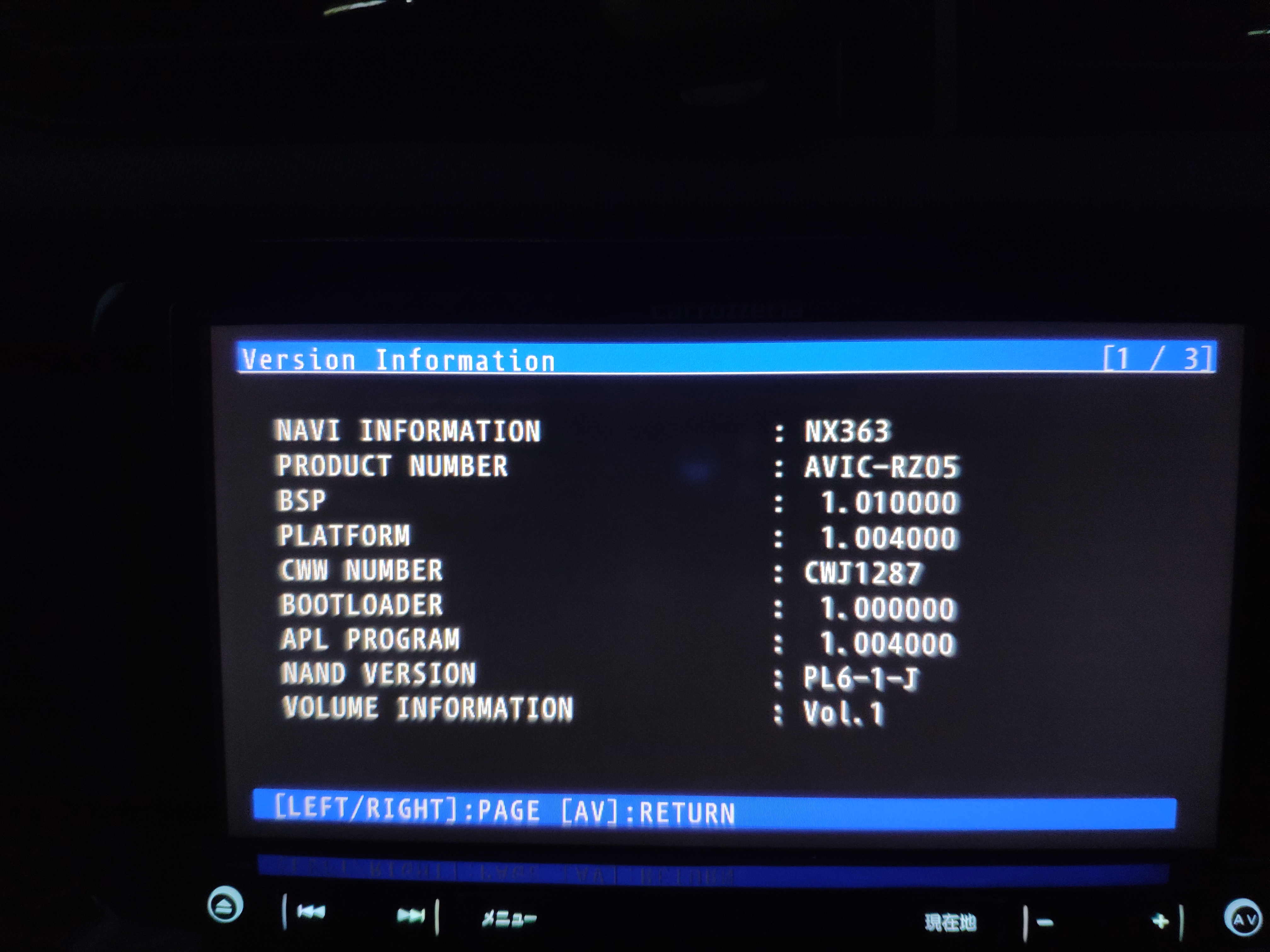
First off, the model number of my MRZ088 is printed at the bottom left (your right) of the unit, just below the screen area. Based upon my observation, this is where the designation number of most other units are printed, so this is the first place that I would look. Your model number can also be found inside windows explorer but you would need to do some poking around and its likely in Japanese.
After the conversation, my MRZ088 came up as an F700bt unit. Im not sure which English model ur unit is compatible with but it is possible to research it.
I am quite sure that a backup of ur unit cam be done. I cant quite recall why I did not make a backup of my unit;I probably did not understand how to do it at the time. Im much more conversant with that now though. You can use the copy command in Test mode.
The Italian site has a multi-language version which allows you to select one of several different nav app within the install so you may want to try installing that version.
As far as flashing an European firmware to your Japanese device, thats exactly how the conversion is done, just that you would delete the installation from the active drive and then copy and paste the new firmware. Dont forget to make a backup first.
Unfortunately, installing the new firmware does not change the frequency bandwidth from the Japanese frequency range so you will need to install a FM expander on the antennae line.
I hope that someone will find this useful, now or sometime in the future