Search Archive

Appmode adapter for 8100NEX

By dahora · Jun 09, 2015in NEX Series💬 6 posts👁️ 1,998 views
Posted Jun 09, 2015 · 15:50 UTC#1

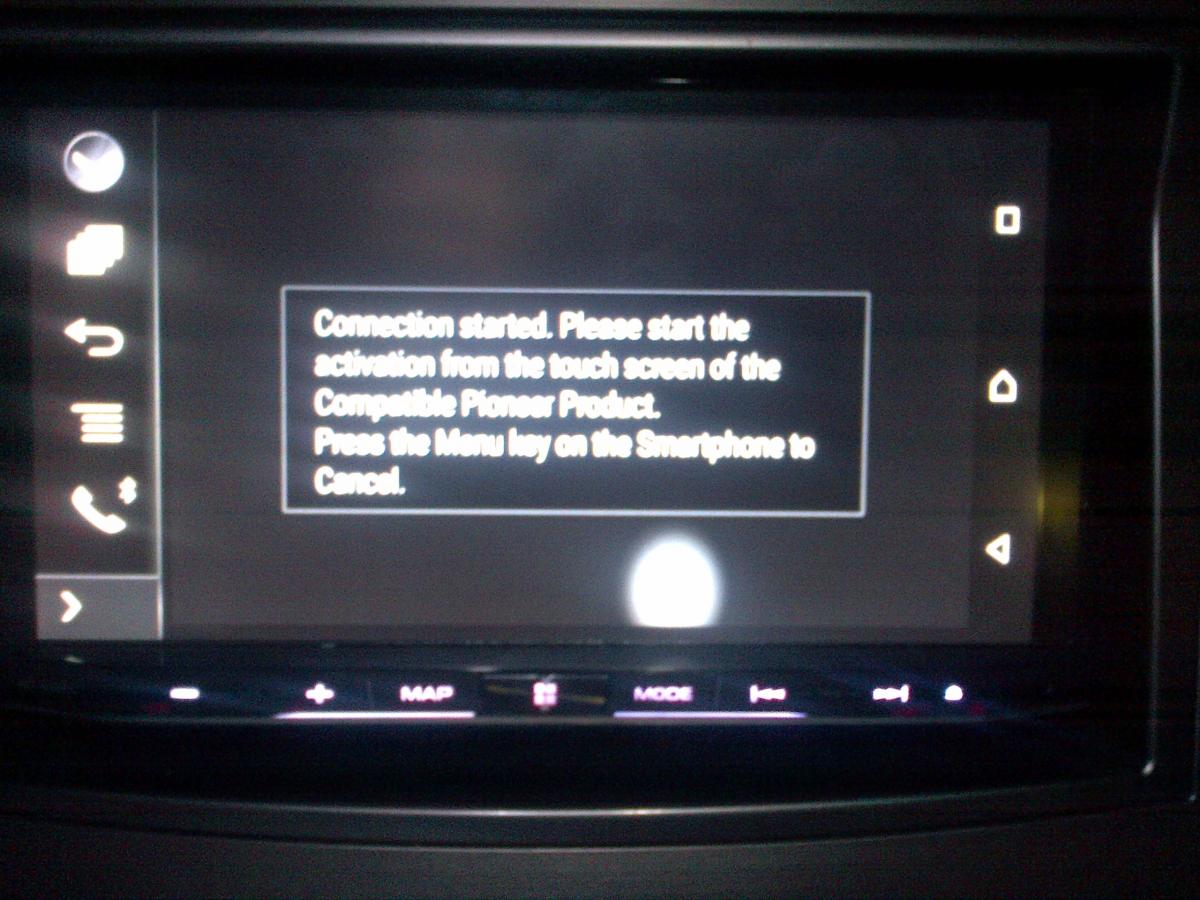
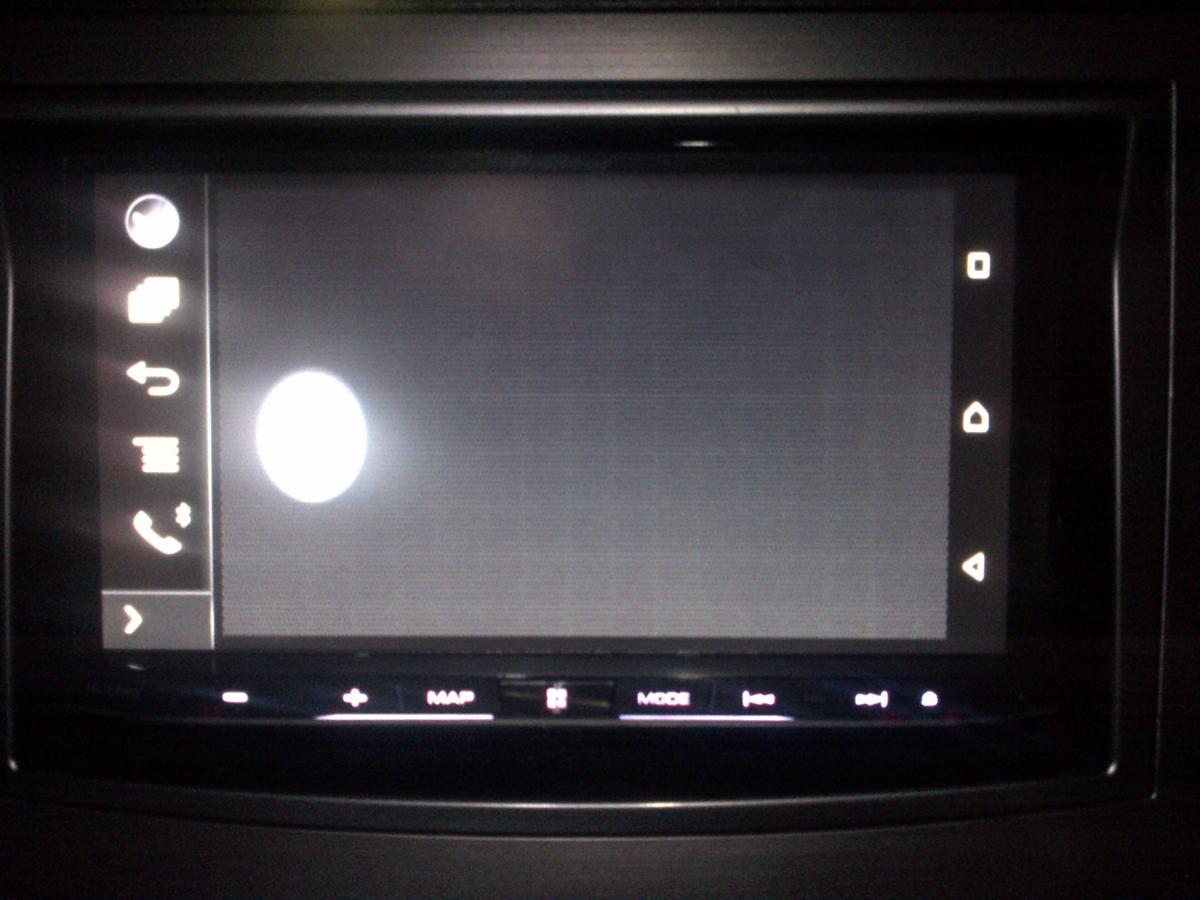
I bought an MHL adapter for my 8100NEX however I cannot get the appmode to work.


I see am gray screen with a bright dot and a message asking to press the menu key.


How often does pioneer updates firmware to add features or modify things based on user feedback? I am about to return my unit as no bluetooth audio with cable plugged in and text color in XM setting are not a deal braker for me.


no avicsync and no zoom in/out in maps.
post-67785-0-72381800-1433864860_thumb.jpg

post-67785-0-47495500-1433864869_thumb.jpg

Posted Jun 10, 2015 · 01:44 UTC#2

You left out a CRITICAL piece of information...

Posted Jun 10, 2015 · 20:12 UTC#3

You left out a CRITICAL piece of information...


lol yes he did

Posted Jun 10, 2015 · 20:28 UTC#4

I bought an MHL adapter for my 8100NEX however I cannot get the appmode to work.


I see am gray screen with a bright dot and a message asking to press the menu key.


How often does pioneer updates firmware to add features or modify things based on user feedback? I am about to return my unit as no bluetooth audio with cable plugged in and text color in XM setting are not a deal braker for me.


no avicsync and no zoom in/out in maps.
What phone are you trying to use? Do you have all the apps downloaded to the said phone? Is your phone on the supported AppRadio List? Is the Smartphone settings, set to digital adapter? etc.

Posted Jun 10, 2015 · 20:48 UTC#5

I wasn't connecting the USB cable to USB2 port. looks like it is working now.


The list of supported phones from pioneer is a totla joke. they only have phones that are more than 2 years old.

Posted Jun 13, 2015 · 14:22 UTC#6

You have to touch the white spheres as they appear on the touch screen of the head unit.


One of the most counter intuitive things ever.


Link: https://youtu.be/JuaQkR0NPJs