Search Archive

Z2 Splash Screen Overlay remove?

By Passat 05 · Nov 23, 2007in Hacks/Mods💬 9 posts👁️ 2,012 views
Posted Nov 23, 2007 · 18:13 UTC#1

Having done the Z2 upgrade, I now want to remove that overlay from the custom opening splash screen.

Replacing my CDburner in the Desktop with the new 80gigToshiba Z2 HDD now results in my machine not booting up. Post stops at a blinking cursor.

It worked fine for restoring the Z2 image to this drive.

Security was successfully removed from this drive.


Any thoughts on how to get back in to do the splash screen update? :oops:

Posted Nov 23, 2007 · 23:21 UTC#2

Maybe try to move the drive to the connector closet to the MoBo...Or use a jumper to make it slave. Also make sure that in BIOS, you have that IDE channel set to Auto.


Are you sure that you disabled the lock? Did you verify that it was removed as per the instructions?


otherwise, you could get the USB connector for it, it's way more convenient than opening your box up.

Posted Nov 24, 2007 · 02:18 UTC#3

Went to Plan "B":

Put the drive in an external hdd enclosure with USB connection and all is working fine.

I want to see if I can Replace the Overlay files (CPYCustom.bmp and CPYdefault.bmp) with my own overlay files of that same name. These include the license plate number in small letters in a corner.

I figure if it gets stolen too, then the guy buying the stolen unit will know who it belongs to. :wink:

Is he going to contact me? Probably not.

...But he'll have a hard time removing the screen or explaining it. :lol:

Posted Nov 26, 2007 · 19:26 UTC#4
Went to Plan "B":

Put the drive in an external hdd enclosure with USB connection and all is working fine.

I want to see if I can Replace the Overlay files (CPYCustom.bmp and CPYdefault.bmp) with my own overlay files of that same name. These include the license plate number in small letters in a corner.

I figure if it gets stolen too, then the guy buying the stolen unit will know who it belongs to. :wink:

Is he going to contact me? Probably not.

...But he'll have a hard time removing the screen or explaining it. :lol:


this sounds like a pretty good idea..please post your results! thanks!

Posted Nov 27, 2007 · 03:59 UTC#5
Went to Plan "B":

Put the drive in an external hdd enclosure with USB connection and all is working fine.

I want to see if I can Replace the Overlay files (CPYCustom.bmp and CPYdefault.bmp) with my own overlay files of that same name. These include the license plate number in small letters in a corner.

I figure if it gets stolen too, then the guy buying the stolen unit will know who it belongs to. :wink:

Is he going to contact me? Probably not.

...But he'll have a hard time removing the screen or explaining it. :lol:


this sounds like a pretty good idea..please post your results! thanks!


You should replace it with text that says "LoJack Tracking..." lol.

Posted Nov 27, 2007 · 04:13 UTC#6

ok when u get this done please post


and make me one please

i have a reason to have this


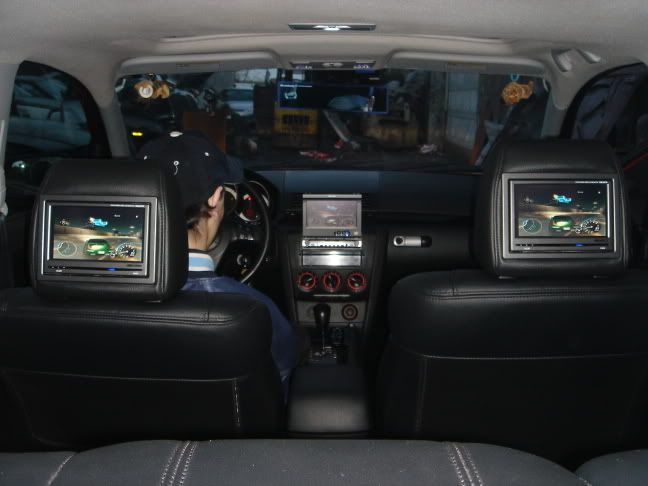
before


IMG_0944.jpg


DSC00213.jpg


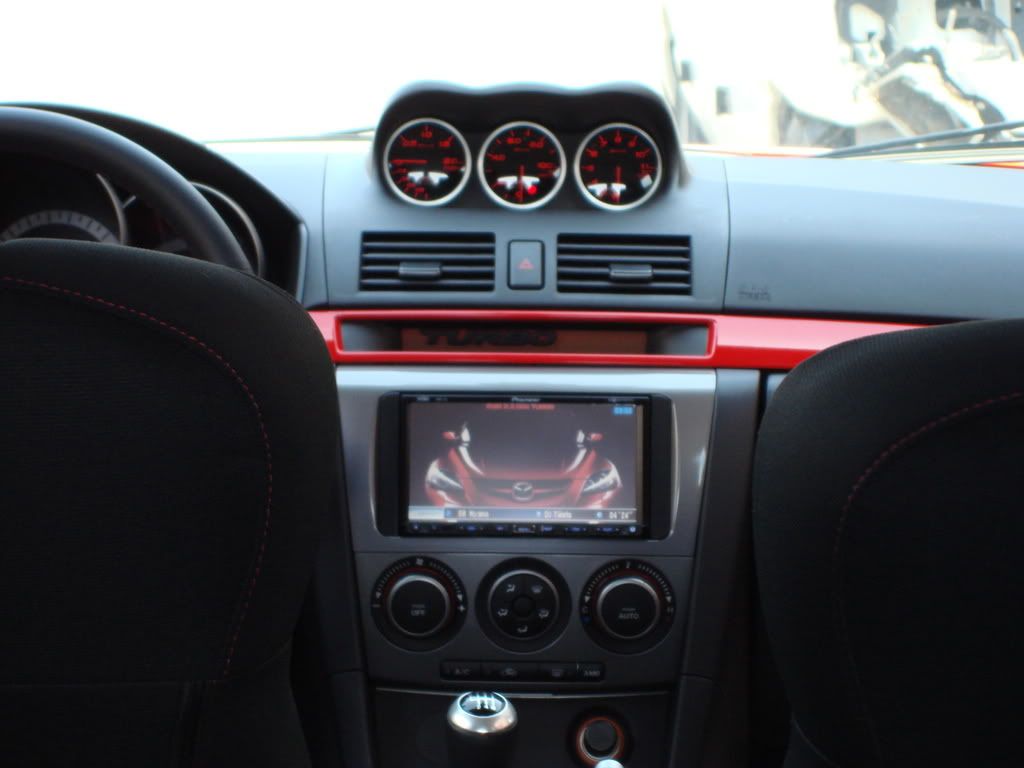
after


11-05-06_1429.jpg


11-05-06_1428.jpg


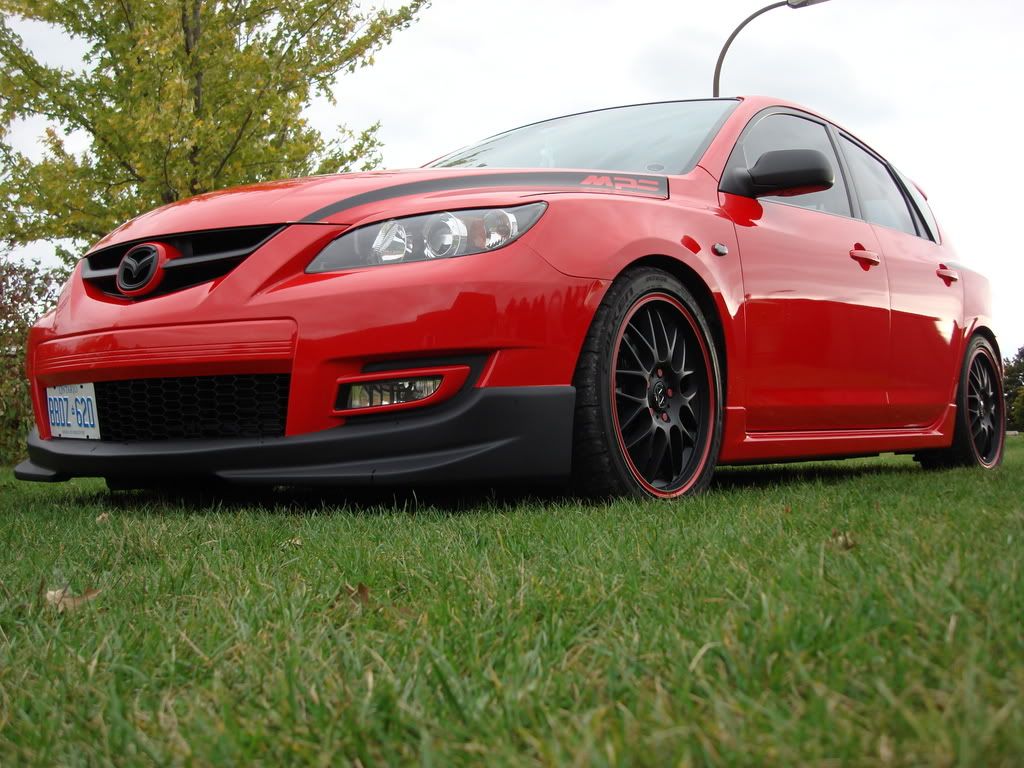
and now


DSC01913.jpg


DSC01792.jpg


DSC01276.jpg

Posted Nov 28, 2007 · 03:43 UTC#7

ouch...that made my stomach turn...What they do, take all your wires too :shock:

Posted Nov 30, 2007 · 05:18 UTC#8

they just ripped everything out, hard way.

Posted Dec 06, 2007 · 04:58 UTC#9

Ouch, wow that sucks... :cry: That yellow wire harness, did they mess up or take your air bag too?


But I like the way the car looks now. Looks like a step up then your previous setup. But I do not approve of that uninstall.