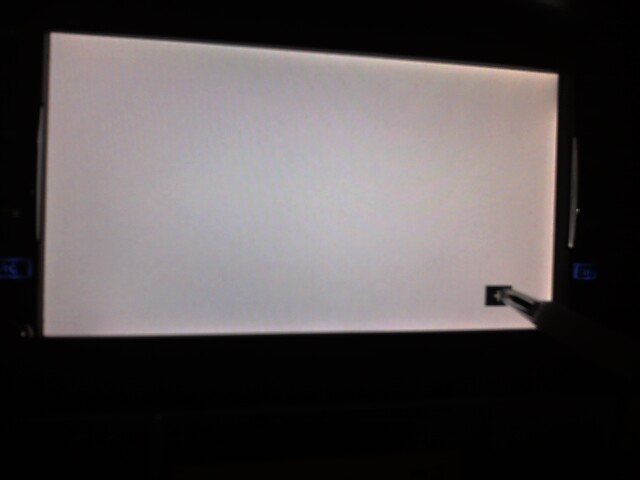
I know that this is an older thread but I had the same problem and found a solution that worked for me. Maybe it will help others.
When in the service menu and you are told to trace the white line make sure that you trace it as well as posible on the top and the bottom, but on the sides, intentionally trace 1/4" away from the line toward the center of the screen. I had to do this 5 or 6 times to get the distance correct, but now that it is the screen calibration works perfectly and I can accurately click on any button in the regular menu.
Fo those trying to get to the service menu follow the instructions here: http://www.avic411.com/forum/viewtopic. ... rvice+menu
One other thing that I am sure is obvious to most, but may not be to all: I bought a car that had this unit in it so I have no experience with it and no manual, so for those of you that may not know there are two disk slots. If you press the open key it will only show you the CD drive, but if you HOLD the open key it will continue to open and show both the CD drive and the NAV DVD drive. It is the NAV DVD drive eject button that gains you access to the service menu.
I hope that this helps someone out there.