Search Archive

Touch Screen Unresponsive

By WeApOn · Dec 01, 2008in Problems/Troubleshooting💬 36 posts👁️ 6,949 views
Page 2 of 2
Posted Dec 15, 2008 · 22:51 UTC#26

I do not have a remote starter, but I am having the same kind of touchscreen problems. I have narrowed the cause down to the volume control on my unit. Every time I move the volume up/down doesnt matter, I lose control of the touchscreen.


The only way to get it back is to press the map or menu key then it works again, until I move the volume of course.


Does this sound similar to your problems?


I never had the problem before doing some mods (probably a coincidence) but I have a PAC audio module connected and my last test is to disconnect it; I have been working with Pioneer and if that doesnt work they will deem it defective and have told me to send it in. You may want to call them and start a case to document everything you are doing to solve it. I have heard some horror stories about Pioneer not accepting some units.


I havent gotten around to disconnecting the PAC because at the moment I am sick of taking my dash apart for this thing.

Posted Dec 16, 2008 · 01:40 UTC#27

Happened to me for the first time in awhile today.

Posted Jan 07, 2009 · 23:34 UTC#28

you whats crazy i have the f700bt. when he was installing my viper 5900 alarm all of a sudden the touch screen was becoming unresponsive

Posted Dec 10, 2009 · 01:19 UTC#29

Same issue here with a toyota tundra. Using the remote start most of the time the radio comes up with an unresponsive touch screen. Anyone ever find a fix?

Posted Dec 10, 2009 · 03:35 UTC#30

To WeApOn

I have a remote start and F90BT with hard wire bypass. Everything works just fine. Try this turn key on to start but do not start your car and see if it boots up properly. Now you will see if your problem is a loss of power while your systems boots up. If your problem is still there,then It's not the the remote start. You may need to try this a few times to see if the touch screen freezes. Some starter systems will take all the power from the battery to start your car and when you let the key go back to on or run it sends power back to the Avic. It's like turning on your headlights and then start your car the headlights dim or turn off when the starter is working. P.S it takes 45-90 seconds for full boot up so wait before you start pushing the screen. It's Win CE it's slow. The 3.0 firmware is faster and has a better touch responce. Is your system bypassed ? :? Take care Jeff R

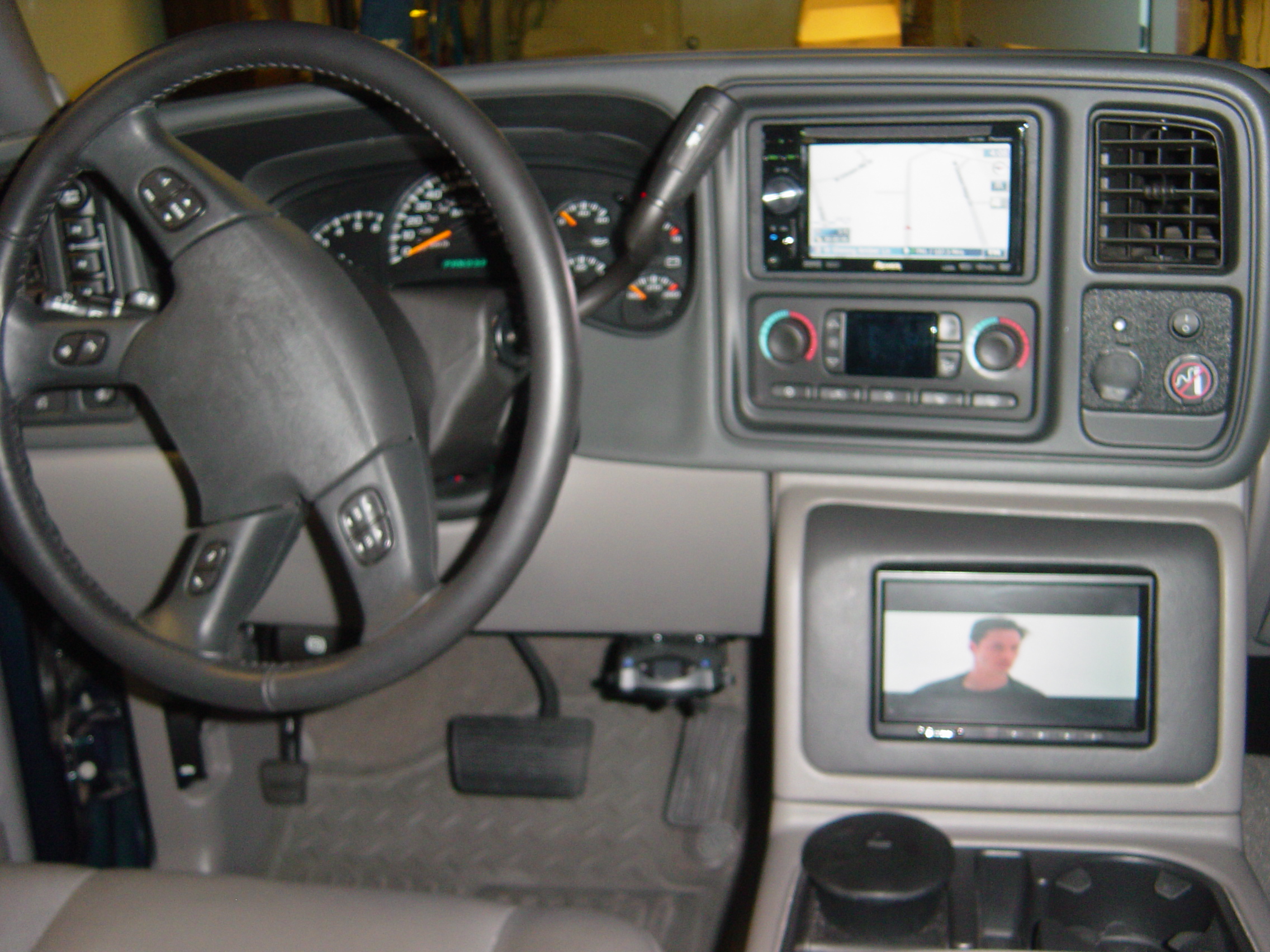
post-37027-1287276042665_thumb.jpg

post-37027-12872760433389_thumb.jpg

Posted Dec 10, 2009 · 23:19 UTC#31

Yep, when i turn the key to acc and wait a few seconds then start the radio losses power until it starts and most of the time the screen is unresponsive.

Posted Dec 11, 2009 · 00:25 UTC#32

Ok, i disabled the bluetooth and after a few test it has not locked up. I will try it a few more times with it disabled.

I currently have:

Version: HW100-SW330 RC3

f700bt


I might try the version HW100-SW290 RC3 later and see if i get any better results

Posted Dec 13, 2009 · 20:44 UTC#33

Spoke to soon. Disabling bluetooth didnt work. It is still locking up randomly on remote starts.

Posted Dec 13, 2009 · 22:37 UTC#34

Make sure that your Yellow wire on the power harness is always supplied with power regardless of ignition switch position. This is called constance power wire. It needs to always have power even with the key off.

Posted Dec 15, 2009 · 02:20 UTC#35

I used a wire harness for toyota that i got a walmart so i am assuming It is connected correctly. I will have to pull it apart and check it out, uggh.

Posted Dec 29, 2011 · 02:21 UTC#36

anyone find a solution to this problem? I am having similar issues... I have found that turning off the music first before I turn off the car gave me a better chance of it not freezing the next time I turned the car on.

Page 2 of 2