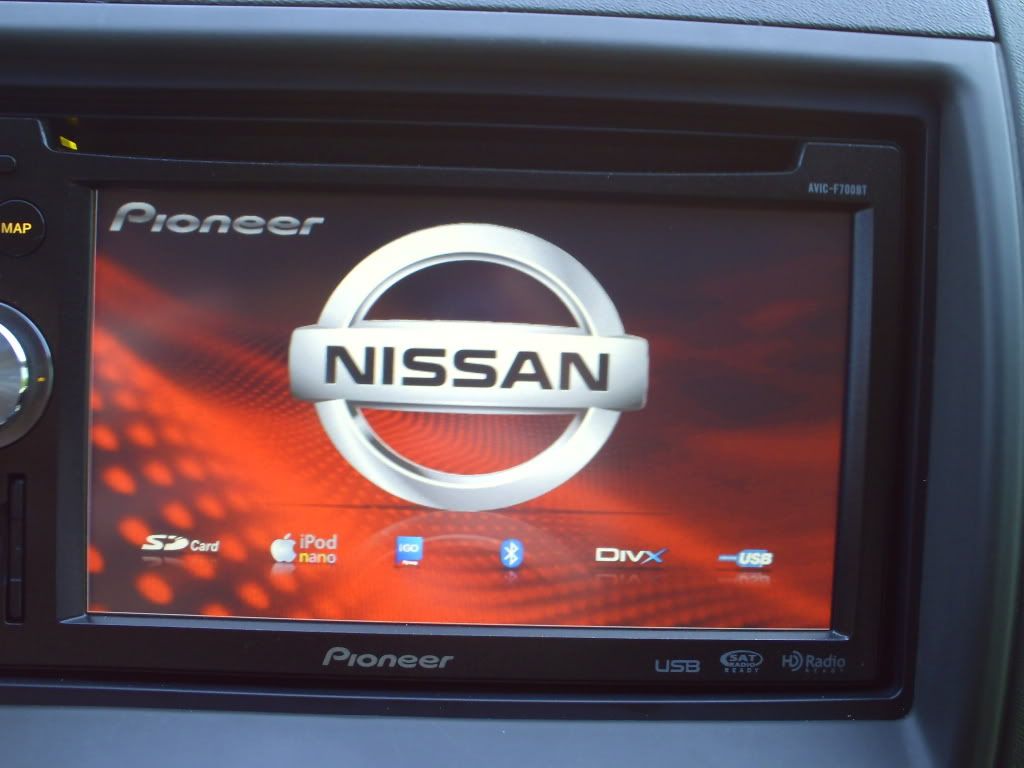
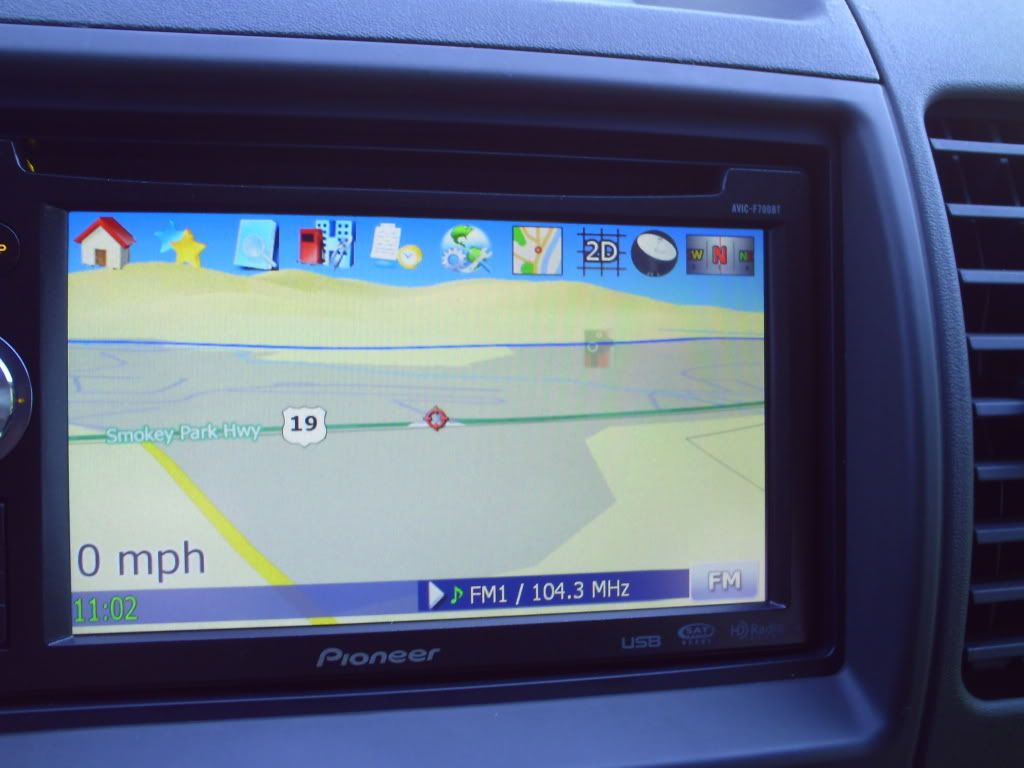
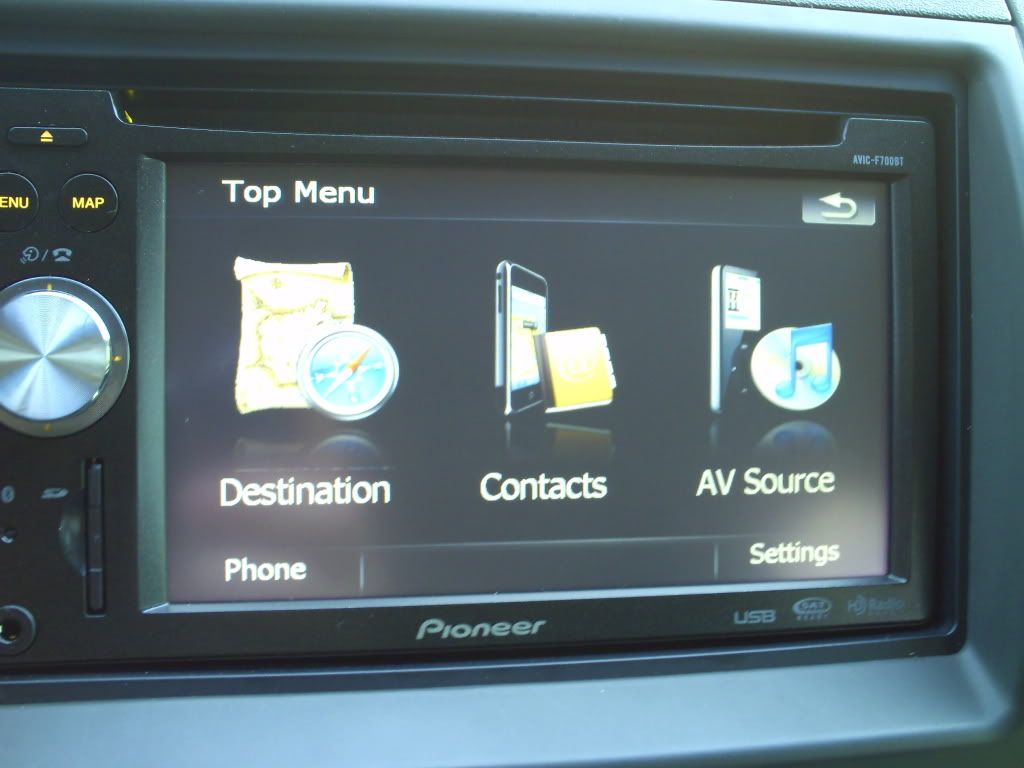
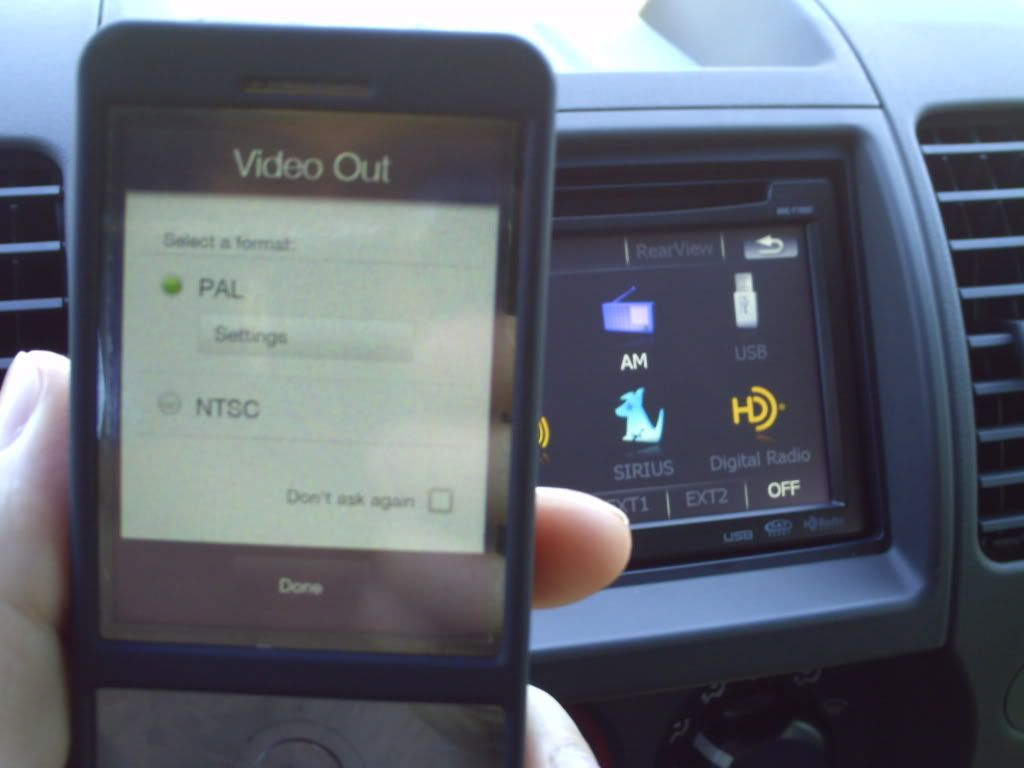
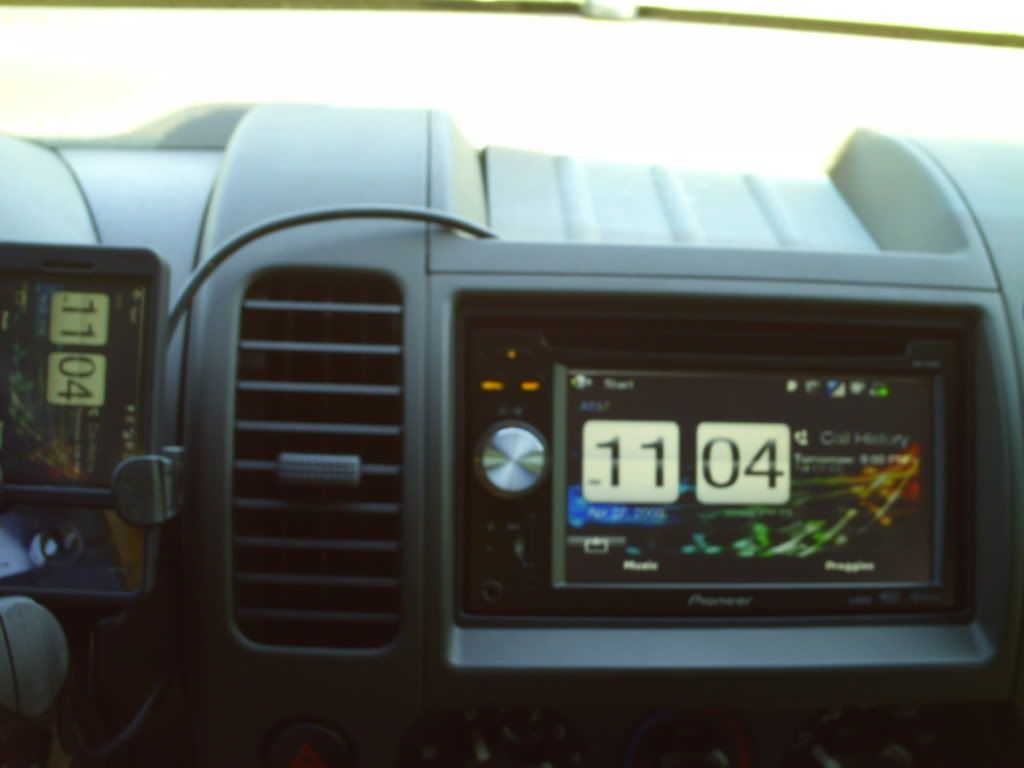
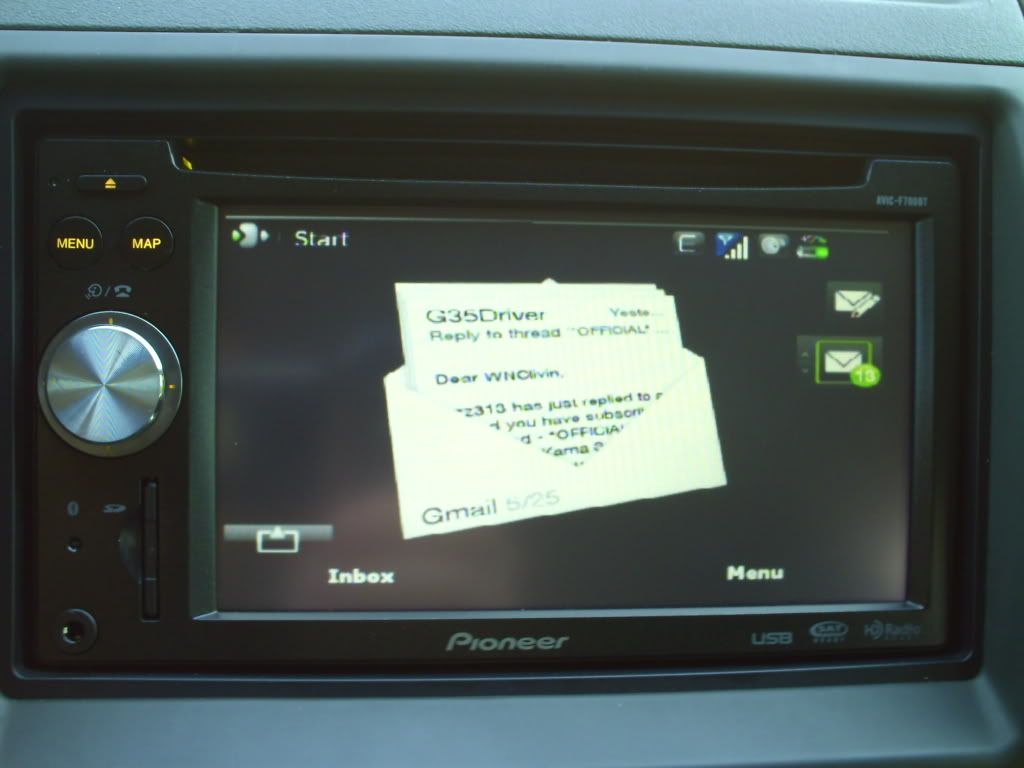
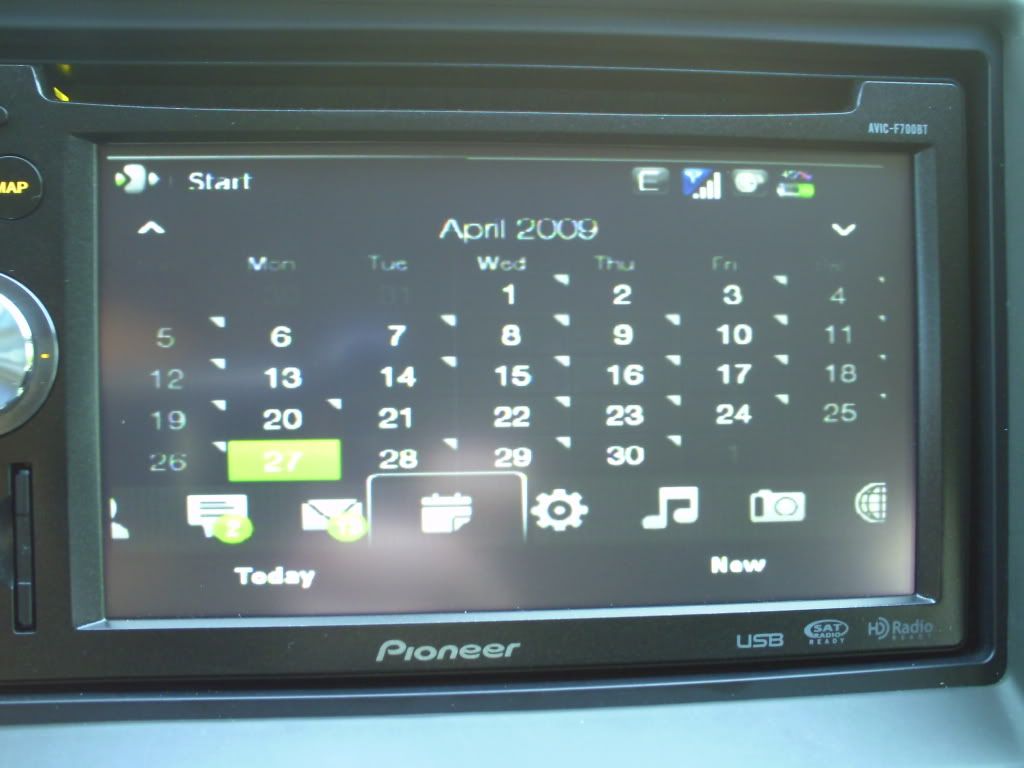
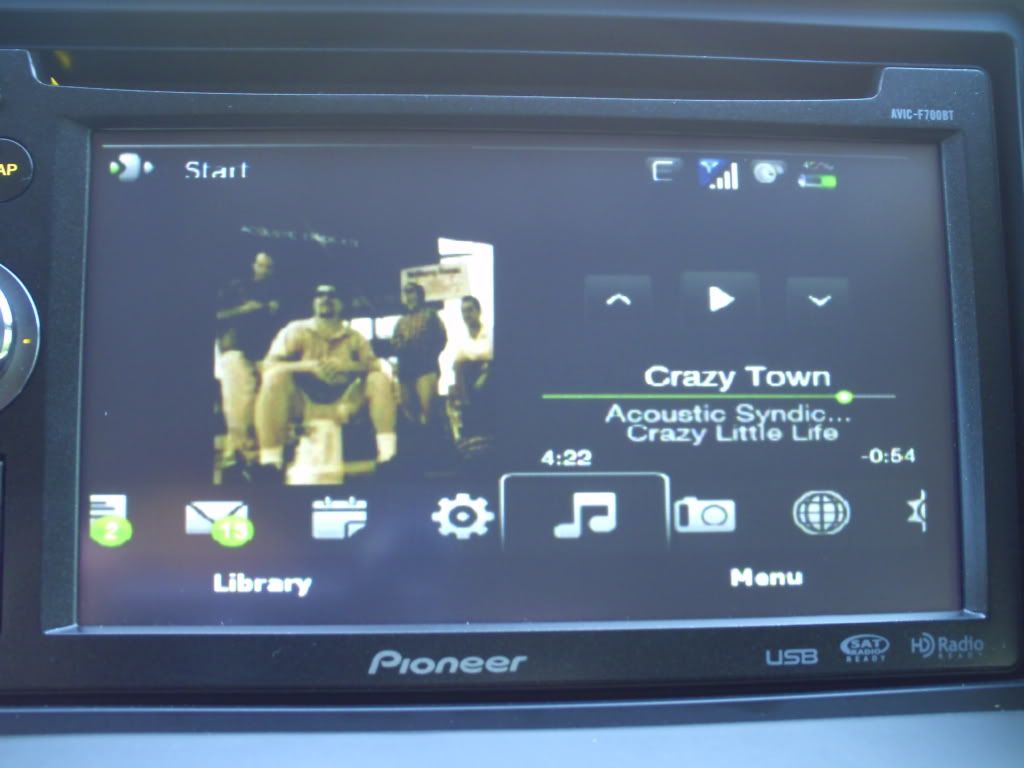
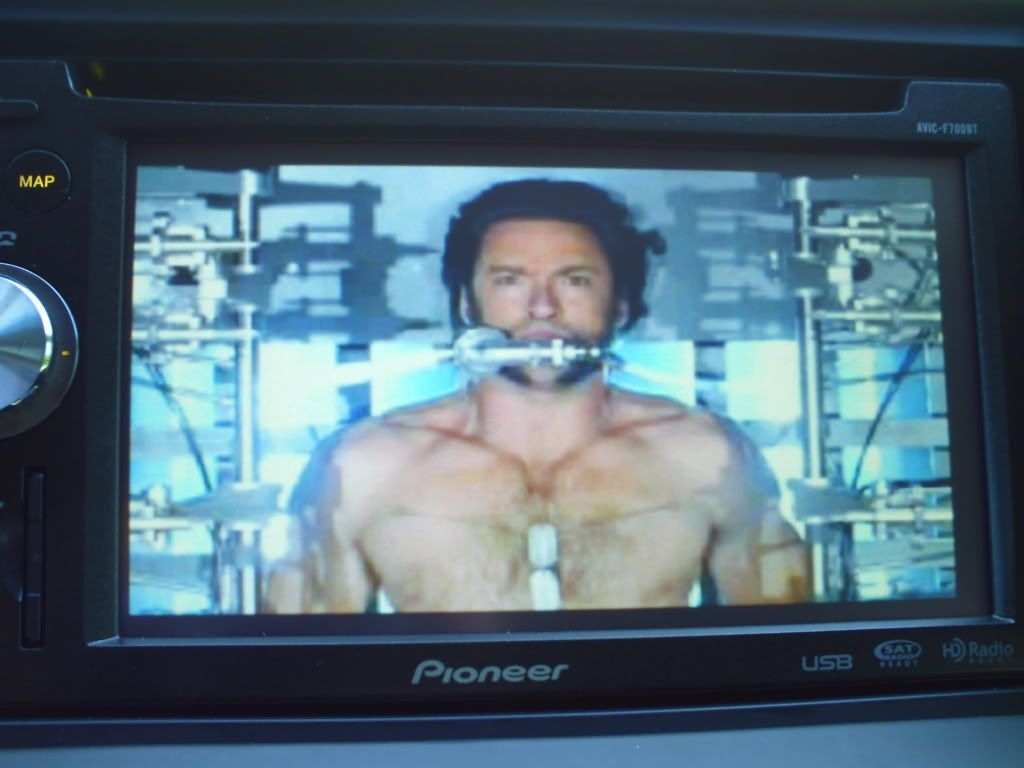
So I finally finished installing my F700BT with Artec T3AP Pro. I previously had a Pioneer single din cd player equipped with bluetooth audio streaming, a feature I DEARLY miss on my F700, but wanted a double din touchscreen for more media options. Comp-u-plus was selling brand-new F700bt's for $376 shipped so I jumped on it! I'll describe the install with the following pics...
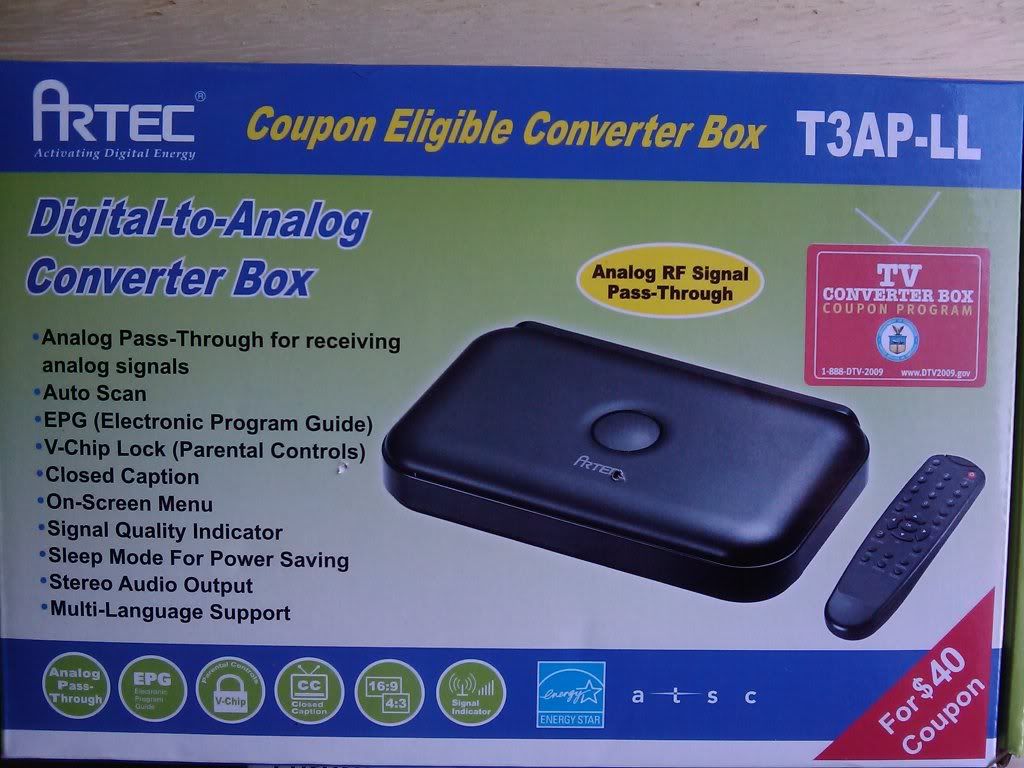
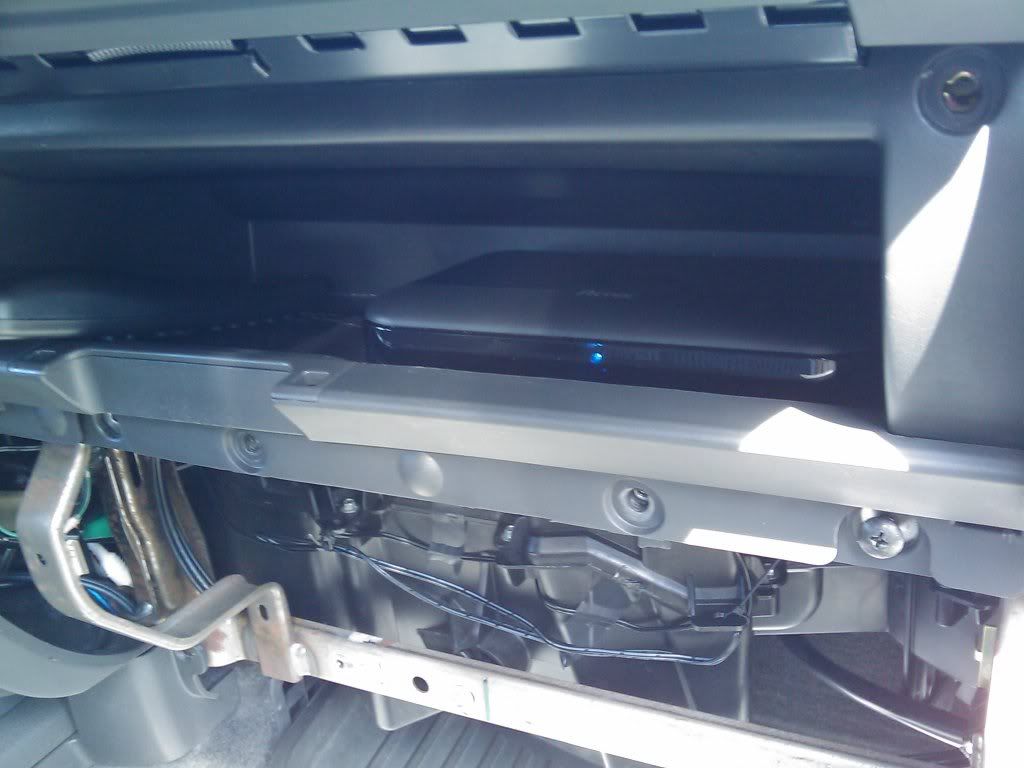
Here's the dtv tuner. It was shipped free with the government coupon. Very small and has lots of functions. I wanted to make this a mostly-stealth install so hiding the unit in my Xterra's second glovebox meant moving the remote sensor.
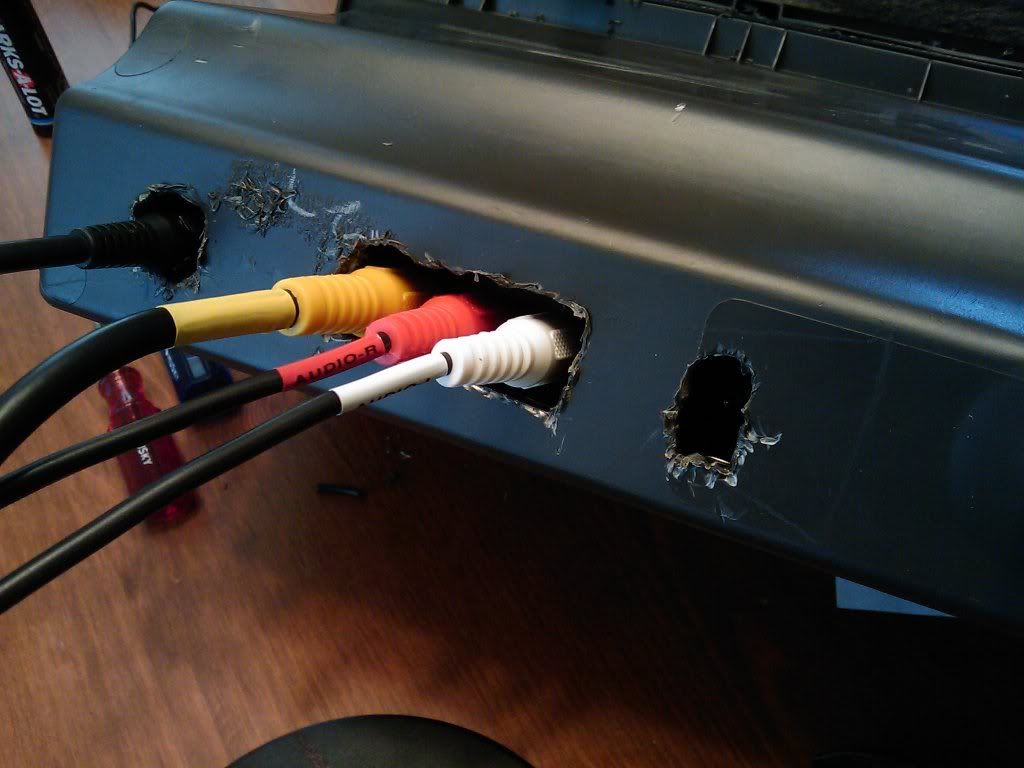
I used a 1/2" drill bit to make holes in the back of the glovebox, then finished off the openings with some sharp nippers.
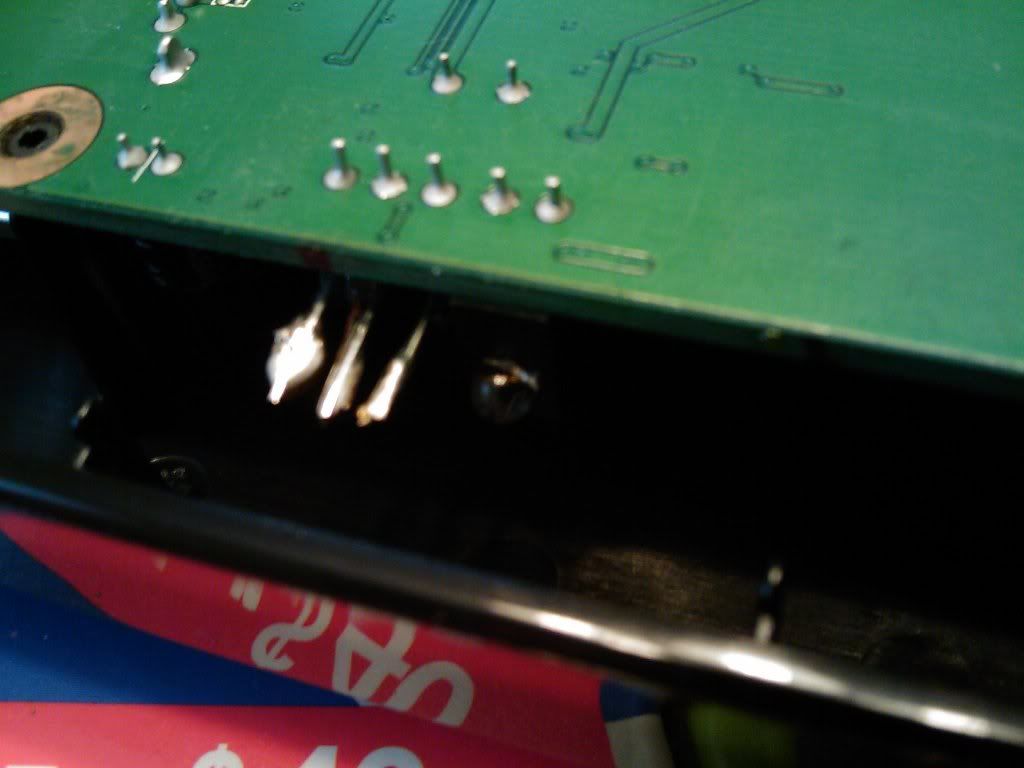
I used some very sharp fingernail clippers to gently remove the remote sensor while leaving the pins mounted to the circuit board.
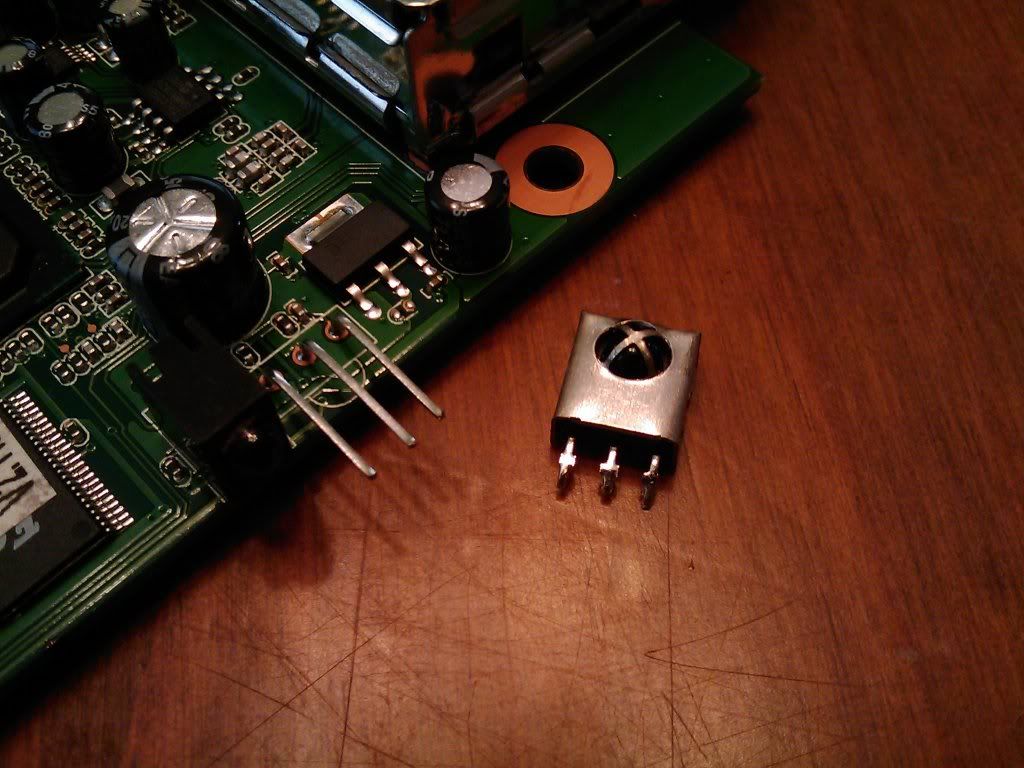
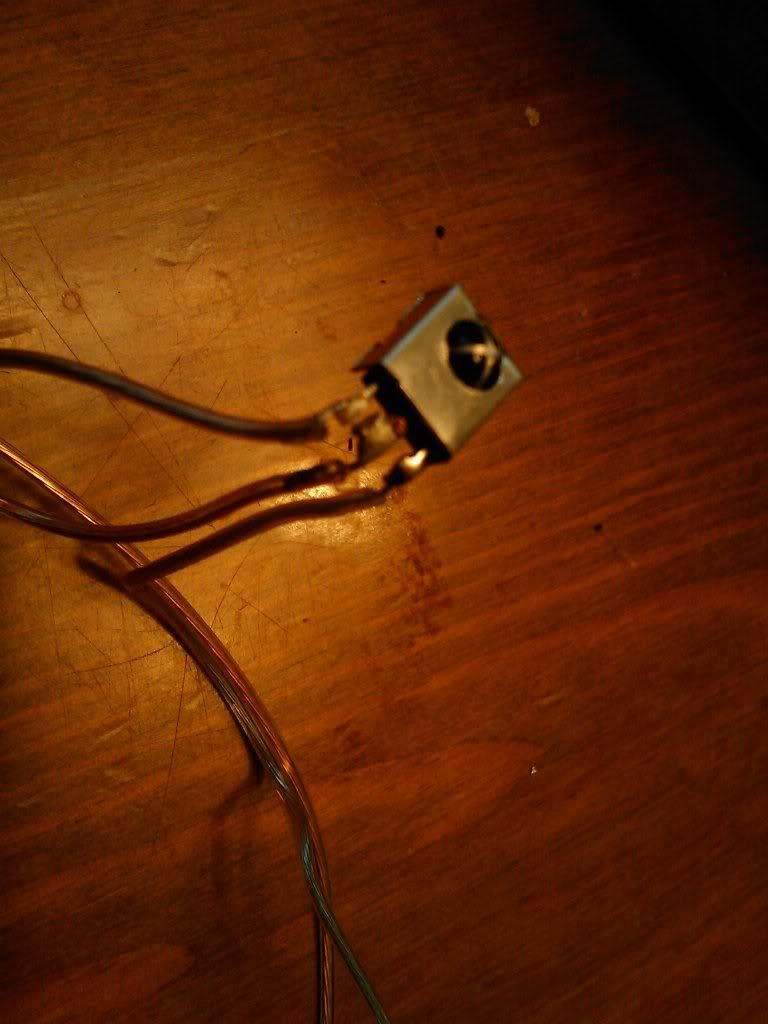
This was my first time using a soldering iron, so be nice if it doesn't look pretty  A simple connection with small guage speaker wire only took a few minutes. You can see the blue LED to the right of the 3 pins.
All wired up and ready for taping. I carefully used electrical tape to wrap around each of the 3 pin terminals, then taped around the entire thing and along 2 inches of the wire for support.
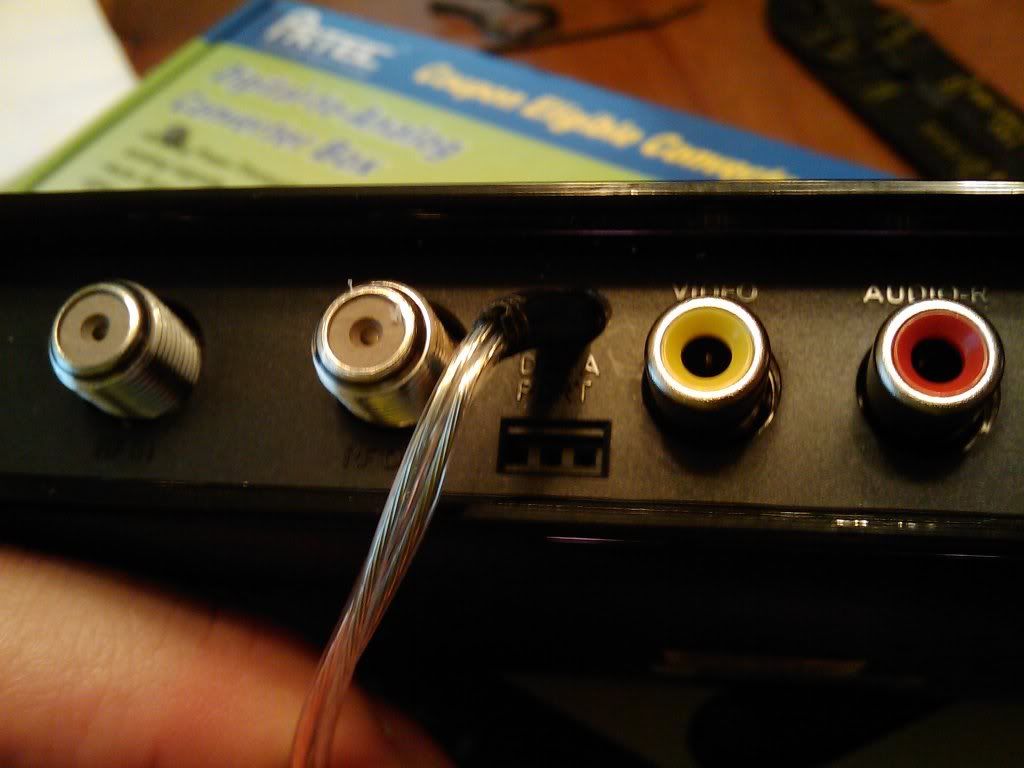
The tuner put back together...here you can see the hole I drilled above the data port for the RS (remote sensor) wires to pass through. I attached a small zip tie around the wires just inside of the unit to keep them from being pulled off the soldered terminals.
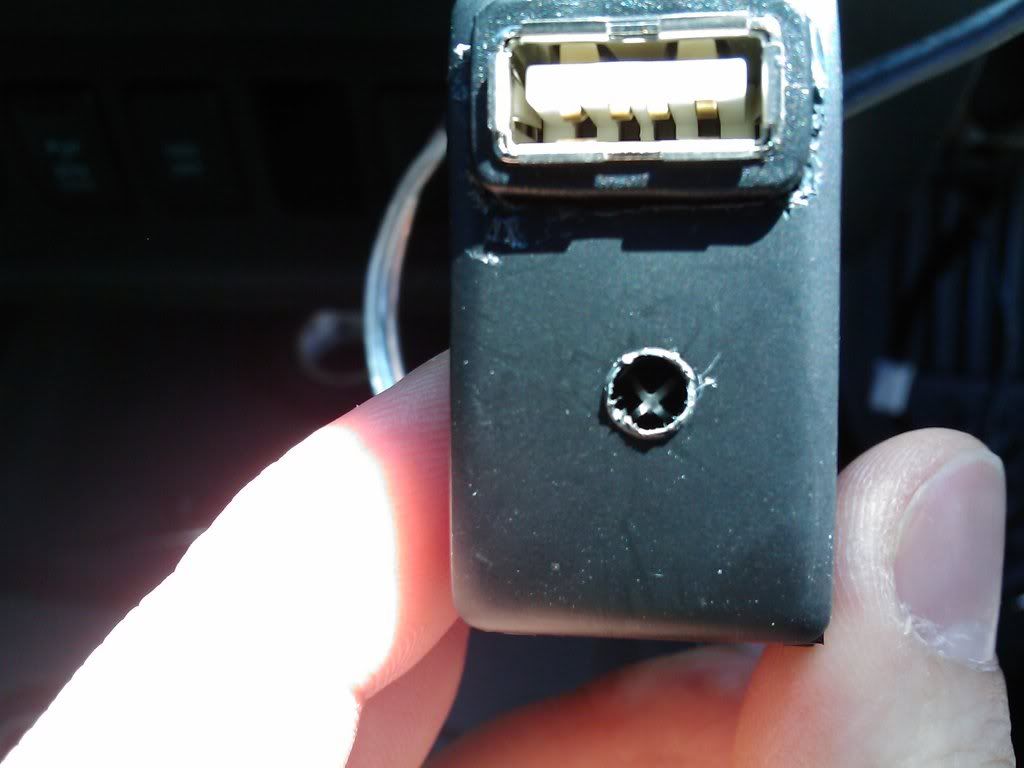
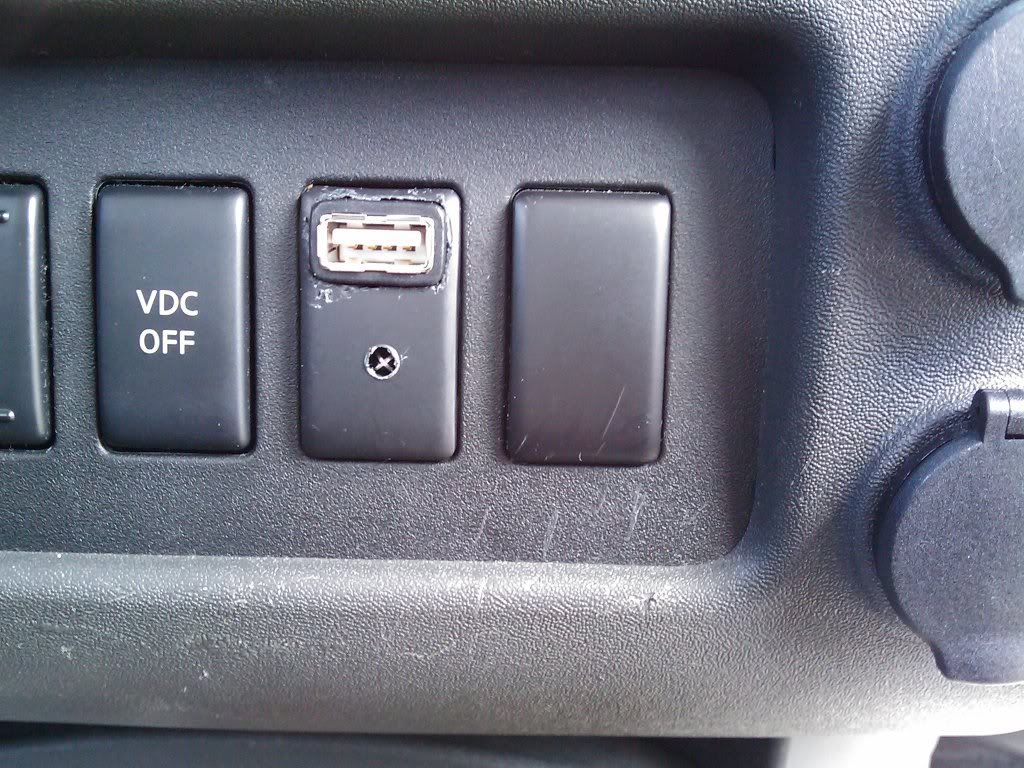
Attaching the RS to the back of the switch panel. A small drill bit was used to make the opening for the usb port, and make a small hole for the RS to see through. I stuffed some foam in behind it and secured with tape and zip ties.
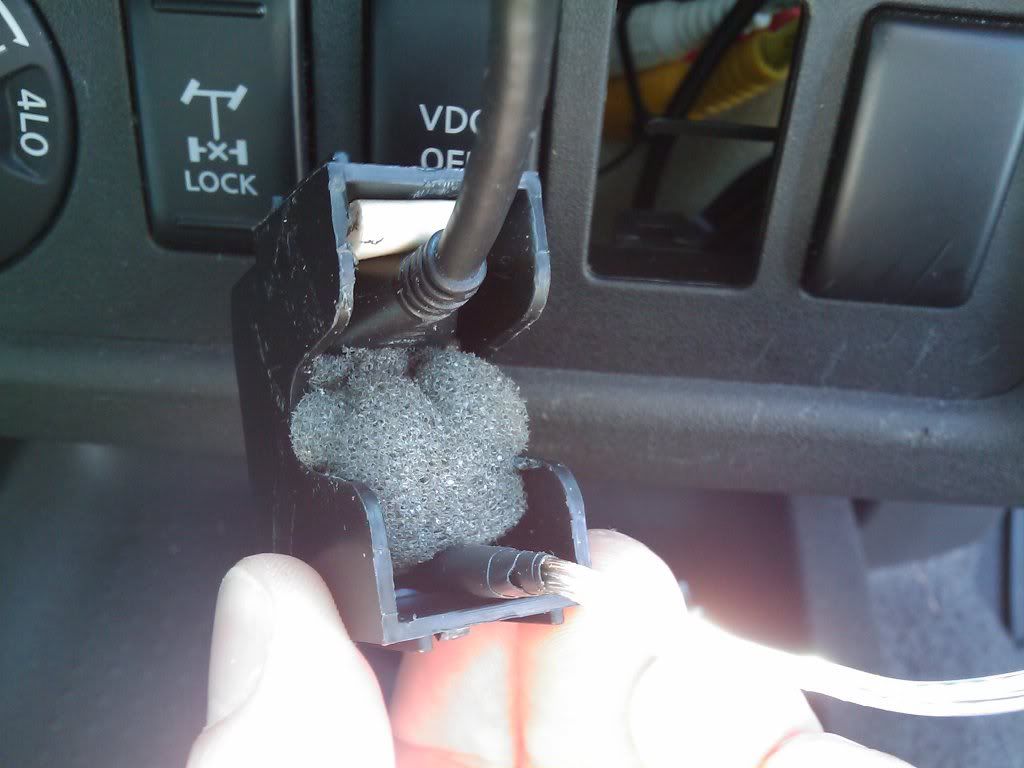
It has some scratches from the drilling, but I might use bondo spot filler to smooth it out and then paint to match the rest of the switches.
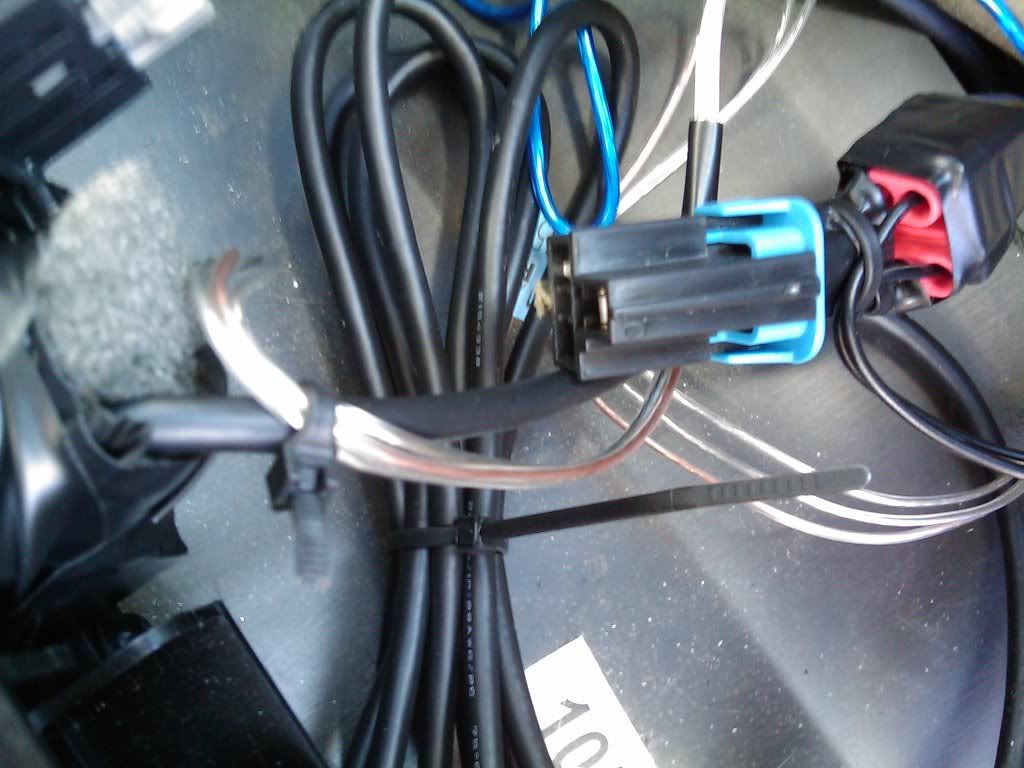
On the left you see the usb cable and RS wires leaving the back of the switch panel. On the right I used wire taps to get power from one of the cigg lighter plugs for the Artec tuner. I simply cut off the cigg lighter plug from the Artec's power cable then made the connection. No need for a power converter since this unit is 12v.
This is the Black and Decker 400watt power inverter I use for the the amplified antennas. After cutting off the cigg power plug from the supplied power cables I soldered on some smaller guage wire. Then used wire taps to get power from the cigg lighter that's inside my center console.
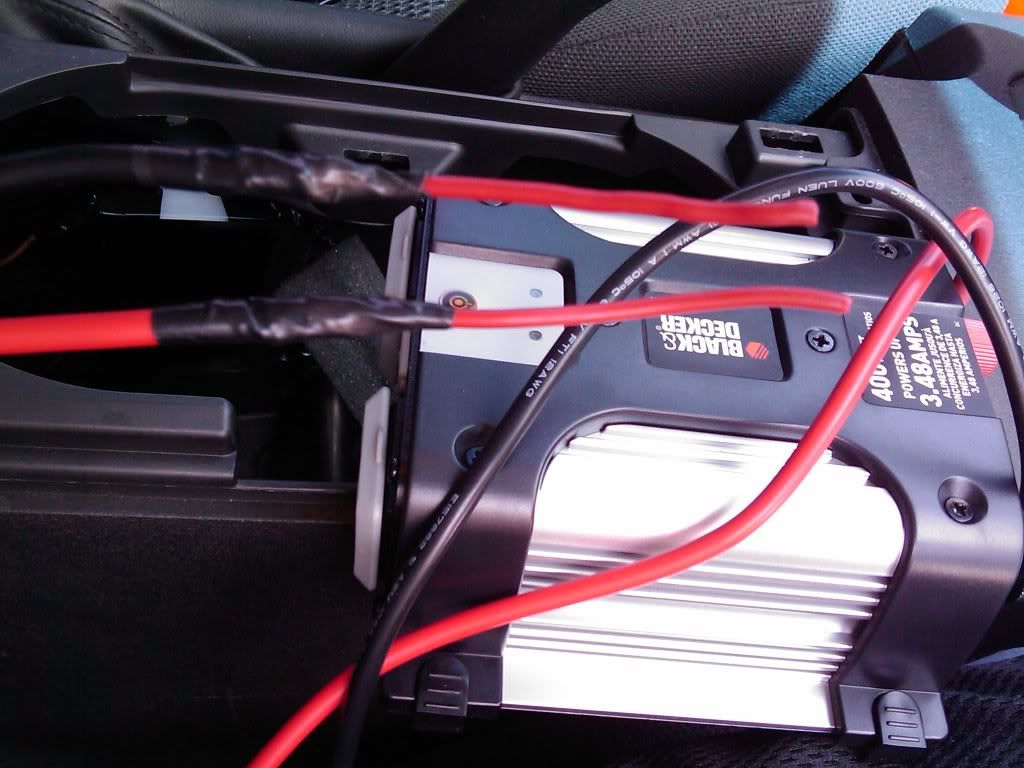
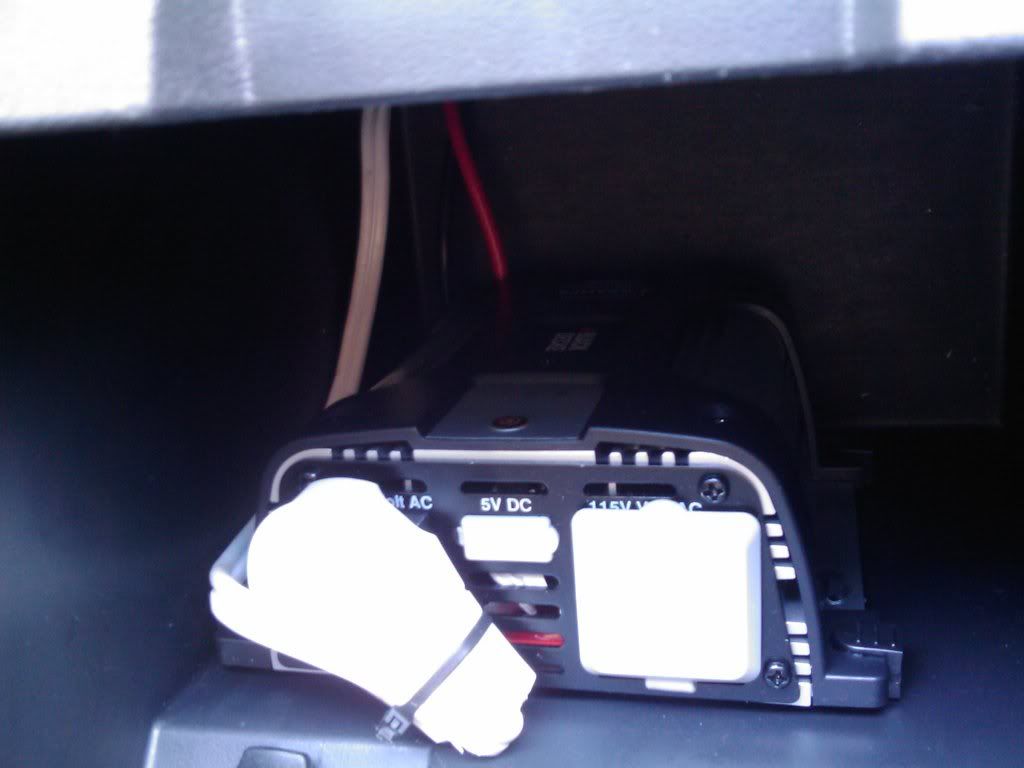
Here it is installed with a common indoor extension cable ran under the carpet to the rear cargo area to power the antennas. There's still one more grounded plug available, along with a usb port, to use in my center console. I had to mount the power inverter here to be able to press the switch and turn it on. Ideally I would like to have mounted this under the rear cargo floor but the on/off switch couldn't be removed without damaging the circuit board.
Here's the switch panel installed and looking pretty good! The usb port is very stable for inserting/removing flash drives.
A quick test powering on the Artec tuner. It runs completely silent, all you see is the blue LED when the glovebox door is open.
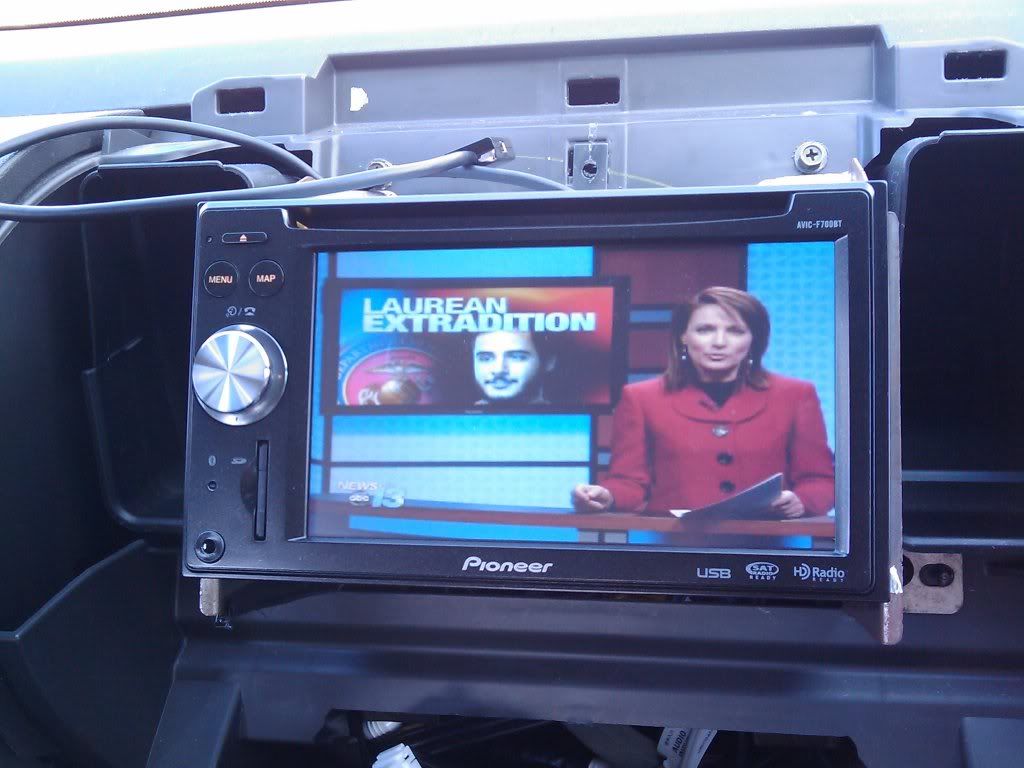
Not a bad picture of the local news  The F700 only has one set of rca A/V inputs in the rear, so I had to use Radioshack rca Y-adapters to input this tv signal AND the video out signal from my HTC Fuze. Everything is working so time to move on to the antenna mounting...
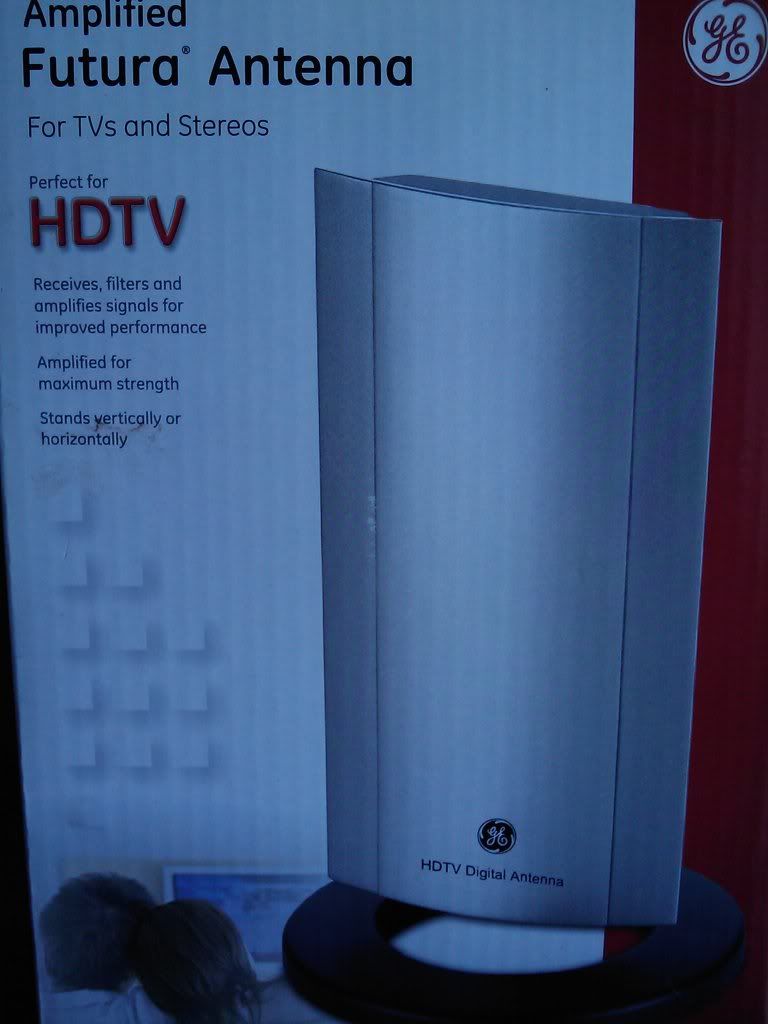
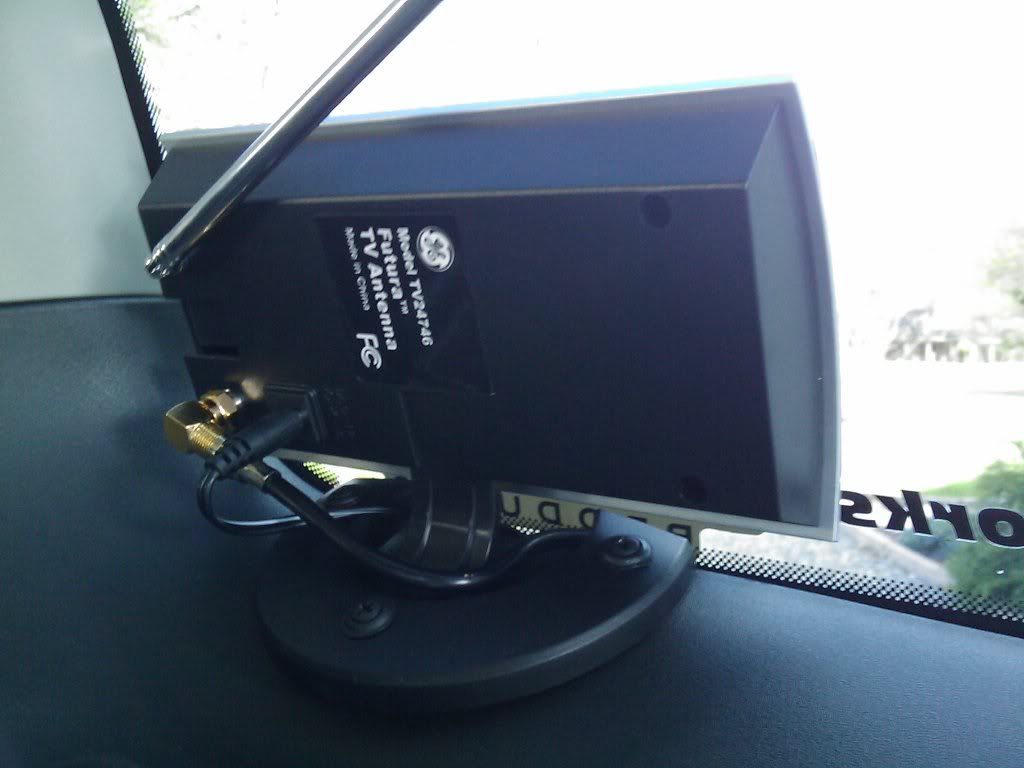
I used two of these amplified antennas. The coax cables leaving the antennas are joined with a 2-into-1 coax adapter.
Closeup of it installed at the bottom of my rear windows. I removed the weights from the bottom of the mounting brackets and cut off a semi-circle section using a jig saw. This allows them to be mounted directly against the window.
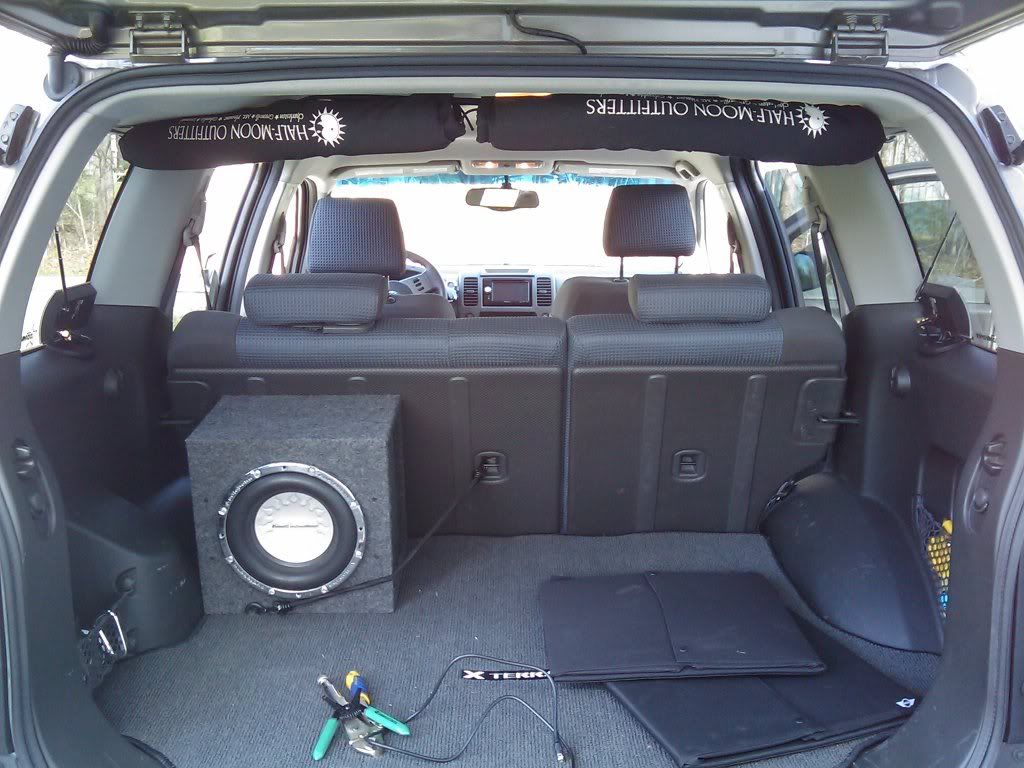
The big view. You can see these are mounted far enough up out of the way to protect them from cargo. The coax and power cables are run behind the plastic panels to where they meet with the white extension cable under the cargo floor.
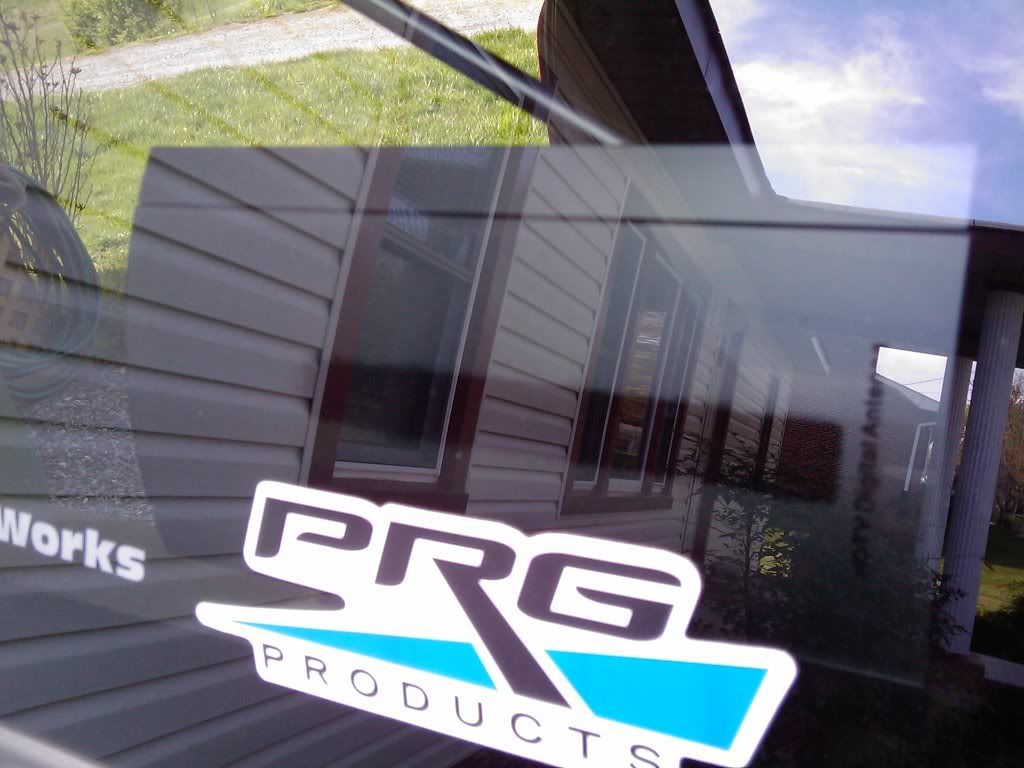
A shot from the outside. Even in direct sunlight my window tint does a decent job of hiding these.
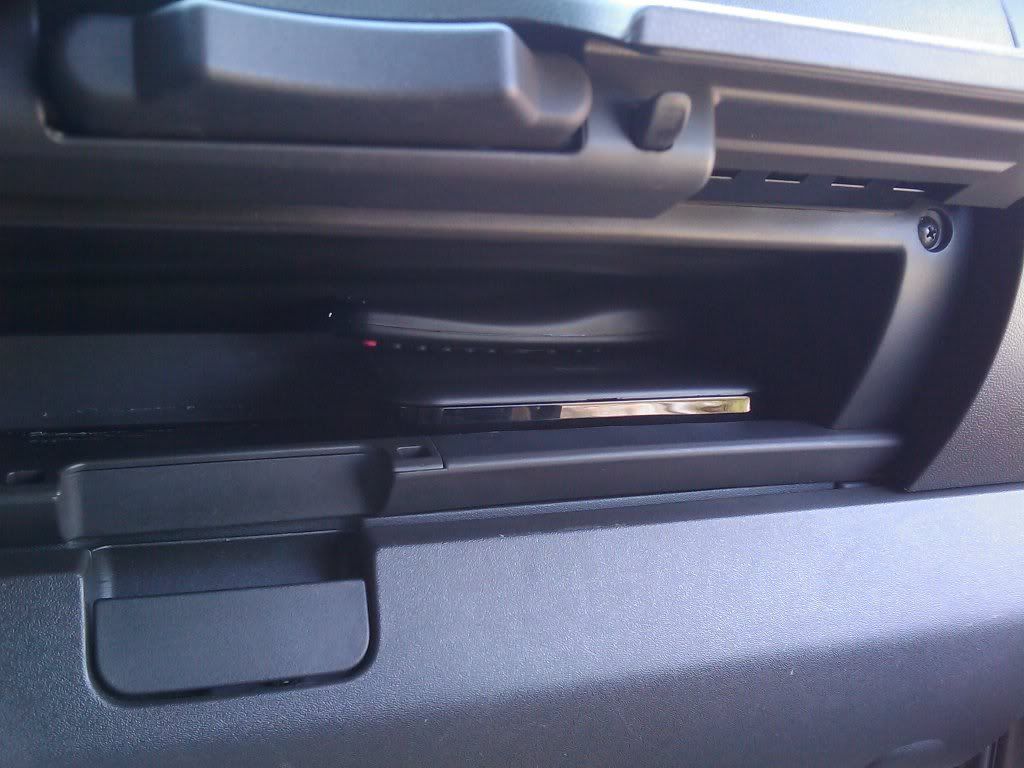
The Artec tuner installed in my upper glovebox. The remote sits on top of it when not in use, and almost half of the space is still available for other stuff.
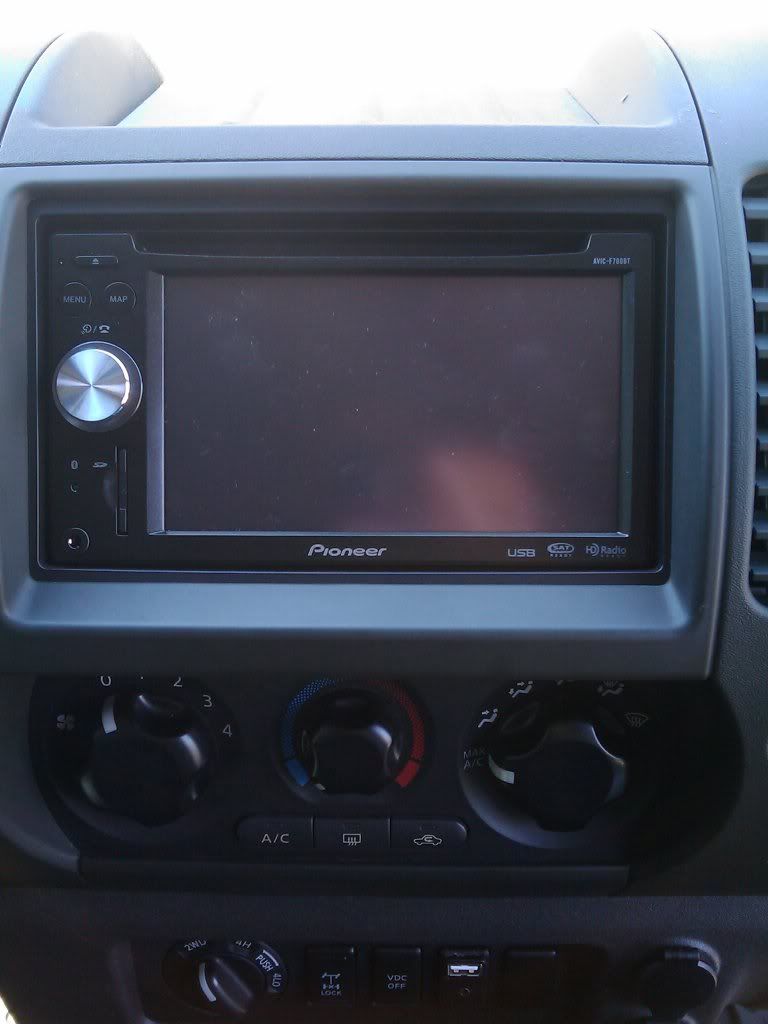
When mounted to the OEM bracket holes, my F700 was a bit too high and stuck out too much. I drilled new holes approx a 1/4" down and 1/4" back for a nice centered fitment. A guy a Bestbuy gave me the double din trim piece which I secured to the F700 with electrical tape.
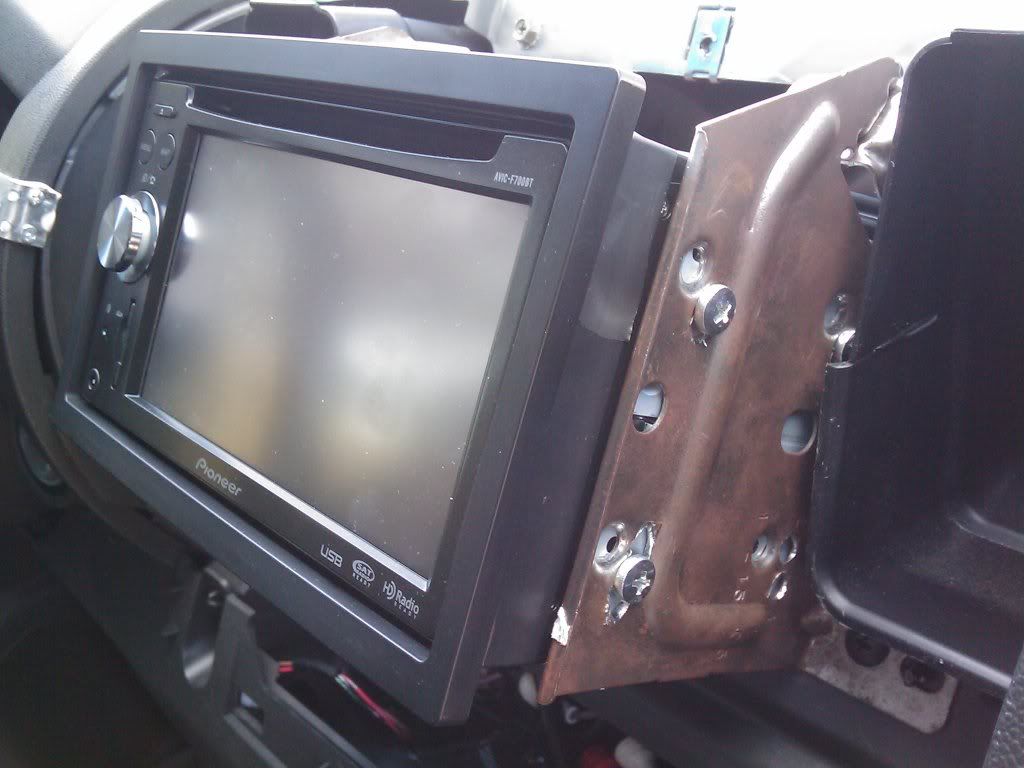
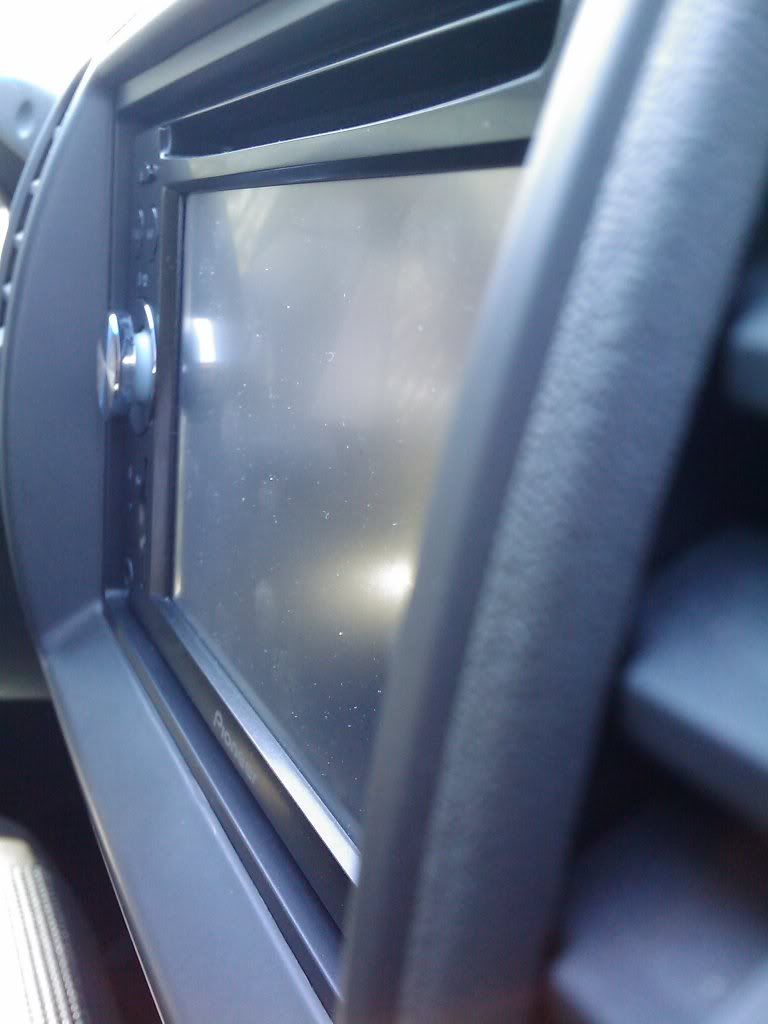
Here you can really see how far back it sits in the opening, I like it much better. In the future I might use some bondo and paint to join the trim with my Xterra's center stack panel.
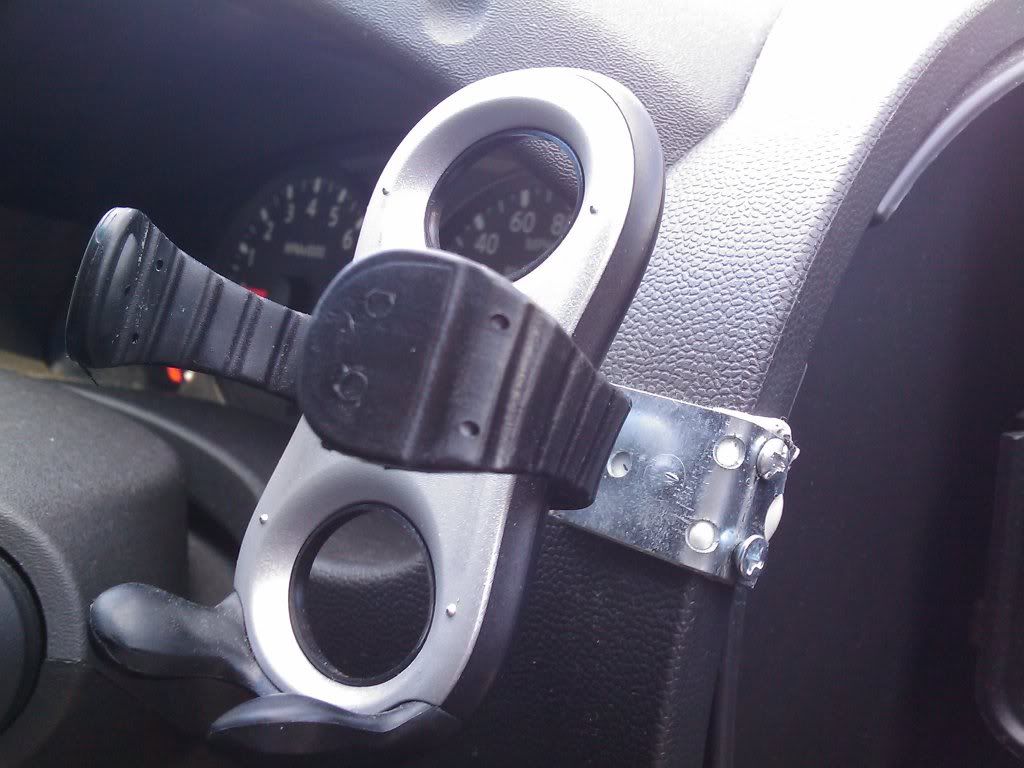
This small universal phone/mp3 player mount holds my HTC Fuze. The arms are adjustable and rubber-coated. I made the bracket to attach to the inside of the dash so no holes had to be made where they'd be visible if I removed it.
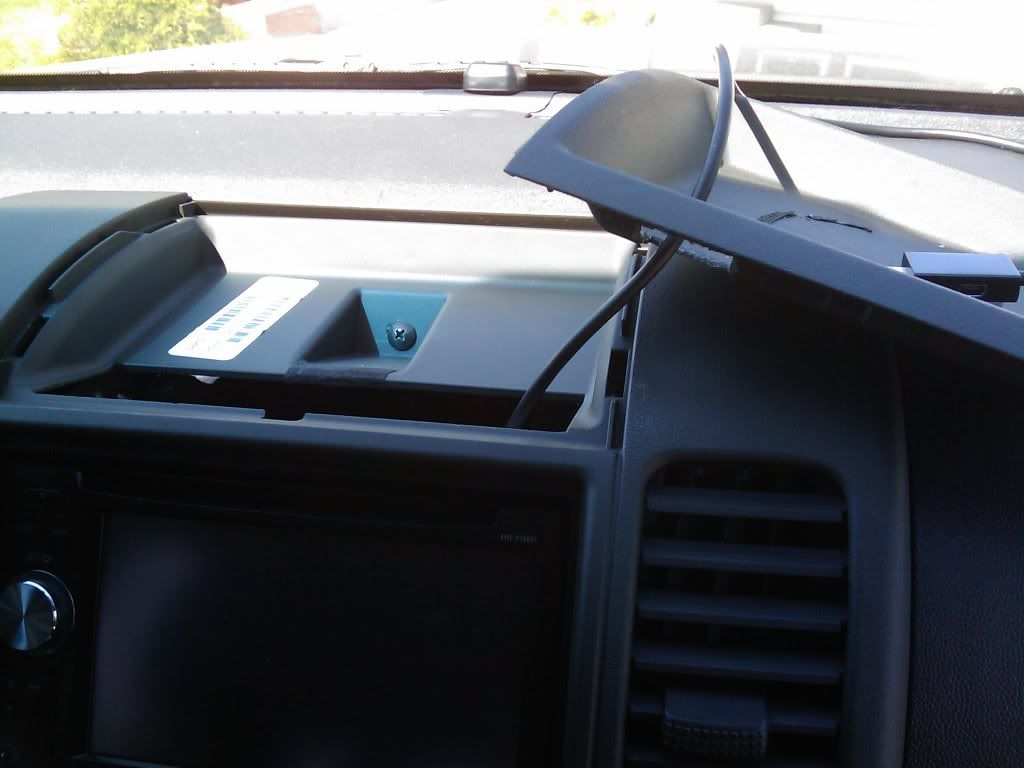
Finally I used a 1/2" drill bit to make an opening in the top tray for the Fuze's video out cable to pass through. The cable can be hidden under the tray's small rubber liner when not in use.
Shot of everything put back together. It was a lot of work, but the result of having a custom installation that fits and functions perfectly was worth it.
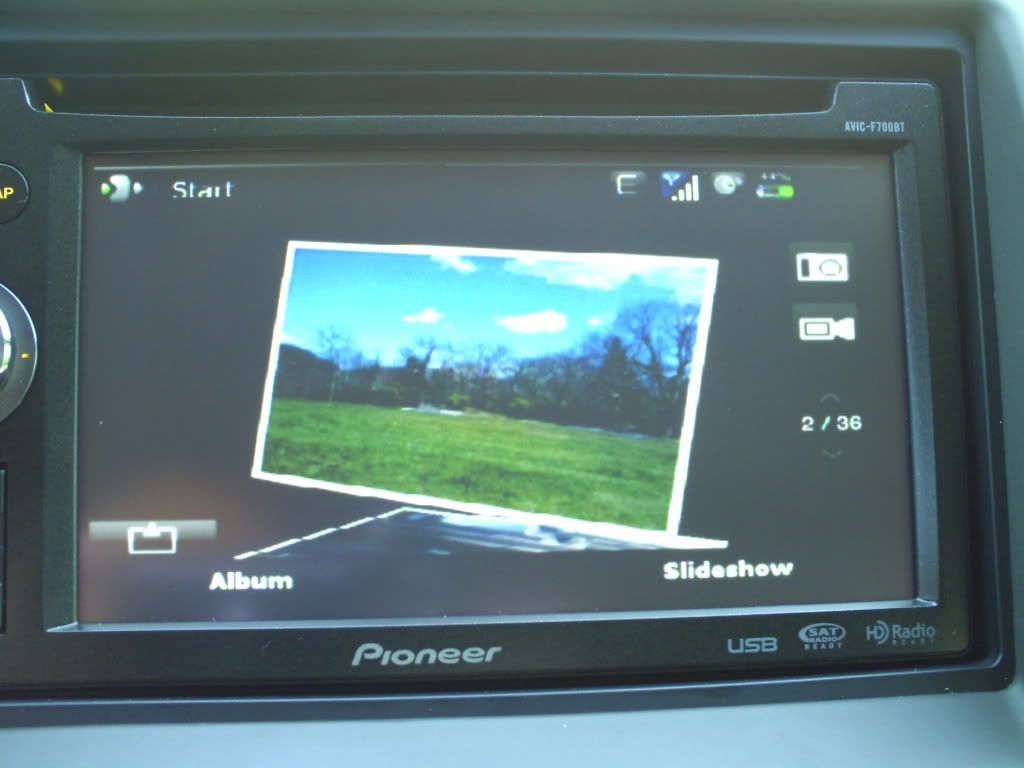
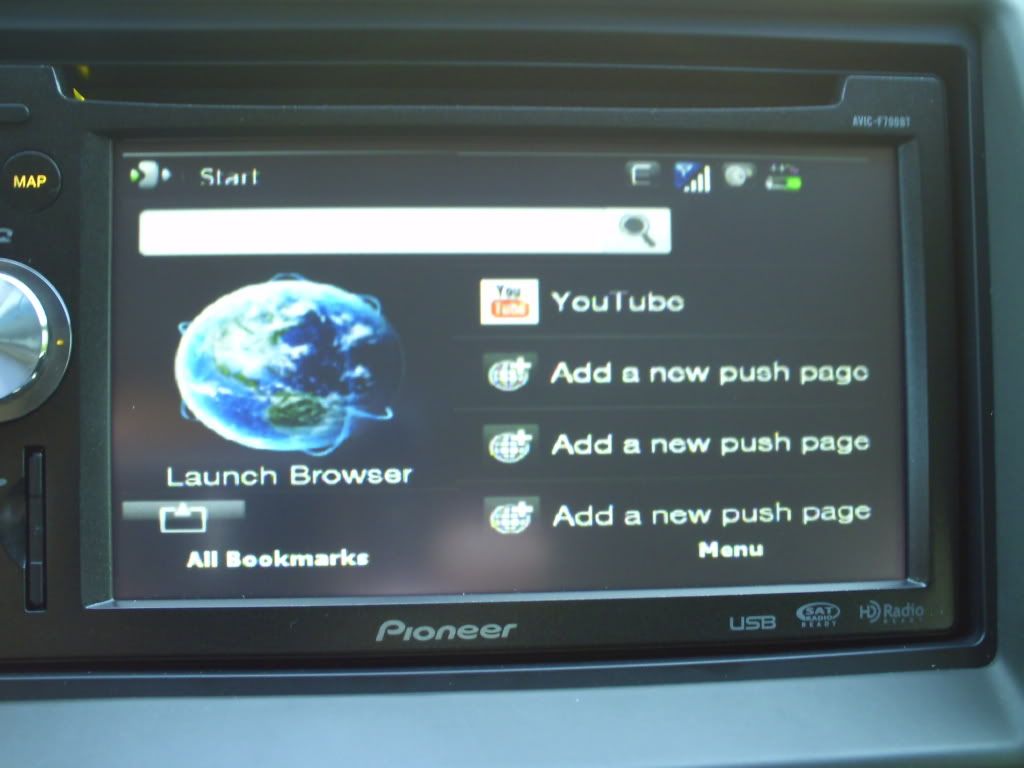
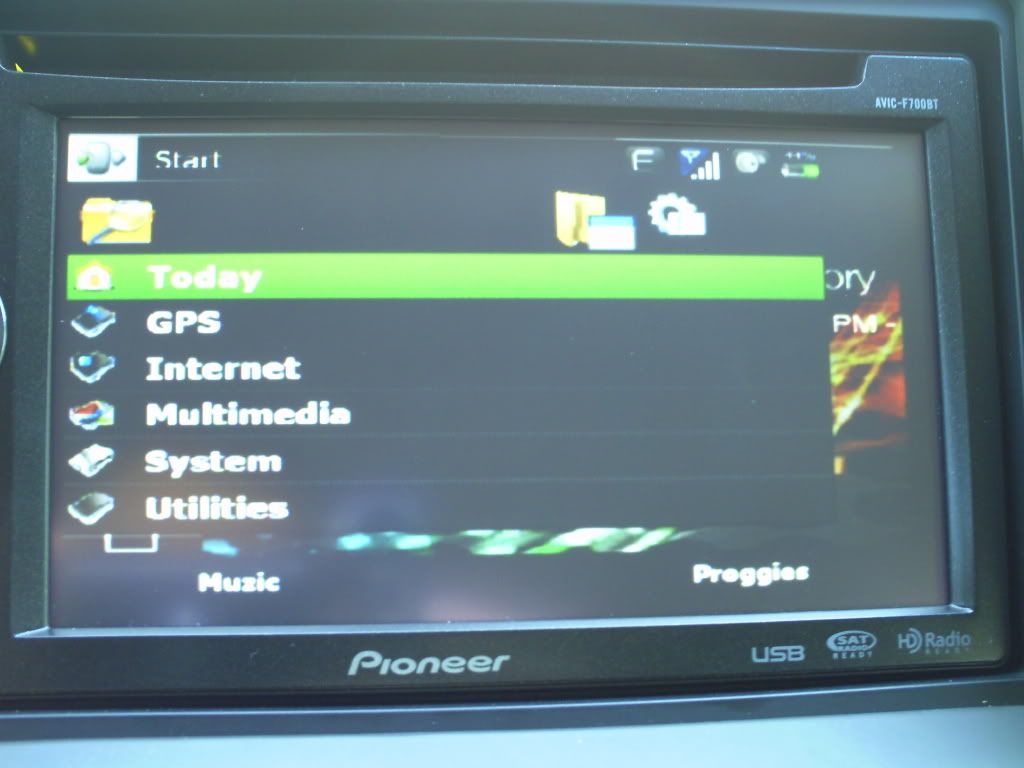
I'm not sure why, but the right side of my pics are being cut off...sorry! In the next post I'll show some screenshots of my Fuze connected to the F700....