Search Archive

Backgrounds

By Navyguy · Jun 28, 2006in Hacks/Mods💬 9 posts👁️ 3,250 views
Posted Jun 28, 2006 · 03:42 UTC#1
Steve,

Would you mind making two with the wood background for the attached Ford png files?
Attached Files (2)
ford.png
ford.png
ford_f150.png
ford_f150.png
Posted Jun 28, 2006 · 12:51 UTC#2
Sure, no problem. They are backgrounds. Not boot images. From what I read, if you unlock your hard drive it's a BMP file, not a JPG file for the boot image, but it's the same resolution. So you could convert these to BMP and replace the boot up screen if you were that inclined. But you can burn those to a CD in the folder "Pictures" and they will work as backgrounds for nav and AV. Me, personally , I needed to have a "fluff" directory on the cd as well to make the size over 100 megs before the cd would read in the Z1. Enjoy.
Attached Files (2)
Ford1.jpg
Ford1.jpg
Ford2.jpg
Ford2.jpg
Posted Jun 28, 2006 · 12:55 UTC#3
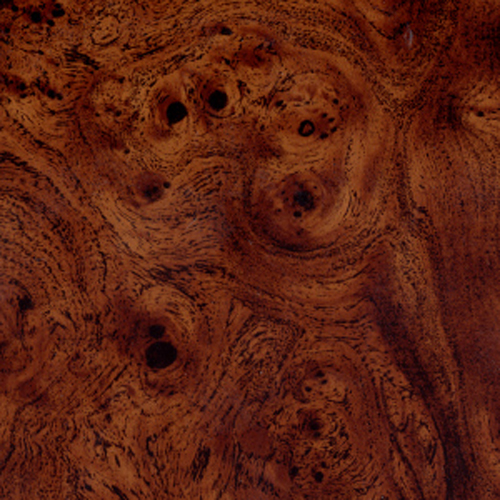
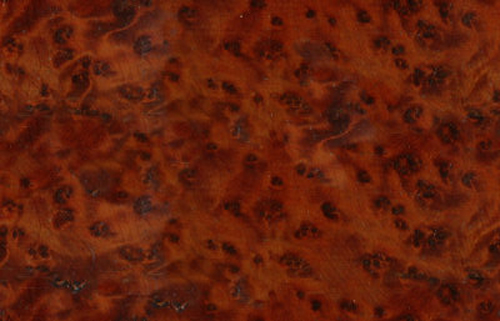
I found these 2 images for background "wood" on the internet, they look pretty good and are ready for a 500 pixel wide background image. Personally, I took Pulp_Fiction's post with the orca whale, opened it up in photoshop and then created a new picture with that as the template to get the right resolution and pixels/inch. I don't know if that all matters, but I think the resolution does.
Attached Files (2)
woodlook.jpg
woodlook.jpg
BurrWalnut.jpg
BurrWalnut.jpg
Posted Jun 28, 2006 · 12:57 UTC#4
Oh and I found this which seems to be a decent background as well. Doesn't look as good in my lincoln, but it looks pretty good. I can merge this as a background for the logos as well.
Attached Files (1)
brushedmetal500.jpg
brushedmetal500.jpg
Posted Jun 28, 2006 · 15:12 UTC#5
ducatiboy said:
Sure, no problem. They are backgrounds. Not boot images. From what I read, if you unlock your hard drive it's a BMP file, not a JPG file for the boot image, but it's the same resolution. So you could convert these to BMP and replace the boot up screen if you were that inclined. But you can burn those to a CD in the folder "Pictures" and they will work as backgrounds for nav and AV. Me, personally , I needed to have a "fluff" directory on the cd as well to make the size over 100 megs before the cd would read in the Z1. Enjoy.


Thanks again for the hard work and support.
Posted Jun 28, 2006 · 15:50 UTC#6
Navyguy said:
Thanks again for the hard work and support.


You are welcome. Is that a good background? I think it looks real nice, but the burl wood matches my interior. It might not match yours. If you (or anyone else) wants to scour "google images" or somewhere else on the internet and finds a cool background (like what Cirbirus found: http://www.avic411.com/forum/viewtopic.php?t=737 ) or something they would like behind a logo, feel free to post it. I'm sure that there are textures out there which would match your interior or something.
Posted Dec 31, 2007 · 21:16 UTC#7
Anyone know where to put all of my JPG's on the harddrive for backgrounds so I don't have to put the disc in to change them? For the splash and for normal backgrounds
Posted Jan 04, 2008 · 14:04 UTC#8
They are BMP files not JPGs. You make JPGs for the CD, it changes them to BMPs for the hard drive and stores your most recent selection as a BMP on the hard drive.


If you search your hard drive for them you will find them. I can't remember off hand. It's pretty obvious when you find them, in a DEFAULT folder or something.

Also you can't just add a dozen files (at least without removing the stock ones). There is something in the Z1 software (don't know if they carried this to the Z2) where it will only show you 12 backgrounds and it comes with 8 or something so if you put in more than 4 extra ones it will only show you the 8 originals and 4 you put in and the others will just seem like you didn't copy them.