Search Archive

Theme's by marmski

By marmski · Oct 04, 2008in Hacks/Mods💬 144 posts👁️ 55,472 views
Page 3 of 6
Posted Oct 08, 2008 · 19:57 UTC#51

Swt! definately experiment. Once u get the hang of PS its a nice program, pretty annoying up until that point though! :D


The background is the same for all the menus, and its 746_32K_MN-000_24b.bmp


The buttons use multiple files to drive their images, however if you run the image.res below it will show you which file is which. ;)


Edit: I cant upload because i have 5MB limit which i have apparently hit (obviously with my other files) :(

Posted Oct 08, 2008 · 19:59 UTC#52

I know about image.res and I have a good idea of what everything is, especially when you view in thumbnails, but I just couldnt find that background

Posted Oct 08, 2008 · 20:01 UTC#53

This one is actually numbered though, so basically you run it on the device... look for the image you want to edit and it will have a number on it... take that number and find the file in your image.res and then you can modify what it looks like :D

Posted Oct 09, 2008 · 07:53 UTC#54

A friend of mine saw the theme I had on my 900 and asked if I could make one for his wifes 700, and he wanted it to look "childish"...so this is what I came up with and I thought I'd share it.


SPLASH SCREEN


HandMadeSeries.jpg


HOME BUTTONS


HandMadeSeriesButtons.jpg

Posted Oct 09, 2008 · 13:02 UTC#55
wow, this thread got busy. Try to keep it on topic if we can guys please.


How about this for an idea of the Mazda theme? I have modified my Vista Theme to show what i mean...


I know what all the BMP files do, so i can pretty much modify every cosmetic part of the system.. tell me how u want it to look and i will create it. Obviously functionality remains as standard. :D


What is the file name( Bitmap)

where you have the word MAZDA??

I am not finding it .

Thanks

Mike

Posted Oct 09, 2008 · 22:35 UTC#56
Swt! definately experiment. Once u get the hang of PS its a nice program, pretty annoying up until that point though! :D


The background is the same for all the menus, and its 746_32K_MN-000_24b.bmp


The buttons use multiple files to drive their images, however if you run the image.res below it will show you which file is which. ;)

Edit: I cant upload because i have 5MB limit which i have apparently hit (obviously with my other files) :(
Can you explain this a little better??

I dont understand what you mean by run Image.res below it

Thanks for your help. also sent you a pm


Mike

Posted Oct 10, 2008 · 12:23 UTC#57

Just replied to the PM's.


I meant that i have a Image.Res that you can upload into your emulator and it will show which file does what by the numbers contained on them.


If i can get my 5MB limit increased i'll post it so you can see.

Posted Oct 14, 2008 · 03:03 UTC#58

Are there any other themes out there? would be nice to get a little database goin on..

Posted Oct 16, 2008 · 21:36 UTC#59

Hopefully someone can help me out here. I got all the icons done, but they dont show up on the unit..what's the correct format to save them?


the Icon size is 126x132, the resolution is 72 and the mode is bitmap. when I finished, I clicked save as, changed it from a psd to a bmp, overwrote the existing image file, and then made sure it was windows format and 32 bit. Where'd I go wrong? Thanks!

Posted Oct 17, 2008 · 03:09 UTC#60

Well this is a bit dumb but check the alpha chanel just remove it.


If u still dont get it i will take a few screen shots.


Check This out...


Well People, Here is Something I have Been Working On for a little bit here an there.


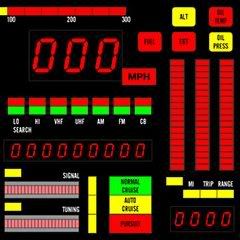
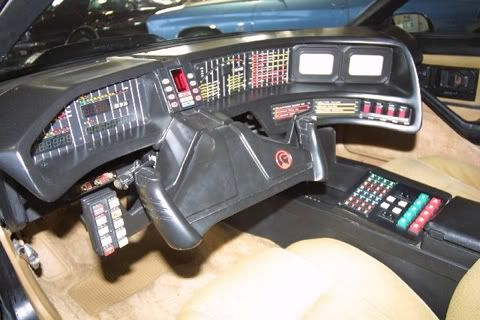
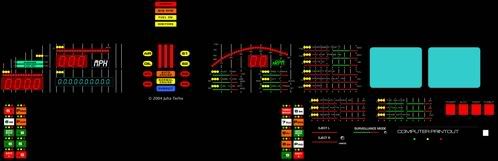
ID LIKE TO INTRODUCE:The beginnings of the KITT dash.


From:

746_32K_MN-640_32b_push-1.jpg


To:

746_32K_MN-640_32b_push.jpg


Kitt Dash:

kr-original-kitt-dash.jpg


Soon:

season-1-dash-2004.jpg


This is still Beta and im no where near done, so im open to options from every one.

Posted Oct 17, 2008 · 06:38 UTC#61

hey marmski, would you be interested in making a honda theme? here is a loading screen i made just to give you an idea..

post-22679-12872755848497_thumb.jpg

Posted Oct 17, 2008 · 08:10 UTC#62
Hopefully someone can help me out here. I got all the icons done, but they dont show up on the unit..what's the correct format to save them?


the Icon size is 126x132, the resolution is 72 and the mode is bitmap. when I finished, I clicked save as, changed it from a psd to a bmp, overwrote the existing image file, and then made sure it was windows format and 32 bit. Where'd I go wrong? Thanks!


Maybe I'm wrong here, but when I did mine the size was 240 x 240 (for the three main icons anyways) and when I saved it as a bmp I saved it as a 24 bit and mine all work fine. Again, thats just what I've done...

Posted Oct 18, 2008 · 02:12 UTC#63
Well this is a bit dumb but check the alpha chanel just remove it.


If u still dont get it i will take a few screen shots.


Check This out...


Well People, Here is Something I have Been Working On for a little bit here an there.


ID LIKE TO INTRODUCE:The beginnings of the KITT dash.


From:

746_32K_MN-640_32b_push-1.jpg


To:

746_32K_MN-640_32b_push.jpg


Kitt Dash:

kr-original-kitt-dash.jpg


Soon:

season-1-dash-2004.jpg


This is still Beta and im no where near done, so im open to options from every one.


HackZ,


This is incredible looking! Are you using photoshop? How long does it take to create something like this? I am blown away! Thank you for posting pics, can't wait to see more!


infochia

Posted Oct 18, 2008 · 03:57 UTC#64

The 3 main icons are 240x240 but the av source icons are 126x132 which is what i was editing. Well I read somewhere that 16 bit should be used and you get away with 24 so I'm guessing my problem is the 32 bit part lol. Thanks for the reply, I guess I gotta redo them all. Sick program btw, I'm getting the hang of it fast.

Posted Oct 18, 2008 · 18:34 UTC#65

My A/V source icons are save in 24 bit as well so then the 32 is probably your problem...and agreed, very sick program, and once you really get the ins and outs its amazing.

Posted Oct 18, 2008 · 19:41 UTC#66

Well here's what I've done so far:


rotary-1.jpg

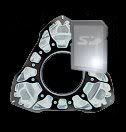
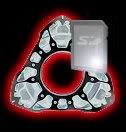
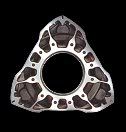
1st is functional, 2nd is when pressed, and 3rd is non-functional.

Tried to give the icons a metallic chrome like look.

746_32K_AV-712_32b.jpg746_32K_AV-713_32b.jpg746_32K_AV-717_32b.jpg

I took the gray background out and made the time bar metallic.

chrome.jpg


Next will be the 3 main icons, i'm just tyring to think of something creative to do. Will post more results.


EDITED TO ADD:


mainicons.jpg

Posted Oct 18, 2008 · 21:37 UTC#67

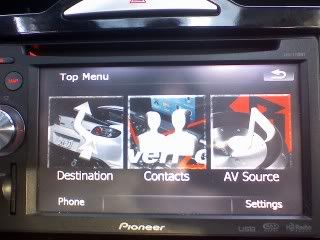
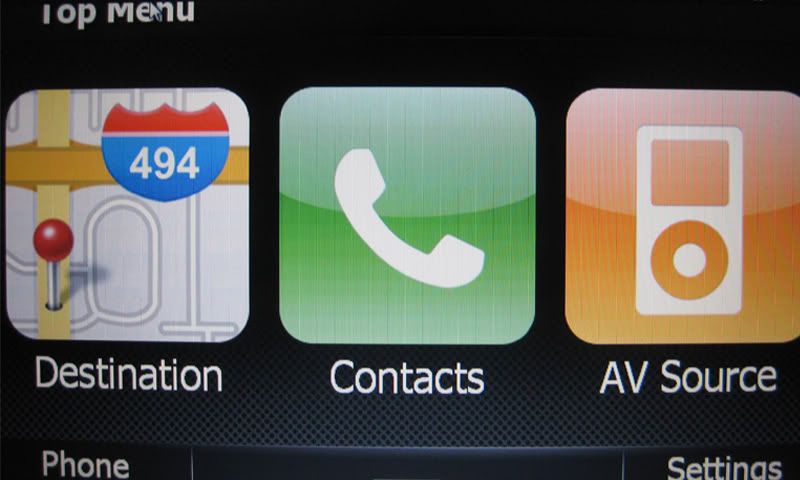
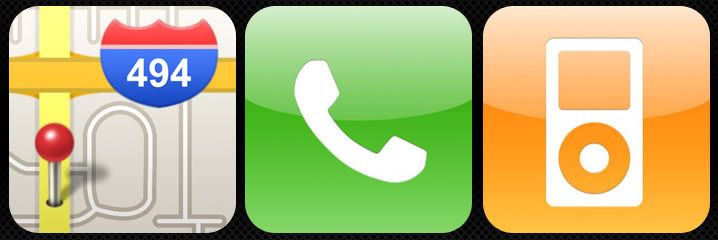
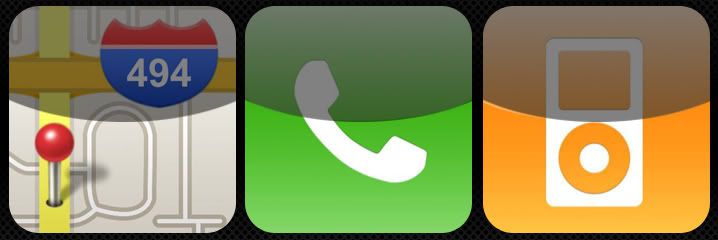
A few people have asked me for an iPhone flavor...this is what I've got so far...


Top Menu (On-Screen)

iPhoneIconsOn-Screen.jpg

Top Menu Normal

iPhoneIconsNormal.jpg

Top Menu Pushed

iPhoneIconsPushed.jpg

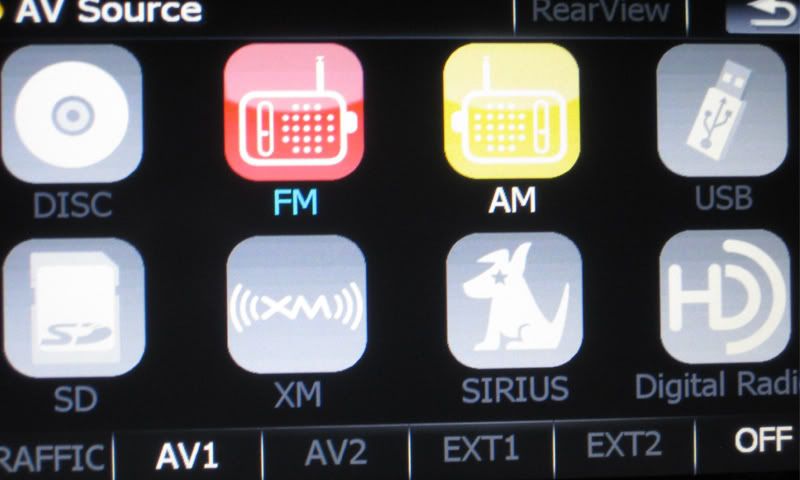
EDIT TO SHOW:

AV Icons (On-Screen)

iPhoneIconsOn-Screen3.jpg

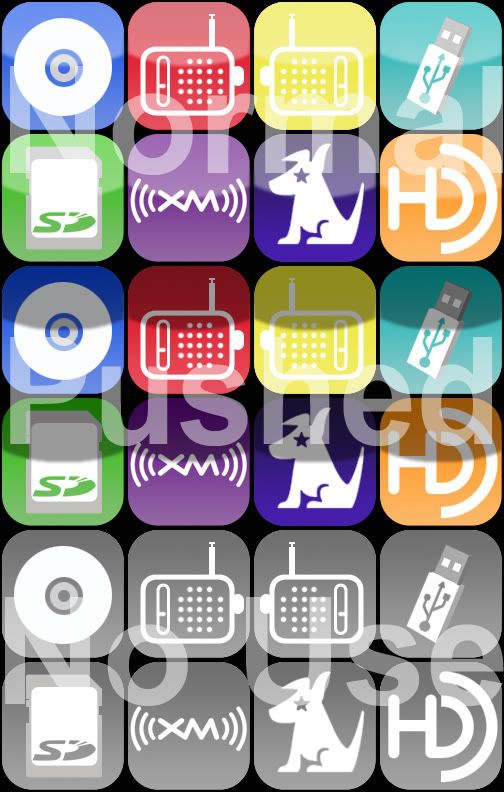
AV Icons Normal, Pushed, and No Use

iPhoneAVCollage.jpg

Posted Oct 20, 2008 · 13:20 UTC#68

where are the theme files for these themes?

Posted Oct 20, 2008 · 13:59 UTC#69
A few people have asked me for an iPhone flavor...this is what I've got so far...


Top Menu (On-Screen)

iPhoneIconsOn-Screen.jpg

Top Menu Normal

iPhoneIconsNormal.jpg

Top Menu Pushed

iPhoneIconsPushed.jpg

EDIT TO SHOW:

AV Icons (On-Screen)

iPhoneIconsOn-Screen3.jpg

AV Icons Normal, Pushed, and No Use

iPhoneAVCollage.jpg


I am LOVING this and definitely want a copy when you are done if you do not mind... nice work! :D

Posted Oct 20, 2008 · 16:25 UTC#70

I am really loving the iphone flavor. Great work.

Posted Oct 20, 2008 · 19:11 UTC#71


HackZ,


This is incredible looking! Are you using photoshop? How long does it take to create something like this? I am blown away! Thank you for posting pics, can't wait to see more!


infochia


Thanks.... Yes I am usinf Photo Shop I love that program. These images dont really take me to long, just doing the research and putting it all together is what takes time. I just sit watch a movie and start Photo shopping. I will post more soon...


As for CatchMeIfYouCan631:

I am very happy to hear that Photo Shop is working out for you. Upload one of your Top Menue images "the .psd". and I can take a look at it and see if it is that Alfa thing I said.

Posted Oct 20, 2008 · 19:23 UTC#72

Thanks Hackz, it really is. My problem however was saving it as a 32 bit, not a 24, so I have them on the unit now. I posted pictures of the results above.

Posted Oct 21, 2008 · 00:15 UTC#73
where are the theme files for these themes?

Well I'm not done with the iPhone flavored theme yet, got a ways to go, but I thought I would post what I have already and let some of you try it out and let me know what you think.

iPhone.zip

Posted Oct 21, 2008 · 00:22 UTC#74

kdoll, u ROCK! I will load this up when I get a chance... looking forward to seeing what you have done. 8)

Posted Oct 21, 2008 · 01:13 UTC#75

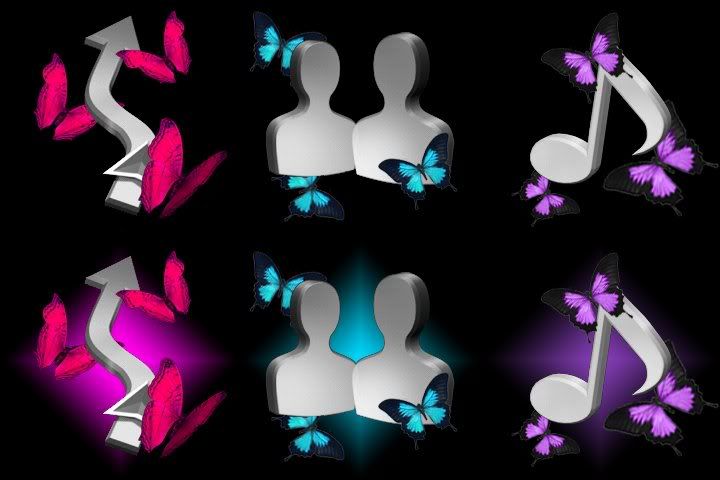
For what it's worth I started making a theme for my fiance', she wanted it pink, teal and purple and with butterflies, here's the top menu icons I came up with, for any inspiration it could give:


colleen.jpg

Page 3 of 6