Search Archive

Keeper Mod + Speedcam for newbs

By adamdenterkin · Jul 30, 2009in Hacks/Mods💬 54 posts👁️ 9,139 views
Page 1 of 3
Posted Jul 30, 2009 · 22:02 UTC#1

1: Download

http://www.megaupload.com/?d=468KYQXT f700 without MSN shortcut

http://www.megaupload.com/?d=203GF9X1 Normal Keeper mod with MSN shortcuts


2: Unzip the mods.zip file and put the files on a SD card


3: Move the files from the SD card to the unit in test mode. The zip already has the directories in it so if you cannot figure out where the files go then stop there


What i have included here is the

*keeper mod but without the MSN menu (for us 700 users)

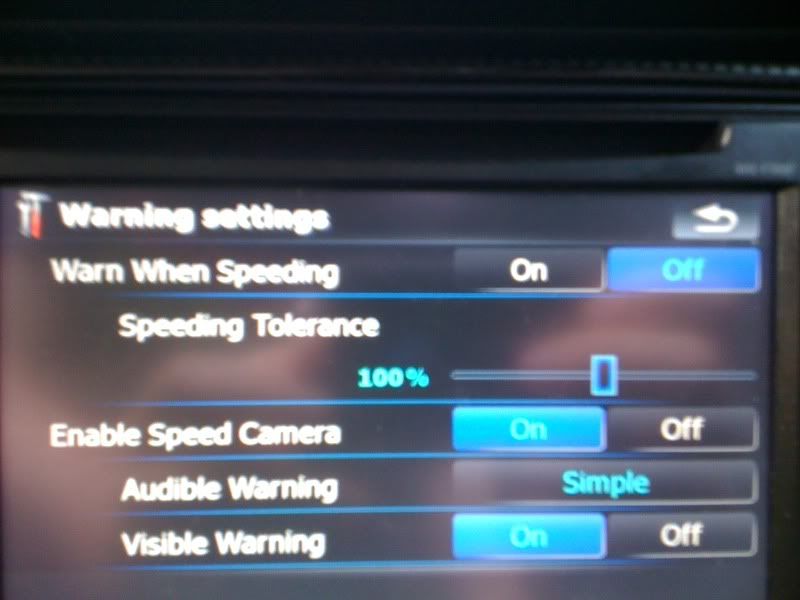
*Speedcam mod with camera locations and the .spud update file

*Get rid of warning screen mod


Screenshot with MSN removed
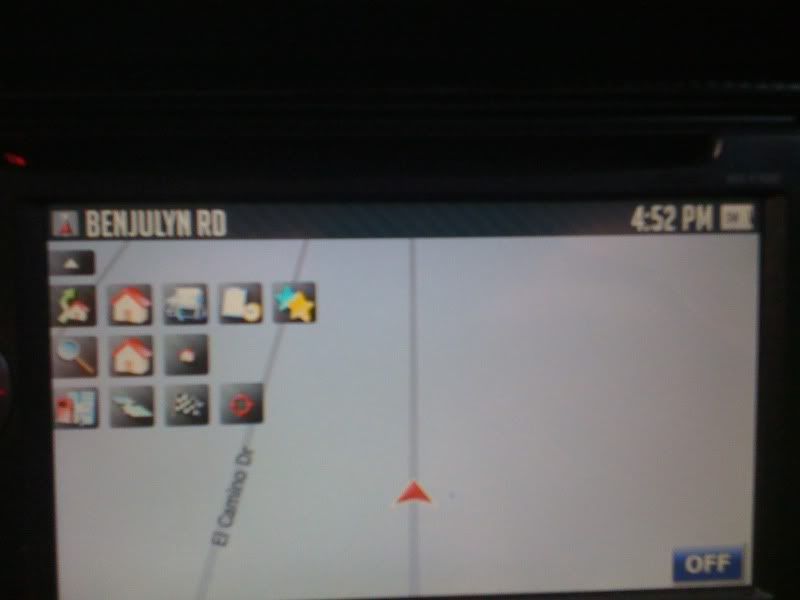
IMG_0031.jpg

Speedcam

IMG_0032.jpg


Everything you need is included in this zip and it should be just as simple as moving a few files to your system.

Posted Jul 30, 2009 · 23:46 UTC#2

so all we do is copy and overwrite the apl and apl2 folders in the avic with yours? and thats it? sounds easy enough....


BUT we have to have ver 3 firmware installed for it to work anyways right?

Posted Jul 30, 2009 · 23:52 UTC#3

does this work with the F500BT ?

Posted Jul 30, 2009 · 23:54 UTC#4
so all we do is copy and overwrite the apl and apl2 folders in the avic with yours? and thats it? sounds easy enough....


BUT we have to have ver 3 firmware installed for it to work anyways right?


Just to be safe, I would copy just the single file in the APL folder, rather than copying over the whole folder.


For the APL2, you can probably do the same. It takes a few more seconds, but IMO is the safest process.

Posted Jul 31, 2009 · 01:46 UTC#5

You should have added in the extra piece for map info... without it you cant change the speedcam info or add new ones. To do this it will only take you about a min to do and you will be doing everyone a big favor if they are gonna have the speedcam/trap bod on there.

Posted Jul 31, 2009 · 02:55 UTC#6

how does this know where the speed cams are?

Posted Jul 31, 2009 · 02:59 UTC#7

This did not work on my F90 with 3.01 installed. I think the commonllib.dll is different. The audio section stopped working.

Posted Jul 31, 2009 · 03:15 UTC#8

I installed this earlier and all works great. However, my navigation and systems settings as well as the ability to watch movies while moving is enabled. My unit is not hardware bypassed, how can I have access to these all of a sudden?


btw, without msn version.

Posted Jul 31, 2009 · 04:32 UTC#9
I installed this earlier and all works great. However, my navigation and systems settings as well as the ability to watch movies while moving is enabled. My unit is not hardware bypassed, how can I have access to these all of a sudden?


btw, without msn version.


probably because the files that adam provided have the software mod pre-installed

Posted Jul 31, 2009 · 05:11 UTC#10

I was under the impression that I could not unlock those features without a hardware bypass. What does the hardware bypass do then?

Posted Jul 31, 2009 · 05:43 UTC#11

The hardware bypass does the same thing.


You can use either the hardware or the software bypass. The software bypass just sets a speed you can go before it tells you that you cant use video. You just set it to some really high number you would never actually go. The hardware bypass just gets rid of it all together.


I will see about the option to add speed cams tomorrow when i get a chance to poke around some more.


Another note for the person above. You probably could just move the entire folders over and it would be fine. i would always think about making a backup just in case though. As far as other systems besides the f700bt working i cannot say because i can only test it on my own.


I just thought i would try to make a simple "copy over a few files" to make life simple. I do not believe you should have to know how to edit code or risk messing something up with the data.zip if you do not feel safe doing it so i made a easy zip file.

Posted Jul 31, 2009 · 13:28 UTC#12

So this is what I have on my system now and runs fine. I just uninstalled all my mods and used this zip that I made a compilation and it works fine per my directions.


NONE of these mods are my own, I have only combined and mods made by others.

included you will find


1) Keepers latest mod with drop down menu (in talking with him he has given me the instructions to add back in the info button so that is the only coding I really did here)

2) The software bypass for those complaining above that theirs no longer works (i have hardware but this software will work)

3) Gadget B1s updated SpeedCam mod via Boris M - Read the Speedcam Version 3.0 thread in order to learn how to use this mod, I have added the spud file that I uploaded to that thread, it contains many of the already known speedtraps/cams in the US you may have to modify their speed limits to make them alarm you. (use the cursor and drop down menu in keepers mod press the 3rd option down which is POI then click the one all the way to the right which is CURSOR info)

4) Carver's Nag screen mod - this knocks out some of the annoying nag screens but not all of them.


Here is the Zip it does not include testmode V2.3 which you also need make sure you read the instructions and have back ups for your current 3.0 files.


Rapidshare LInk - http://rapidshare.com/files/262138182/4 ... d.zip.html

Posted Jul 31, 2009 · 13:39 UTC#13

THANKS

Posted Jul 31, 2009 · 17:43 UTC#14

Nice..


i was not looking forward to trying to add back in the info screen today. i will try to update my two downloads with that. This pretty much properly merges the speedcam mod with keeper now without losing important features.

Posted Jul 31, 2009 · 22:05 UTC#15
So this is what I have on my system now and runs fine. I just uninstalled all my mods and used this zip that I made a compilation and it works fine per my directions.


NONE of these mods are my own, I have only combined and mods made by others.

included you will find


1) Keepers latest mod with drop down menu (in talking with him he has given me the instructions to add back in the info button so that is the only coding I really did here)

2) The software bypass for those complaining above that theirs no longer works (i have hardware but this software will work)

3) Gadget B1s updated SpeedCam mod via Boris M - Read the Speedcam Version 3.0 thread in order to learn how to use this mod, I have added the spud file that I uploaded to that thread, it contains many of the already known speedtraps/cams in the US you may have to modify their speed limits to make them alarm you. (use the cursor and drop down menu in keepers mod press the 3rd option down which is POI then click the one all the way to the right which is CURSOR info)

4) Carver's Nag screen mod - this knocks out some of the annoying nag screens but not all of them.


Here is the Zip it does not include testmode V2.3 which you also need make sure you read the instructions and have back ups for your current 3.0 files.


Rapidshare LInk - http://rapidshare.com/files/262138182/4 ... d.zip.html


Hey Adam-


Can you tell me what files you added/changed? I have been working on a version of your mod of keepers mod and I dont want to do it all over again. ;)

Posted Jul 31, 2009 · 22:21 UTC#16

What happened to the screen tilt?

It doesn't show up any more.

Thanx,

Bud

Posted Aug 01, 2009 · 04:13 UTC#17

This mod is for version 3.0 in and has nothing todo with 3D tilt it is for primaraly the 2d point in direction not just north.

Posted Aug 02, 2009 · 03:25 UTC#18

I have had mine on my f90bt for about 3-4 days now and it works great!

Posted Aug 02, 2009 · 20:26 UTC#19

Thanks for putting these together tail24-- I installed it on my f90bt yesterday and all seems ok... Great work and very helpful-- this is what Pioneer should have released orginally. Now, if only it would start-up near instantly, like my old Lexus-Toyota one did, we'd be in heaven. Everything is so much better than ver. 2 and the mods are truly very helpful.

Posted Aug 02, 2009 · 23:33 UTC#20
Thanks for putting these together tail24-- I installed it on my f90bt yesterday and all seems ok... Great work and very helpful-- this is what Pioneer should have released orginally. Now, if only it would start-up near instantly, like my old Lexus-Toyota one did, we'd be in heaven. Everything is so much better than ver. 2 and the mods are truly very helpful.


No worries... The start has never really bothered me, but i dont think I will ever buy a reverse cam

Posted Aug 03, 2009 · 17:16 UTC#21

Great mod!

Now we just need to work on the spoken alerts!

Thanx,

Bud

Posted Aug 03, 2009 · 17:23 UTC#22

For Fred2yu - Do you have 3.01 installed on your 90BT.

If not did I make a mistake puting 3.01 on top od 3.0. Do I really need 3.01.

I want to install Tail24 MOD but do not know if it will work with 3.01

Posted Aug 03, 2009 · 19:02 UTC#23
For Fred2yu - Do you have 3.01 installed on your 90BT.

If not did I make a mistake puting 3.01 on top od 3.0. Do I really need 3.01.

I want to install Tail24 MOD but do not know if it will work with 3.01


I have ver. 3 only, not 3.0, and, in fact, I do have the same question... Perhaps someone else can answer: are keepers' and tail24 changes compatible with 3.01? In other words, can we install 3.01 and then re-install the mods? Anybody out there done that yet? Thanks for any insight.

Posted Aug 03, 2009 · 19:08 UTC#24

I have 3.01...things seem to be running fine.

Posted Aug 03, 2009 · 19:10 UTC#25
I have 3.01...things seem to be running fine.


Ditto.

Page 1 of 3