all these installs and so few pictures. Come on now people SHARE 
Posted Aug 06, 2009 · 05:30 UTC#1
all these installs and so few pictures. Come on now people SHARE
I'm going to post mine today, and add some tips that I learned along the way. It's so awesome!!! I"m loving it!
I was initially concerned a little, because I ordered the AVIC Z110BT having never seen it in person, nor any of the other AVIC Z models. And, some people were second guessing my decision to replace the factory Bose navigation system that came with my new truck (2008 Chevy Avalanche LTZ that I bought new 3 months ago). After getting it installed, I can tell you that it is 10 times better than what I had.
Anyhow, pics will be posted today!!
AWESOME YES PLEASE POST THEM UP !!!!!!!!!
Here are some pics. Vehicle is a 2009 Toyota 4Runner with the Urban Runner trim pacakge.

Pic of the trim ring from a 2009 Toyota 4Runner with the Urban Runner trim package.

Pic of the part number on the inside of the trim ring: PZ365-3570. I did a few searches, but nothing comes up. I guess a call to the dealer might be in order if you are looking for the trim ring.

Pic of the AVIC Z110BT installed with the trim ring. I tried both the metra kit, as well as the scosche kit, and the original trim ring fits the best....go figure.

Another pic of the AVIC Z110BT install

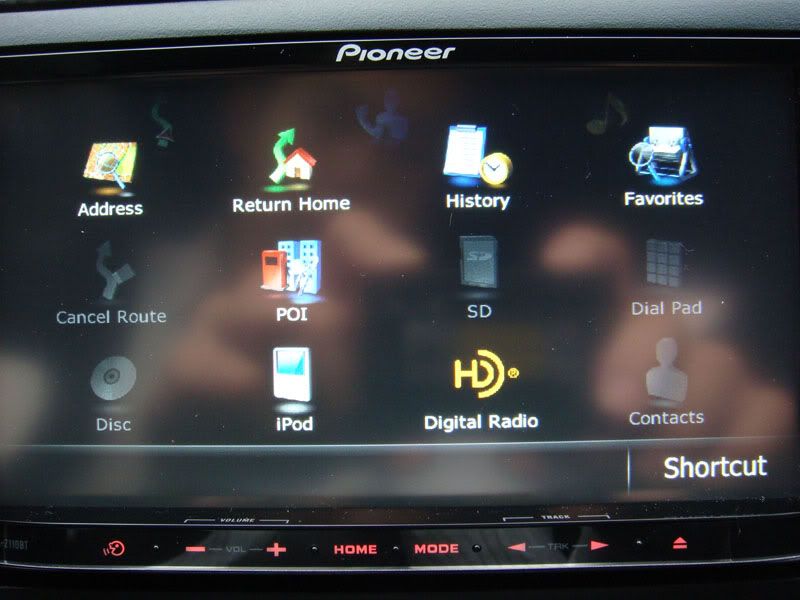
Pic of the unit powered up. I had an AVIC-Z3 in my 2004 Tacoma, and I was pleased with it's performance. So far, the new Z110BT has not disappointed. The only issue I'm having is getting the bypass to work correctly, but once I have that solved, I'll be happier.
The iPod interface on the Z110BT is awesome! I just connected the cables today, and it is really nice. I also was able to get the PAC-SWI interface kit to work correctly as well. This allows the use of the steering wheel controls with the Z110BT. After a brief chat with the guys over at PAC, they had pointed in the right direction. A few solder connections later, and all of the controls on the steering wheel work just like they used to with the old head unit.
I will post pictures and videos as soon as it's installed.
Here's a shot of the 3D view navigation screen.

excellent pictures and write up. Just what we need and more of it.
PLEASE post the video when you have a chance.
Thanks
Aleicgrant - did you see my other post? It has video in it: viewtopic.php?f=56&t=26314
hey there
yes I did and great job. I was just looking for some user videos of some of the functionality as well.
Thanks so much
Here is the install in my Infiniti G35.

The Z110bt is in a 09 Toyota Highlander and here is the link to my video of it http://www.youtube.com/watch?v=HklCxlTuK-Q

In my 2002 996 C4S:
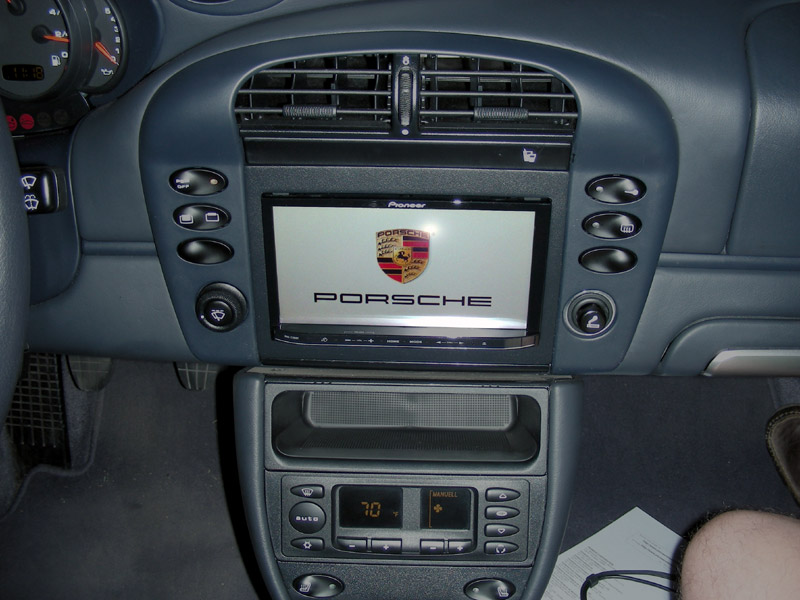
I just got mine today...and love it!
2009 Honda CRV


2009 Ford Edge


-Davin
on my 2006 bmw m3. went from Z1 (with Z3 map and Garret's HDD) to Z110BT. Overall, it's a big improvement. Like others have mentioned, there are some features on the Z1 that I missed.
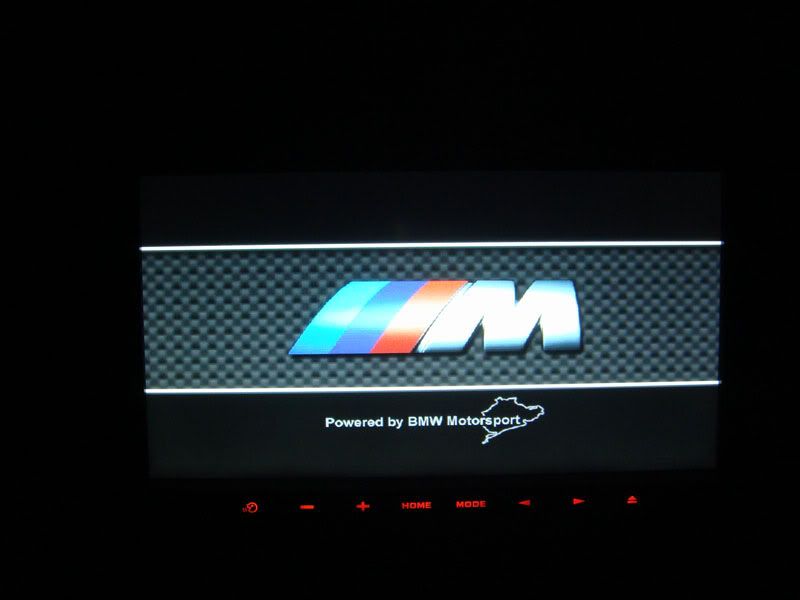
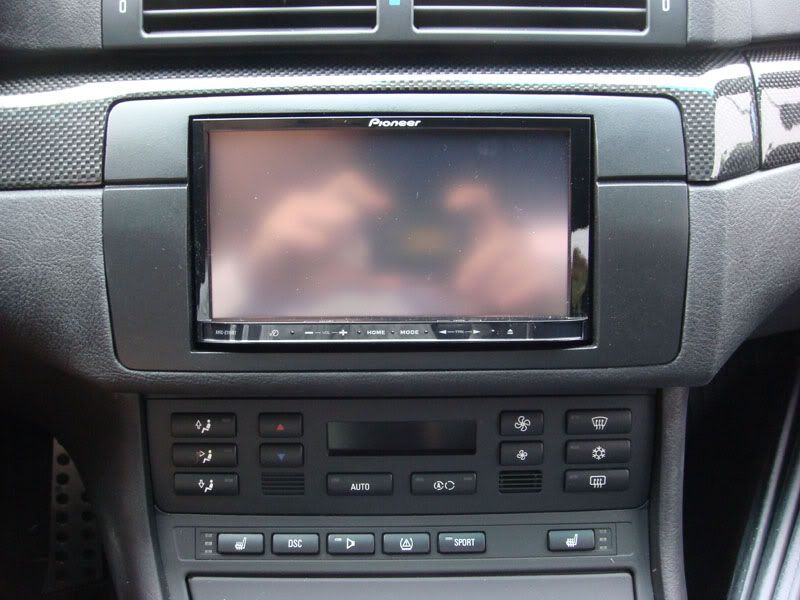
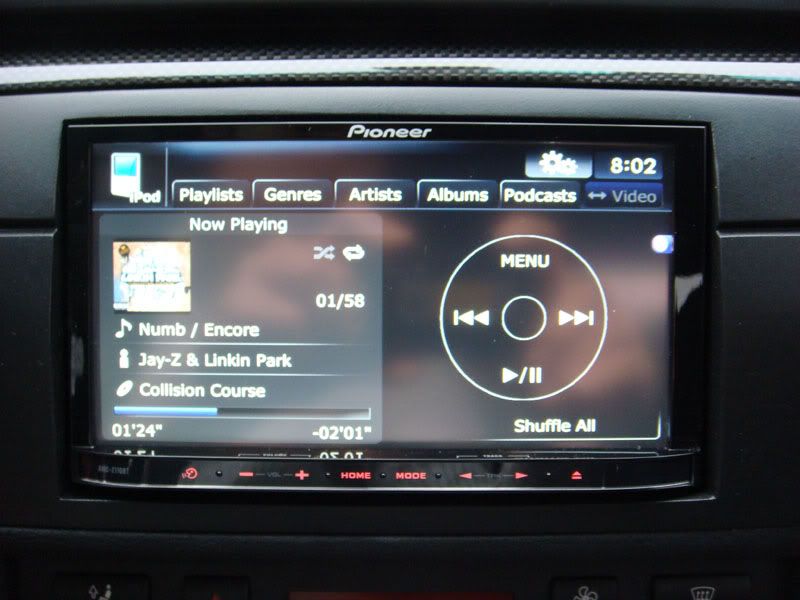
Install of the AVIC-F10BT Australian Model (same as the AVIC-Z110BT - just cut down features) in a 2005 Audi S4, with my own custom splash screen. Please excuse the photo quality - was with my iPhone

AVIC-Z110BT In My 2008 Shelby GT500

AVIC-Z110BT In My 2008 Shelby GT500 Splash Screen

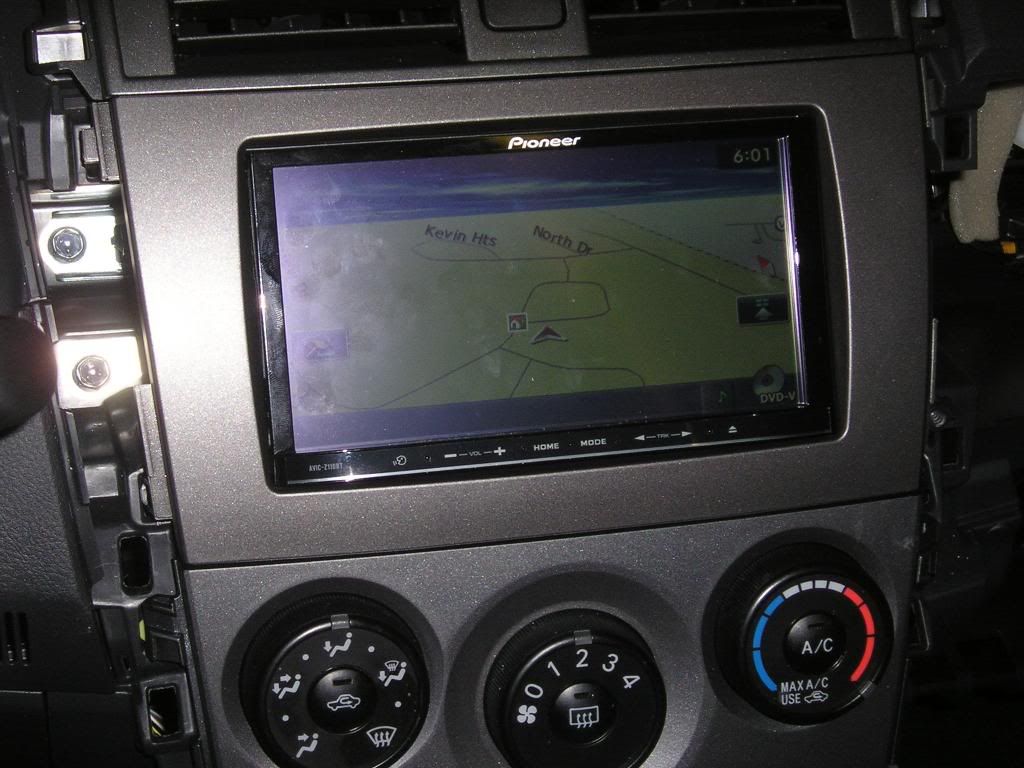
My Install in a 2010 Corolla S. Bypass work's great and steering wheel control interface that crutchfield said won't work does work. PAC SWI-ps.


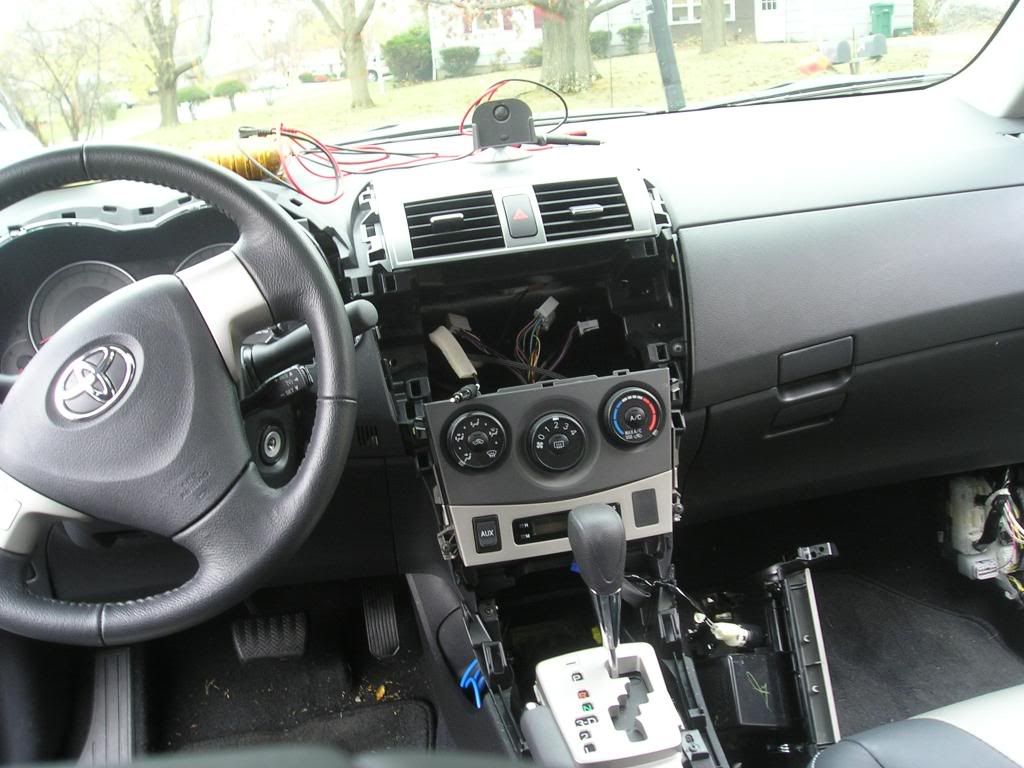
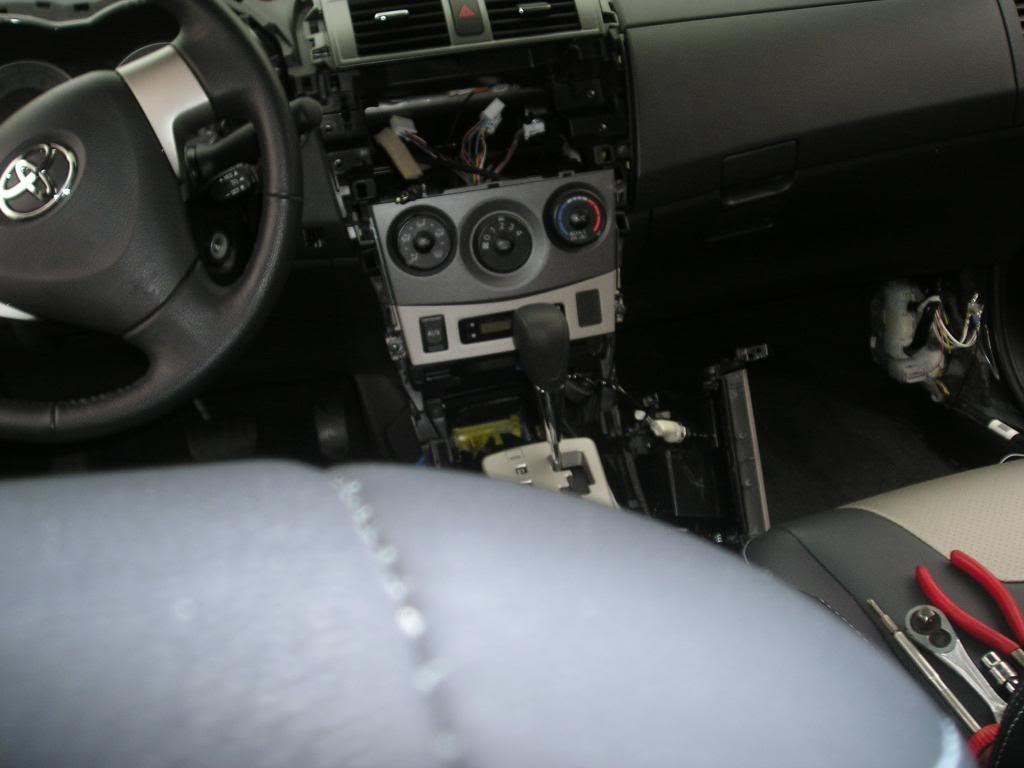
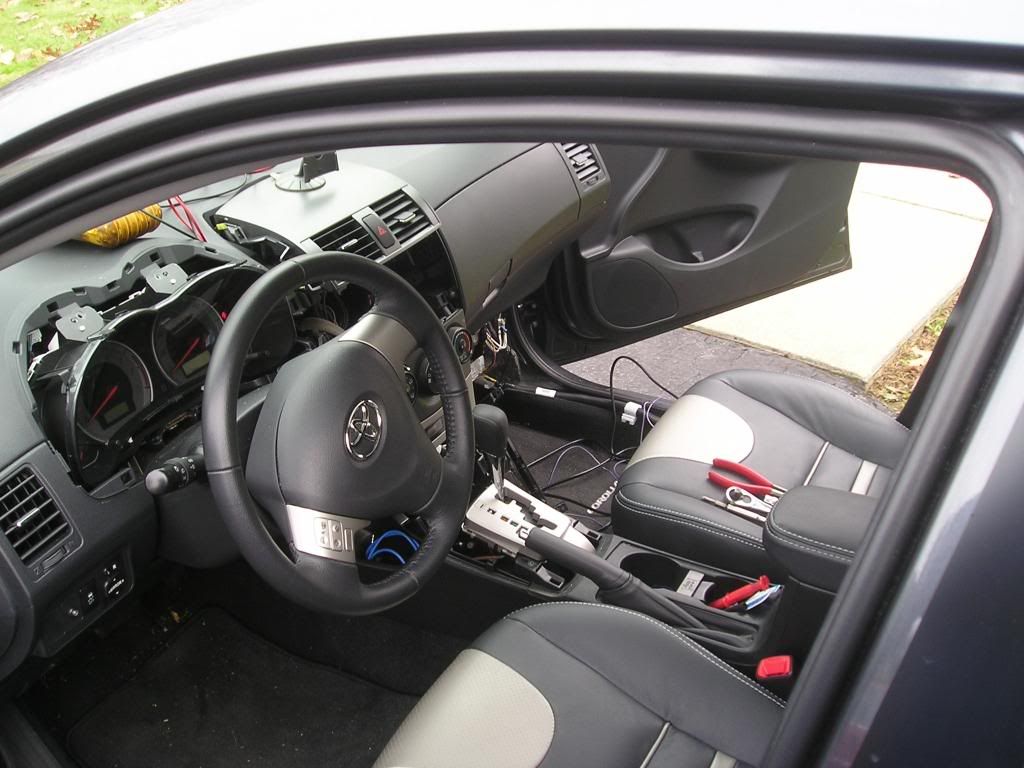
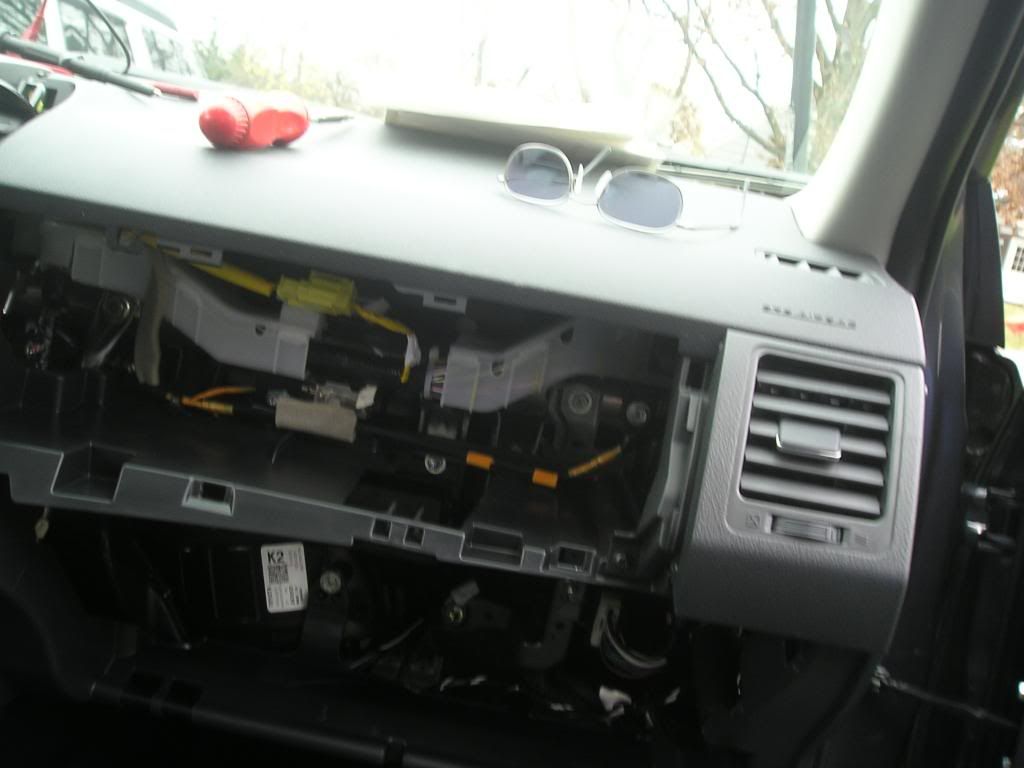
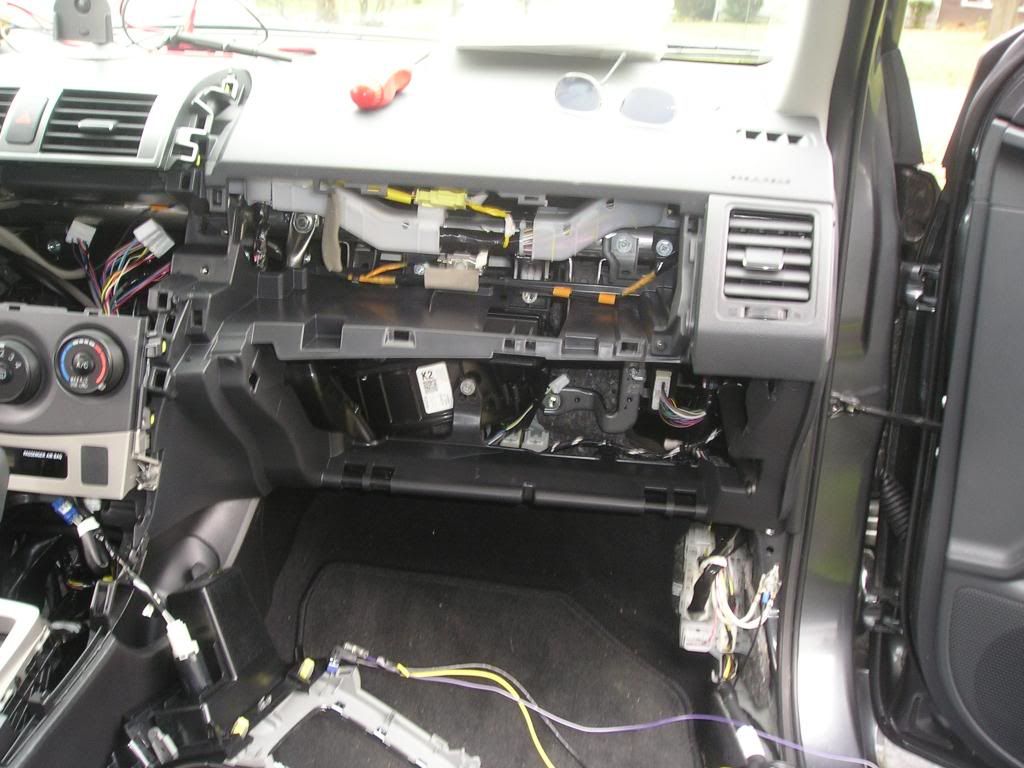
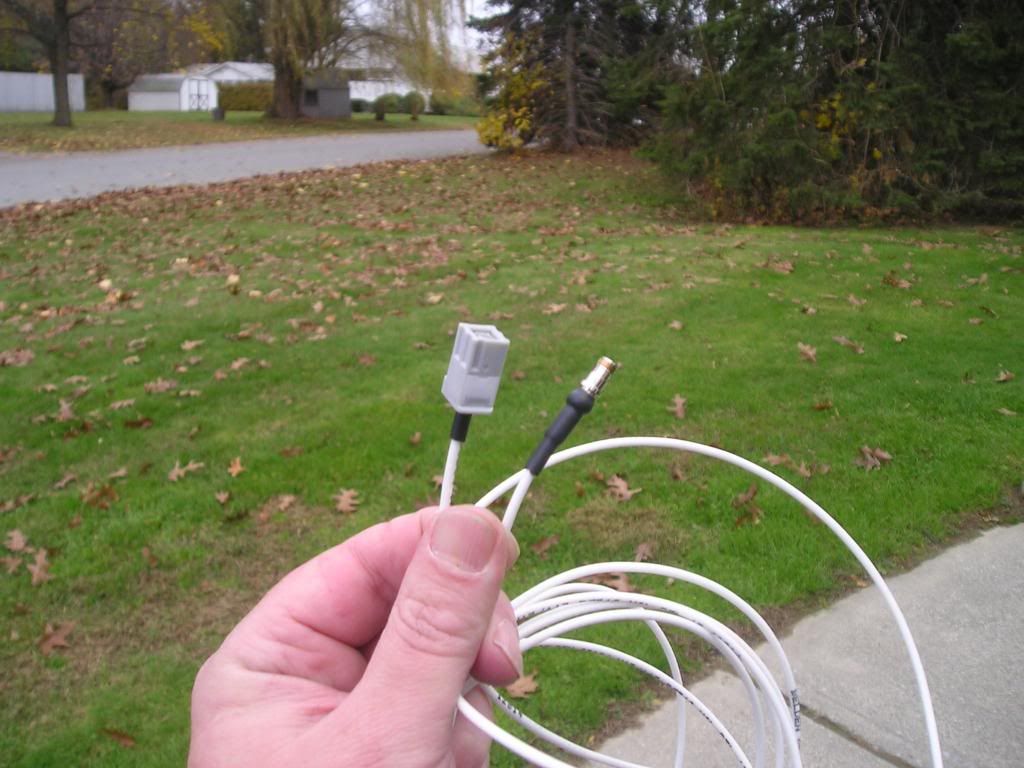
Adapter to use OEM sat antenna
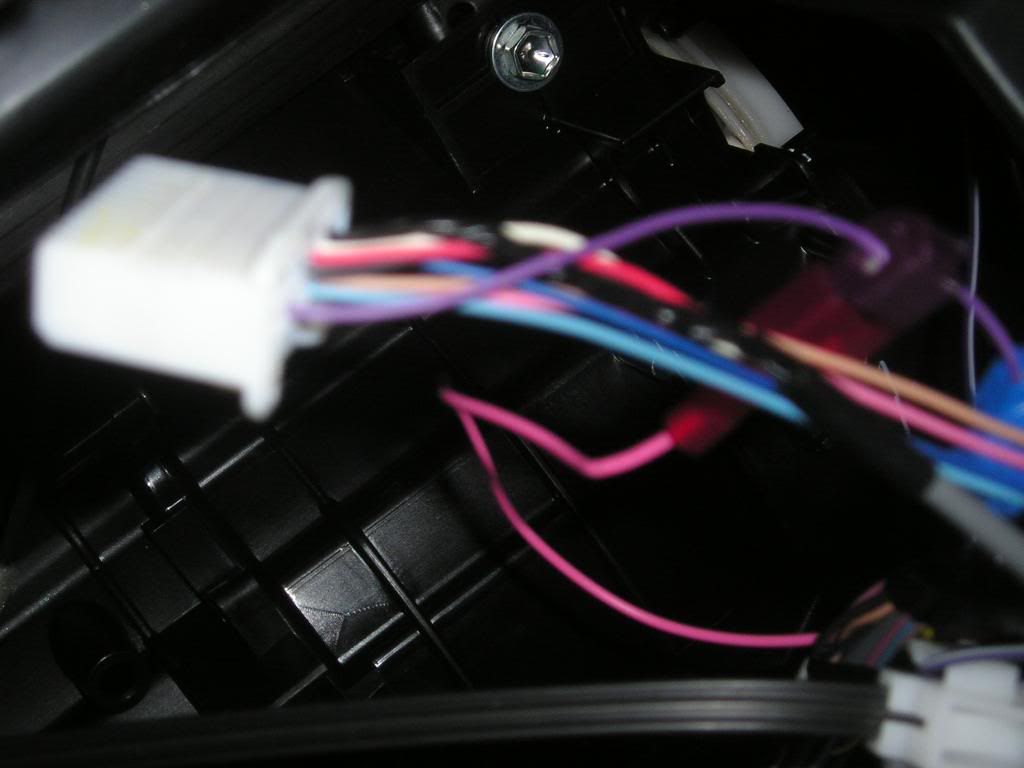
VSS is purple wire in 20 pin radio conector along with steering wheel controls.
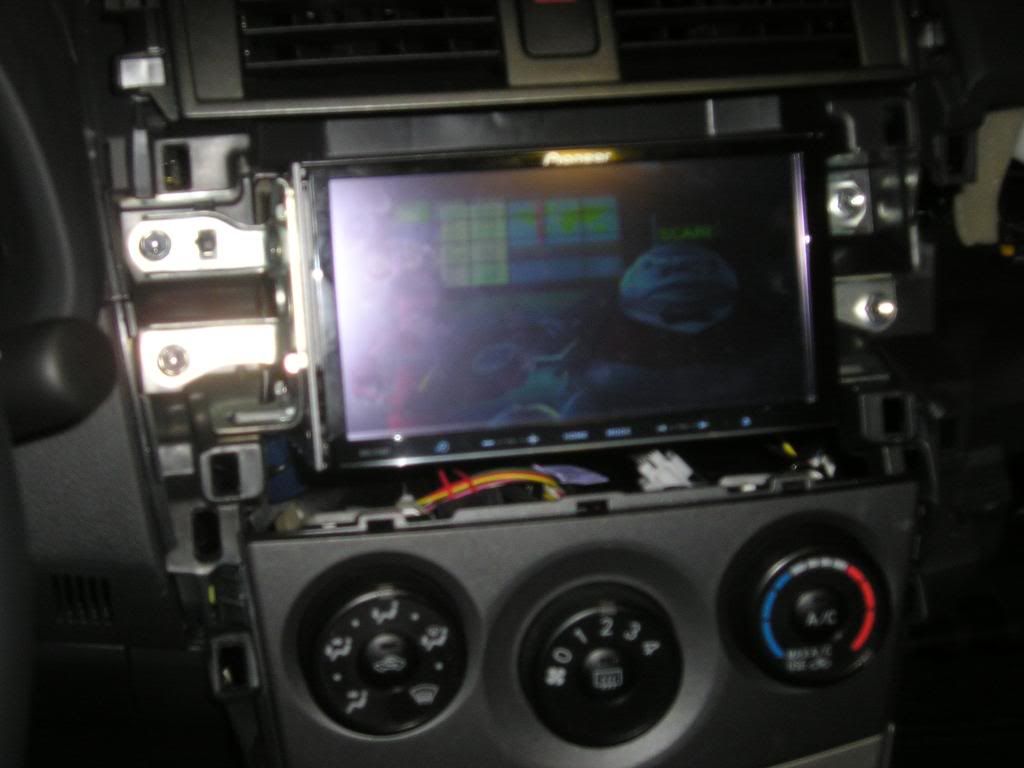
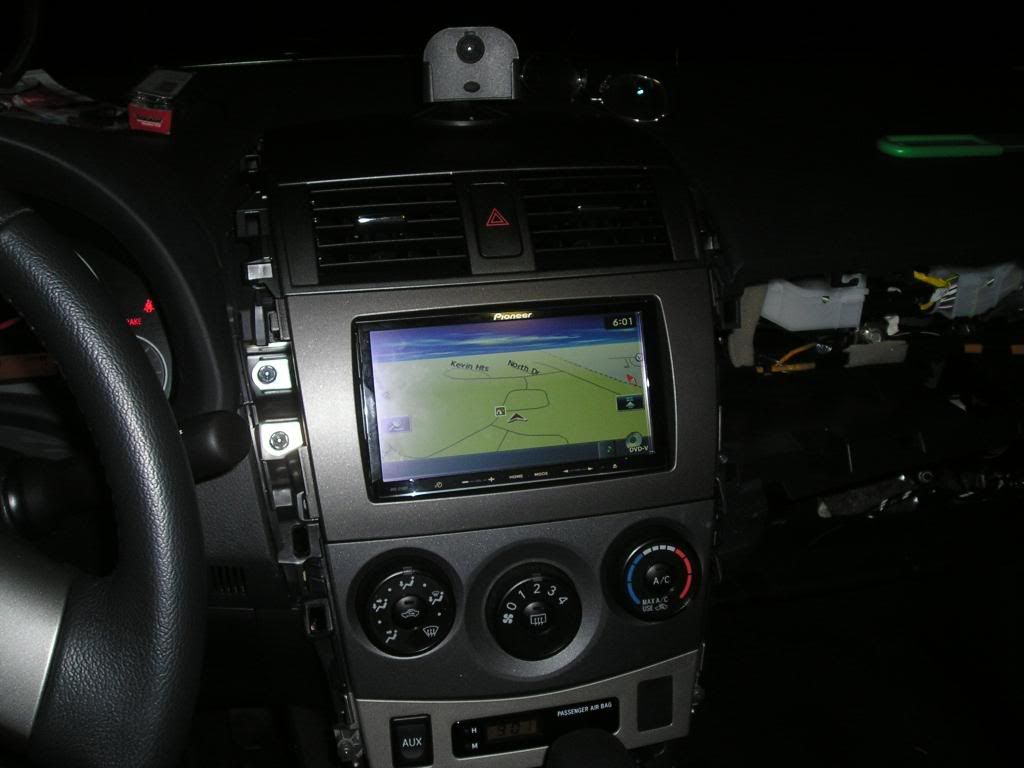
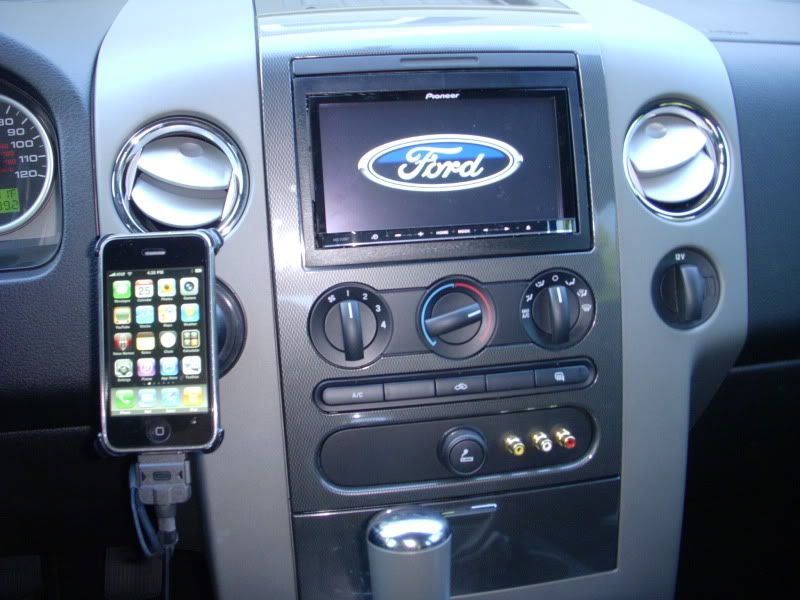
my '08 f150 fx2 supercrew

Here's mine, in an 2009 Subaru WRX
http://i39.photobucket.com/albums/e167/ ... 020310.jpg
http://i39.photobucket.com/albums/e167/ ... 020316.jpg
http://i39.photobucket.com/albums/e167/ ... 020307.jpg
http://i39.photobucket.com/albums/e167/ ... /deck3.jpg
photos are being cropped... direct links above


First post, here's my install. Wouldn't have been able to do it without this site.
Car is a 2005 Pontiac GTO


Here is the install in my Infiniti G35.
Can I ask you what you used for the gaps?
Pioneer trim ring?
Custom part?
etc...
Thanks
AVIC-Z110BT In My 2008 Shelby GT500 Splash Screen
Where did you get the image for the GT500 splash acreen. I have been looking all over the web for this one and cannot find it.
Here's a link to a thread I started with my installation including Pics...In case you didn't already see it in the General forum..