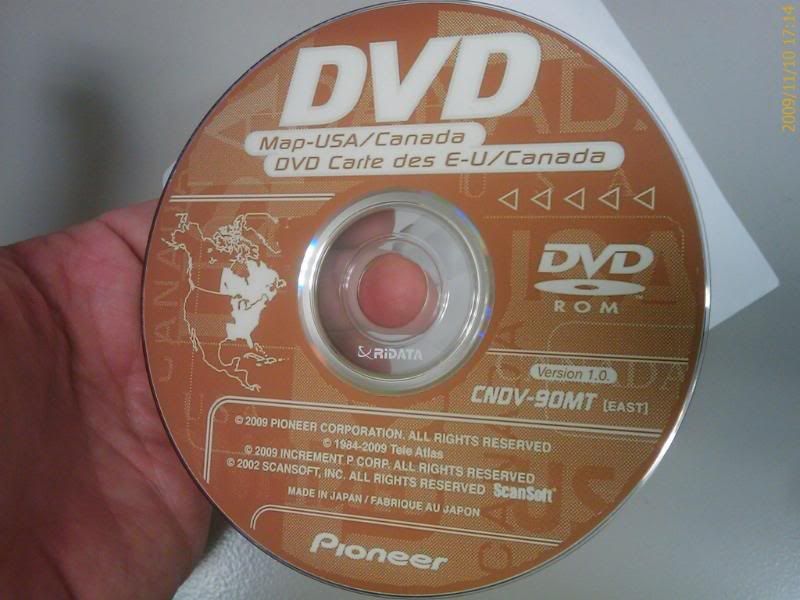
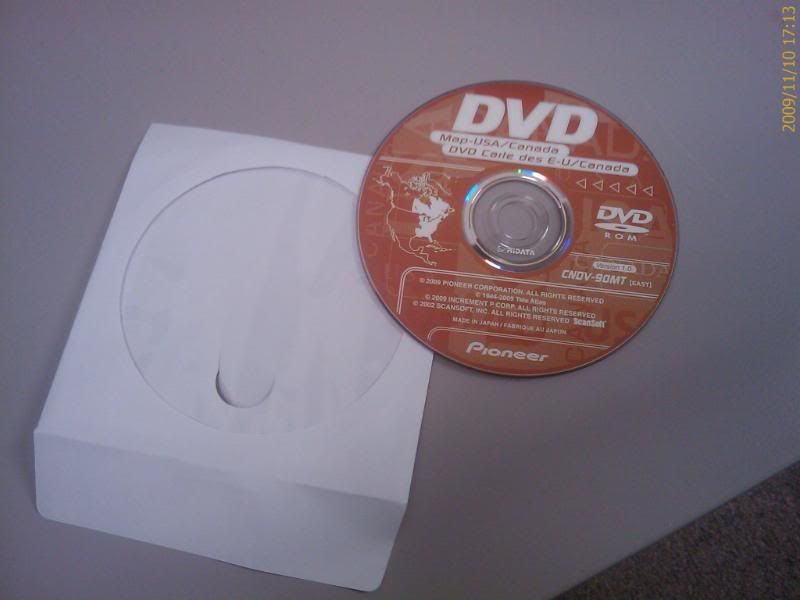
I would like to thank everyone for all the informative info. After taking 6 days to get the file from mininova. Extracting this whopping 8gig ISO to a folder, I tried burning the ISO on my IBM Thinkpad t60 with Roxio Easy CD Creator 2010. All I got was errors, I tried Nero and got the same thing. I went to my trusty Mac Pro and tried to use Disk Utility and got the same errors like windows. I finally got it to burn under Apple Roxio TOAST 10. I burned it as image file, it took about 45 minutes and completed without any problems. I used MEMOREX DVD DL 2.4X from Fry's. I hope this helps anyone that's trying to burn this big image. ![]()
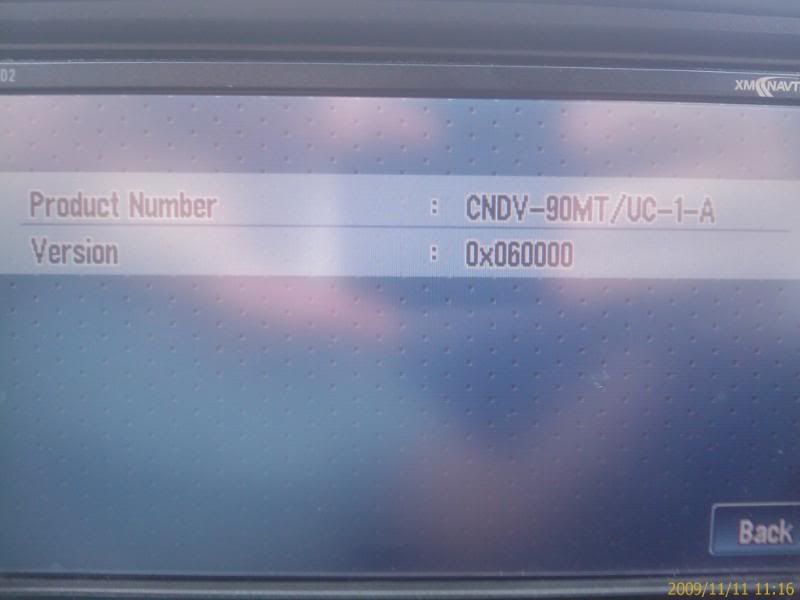
CNDV-90MT are NOW POSTED
I would like to thank everyone for all the informative info. After taking 6 days to get the file from mininova. Extracting this whopping 8gig ISO to a folder, I tried burning the ISO on my IBM Thinkpad t60 with Roxio Easy CD Creator 2010. All I got was errors, I tried Nero and got the same thing. I went to my trusty Mac Pro and tried to use Disk Utility and got the same errors like windows. I finally got it to burn under Apple Roxio TOAST 10. I burned it as image file, it took about 45 minutes and completed without any problems. I used MEMOREX DVD DL 2.4X from Fry's. I hope this helps anyone that's trying to burn this big image.
Yeah, it can be a PITA sometimes. I had a hard time with last years update, getting the right combination. This years i used the same program and discs and everything went great.
I need west disk, who is still sellin
READY TO GO
I want one. Check your PM. Thanks.
Why do they say that these ISO images should be burned @ 2.4X..? I burned them @ 8X to Verbatim DVD+R DL discs and they are working just fine.
All depends on the disks you are using and there rated speed.....
If the disk is rated at 8x then burn at 8x
There a reason they put the spec on the disks ![]()
Of course it depends of the disc and the burner but for example this kind of info is available:
"Burn the ISO file with IMGBurner on DVD+DL @ low speed 2,4x"
Why 2.4x then? ![]()
because as I've tested it for me as well, with a lower burn speed is always better and avoid burning your mistakes ![]()
Fool, you've stolen the text from my upload! First say thanks! And have no comment...
Sorry for stealing your text.. it's just that I'm always burning everything at MAX speed and having absolutely NO problems. This kind of information just makes me wonder that why slower speed is some how better...
No offence, just curious ![]()
And thank you for your upload!
Sorry for stealing your text.. it's just that I'm always burning everything at MAX speed and having absolutely NO problems. This kind of information just makes me wonder that why slower speed is some how better...
No offence, just curious
And thank you for your upload!
The only reason i say burn at the slowest rated speed is you will have more success and less coasters.
I do this for a living . But if its working for you that's fine.. you will find over time what works best for you and the equipment you have..so stick with it !!
PS everybody has an opinion ![]()
![]()
![]()
![]()
![]()
![]()
![]()
![]()
![]()
![]()
![]()
![]()
![]()
Yes, almost everyone has an opinion. I wasn't stating that my way is the best way and I wasn't saying that people should only burn at MAX speed. I was just asking, that why the slower speed would be better. ![]()
Yes, almost everyone has an opinion. I wasn't stating that my way is the best way and I wasn't saying that people should only burn at MAX speed. I was just asking, that why the slower speed would be better.
![]()
![]()
![]()
![]()
![]()
![]()
![]()
![]()
![]()
![]()
![]()
![]()
![]()
![]()
![]()
![]()
![]()
![]()
![]()
![]()
![]()
![]()
![]()
![]()
![]()
![]()
![]()
![]()
![]()
![]()
![]()
![]()
![]()
+1 with SWDW's discs! 2 days! in my hand! Works flawlessly!
Thanks again!
SWDW, you the man!! I got the DVDs in no time and it looks so GOOD!! I can't believe how good they look!!!! ![]()
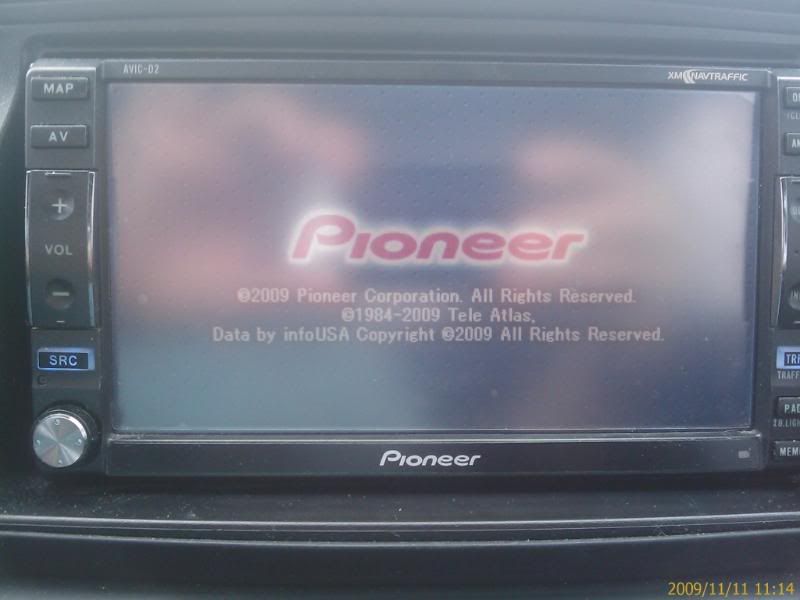
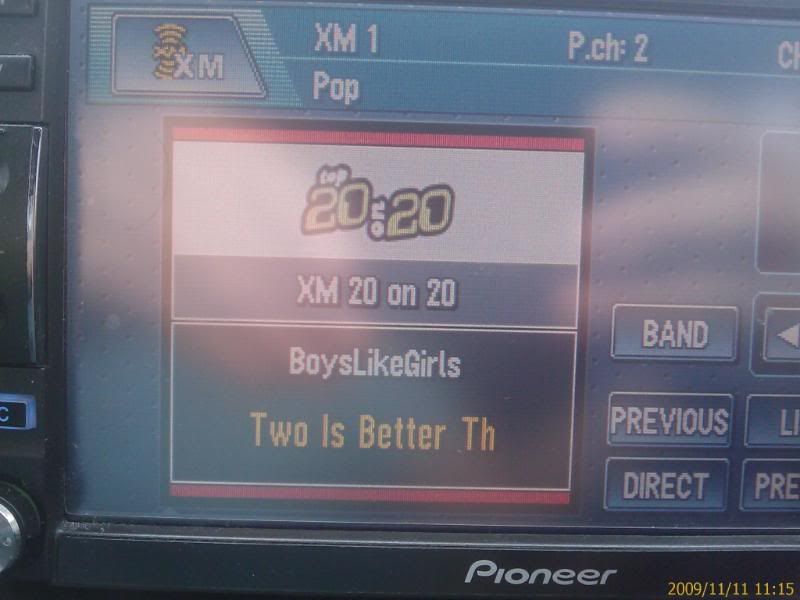
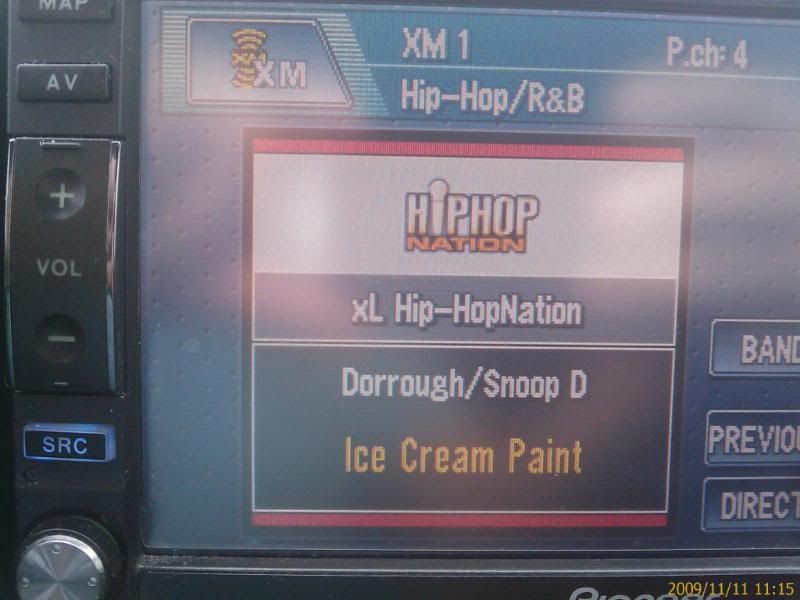
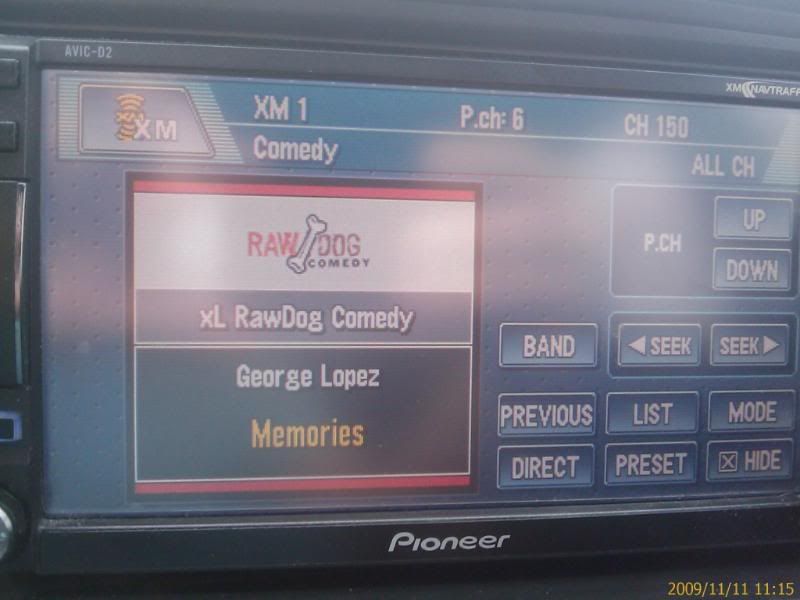
Also it runs great!!! The XM channels now show the right labels and I can use POI search again(Didn't work on my D2 when I upgrade to 2008)
Here are some pictures I took with my Phone to show how Great they look!! ![]()


Mike, thank you!!
add another thumbs up for mike(SWDW), got mine and worked and looked awesome as already stated.....thanks again mike.....
I just burned my new CNDV-90MT EAST onto a disk and it works perfectly on my D3..It doesn't have a nice label on it...lol.. but now that all my movies are on my iPod I have no need to eject the Nav DVD anymore so you won't even see the label...
Can someone seed the mininova torrent? I d'l an earlier version and it's somewhat corrupt. My zoom icons are grayed out and some of the graphics are screwy. Thx.
I want to a buy east disk.
PM me for the east coast disk
SWDW ![]()
mininova torrents are down. Can anyone seed?
why bother looking for the .iso file and making endless coaster disks with bad burns
SWDW is the way to go! why waste the time and money just get his disk and be done with it
I picked up my disk from him today and in less than 2 min i had a fully working upgraded D-3 , awesome guy to deal with !
EPIC WIN! thx mike! ![]()
why bother looking for the .iso file and making endless coaster disks with bad burns
SWDW is the way to go! why waste the time and money just get his disk and be done with it
I picked up my disk from him today and in less than 2 min i had a fully working upgraded D-3 , awesome guy to deal with !
EPIC WIN! thx mike!
Thank you was very nice to meet you today
Cool car too.. ![]()
![]()
![]()
![]()
Has anyone had issues where one day, they could no longer get any maps to display on their D3?
I have the West Region 90MT disc via SWDW / Mike. Everything was fine for a month - and this morning, the map display died. Radio, iPod, Steering Wheel control work - just cannot get any map to ever come up.
I did a reset of the entire nav unit (ball point pen next to the eject button), removed and re-inserted the disc - but I can never get the nav system to ever display a map.
When I do the ball point pen reset of the unit (90MT disc is in the unit) - it tells me it is checking the disc and then I get a quick Pioneer splashscreen. It then tells me that it's trying to switch to memory mode and that it may take 30 seconds - and I wait several minutes and no luck.
I still have my original 80MT Pioneer disc. Should I try to revert back to that disc to determine if I have a disc issue or a DVD-ROM / laser issue?
What's the process to go from SWDW's 90MT back to Pioneer's 80MT?
Thanks guys.
Brent
all those mininova torrents are long gone. can anyone upload them to any other torrent site (thepiratebay.org, etc?) i already have the DL discs.