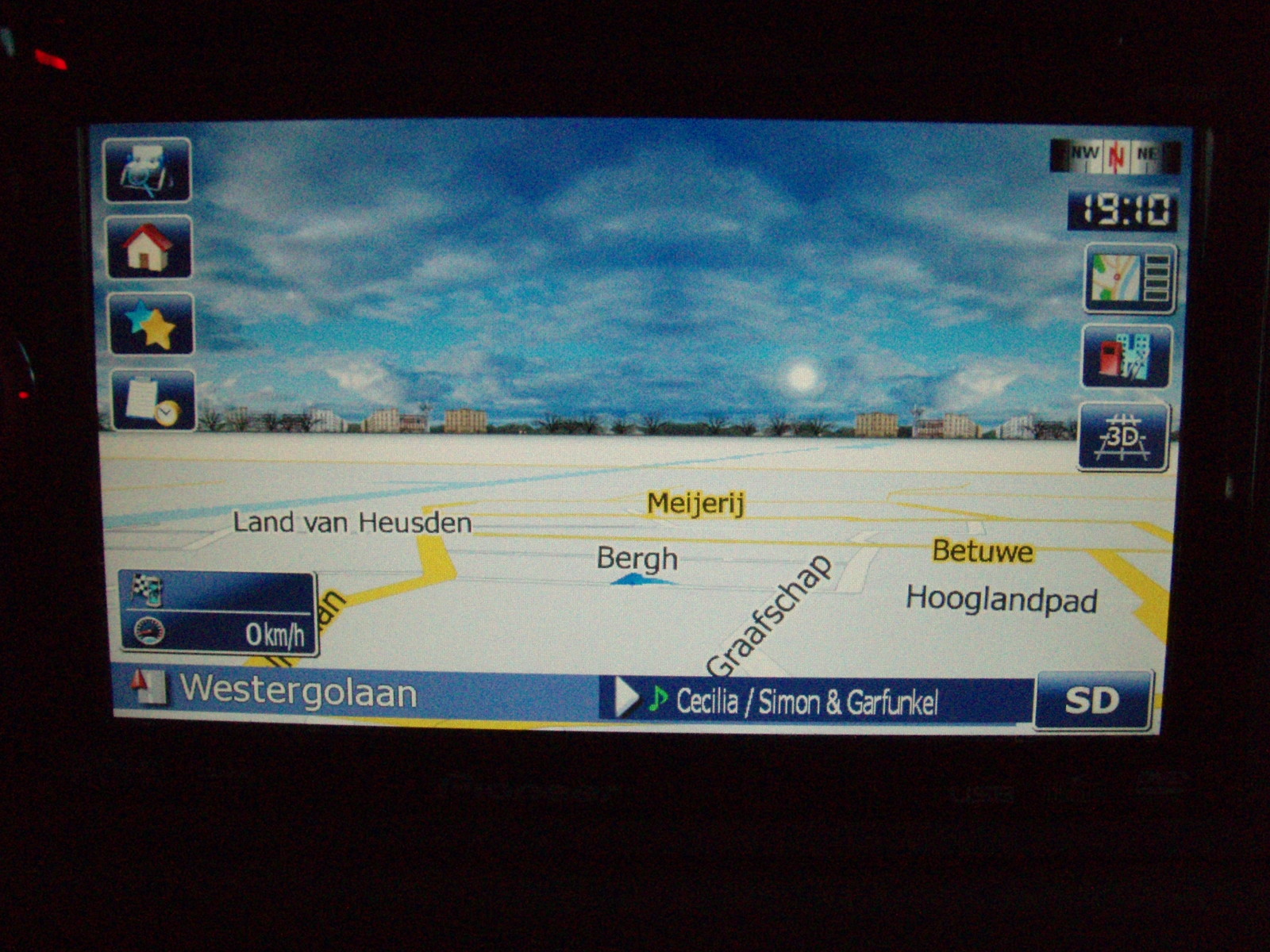
Its the mod of ILLdytrying for 3.01.
I made it with GFX folder and sys.txt and schemes.
Ill upload a foto, but can't upload data.zip etc course i don't know how.
Greatings
Rob,
F900BT EU
Its the mod of ILLdytrying for 3.01.
I made it with GFX folder and sys.txt and schemes.
Ill upload a foto, but can't upload data.zip etc course i don't know how.
Greatings
Rob,
F900BT EU
Its the mod of ILLdytrying for 3.01.
I made it with GFX folder and sys.txt and schemes.
Ill upload a foto, but can't upload data.zip etc course i don't know how.
Greatings
Rob,
F900BT EU
Come on Rob,have a go at UL
UL ??
I can mail it.
Sorry mate,I meant have ago at uploading it....but I wouldn't know how to do it either.Sky looks brilliant,just like an English summer!
It is easy, you post a reply, down below the reply box (that youtype in) you will see two headings, Options, and upload attachments. Under the upload attachments heading you just browse to where your attachment is and add it, just like sending an attachment using email.
It is easy, you post a reply, down below the reply box (that youtype in) you will see two headings, Options, and upload attachments. Under the upload attachments heading you just browse to where your attachment is and add it, just like sending an attachment using email.
The data zips exceed what we can upload on this forum. You'd need to find a host. I've been using Mediafire for mine. Seems to be okay for a free service and for smaller files.

The sky looks great, but the terrain is all white and plain  . Is there any way to bring some color into it, just a suggestion, green to substitute actual terain would be nice. Maybe you can put it into a scheme?
I notice in the xerses72 folder that there are autumn, cloudy, spring, summer and winter folders. Does this change with the seasons or something?
I notice in the xerses72 folder that there are autumn, cloudy, spring, summer and winter folders. Does this change with the seasons or something?
advance igo skins have a "themechanger setting" , haven't dug into that part yet but AFAIK it's a user setting depending on how you want your schemes to look like (or something like that)
No, nothing is automatic. Everything by hand. Themechanger doesn't work. I'm working at a scheme with more color. This one is too white.
Will post them soon. 
I like this scheme!! More colour but not to much.
See picture!!
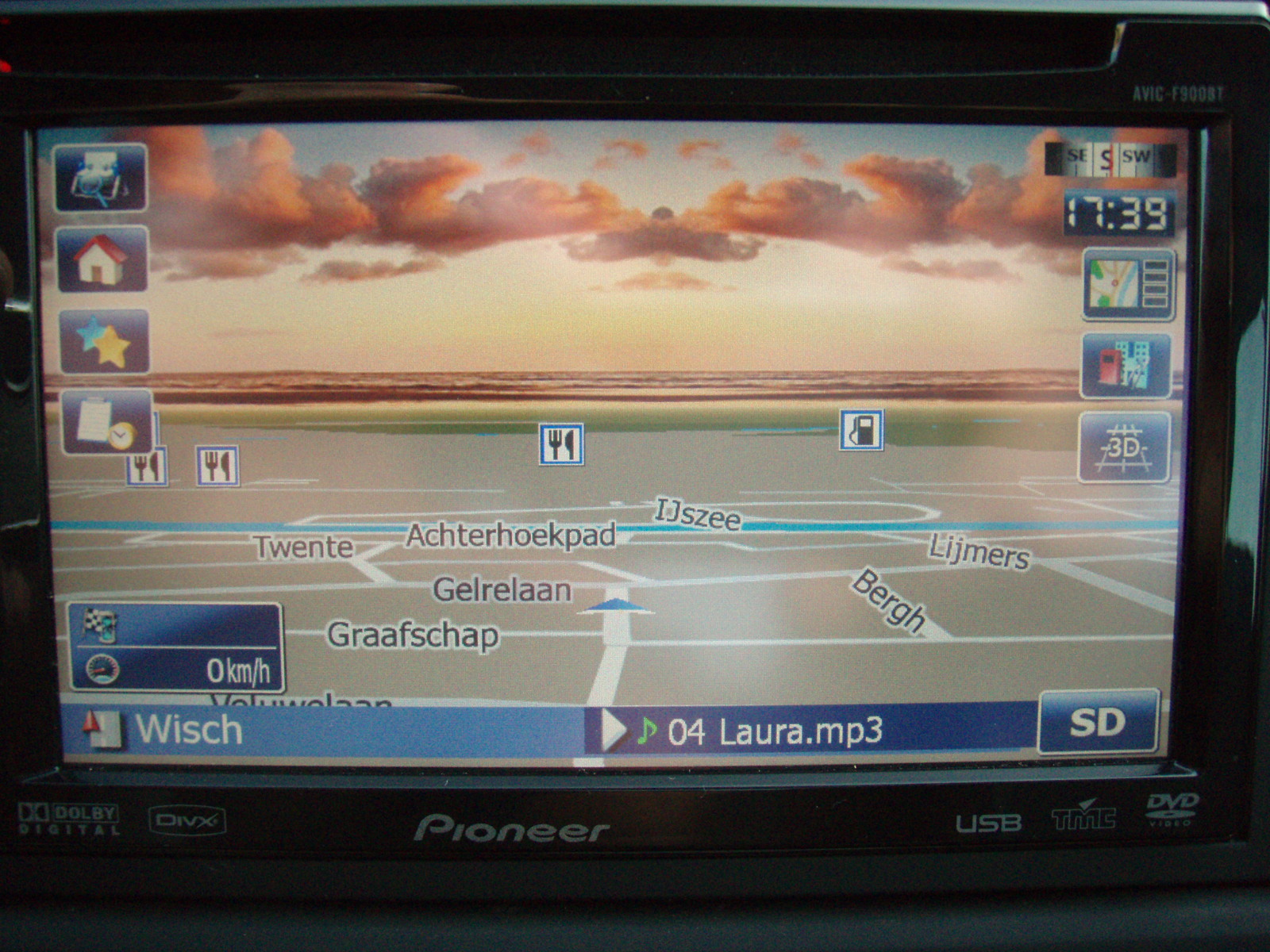
Looks awesome, is it up with your download?
I will update it in a few days with more schemes
looking forward to it
Hi, this sky looks great.
Where do i put it EXACTLY, i can put the file on my sd card and boot into tesmode and copy it to somewhere but where ?
Does it go into schemes ?
Does the download have to be unzipped ?
I've already installed IDT's mod on my F910.
Thanks, Paul.
You'll have to unzip the downloaded file. Then you get sys.txt gfx(folder) and schemes.
Use testmode and then:
make backup of sys.txt or cal it sysbak.txt
then copy sys.txt to Igo/Apl2
copy gfx folder to Igo
copy schemes (keep them in zipmode) in Igo/Apl2/Content/Schemes
In few days ill update the gfx folder and the schemes.
Good luck 
Thanks for the very simple reply, i wish all instructions were that easy to follow.
What about the zipped Data folder ?
Thanks.
Paul.
The zipped data keeps zipped and in Igo/Apl2 (backup your data.zip first)
of everything you can find on http://drop.io/9007rob
Some pictures here, have fun.
Your welcome
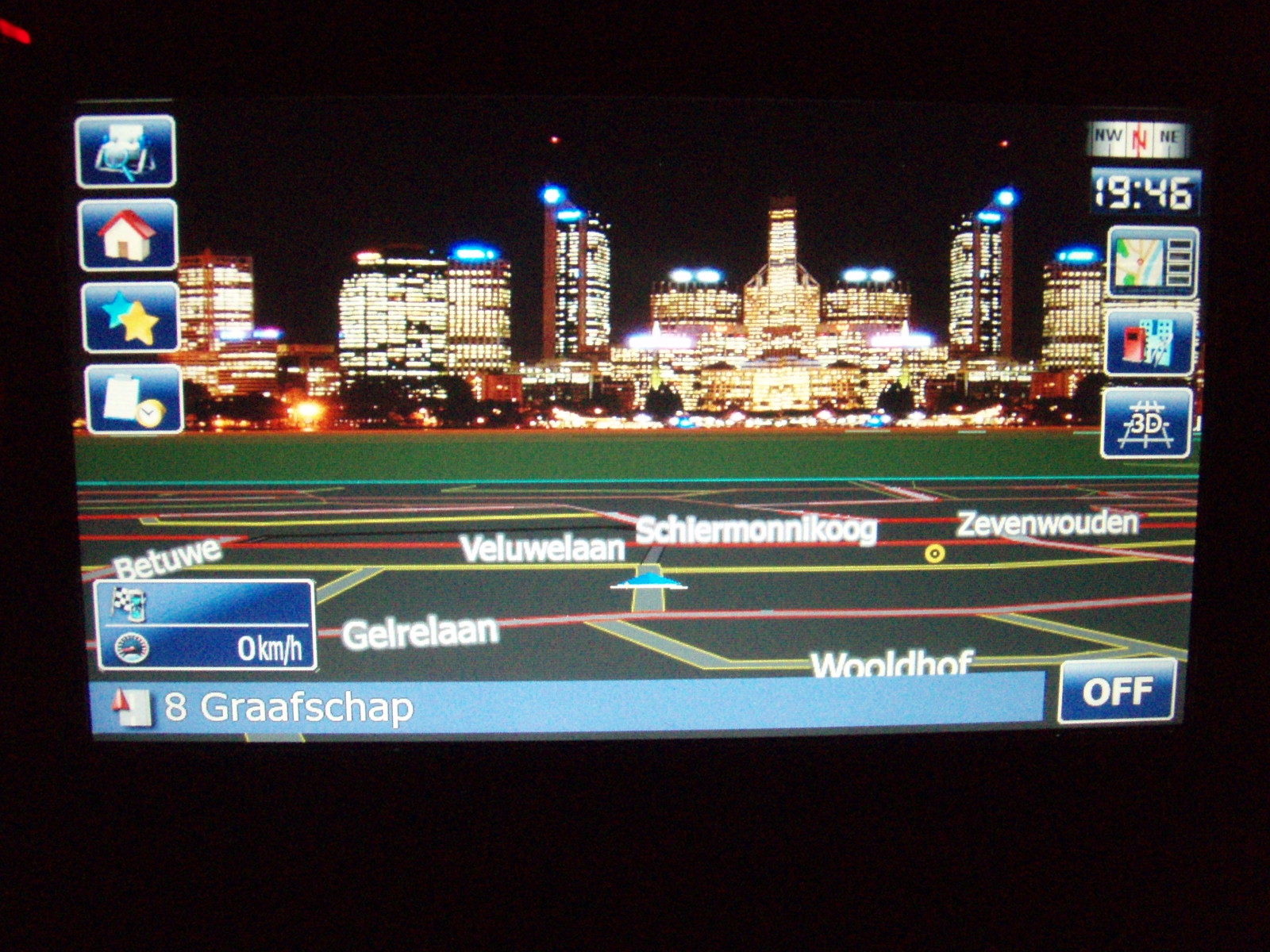


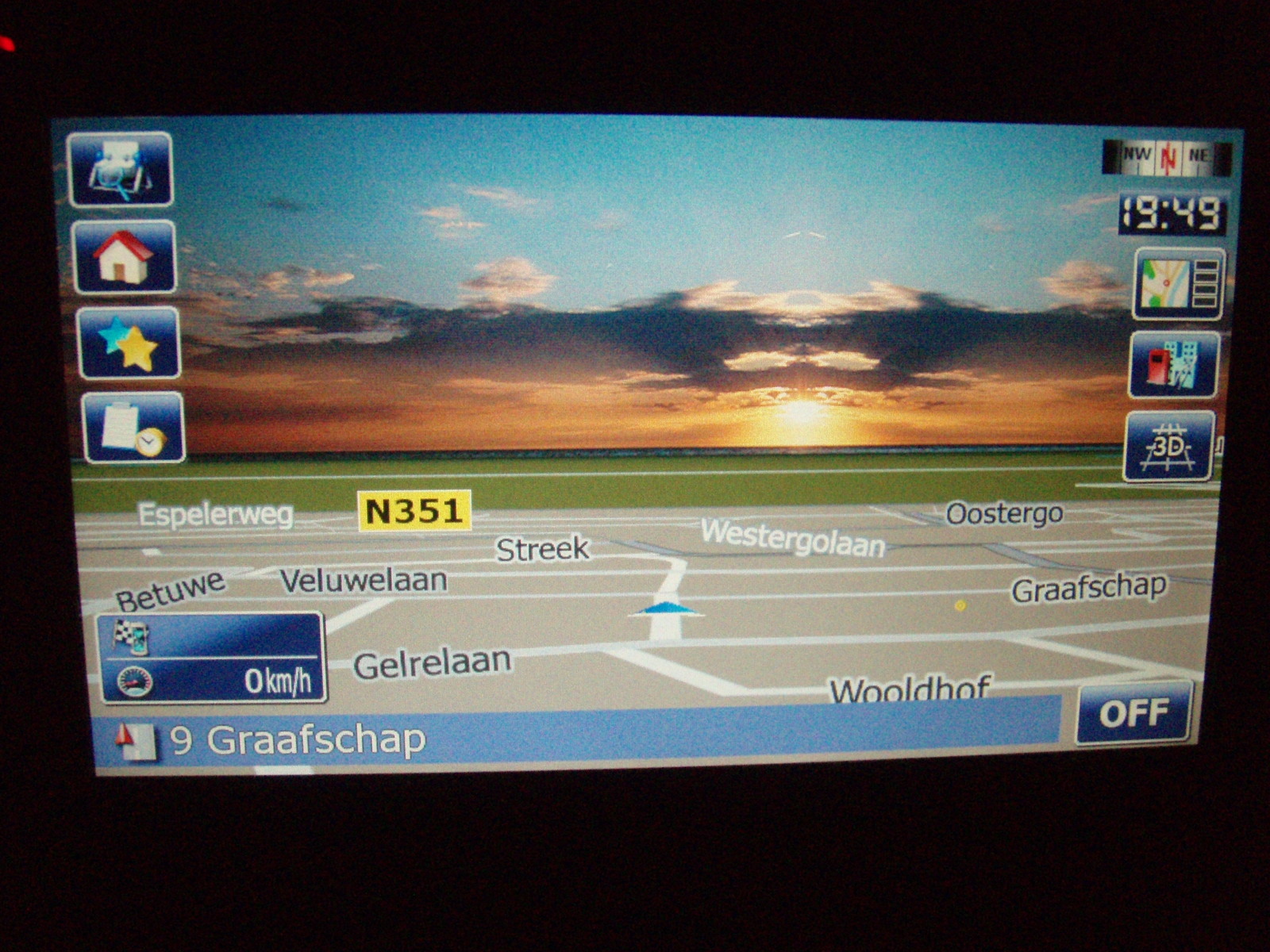
Wow, brilliant.
Another question, sorry for being a pain, i've got IDT's mod installed with the icons along the top of the screen, i want to keep the icons along the top but use your sky and schemes, how do i do that ?
I presume that there's something of your mod that i don't have to install ?
Thanks again, Paul.
Yeah, for the icons on the side makes me wonder where the route information is going to be displayed as it is usually on the left side
don't install my data.zip won't show up the sky. Send me your data.zip and will modify for you.
Whwn routenavigation the icons go away.
try it.
Hi,
like your mod for the clean "stock like " look. Unfortunately i felt like downgrading after having used other mods.
A few questions:
1) How do I switch between 2D and 3D? Can't find it
2) How to disable signposts?
3) How to access TMC from Nav screen?
Thanks
Jörg
You only can switch between 2d and 3d and 2d up when not navigating.
There is no link for TMC on the navscreen
Why disable signposts? Oke there is no button for that.
Al these things is another mod. Look at this forum.
Send your data.zip and i'll make it with sky in it.