Hmmm, dead thread! More than a week without post.
Because I want to share this with other forum members, I spent the past two weeks trying to learn Photoshop, especially learning how the make the Clipping Mask technique in order to improve my menu icons (for myself since long, I previously used only static image, no feedback when taping on them), and that was not easy since I never did photo-editing before. But here they are, some sneak previews capture of my upcoming update to Abb's v2.75.
When I have time and provided that there are interests (please tell me!!!), I will create an online account to upload my mod later this weekend or next week.
I just made change to the interface and functionality, not the graphical layer, so Abb's Split Nav Screen, Speedometer, Destination Dial and Misterblue's 3D Cars Selector etc are original, sometime with changes only to the code behind them.
So below are some pics:
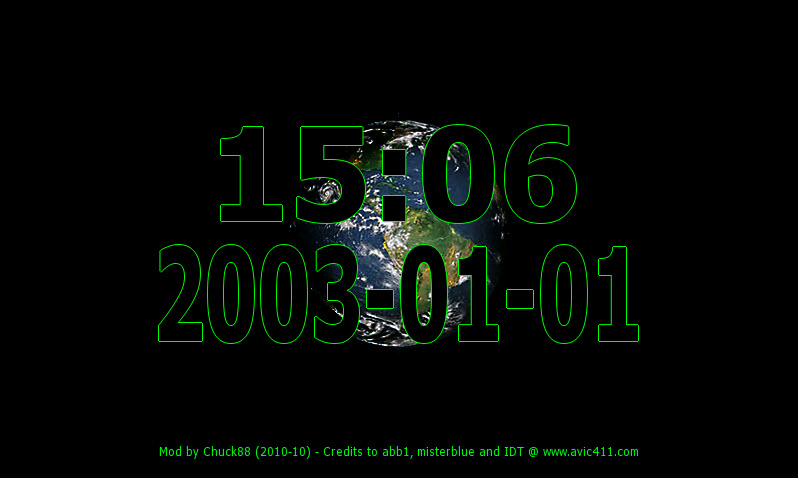
Blank screen not really blank: credits are given to Abb, Misterblue and even IDT for the original mod. Taping on the lower left corner the screen will go blank; taping on the earth and the earth will disappear; taping anywhere else will return to the map screen.

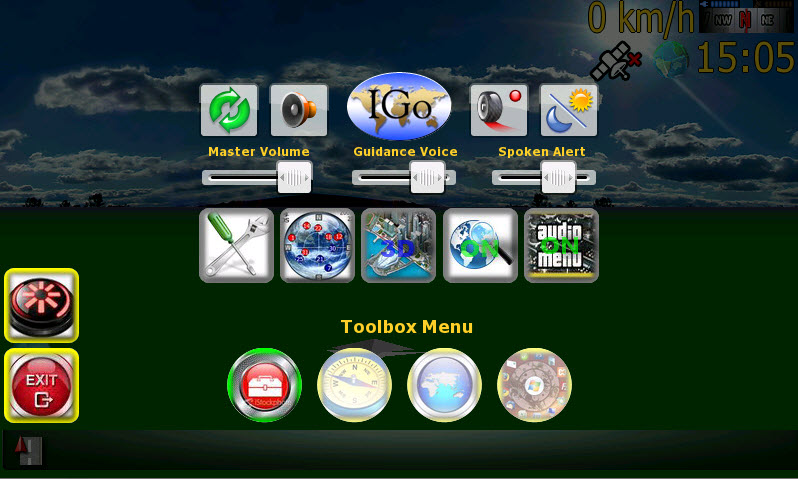
Menu Toolbox: Replanning (???), Master Sound ON/OFF, iGo logo, Record Trip, Day/Night Schemes, Master Volume, Navigation Voice Volume, Spoken Alert Volume, Settings Menu, GPS Status, 2D/3D Map, Smartzoom On/OFF, Audio Menu ON/OFF (one single version now, the Audio Menu is now saved and no more discrepency on the icons status. It will remember the selected state upon power rebooting.

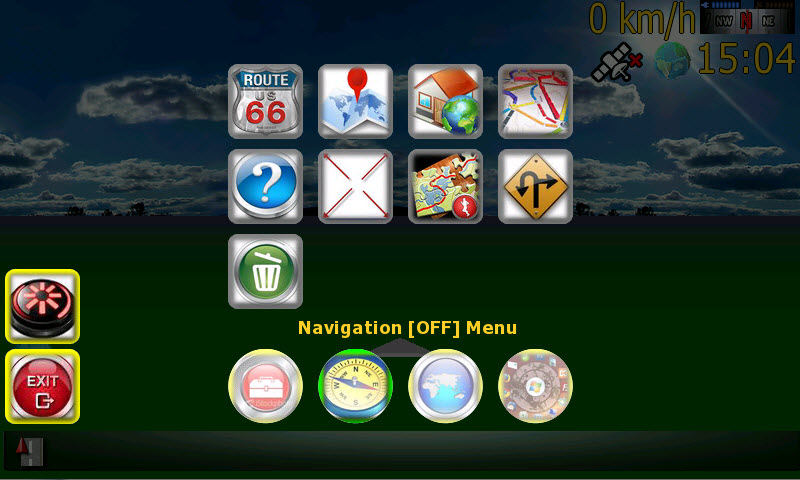
Menu Navigation: Route Menu, Planning Pad, Go Home, Multidraw, Route Info, Fit to Screen, Itinerary, Avoidance, Delete Route

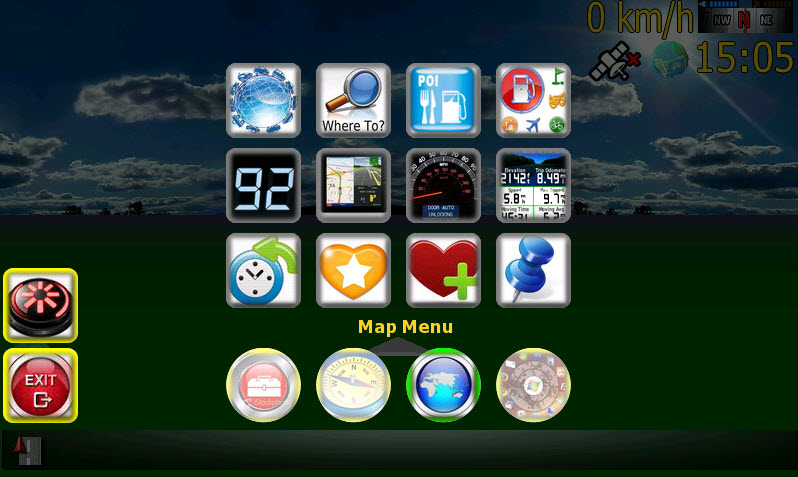
Menu Map: Destination Menu, Find Address, Find POI, Find POI Around ..., Speedometer, Split Nav-Screen, Destination Dial, Trip Computer, History, Favorite, Add to Favorite, Add Pin to Map

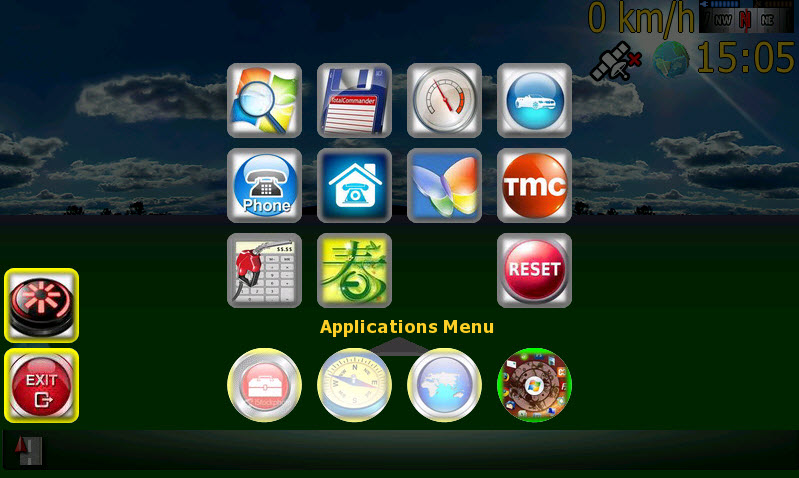
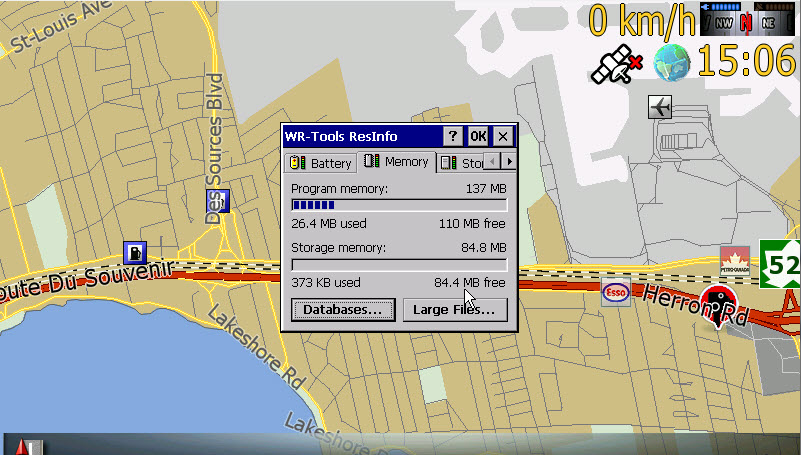
Menu Applications: Windows Explorer, WinCE Commander, Resource Info, 3D Cars, Phone Menu, Call Home, MSN Direct, TMC, Field Calculator, [Custom] and Reset

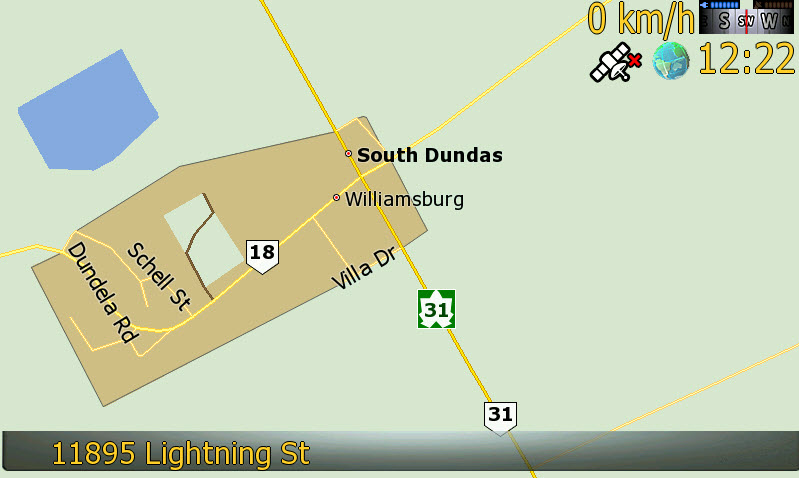
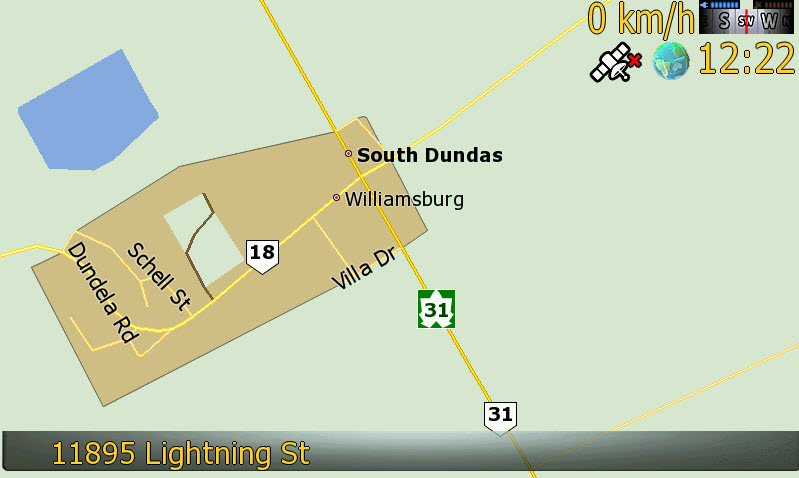
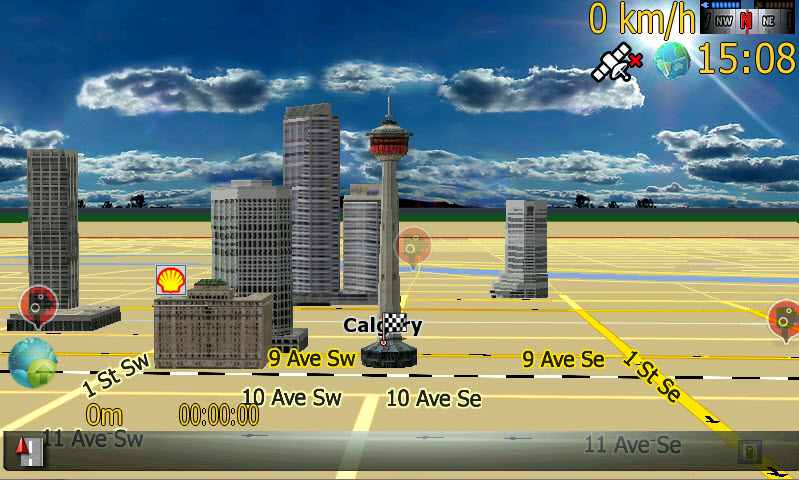
Minimalist view: 2D

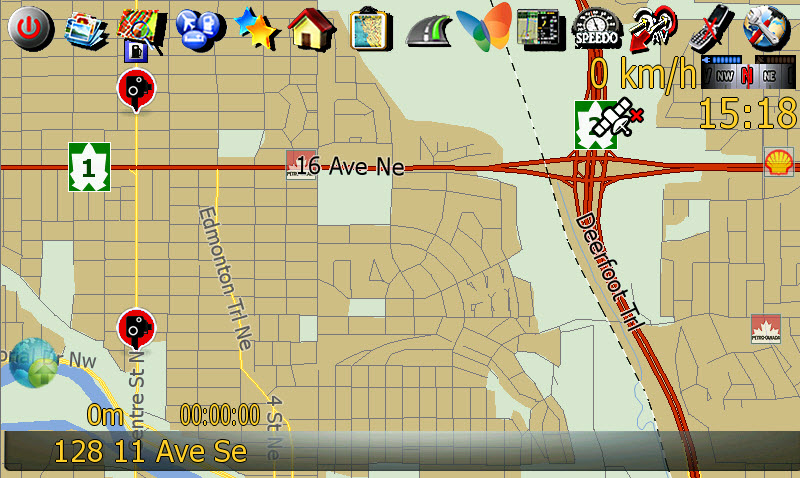
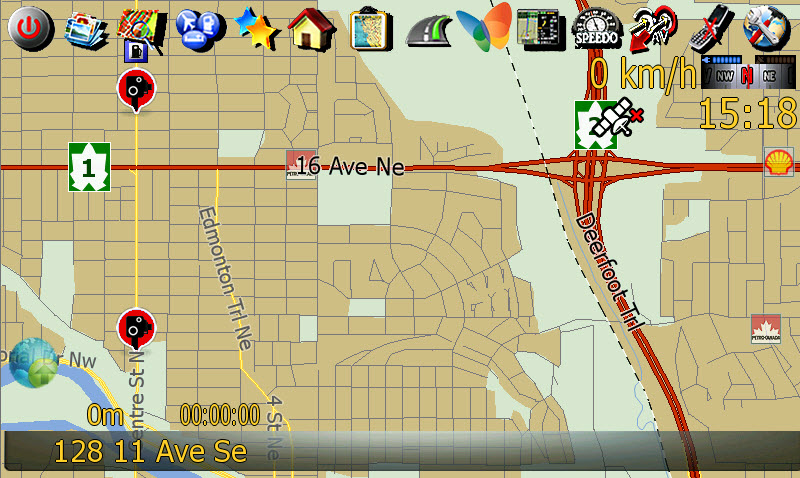
Minimalist view: 2D with menu icons bar

Minimalist view: 3D without Menu Icons Bar, images shifted

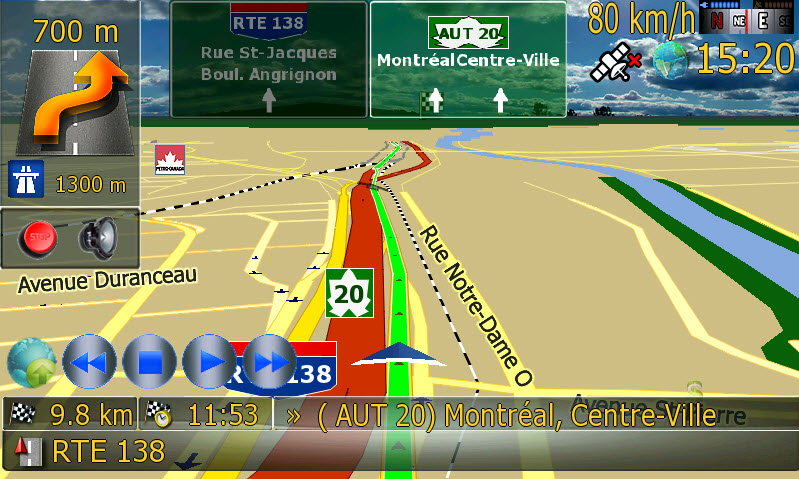
Navigation view: 3D without Menu Icons Bar, images shifted

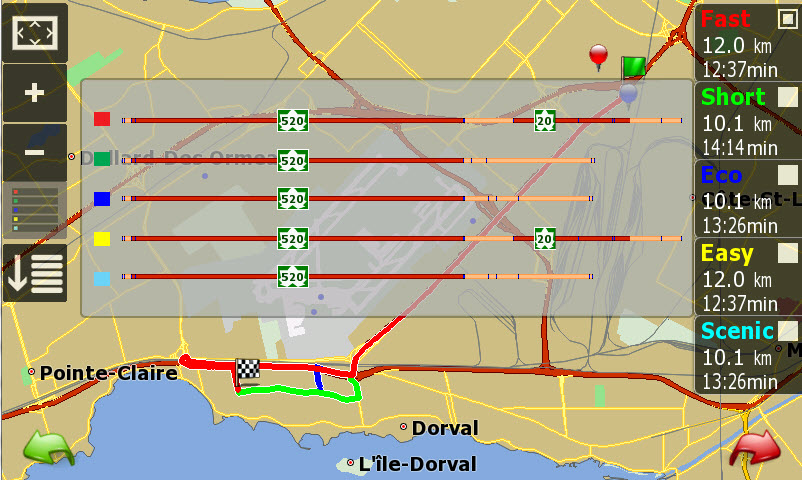
Multidraw view: you can bring the routes map anytime

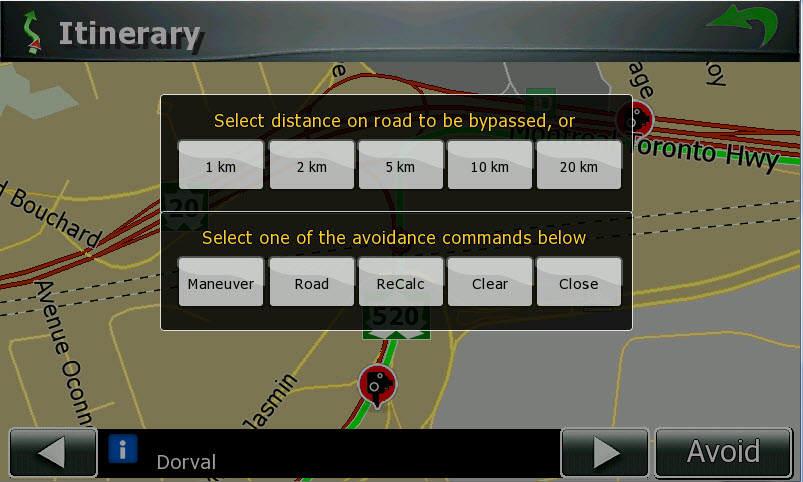
Itinerary avoidance: it works!!!

Application on top of the map screen