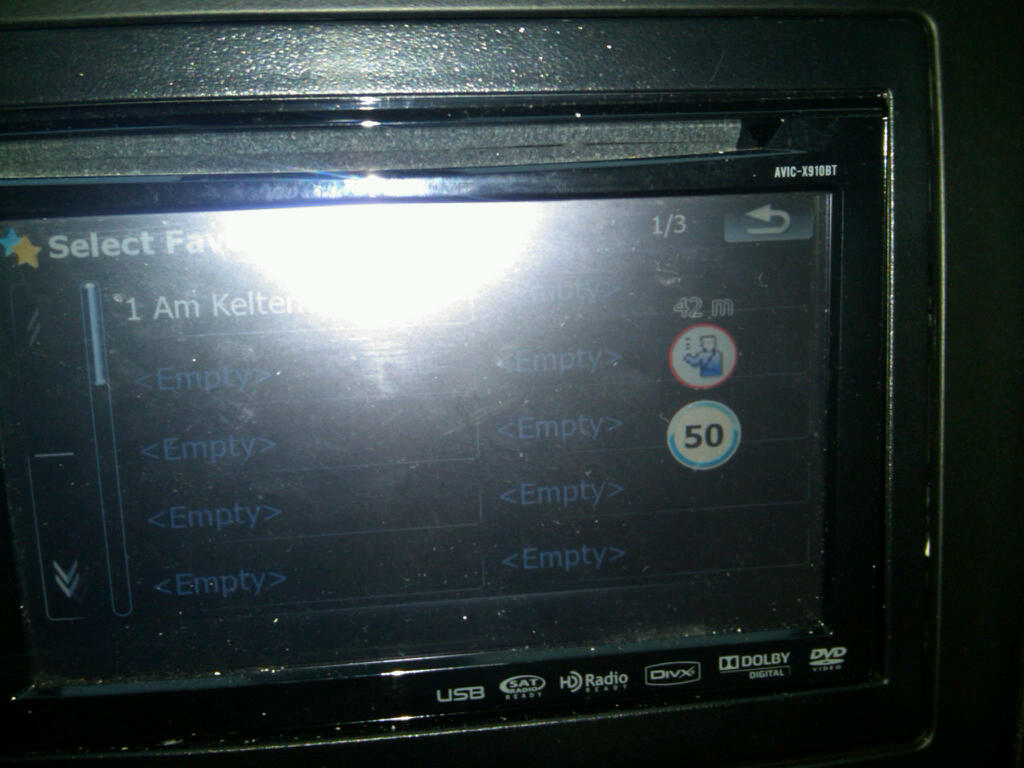
Hi Diaftia, first congratulations on this mod and many thanks, I like it a lot
)
I wonder if you can help me regarding SYS.TXT? Unquoting the options in the Device and Local sections is pretty straightforward but after that I'm a bit out of my depth. Has this been discussed elsewhere? I've looked but not found anything and I'd like to bet a better understanding of how it works. For instance, Ovalball talks about removing the 2 from the TMC references for European use (I'm in the UK so this is of interest to me). I'm sure this is right but I'd never have guessed.
Can you point me to the path of enlightenment?
Thanks,
John
Sounds like you want to open sys.txt and make the following lines:
tmc_events_icon_set="$tmc2.spr"
small_tmc_events_icon_set="$smalltmc2.spr"
this:
tmc_events_icon_set="$tmc.spr"
small_tmc_events_icon_set="$smalltmc.spr"
The device and language settings are pretty straight forward. You just need to make sure you comment out the ones that are originally uncommented.
In your case you want to make:
[device]
;Uncomment the device you are using.  Make sure you comment out the existing one if you change it.
type="PIONEER746UC" ; US F700/900/710/910
;type="PIONEER746EW" ; Euro F700/900/710/910
;type="PIONEER749EW" ; Euro F500
;type="PIONEER749UC" ; US F500
;type="PIONEER746CA" ; CA F700/900/710/910
;type="PIONEER749CA" ; CA F500


[local]
;Uncomment the voices for your country.  Make sure you comment out the existing ones if you change it.
;voice_key="Eng_aus_m1"           ;(AU Male) F500, F700, F900, F90
;voice_key="Eng_aus_f1"           ;(AU Female) F500, F700, F900, F90
;voice_key="Eng_uk_m1"           ;(EU Male) F500, F700, F900, F90
;voice_key="Eng_uk_f1"           ;(EU Female) F500, F700, F900, F90
voice_key="Eng_us_m1"           ;(US Male) F500, F700, F900, F90
;default_language="english AUS"   ;(AU) F500, F700, F900, F90
;default_language="english UK"   ;(EU) F500, F700, F900, F90
default_language="english US"   ;(US) F500, F700, F900, F90
This:
[device]
;Uncomment the device you are using.  Make sure you comment out the existing one if you change it.
;type="PIONEER746UC" ; US F700/900/710/910
type="PIONEER746EW" ; Euro F700/900/710/910
;type="PIONEER749EW" ; Euro F500
;type="PIONEER749UC" ; US F500
;type="PIONEER746CA" ; CA F700/900/710/910
;type="PIONEER749CA" ; CA F500


[local]
;Uncomment the voices for your country.  Make sure you comment out the existing ones if you change it.
;voice_key="Eng_aus_m1"           ;(AU Male) F500, F700, F900, F90
;voice_key="Eng_aus_f1"           ;(AU Female) F500, F700, F900, F90
;voice_key="Eng_uk_m1"           ;(EU Male) F500, F700, F900, F90
voice_key="Eng_uk_f1"           ;(EU Female) F500, F700, F900, F90
;voice_key="Eng_us_m1"           ;(US Male) F500, F700, F900, F90
;default_language="english AUS"   ;(AU) F500, F700, F900, F90
default_language="english UK"   ;(EU) F500, F700, F900, F90
;default_language="english US"   ;(US) F500, F700, F900, F90
Hope this helps. FYI in future updates you will largely just need to copy the new data.zip out of my zip file. Should be much easier going forward (as in you dont have to do this each time)
Alex
 ! Speaking of the Satellite icon, i like the new signal strength bars above the icon. The only bug i found was the same that dozer.hh found with the default mute setting in regards to the navi. Other than that, it was solid. I do miss the translucent highway signs, but i can live with it.