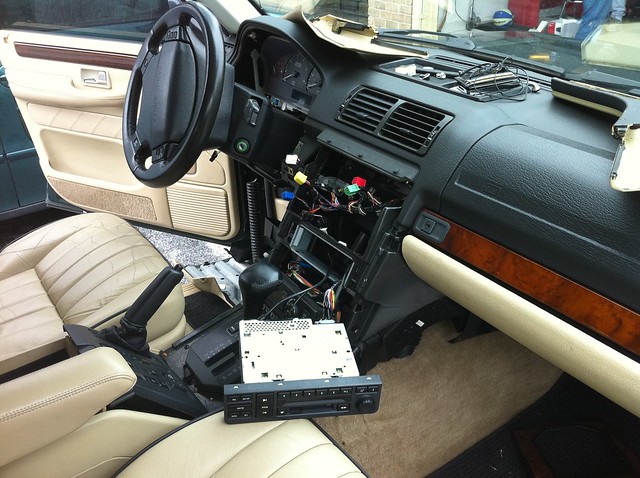
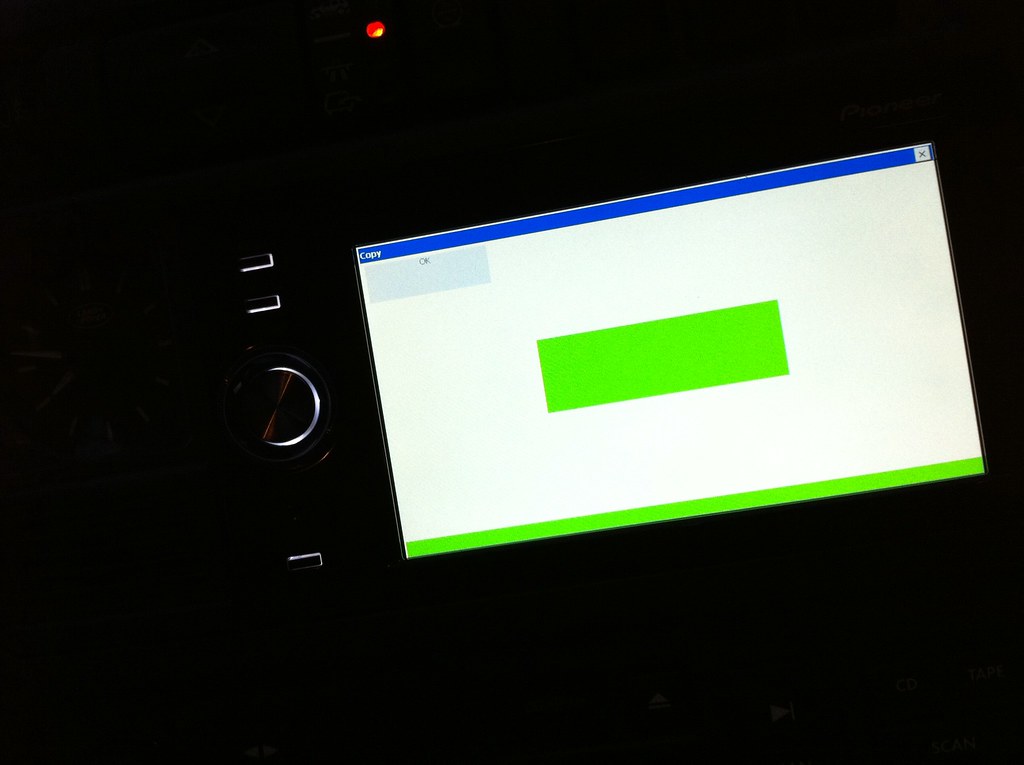
So, I just installed an AVIC-F500BT in my dash and was smart enough to mount it using an SD extension cable so that I can remove the SD card. However, I can't get to the back of the unit to press to reset button so I hope this isn't needed. I found out, only after installing, about the parking brake software issue. I mounted the wire to a ground so it tricked it mechanically but, to trick the software, I understand I need to follow these steps:
Avic F500
Note: Get into Windows mode using testmode. Save a copy of your oringnal My Flash Disk files incase you need to revert back.
1) Copy My Flash Disk files from your pioneer unit to an SD card. Then copy the My Flash Disk files fron your SD card to your pc.
2) Using the copy you just put on your computer navigate to \My Flash Disk\APL2\iGo\data.zip\project_config
3) Copy the pioneer.ini file to any folder on your desktop so you can edit it in note pad. Do not unzip the data file.
4) Open the pioneer.ini file with notepad and edit the "parking_break_speed=16.0" to "parking_break_speed=128.0"
5) Save file by clicking on File\Save As, makes sure you change the "Save As Type" to "All Files" and name the file pioneer.ini, this will save it as the correct file type.
6) Copy and paste the file you just saved (pioneer.ini) back in to the \My Flash Disk\APL2\iGo\data.zip\project_config location. It should ask you if you would like to replace the exisiting file, if you've copied it to the correct location.
7) Now copy the data zip file from your pc (\My Flash Disk\APL2\iGo\data.zip\project_config) to your SD card \My Flash Disk\APL2\iGo\project_config on your SD card.
8 ) Install the SD card in your unit and boot to Windows CE.
9) Copy data.zip file (\My Flash Disk\APL2\iGo\data.zip\project_config) from your SD card to the \My Flash Disk\APL2\iGo\data.zip\project_config in your system folder on your pioneer unit.
10) Shutdown unit, remove SD card and reboot.
11) If done correctly you should be good to go. The parking brake does need to be grounded if you're using the optional amp accessory for the AVIC-F500BT
I updated the unit with the latest software and so here is my question.
TO CHANGE THE SOFTWARE ON THE AVIC TO ALLOW FOR VIDEO WHILE MOVING, DO I NEED TO ENTER TESTMODE AT ALL OR CAN I JUST TAKE OUT THE SD CARD, PUT IT IN MY COMPUTER, MODIFY THAT ONE FILE, AND PUT IT BACK IN THE AVIC?
Mounted
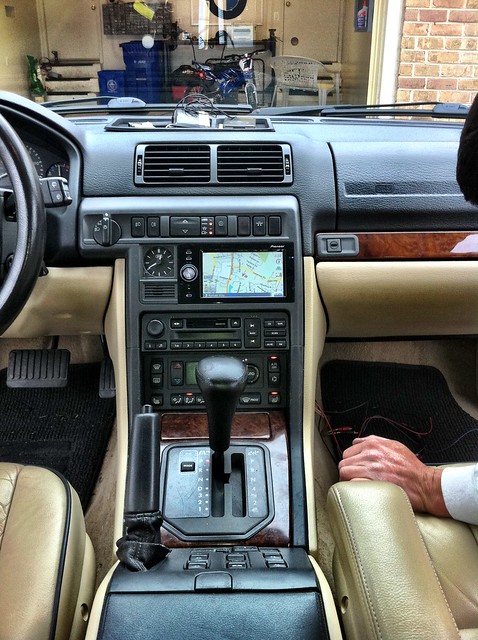
Reason I DON'T want to have to take out the unit to get to the reset button. Would have to take all of the car apart again to get the dash trim out that it is glued to