Search Archive

Custom wallpaper thread

By rsquared · Nov 21, 2011in AppRadio, AppRadio 2, AppRadio 3💬 32 posts👁️ 31,908 views
Page 1 of 2
Posted Nov 21, 2011 · 18:37 UTC#1

Thanks to carver's great post, we can now change the AppRadio's main wallpaper. I originally posted my first attempt at creating custom wallpaper in caver's thread, but decided to create this new thread dedicated to custom wallpapers.


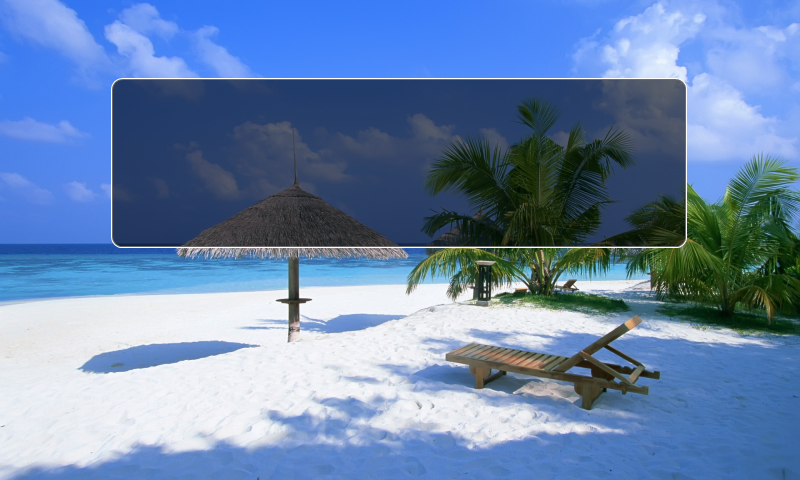
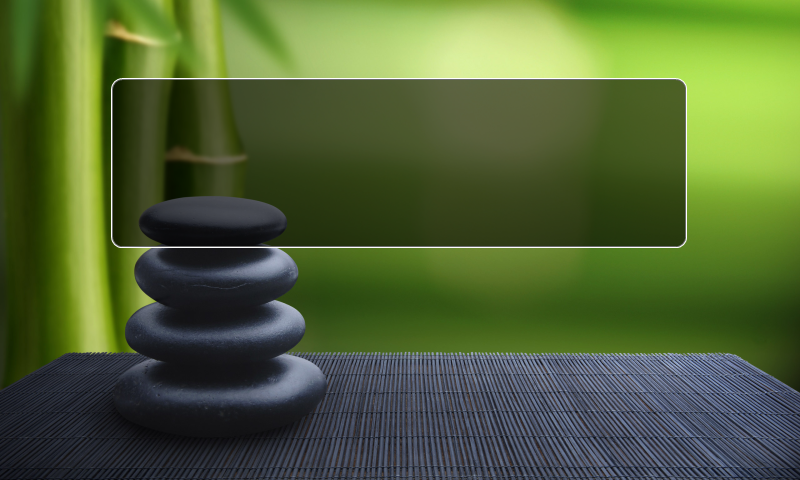
I've attached 4 files. The first two are the default AppRadiowallpapers. They are in .bmp format. I used those files as templates to create my custom wallpapers. You will need to create/edit the wallpapers with some sort of photo editing software and save them as 24-bit bmp files using the exact same dimensions and filenames as the original wallpaper files (NX120_BG_1.bmp or NX120_BG_2.bmp).I used Adobe Photoshop Elements to create mine.


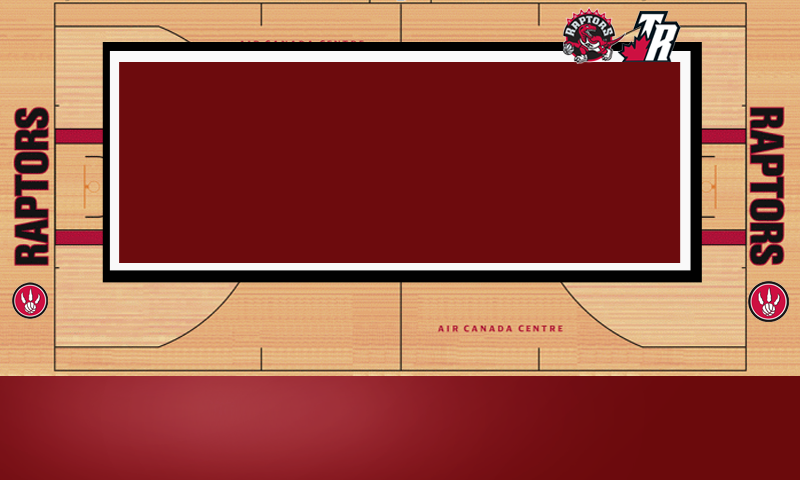
Took me several tries to get the positioning/spacing right, but I created two wallpapers which are the 3rd an 4th attachments: First one is a Toronto Raptors background, second one is a Montreal Canadiens background.


Here's how to install them:

  1. After creating your wallpapers, save them on a microSD card
  2. Download the CE66Tool.rar file: http://avic411.com/index.php?app=core&module=attach&section=attach&attach_id=14878, extract that file and then save the CE66Tool.exe file on the same microSD card
  3. Insert microSD card in AppRadio and then turn it on - Windows will launch
  4. Double tap the My Device icon, double tap on flash card icon, select and copy your custom wallpaper files (NX120_BG_1.bmp and NX120_BG_2.bmp)
  5. Go back to My Device folder, double tap on the Nand Memory folder, double tap on CE66 folder and then double tap on Wallpaper folder
  6. Paste the custom wallpaper in the Wallpaper folder (overwrite existing files)
  7. Turn off Appradio and remove microSD card
  8. Wait at least 5 minutes and then turn on Appradio and your custom wallpaper should be there

NX120_BG_1.bmp

NX120_BG_2.bmp

NX120_BG_1.bmp

NX120_BG_2.bmp

Edited Nov 21, 2011 by rsquared
Posted Nov 22, 2011 · 09:56 UTC#2

Great job ! People should start uploading their versions of wallpapers.. I will try and create some today.

Posted Nov 27, 2011 · 13:11 UTC#3

Great job !


Could u make a video of appradio boot ?


Thanks ;)

Posted Dec 14, 2011 · 04:32 UTC#6

Grazie era quello che stavo cercando

Posted Jan 02, 2012 · 03:45 UTC#7

I've noticed that if I run cis from inside CE, then I can actually tap around and get the start menu to come back up.. I can therefore switch around one of the two. Sadly not both, as I whichever was currently loaded when the radio was powered on, won't show until after the 5 min wait.


Posted Jan 30, 2012 · 17:59 UTC#8

is there any way to make an animated background? right now im just using wallpapers i found on digitalblasphemy.com

Posted Feb 07, 2012 · 15:12 UTC#9

is there any way to make an animated background? right now im just using wallpapers i found on digitalblasphemy.com


Wouldn't the interface get laggy with a animated background?


Thanks for the uploads guys!

Posted Feb 09, 2012 · 03:58 UTC#10


Wouldn't the interface get laggy with a animated background?


Thanks for the uploads guys!


Im not sure but I would love to have something simple just slight animation nothing to big

Posted Feb 09, 2012 · 22:04 UTC#11

I just created two decent looking wallpapers to share. I got impatient and hit the reset button to find that I had to re-input all my settings... :(

NX120_BG_2.bmp

NX120_BG_1.bmp

Posted Feb 13, 2012 · 00:06 UTC#12

Hi guys, i was really impressed by your job.....

I tried yours wallpaper and they works fine, so i decided to created mines but they seems to refused to work and i dont understand why, so i need your help.

Could you give informations about what i f....k, i attached my non working backgrouds if someone could take a look and give the way.

Thanks

NX120_BG_1.bmp

NX120_BG_2.bmp

NX120_BG_3.bmp

Posted Feb 22, 2012 · 17:22 UTC#13

Hi guys, i was really impressed by your job.....

I tried yours wallpaper and they works fine, so i decided to created mines but they seems to refused to work and i dont understand why, so i need your help.

Could you give informations about what i f....k, i attached my non working backgrouds if someone could take a look and give the way.

Thanks


In order to make this work you need to follow the instructions from the first post "rsquared". Then you either need to wait 5 - 10 minutes after making the changes or reset the head unit and see if the wall paper displays. Keep in mind resetting erases all your custom settings and puts it back to factory defaults. Try one of the wall papers I posted and make sure they display.

Posted Apr 05, 2012 · 19:58 UTC#14

I followed the instructions and everything loaded as promised and my new background seemed to copy/paste properly.

I waited about 30 mins and turned on the AppRadio but the background was just black. I went in to settings and when I touch the "Change Background" button it just beeps 3 fast beeps and won't let me do anything.


Any suggestions?

Posted Aug 05, 2012 · 19:15 UTC#15

Any Chance someone knows how to do that on the Appradio 2 ?


Thx in advance


Goofy

Posted Aug 06, 2012 · 18:31 UTC#16

thanks for this, just noticed and works great


here are the lincoln wallpapers i made to use


http://imgur.com/a/Kvf7x

(imgur changed files to .png instead of .bmp)


i believe the procedure would be the same on the appradio 2, but not 100% sure as i have a sph-da01

Edited Aug 06, 2012 by late
Posted Oct 14, 2012 · 02:15 UTC#17

How long should this take? I've double clicked on the My Device icon and am sitting here with my laptop in the vehicle waiting for anything to come up. Plain black screen! Any help would be appreciated. I've been wanting a custom wallpaper on my main screen.

Posted Oct 14, 2012 · 02:44 UTC#18

OK so here's what happened.....After I clicked on My Devices (which was a bright screen) the other screens were there but completely blacked out. I had to use a flashlight to try and backlight to see the folders and get where I needed to be....complete pain in the arse. Anyway, can someone fix two images for me so they are 24-bit BMP's? I have no clue how to do that! That would be the best! I can email them to you and would be forever grateful!

Posted Feb 21, 2013 · 02:03 UTC#19

will this work on appradio 2

Posted Feb 21, 2013 · 18:35 UTC#20

Any chance someone could upload a video on how to use the CE66Tool? Also, any chance someone could make a nice Scion/Pioneer wallpaper? Like something to give it a kind of factory integration look...

Posted Feb 28, 2013 · 01:53 UTC#21

Hi, 


Is there a way to know if it would work with the AR2?

Posted Feb 28, 2013 · 01:57 UTC#22

No, because there is no SD card slot on AR2

Posted Feb 28, 2013 · 03:46 UTC#23

what if........................... SD card reader in USB? Or on a USB pen-drive???

Edited Feb 28, 2013 by mrKO
Posted Feb 28, 2013 · 20:04 UTC#24

Give it a try, I am also curious. I have read online that the USB port for firmware updates does not support media. One can only hope.

Posted Mar 02, 2013 · 06:55 UTC#25

I installed the wince66.exe file into a pen drive and.... nothing. I guess it has to be done over the .hat update file, or there is a hidden service mode that we are unaware. 

Page 1 of 2