Im uninstalling everything from jailbreak except app ex to see if that changes things
Posted Feb 18, 2013 · 23:17 UTC#751
Im uninstalling everything from jailbreak except app ex to see if that changes things
guys how do i identify what firmware my appradio is on? also how do i find the cersion of the appradio app?
really want to contribute.
thanks all
You open appradio app and tap on settings/ help it will be at the bottom where it says version, I am on the latest one and it is 2.0.1
Thanks, it´s work for me.
The beta for Ios6 works like Mike says but:
*When i used Siri, in Appradio i can see a windows like a phone call, no the normal siri windows you can see in iphone, so when i finish i have to reestar manually appradio from iphone.
*i got no Lag when scrool unsoported Apps. Mine is a 4S.
*"Press on the black bars to the left or right of the app window to go back to the AppRadio app menu." it dont work.
Thanks very much Mike
The reason why when you use Siri you see the window like the one for the phone call is because you have your phone paired with Bluetooth on your unit, so when you invoke Siri, Siri communicates trough the unit, you can ether turn off Bluetooth on the phone or the unit or select not to use the Siri through the unit, by launching Siri and taping on the right Bluetooth Icon next to Siri's icon and select phone instead of Bluetooth...
Mike I want to say thanks for beta2 for iOS 6, killing app radio app every time was driving me crazy, on the next beta I would love to see the black bars act as home buttons to take us back to home on app radio on unsupported apps, so we don't have to double tap our phone's home button and switch to app radio app every time we want to change from one app to another. (Is this really difficult to get done?) Also I appreciate landscape for pretty much all applications except music because if I want to search for certain playlist it's in landscape and it has the weird album pictures so it makes a really hard to search for the music or playlist I want, is there a way to keep just the music app from going into landscape.
Thank you once again.
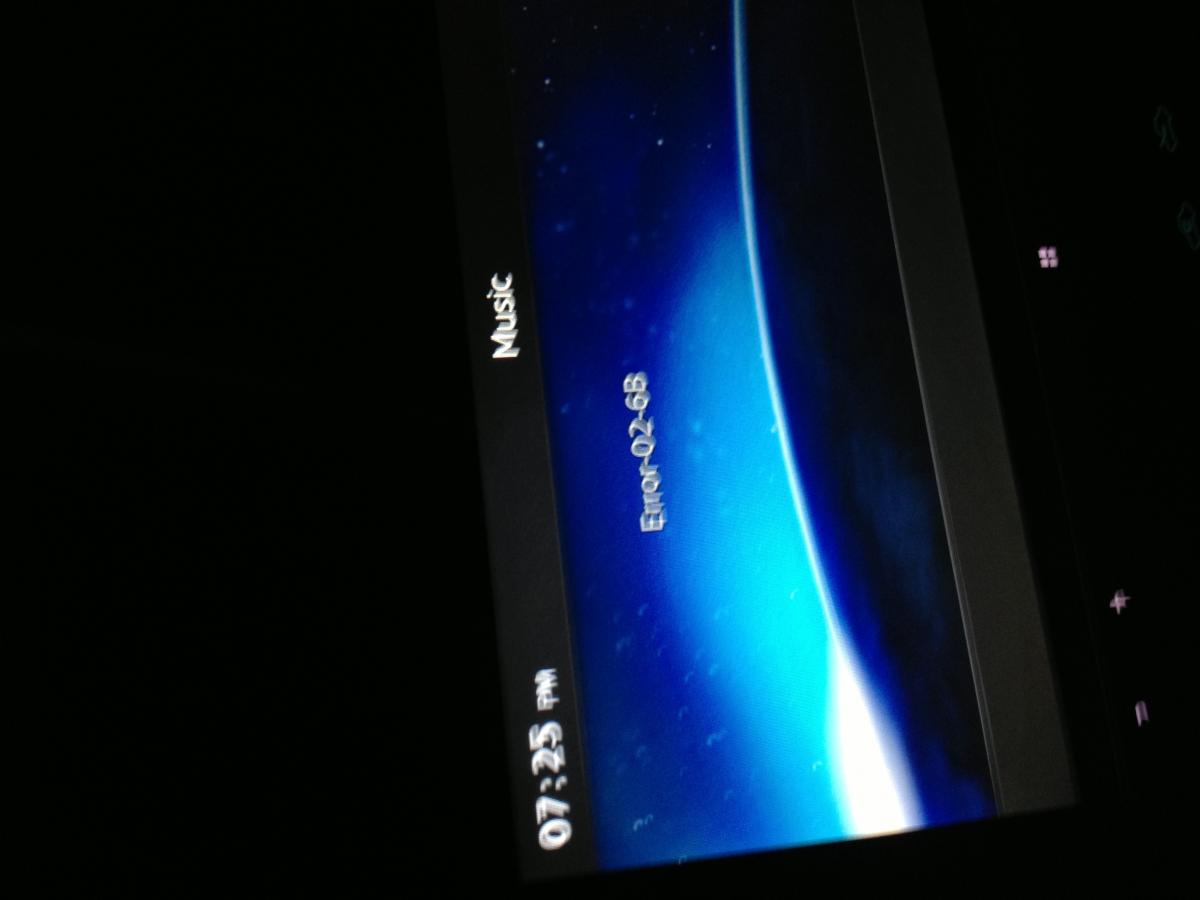
Did clean install still same bugs even got this error in ipod
This error
I just found a great solution For those who don't like the Cover Flow on the music application when they are using it on landscape in app radio, it is a cydia tweak called nocoverflow made by a developer called Ryan Petrich’s, and it works 100% with the ios6 beta 2 of appradio extensions. http://www.addictivetips.com/ios/disable-coverflow-in-iphone-music-app-for-use-in-landscape-mode/
I also tested the cydia tweak made by Daniel Juhn, called Landcape Tv out, this one allows the unsupported apps to go kind of full screen, you can still see the black bars on the sides but the black space above and under the unsupported app disappears as the app goes "full screen"
Hi All,
I was wondering if anyone can help with this very small problem:
- If I listen to the head unit radio and then press the app button (to go into the unsupported apps menu) the head unit radio switches off.
Is it possible to use the head unit radio and use unsupported apps (e.g. Tomtom) at the same time?
Kind regards,
Mooooch
So we have a new betas or ios6, thanks mike, what's new on this one, does anyone know?
I think I got it fixed. Might been an issue with Aloud app. Anybody using activator and AppRadio Ex. Also the NoCoverFlow will be really nice when touch input works. Will SBRotator work with this so Siri can rotate to landscape. Opening apps with Siri works but it goes right back to AppRadio app instead of staying on the open app. This would be cool to add.
I think I got it fixed. Might been an issue with Aloud app. Anybody using activator and AppRadio Ex. Also the NoCoverFlow will be really nice when touch input works. Will SBRotator work with this so Siri can rotate to landscape. Opening apps with Siri works but it goes right back to AppRadio app instead of staying on the open app. This would be cool to add.
I am glad you found the problem, I will try the sbrotator tomorrow and see how it behaves with appradio extension beta 3..
The reason why when you use Siri you see the window like the one for the phone call is because you have your phone paired with Bluetooth on your unit, so when you invoke Siri, Siri communicates trough the unit, you can ether turn off Bluetooth on the phone or the unit or select not to use the Siri through the unit, by launching Siri and taping on the right Bluetooth Icon next to Siri's icon and select phone instead of Bluetooth...
Thanks very much Adrian, i´m going to try with and without bluetooh and see the difference.
And for one of the mayor issues (no backgrounder in Ios6), ¿this could be a solution?
1.- http://www.dslreports.com/forum/r28007368-JB-iOS-6-and-Background-need-for-Colloquy-fix-found
Use InfinityTask and modify Appradio Default.plist and adjust the CQMultitaskingTimeout value to a large value with Ifile.
2.- Remove Background
EDIT: there´s lot of people that need an alternative to backgrounder for Ios6. Hope someone finaly solve the problem!!!!
So we have a new betas or ios6, thanks mike, what's new on this one, does anyone know?
Fixed the dimming/auto lock while displaying an unsupported app.
Fixed the dimming/auto lock while displaying an unsupported app.
Great thanks, I noticed that while testing beta 2 yesterday I am glad it was fixed, thanks mike...
Thanks very much Adrian, i´m going to try with and without bluetooh and see the difference.
And for one of the mayor issues (no backgrounder in Ios6), ¿this could be a solution?
1.- http://www.dslreports.com/forum/r28007368-JB-iOS-6-and-Background-need-for-Colloquy-fix-found
Use InfinityTask and modify Appradio Default.plist and adjust the CQMultitaskingTimeout value to a large value with Ifile.
2.- Remove Background
EDIT: there´s lot of people that need an alternative to backgrounder for Ios6. Hope someone finaly solve the problem!!!!
Have you been able to test this? I will give it a try, thanks for posting this here, hopefully is something mike can work with...
I'm running an iPhone 4S, iOS 6.1.1, AppRadio Extensions 2.0.1-3 with a avh 8400BT.
I can launch and see unsupported apps but cannot control them with the head unit.
Thanks for the good work Mike!
I hope you'll fix those issues soon
Have you been able to test this? I will give it a try, thanks for posting this here, hopefully is something mike can work with...
i´d tried all teaks i found about multitasking, but i do not know anything about programming. Because of What Mike said, i supoose we need to run Appradio in background, but dont know what i have to find in this teaks;
For example, when configure Remove Background and put "angry birds" in the exception list, i cant go out angry birds and came back for play the same game, i need to reestar the level, so i supossed Remove Background is not a real multitasking like Backgrounder. The same with InfinityTask, insomnia, etc and all the other program i found in google with "alternative to backgrounder Ios 6". I think Mike would Know if this programs are ussefull, ¿anyone know?
In another forum i found this interesting post, someone is working in backgrounder Ios6 : http://www.sinfuliphone.com/showthread.php?p=951437
i´d tried all teaks i found about multitasking, but i do not know anything about programming. Because of What Mike said, i supoose we need to run Appradio in background, but dont know what i have to find in this teaks;
For example, when configure Remove Background and put "angry birds" in the exception list, i cant go out angry birds and came back for play the same game, i need to reestar the level, so i supossed Remove Background is not a real multitasking like Backgrounder.
In another forum i found this interesting post, someone is working in backgrounder Ios6 : http://www.sinfuliphone.com/showthread.php?p=951437
We need to be able to use the AppRadio app on the head unit while a different app is being used on the phone.
We need to be able to use the AppRadio app on the head unit while a different app is being used on the phone.
Thaks for the reply Mike; this can be solved with a real multitasking? so we can run appradio with the other aplicactions in iphone while in the head unit is running Appradio? sorry, i´m not ussefull but try to find something in internet if i can
We need to be able to use the AppRadio app on the head unit while a different app is being used on the phone.
Mike is the appradio extensions tweak ready to capture the touch screen events? in case we can make the appradio.app run in the background I was playing around with the .plist file for the app I remembered that we can do something similar to have cydia run real time multitasking so I copied the piece of code from the .plist for cydia into the .plist for appradio.app and change the setting so it would not close the app after you exit it, but I am not sure if this would work, I will give it a try and see what happens, I just wanted to know if there's anything else you have to turn on for appradio extensions to capture the touch screen events.
Mike is the appradio extensions tweak ready to capture the touch screen events? in case we can make the appradio.app run in the background I was playing around with the .plist file for the app I remembered that we can do something similar to have cydia run real time multitasking so I copied the piece of code from the .plist for cydia into the .plist for appradio.app and change the setting so it would not close the app after you exit it, but I am not sure if this would work, I will give it a try and see what happens, I just wanted to know if there's anything else you have to turn on for appradio extensions to capture the touch screen events.
If you can make the AppRadio app stay on the head unit while other apps are running, I can make the touch events work. The iOS 6 version of AppEx isn't "touch ready" yet but you can test the plist mod just by plugging your phone into the head unit and running other apps. I recommend uninstalling AppEx first, just in case something conflicts with your testing. The main issue is that when an app resigns to the background, it shuts down it's secondary display. Backgrounder worked because it tricked the apps into thinking they were still active on the phone screen.
If you can make the AppRadio app stay on the head unit while other apps are running, I can make the touch events work. The iOS 6 version of AppEx isn't "touch ready" yet but you can test the plist mod just by plugging your phone into the head unit and running other apps. I recommend uninstalling AppEx first, just in case something conflicts with your testing. The main issue is that when an app resigns to the background, it shuts down it's secondary display. Backgrounder worked because it tricked the apps into thinking they were still active on the phone screen.
No good new over here, I tested the infinitytask tweak from cydia and the .plist changes and nider work, because the app never closes the app is "multitasking", in the other hand the connection between the app and the head unit is the one that drops when you switch apps, I played around the appradio app and read the files I could read trying to find some conditional or something but I couldn't find anything  , what's interesting is how the sopported apps work, what makes them different? What makes them special, that's the key, lol, I hope we find and alternative soon...
with ifunbox for windows I can tell the app to run in the background forever
with ifunbox for windows I can tell the app to run in the background forever
I try this but dont work for me. If you tray to exit Appradio.app when conected to Appradio and in advanced mod, images in appradio goes black.
There is this in Info.plist of Appradio.app (between lines 73-79):
Support for some types of background execution must be declared in advance by the app that uses them. An app declares support for a service using itsInfo.plist file. Add the UIBackgroundModes key to your Info.plist file and set its value to an array containing one or more of the following strings:
audio—The app plays audible content to the user while in the background. (This content includes streaming audio or video content using AirPlay.)
location—The app keeps users informed of their location, even while it is running in the background.
voip—The app provides the ability for the user to make phone calls using an Internet connection.
newsstand-content—The app is a Newsstand app that downloads and processes magazine or newspaper content in the background.
external-accessory—The app works with a hardware accessory that needs to deliver updates on a regular schedule through the External Accessory framework.
bluetooth-central—The app works with a Bluetooth accessory that needs to deliver updates on a regular schedule through the Core Bluetooth framework.
bluetooth-peripheral—The app supports Bluetooth communication in peripheral mode through the Core Bluetooth framework.
Each of the preceding values lets the system know that your app should be woken up at appropriate times to respond to relevant events. For example, an app that begins playing music and then moves to the background still needs execution time to fill the audio output buffers. Including the audio key tells the system frameworks that they should continue playing and make the necessary callbacks to the app at appropriate intervals. If the app does not include this key, any audio being played by the app stops when the app moves to the background.
Try to declare " external-accessory " in info.plist??
No good new over here, I tested the infinitytask tweak from cydia and the .plist changes and nider work, because the app never closes the app is "multitasking", in the other hand the connection between the app and the head unit is the one that drops when you switch apps, I played around the appradio app and read the files I could read trying to find some conditional or something but I couldn't find anything
I have modificated info.plist: