Search Archive

Color Schemes

By BorisM · Sep 27, 2008in Hacks/Mods💬 99 posts👁️ 33,705 views
Page 1 of 4
Posted Sep 27, 2008 · 03:09 UTC#1

Here's a collection of 29 color schemes adapted for AVIC (thanks to twingos).


I haven't tested _all_ of them but the ones I did are OK :) If one of them blows up, it means that I did not change a file reference to point to ui_pioneer skin... Easy to fix.


EDITED:


Fixed up night schemes. You still need, in DATA.ZIP, to copy cursor_places.spr from common to common/night folder.


EDITED 12/22/2008:

Added Xerces 9.1 Winter schemes and Real-View scheme.

scheme.rar

Schemes.rar

RealViewV6.rar

Posted Sep 27, 2008 · 19:15 UTC#2

No attachment to post :(

Posted Sep 27, 2008 · 23:10 UTC#3

Definitely is one here, and it shows as having been downloaded 15 times...


Are you logged in?

Posted Sep 28, 2008 · 13:28 UTC#4

My bad. I don't think the page fully loaded before I submitted. D'oh!


Sorry about that!


Is there anyway we could get a preview of what each scheme looks like?

Posted Sep 28, 2008 · 18:01 UTC#5

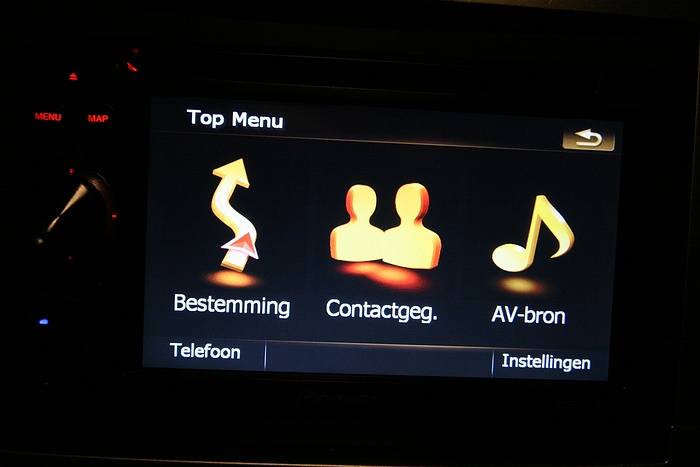
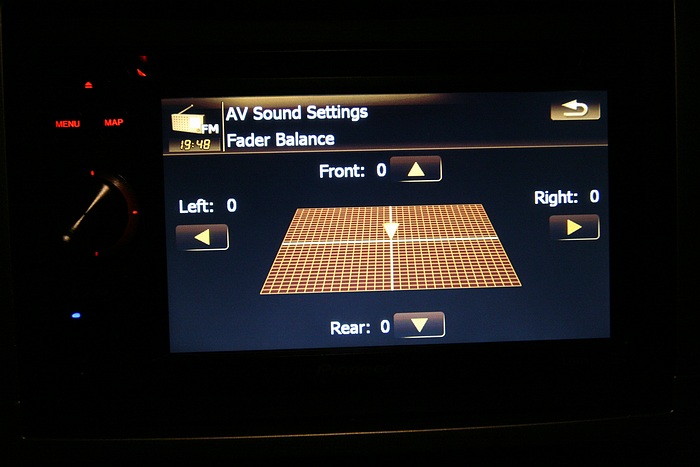
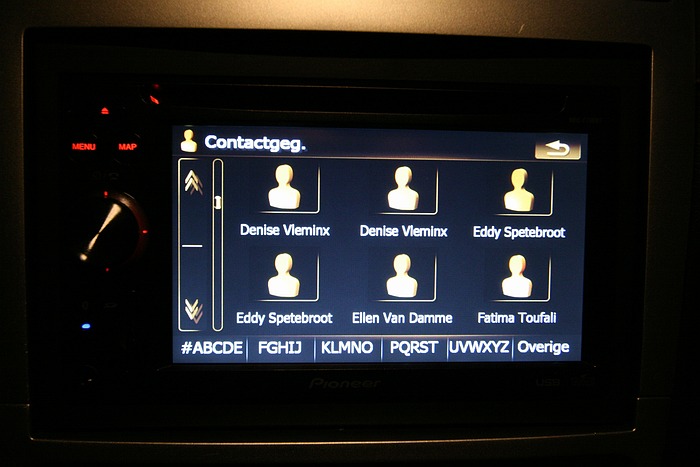
I'm working on an amber theme fo the AV part (see pics)

post-22803-12872755570765_thumb.jpg

post-22803-12872755572149_thumb.jpg

post-22803-12872755572973_thumb.jpg

post-22803-12872755573767_thumb.jpg

post-22803-12872755574557_thumb.jpg

post-22803-12872755575216_thumb.jpg

post-22803-12872755576095_thumb.jpg

post-22803-12872755577074_thumb.jpg

post-22803-12872755577869_thumb.jpg

post-22803-12872755579255_thumb.jpg

Posted Sep 28, 2008 · 18:05 UTC#6
Is there anyway we could get a preview of what each scheme looks like?


I think http://www.i-go8.com/ has screenies for most of them. If vI can get the PC version to take them, I'll try to maker some shots..

Posted Sep 28, 2008 · 18:08 UTC#7

Boris, I just downloaded the attachment and extracted it. How do I put these on the unit? Thanks

Posted Sep 28, 2008 · 21:08 UTC#8
Boris, I just downloaded the attachment and extracted it. How do I put these on the unit? Thanks


Take individual ZIP files (do not unzip them) and copy to APL2/IGO/CONTENT/SCHEME directory on the headunit (It should currently contain Pioneer Day/Night Red and Pioneer Day/Night BLue files).


Then go to Settings/Navi Settings/Visual/Map something/Map Colors and select Day or Night Map Color. It will give you a selector with available color schemes. Experiment until you find the one you like best.

Posted Sep 29, 2008 · 03:56 UTC#9

Its nice to have some color options. But I need some help. I was scrolling through the choices and I loaded up the gerd_day and gerd_night schemes and when I went back to map, an error popped up and it kicked me out of the navigation mode.


Once kicked out, I could not get back into the navigation program, nor could I get to settings to change the scheme. When I finally shutdown and restarted my vehicle it keeps the startup message on and then 3 or 4 minutes into the loading it reboots.


During the bootup I can access CD, XM, SIRIUS, iPOD and HD RADIO, but NOT the settings to change the scheme or the navigation program.


Is there anyway to repair this?

Posted Sep 29, 2008 · 05:13 UTC#10

Strange... GERD schemes actually work for me, but some others (Night ones -- UK Red, Old School, and some others) do have this problem. They refer to a file that we do not have.


Easy fix -- boot into Test mode, and delete the scheme file.


Fancier fix -- open up the archive and delete the line that refers to "cursor_places.spr" file.

Posted Sep 29, 2008 · 06:11 UTC#11

Thanks again BorisM, you came through for me again.


I will remove the scheme and let you know.


Thanks.

Posted Sep 29, 2008 · 15:11 UTC#12

You're welcome!


If I have a chnace to do it at work, I'll clean up broken schemes (they all seem to be night ones) and upload after testing tonight. Otherwise, I'll fix them tonight and test sometime :)

Posted Sep 29, 2008 · 15:27 UTC#13

OK, I've found out why it wasn't working right... Pioneer forgot to add one file to the /common/night folder in DATA.ZIP.


Copy cursor_places.spr from /common to /common/night folder inside the DATA.ZIP and all those schemes should work now...

Posted Oct 01, 2008 · 02:06 UTC#14

Fixed up night color schemes. Attached to the initial post.

Posted Oct 06, 2008 · 03:16 UTC#15

Boris,


I just DL'd and installed the schemes. I also copied the cursor_spaces.spr to the night directory.


All of the day ones work great, but all of the nights crash.


Any ideas on what might be wrong? Please help.


Thanks!

Posted Oct 06, 2008 · 14:43 UTC#16

What error message do they give?

Posted Nov 08, 2008 · 04:41 UTC#17

More color schemes (Xerses).


Don't forget to copy cursor_places.spr from cdommon to common/night directory in DATA.ZIP


I've already tested day ones. Night ones should work but not tested yet...

Xerses.rar

Posted Nov 26, 2008 · 02:15 UTC#18

I wish these have a screen shot, but i think i have an idea what they might look like.


ill give these a try when my unit comes in and i get to install it.

Posted Nov 26, 2008 · 16:19 UTC#19

hey boris,


I installed all of the schemes and copied the cursor_places file and I have the same problem. I don't get any kind of error MSG...it just says system in startup and after about four minutes it reboots. Av sources work and I can't even access settings once to choose a new color scheme.


I have a 700. Any ideas?

Posted Nov 26, 2008 · 16:25 UTC#20

now when I turn it on, it says application failed to start. I'm gonna get rid of all schemes and go back to my old data.zip file until I hear from you on this.

Posted Nov 26, 2008 · 16:30 UTC#21

Hmmm... this should not be connected to schemes themselves (they are loaded lateк on, and throw an error of something is wrong).


I would suspect that your DATA.ZIP is messed up...

Posted Nov 26, 2008 · 16:35 UTC#22

that's what i was thinking....I put the one that is working on my sd card to look at next to the one that is not...but i moved the old data file back and deleted all the schemes and it loaded ok, so at least it's not bricked! lmao


i believe the only thing i did to the new data.zip was move that cursor_places file over...but since i have the working file here, i'll try it on this one and see what happens.

Posted Nov 26, 2008 · 16:41 UTC#23

Yeah, try it with a working DATA.ZIP. Then copy schemes over but don't select them yet.


If it still works, then we can start trying to get schemes to work.


Also, ytou do not want to MOVE cursor_places file. You want to copy it. Actually, if you move it, things will break...


While you're at it, add content of thу attachement to ui_pioneer\common -- this should prevent [problems with night schemes.

nightguidance.rar

Posted Nov 26, 2008 · 17:02 UTC#24

well...this is odd. I looked at the non working data.zip and it was 6.3mb, the working one was only 5.4...obviously something went wrong when i only copied a 4kb file. So i copied the file to the working data.zip and tried that one instead. Same Problem.


So next, I put the working data.zip in without removing the schemes to see if I could atleast get day schemes working and they did...however, I tried 4 or 5 night schemes and they were working as well. I made sure to try the "gerd" one that was causing problems and it worked.


So basically, it looks like it's working without my copying the cursor_places file. Weird. I haven't driven with the navi or anything yet, but we'll see what happens!

Posted Nov 26, 2008 · 17:25 UTC#25

Weird... Well, as long as it is working...


Also, if you have AUTO switch selected and are trying it now, it won't necessarily load night scheme just yet :)

Page 1 of 4