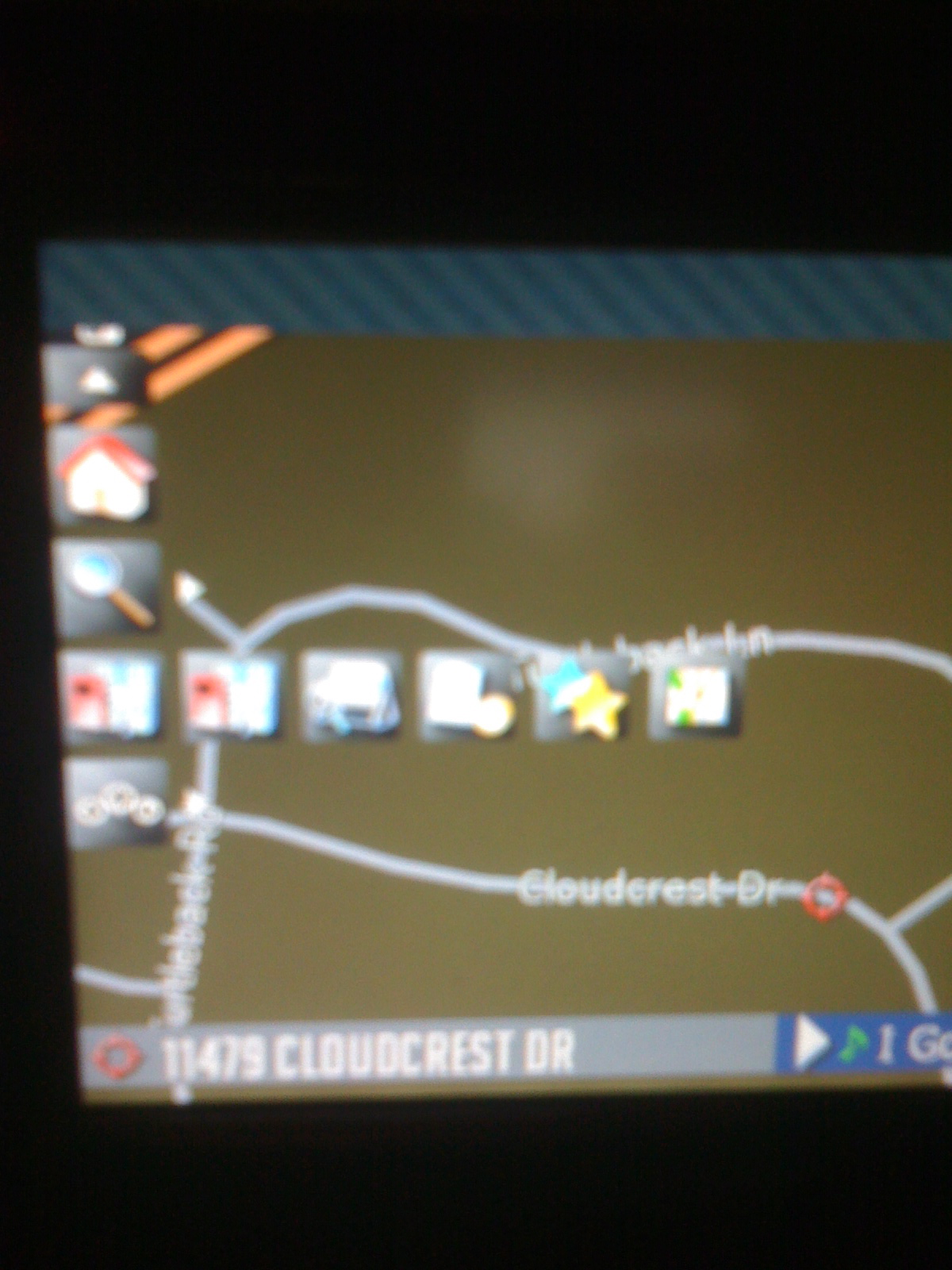
Although I have tried lots of the great mods here, this one really works good for me. I had never dug into the coding before so I started small by getting rid of the MSN stuff. I was successful except for one problem. The trip computer main button is up where the MSN button used to be just like I want it. But when I tap that button, the sub-buttons show up one row down where they always were. Can anyone educate me on how to fix this?
Diaftia's Hybrid mods V1 - UPDATED: 12/1/09 FINAL
Although I have tried lots of the great mods here, this one really works good for me. I had never dug into the coding before so I started small by getting rid of the MSN stuff. I was successful except for one problem. The trip computer main button is up where the MSN button used to be just like I want it. But when I tap that button, the sub-buttons show up one row down where they always were. Can anyone educate me on how to fix this?
Sounds like you only edited the drop down menu under the section and not the expandable menu that is at the bottom. Scroll down about halfway down the file and there are settings there for in route and not in route of the quick menu. They are in the section. You want to toy with the X and Y settings in this section for when in route and not in route:
The nice thing is if you go back to the original file you can just put the trip computer in the same place as the MSN button. All the coordinates should be there for you in both route and not in route.
Can anyone tell me if the 3d buildings showing in the photo above are included in this mod? If not, how are they loaded and what files are you using? I tried to just copy over the ones from the hacked 2.0 but they don't load. The stock ones are the only ones that will load. I assume it is tied to a hacked ezrider file or license file?
I am not sure... I have been waiting for the new 2D map for so long I haven't checked. We need to find out if NSEW did anything to get those buildings in there. If so I would be happy to make the same changes to my config.
AFAIK NSEW is still using 2.0
Sorry for the confusion, I'm running 3.01 but the picture posted above is from the last zip I used before changing over to 3.01. No buildings yet for me either.
Those tilt and rotate buttons and codes are in the zip in the link posted above work in 3.01. I have those installed. You'd just need to chage the X and Y settings to where you want buttons.
Although I have tried lots of the great mods here, this one really works good for me. I had never dug into the coding before so I started small by getting rid of the MSN stuff. I was successful except for one problem. The trip computer main button is up where the MSN button used to be just like I want it. But when I tap that button, the sub-buttons show up one row down where they always were. Can anyone educate me on how to fix this?
Sounds like you only edited the drop down menu under the section and not the expandable menu that is at the bottom. Scroll down about halfway down the file and there are settings there for in route and not in route of the quick menu. They are in the section. You want to toy with the X and Y settings in this section for when in route and not in route:
The nice thing is if you go back to the original file you can just put the trip computer in the same place as the MSN button. All the coordinates should be there for you in both route and not in route.
Nice! It took some trial and error to figure what values do what but now it's just the way I want it. Thanks!
I'm trying to add the trip computer but I am getting an error.
FFUIERROR: Unknown Object Identifier
Identifier=[st_tripcomputer] Script "[unnamed]" Comnmand 0
Any help is appreciated!!!
I'm trying to add the trip computer but I am getting an error.FFUIERROR: Unknown Object Identifier
Identifier=[st_tripcomputer] Script "[unnamed]" Comnmand 0
Any help is appreciated!!!
check your tripcomputer.ui for missing symbols(/, <, etc)
How do I know what is missing?
by looking at the scripts, a tiny error on thoe scripts would cause the unit to not boot up
I copied the files directly from Diaftia's data.zip. I didn't make any changes them. Anything elsi I could be missing? Again, thanks for the help!
I'm trying to add the trip computer but I am getting an error.FFUIERROR: Unknown Object Identifier
Identifier=[st_tripcomputer] Script "[unnamed]" Comnmand 0
Any help is appreciated!!!
do you have the right thread? The trip computer is already a part of my mod pack. Take a look at the screen shots.
Yup I have the correct one. I'm trying to add the trip computer to my own little mod package (and not successfully). For some reaseon I'm getting the error I posted before, pluse the trip computer that shows on the bottom on the screan is alway there and when i push the icons i get additional error messages. I also can't get to the trip computer screen but the option to add the trip screen on the map does show one my map setting. I would appreciate any help.
Bryan
Hi diaftia,
the mods worked great, many thanks!
But the only one problem what I have is with the speed limit picture. When I can drive only 40 or 30, the massage from mods-picture is always 50.
Is this normaly?
And my other newbie question is, can I change the pictures for the speedlimt and for the actually speed, if so, where I can find the pictures?
thanks
Chris
P.S.: This is an original Speed Limit sign from Europe:
Hi diaftia,
the mods worked great, many thanks!
But the only one problem what I have is with the speed limit picture. When I can drive only 40 or 30, the massage from mods-picture is always 50.
Is this normaly?
And my other newbie question is, can I change the pictures for the speedlimt and for the actually speed, if so, where I can find the pictures?
thanks
Chris
P.S.: This is an original Speed Limit sign from Europe:
Normally the speed works fine. It might be because you are in Europe. It depends on the map data. Over here it works as it should. You might want to try IDT's mods. I know his are in KM/H in his screen shots. It might support your location better.
Sorry but I have not tested this in Europe. I made this for myself and thought I would share it with the community. I am not sure where you can get those images. You might try searching around. Sorry I cannot be of more help since I live in the States.
Hello,
I'm new to modding here. I just installed this and it looks as promised, however, under the POI icon on the menu the first three buttons all bring me to the save POI search menu, but the only button at the bottom is save criteria. When you press this it reboots the machine. There is no actual menu option to search for a POI.
Am i missing something?
Ok, i figured it out. Have to remove the QS at the end of the run command for the point of interest address blah blah.
I also moved it around a bit to my liking. Boy did that take some trial and error.
The first drop down point is strickly the Go to Home command when not in a route. When in a route it shows the go to home, itinerary and the route options or whatever.
Zoom is standard
POI search has been changed to strict POI (With standard POI icon) Find address, history, favorite and current position information
Deleted MSN (F700)
settings the same
moved cancel route icon above mute button.
I love this set up except the only thing that bothers me is the POI icon i made does not have the rounded corners as the other ones do. I am terrible with making icons, i was wondering if someone could make me the POI icon with rounded corners and no arrow? that would be a huge help.
I've attached screenies.
Now for these damn highway signs! anyone figure out to block them or shrink them?
Search for "sprLaneInfoSignpost" in
ui_pioneer\800_480\ui\navigatemap_800_480.ui
and in
ui_pioneer\common\ui\navigatemap.ui
and change the y value to -1000
and you will never see them again, if you don't change both it won't move. I personally like them but that will definitely make it so you don't see them.
Thank you kind sir!
Now for these damn highway signs! anyone figure out to block them or shrink them?
Search for "sprLaneInfoSignpost" in
ui_pioneer\800_480\ui\navigatemap_800_480.ui
and in
ui_pioneer\common\ui\navigatemap.ui
and change the y value to -1000
and you will never see them again, if you don't change both it won't move. I personally like them but that will definitely make it so you don't see them.
Nice! Thanks Keeper. I have been wondering what the W= and Z= parameters are for. Are those for size? Would changing those change the size of the sign?
Now for these damn highway signs! anyone figure out to block them or shrink them?
Search for "sprLaneInfoSignpost" in
ui_pioneer\800_480\ui\navigatemap_800_480.ui
and in
ui_pioneer\common\ui\navigatemap.ui
and change the y value to -1000
and you will never see them again, if you don't change both it won't move. I personally like them but that will definitely make it so you don't see them.
Nice! Thanks Keeper. I have been wondering what the W= and Z= parameters are for. Are those for size? Would changing those change the size of the sign?
w is for width, setting it to something like 50 would limit the text width to 50
z is for visibility
yeah if you wanted to shrink them wouldn you have to actually change the size of the bmp and the text?
yeah that actually makes sense based on how I did my other mods.
Sorry for the lame question... I was hoping those were size adjustment settings but it makes sense they aren't.
So i adjusted the y coordinates to -1000 and i dont get the freeway signs anymore. But the first time i booted up i couldnt use the steering wheel remote, change AV source or even press the knob. I restarted the unit and now everything is working fine. odd. just posting this incase anyone else had this problem.
Sorry about the noob question, but has anyone tested this on the X910BT?
Thanks
Hello,
I'm new to modding here. I just installed this and it looks as promised, however, under the POI icon on the menu the first three buttons all bring me to the save POI search menu, but the only button at the bottom is save criteria. When you press this it reboots the machine. There is no actual menu option to search for a POI.
These mods are excellent! My thanks go to everyone who has worked on them.
I'm having a similar response on my f90bt 3.01 that dhp did. Any POI icon takes me to a POI menu without the search function and save criteria causes the system to reboot (my CD kept playing so it seems just the display and related processes rebooted)
If this is an issue someone has solved could they send me a message. If not, can someone point me in the direction of the file I should go about modifying when I try to fit it myself tomorrow?
Thanks,
Stevfuri
Hello,
I'm new to modding here. I just installed this and it looks as promised, however, under the POI icon on the menu the first three buttons all bring me to the save POI search menu, but the only button at the bottom is save criteria. When you press this it reboots the machine. There is no actual menu option to search for a POI.
These mods are excellent! My thanks go to everyone who has worked on them.
I'm having a similar response on my f90bt 3.01 that dhp did. Any POI icon takes me to a POI menu without the search function and save criteria causes the system to reboot (my CD kept playing so it seems just the display and related processes rebooted)
If this is an issue someone has solved could they send me a message. If not, can someone point me in the direction of the file I should go about modifying when I try to fit it myself tomorrow?
Thanks,
Stevfuri
dhp106 - Can you confirm that this is the line that you removed the QS from?
If so let me know and I will change the original file and upload a new one.