Just did it on my X930BT without a single hiccup 
Downloaded the update via torrent and unzipped it's contents into a folder. Downloaded the updated VERINFO.DAT file and put it in the \Update directory of the unzipped files, replacing the previous file in the folder. Then placed the 3 files on the SD car; FIRMWARE folder, Update folder, and CARDINFO.cif
Powered the unit up, popped in the SD card, and within about 5 seconds it picked it up and asked to start the update.
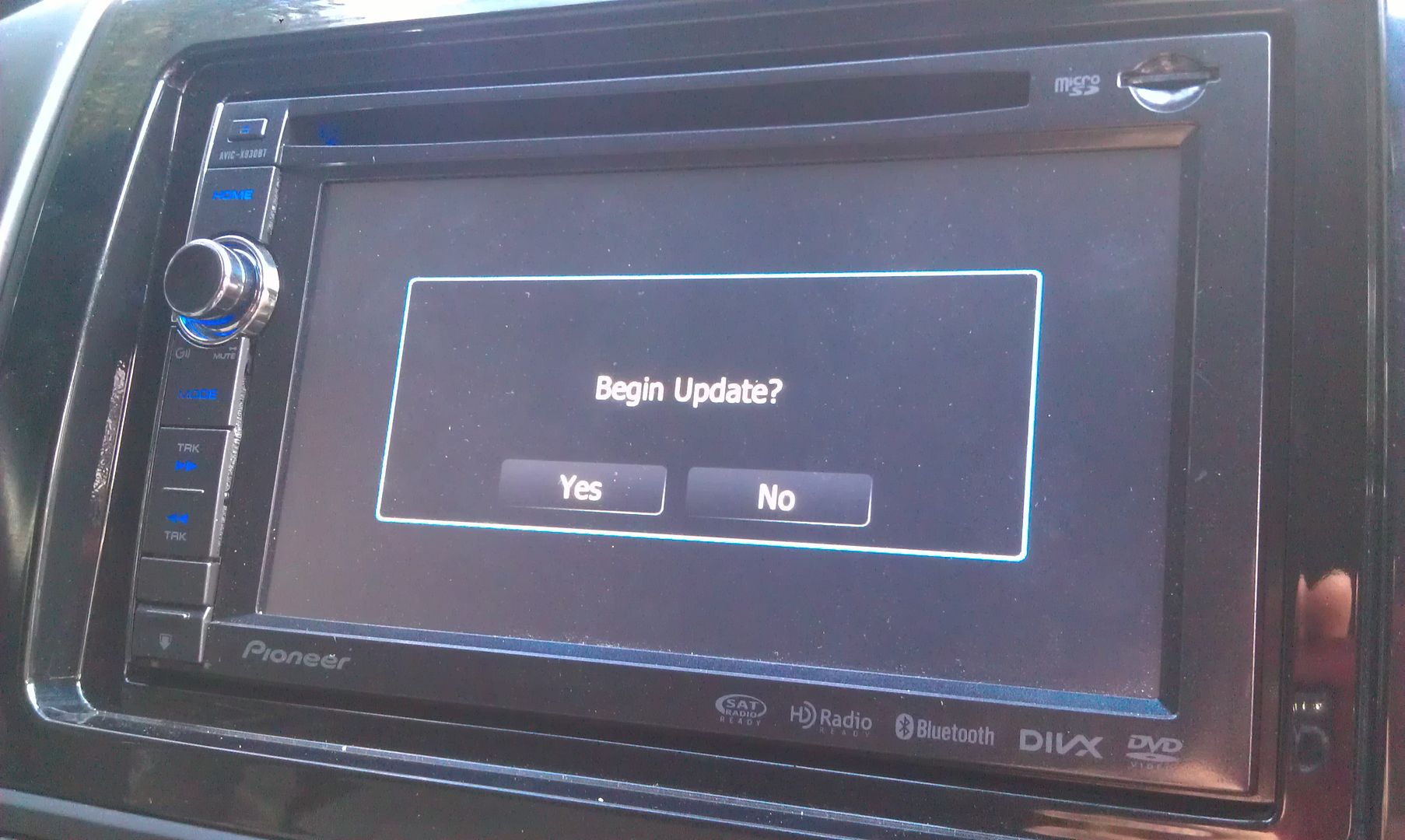
That update process took about 20 minutes
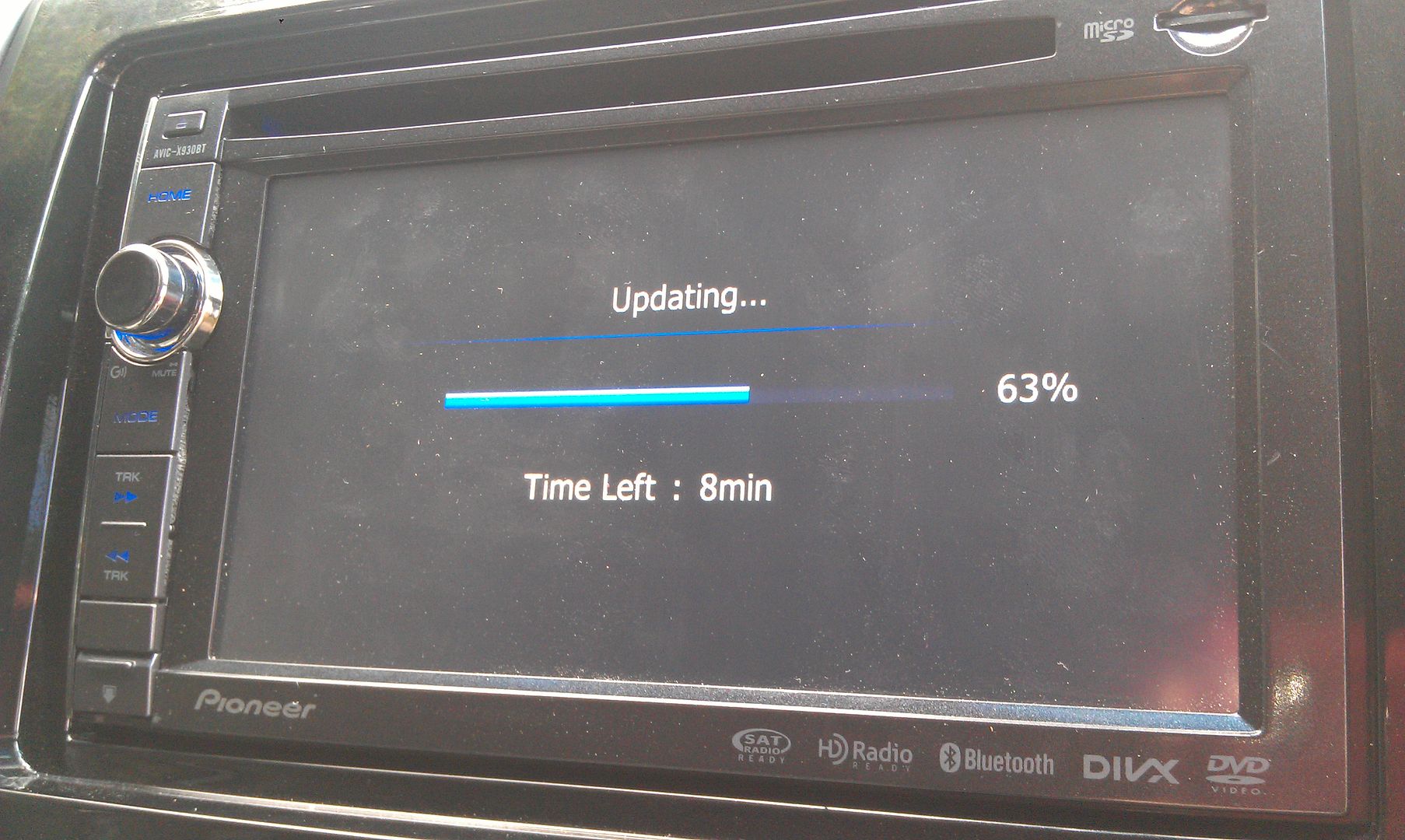
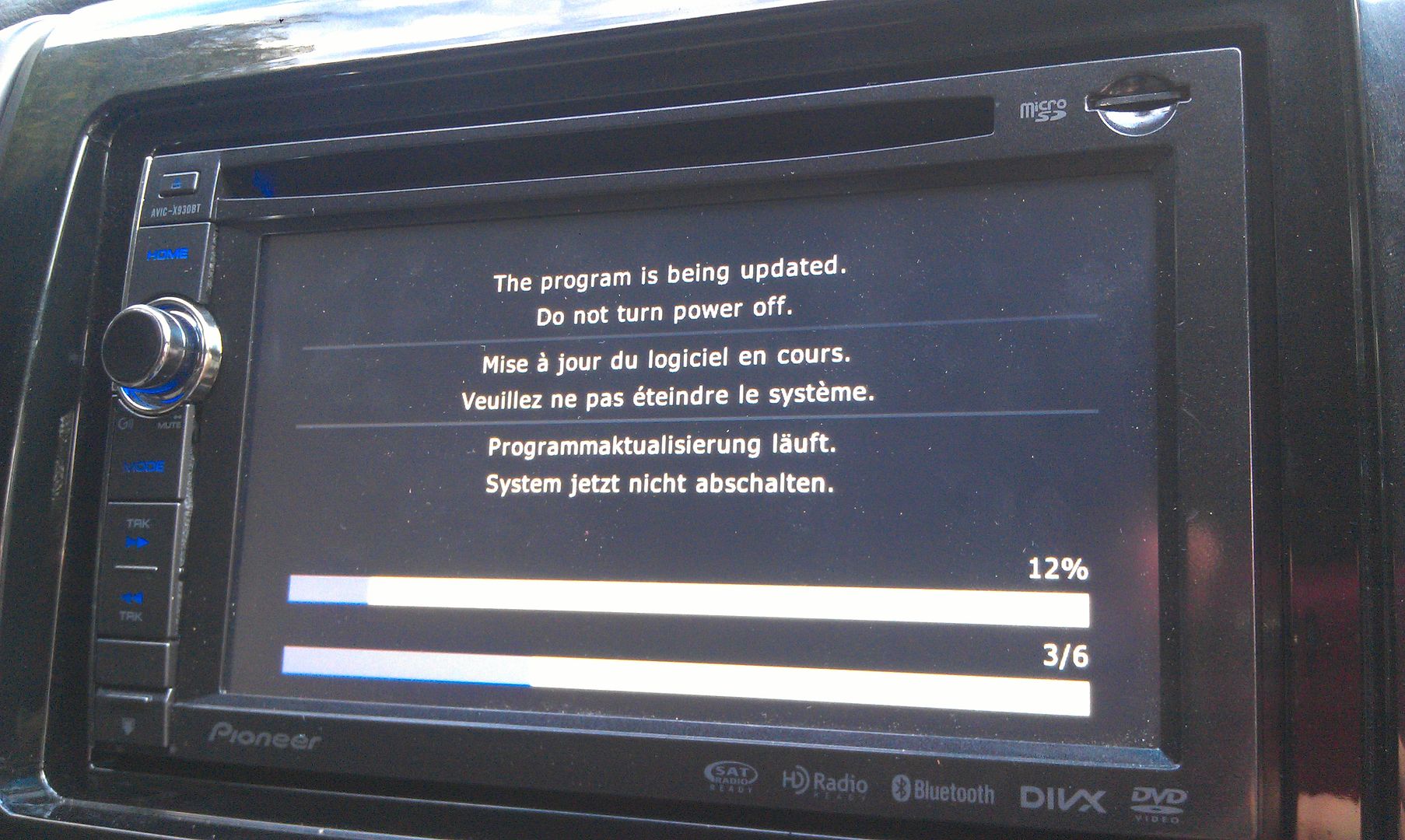
Once that's done the unit reboots and finishes updating
After that, you're greeted with language setup options
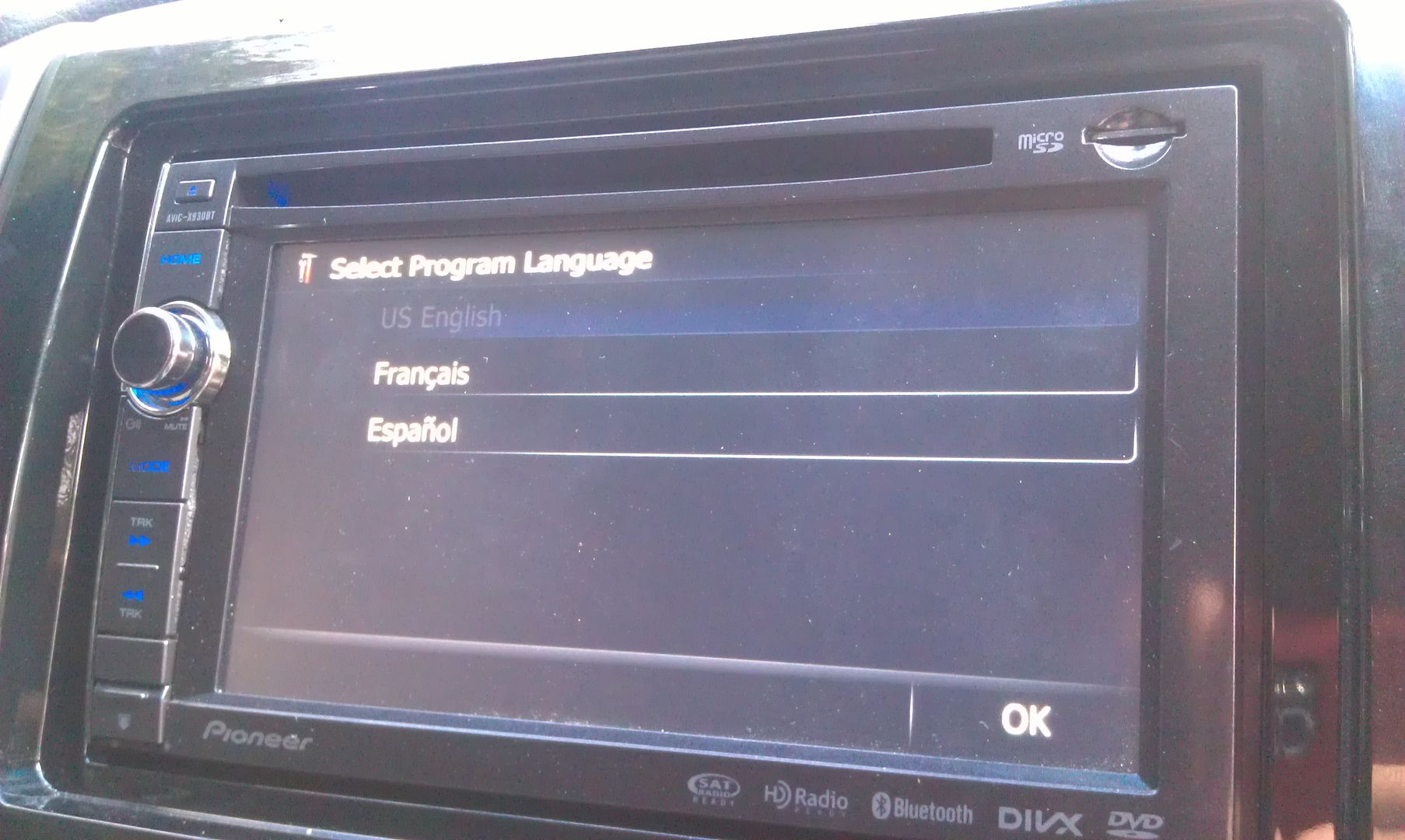
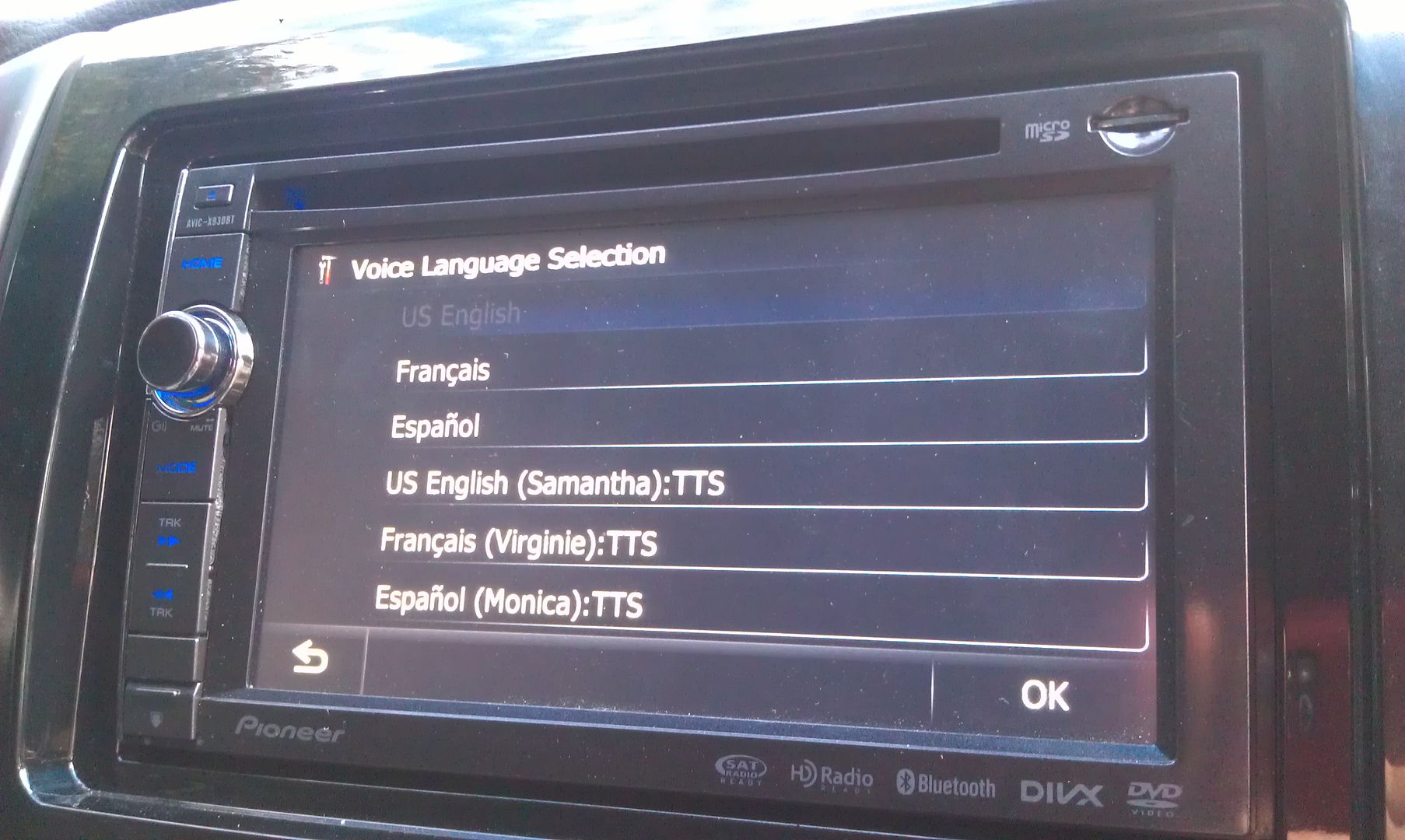
Once that's done, the update is complete!
By the way, if you're using a custom start up splash screen (as I am), you will not see any 2012 Pioneer splash screen for confirmation, because you're custom one is still going to show, so don't freak out when that doesn't show up upon the unit rebooting, lol.
After you go through the language setup, it's going to ask to do the update again. If you don't want to sit there for another 20 minutes, hit no...
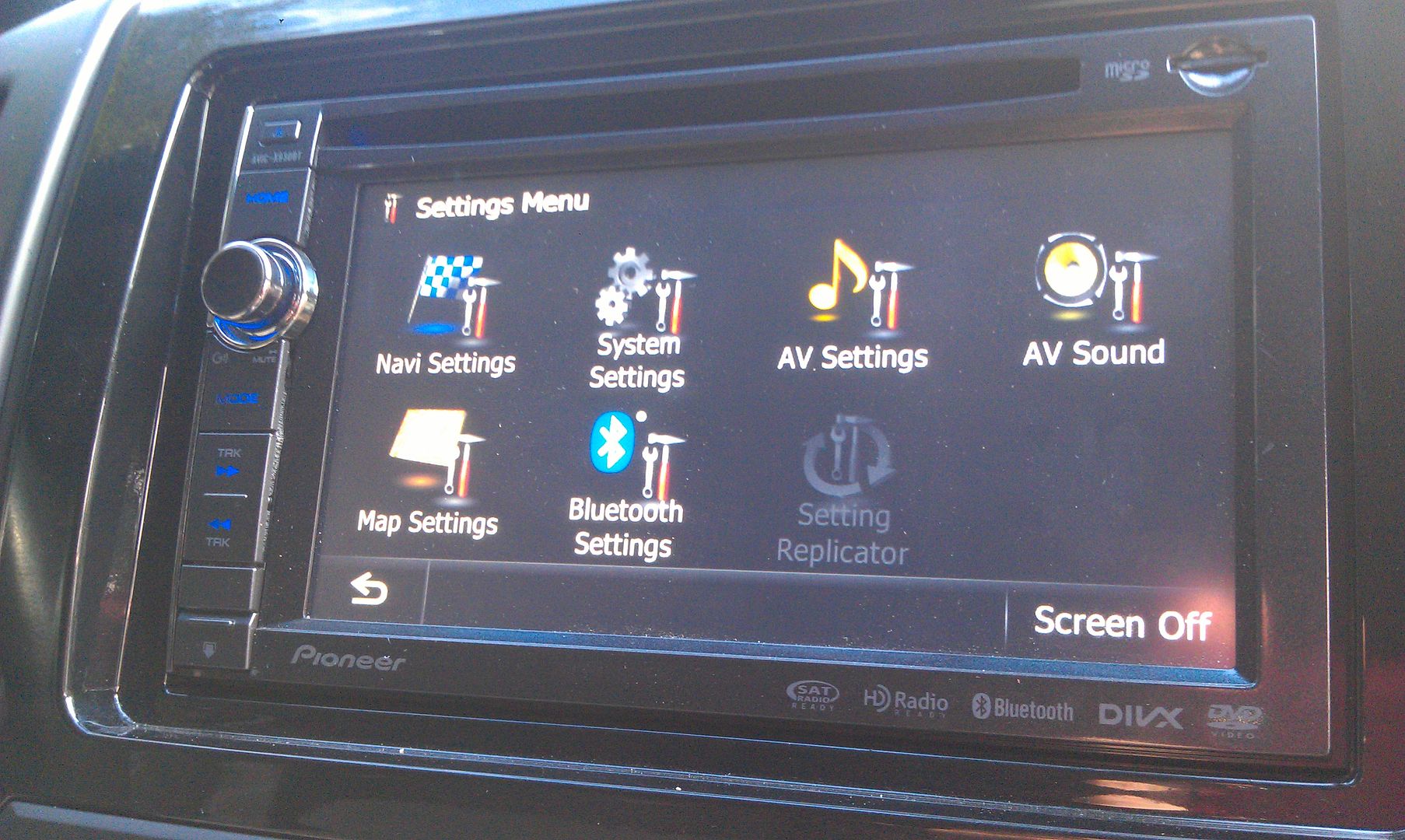
To update the bluetooth firmware, go into your settings menu
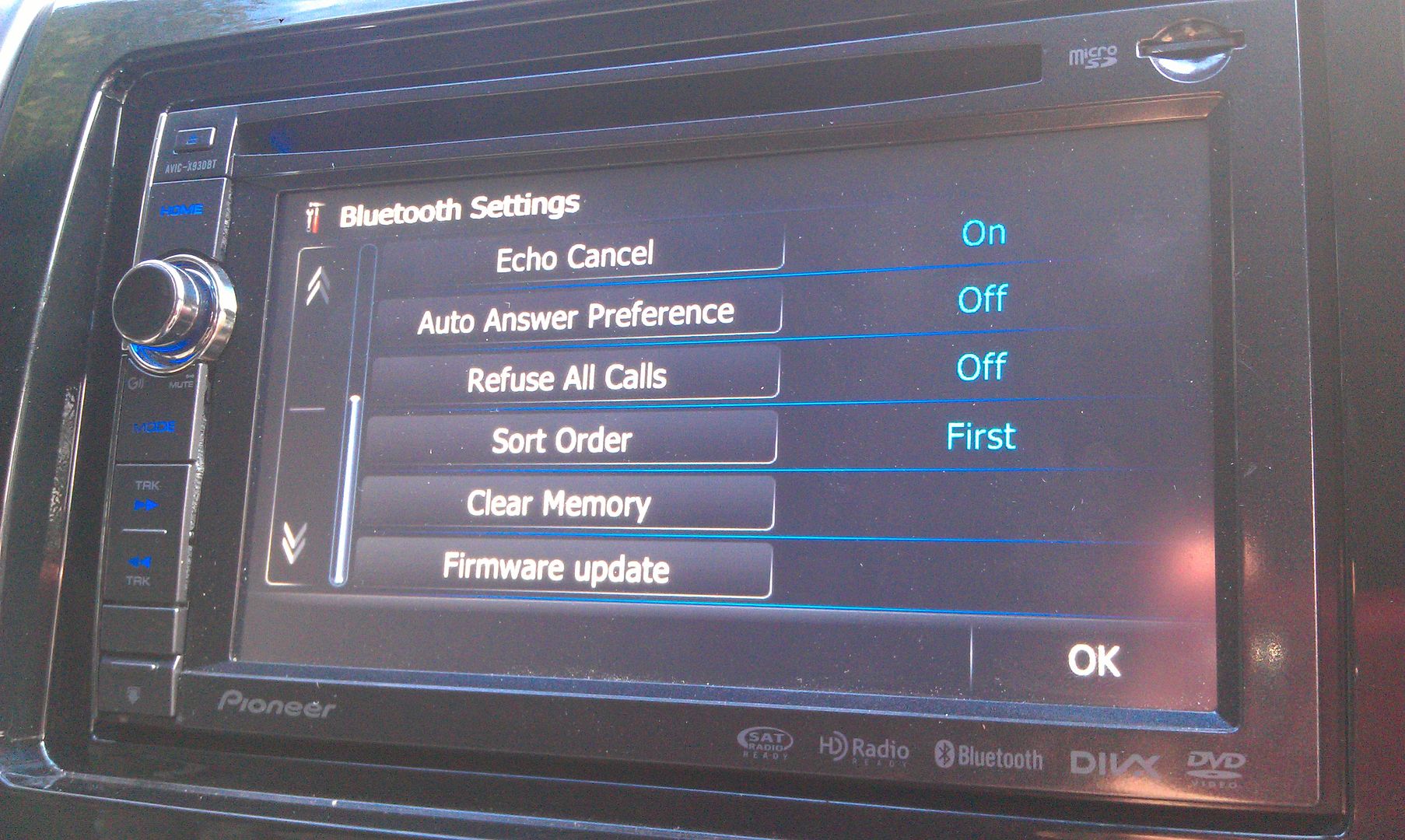
Go into the bluetooth settings menu, and scroll to the bottom where you'll find the firmware update option
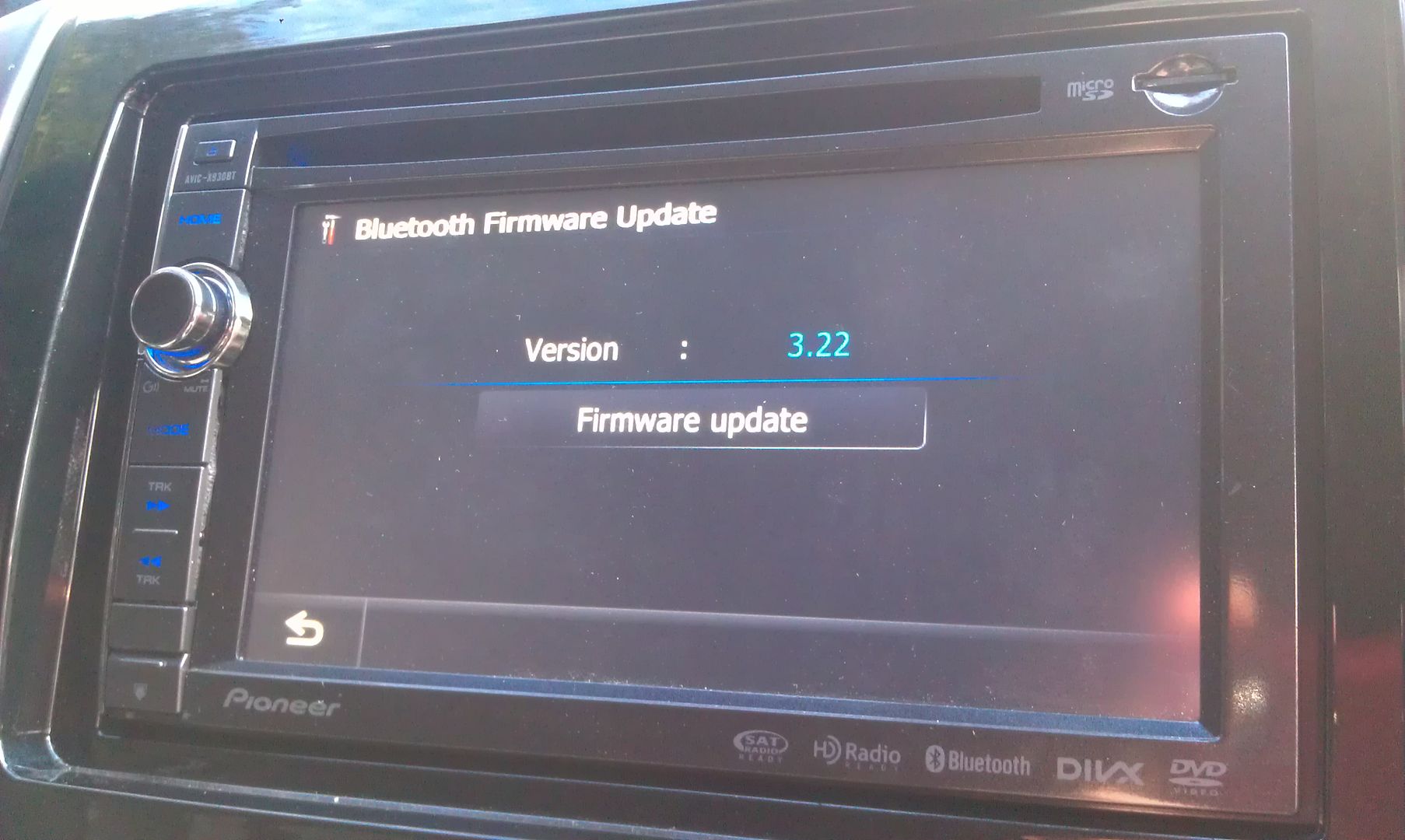
Press it and it'll show you your current firmware and under that will be the option to update it
Once that's pressed, you're prompted with one more confirmation of the update showing you version info of what you're currently running and what's going to be installed
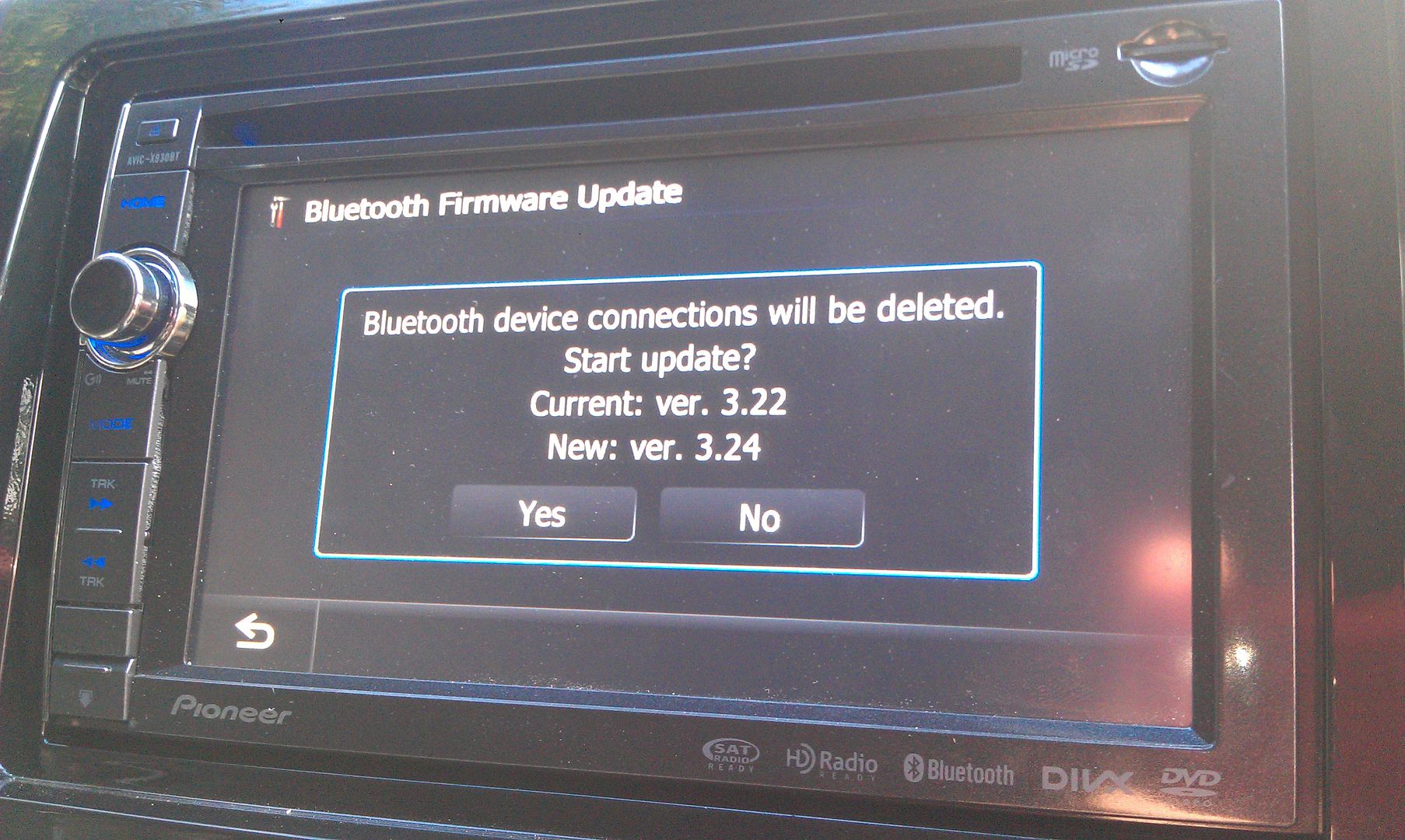
Hit yes and wait for it to update; takes about 3 or 4 minutes to complete
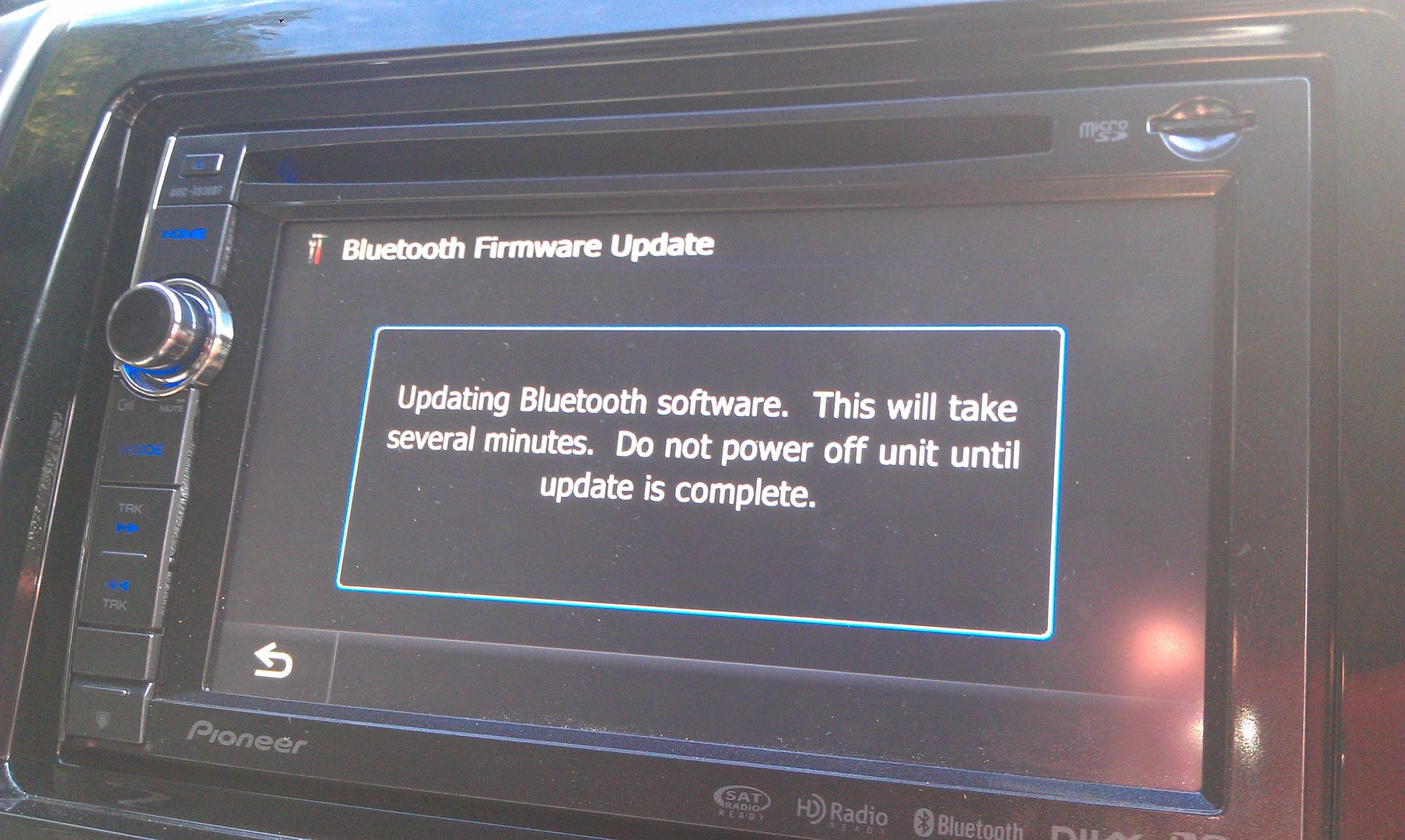
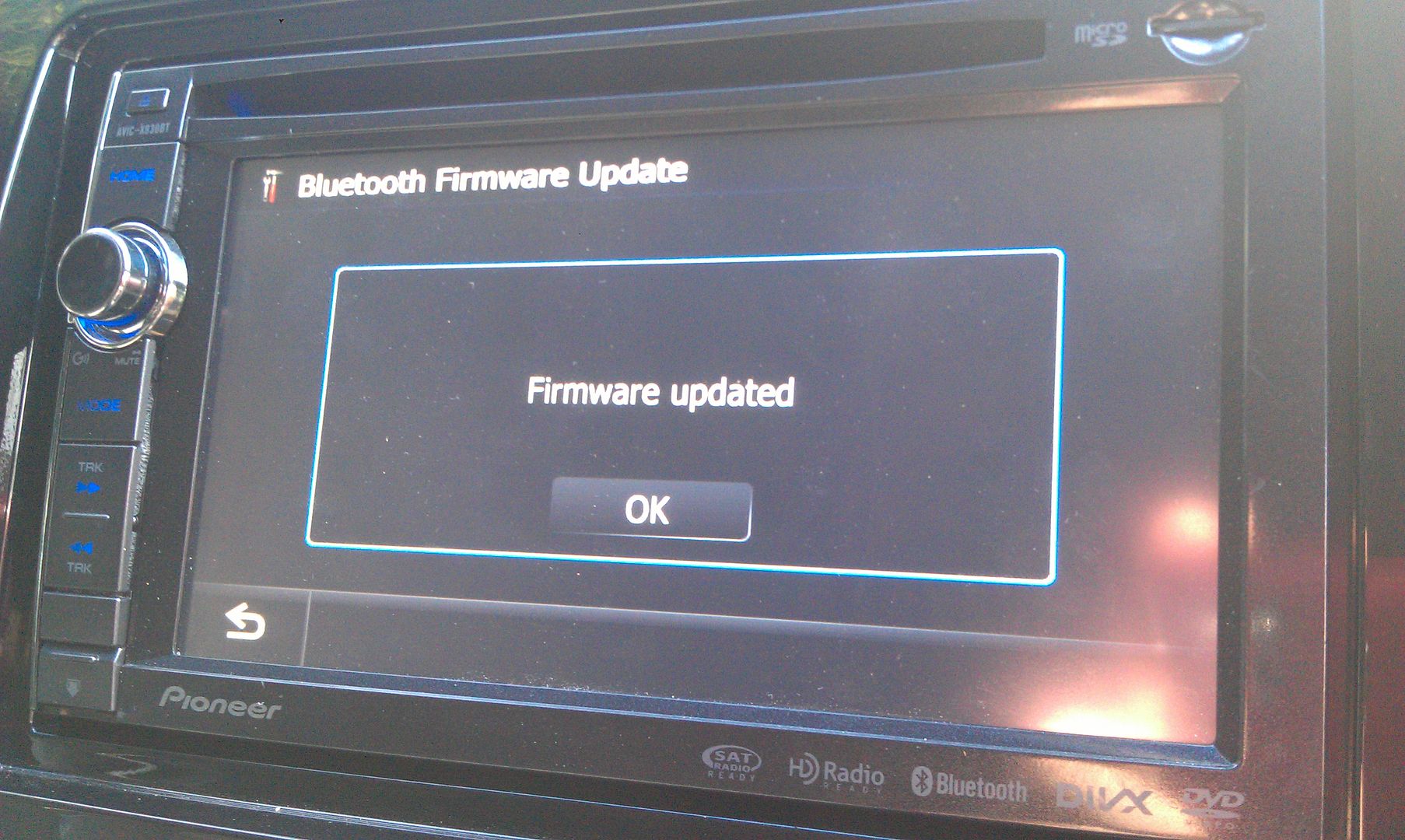
Once that's done, you'll have the new app connection option for bluetooth or wired connection
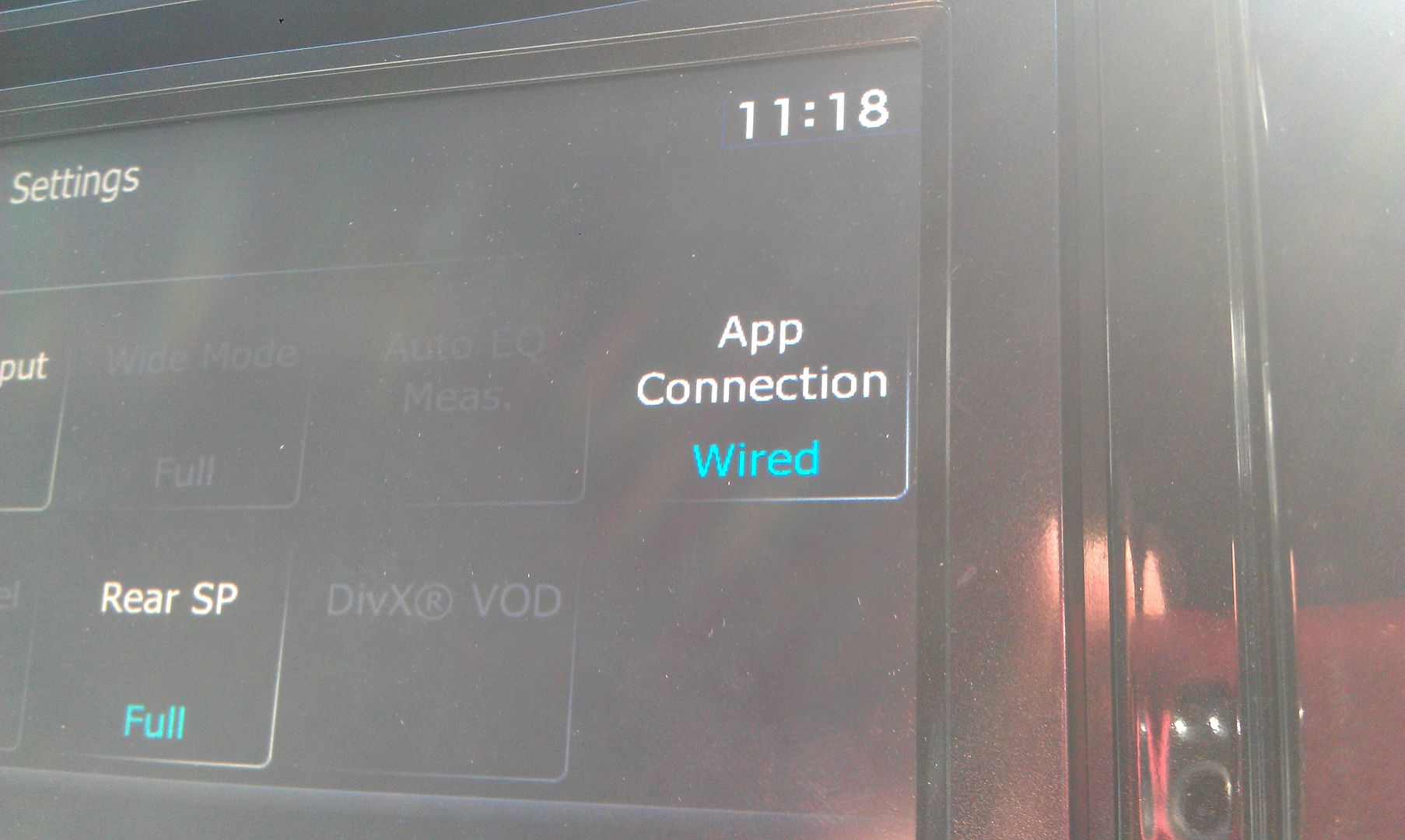
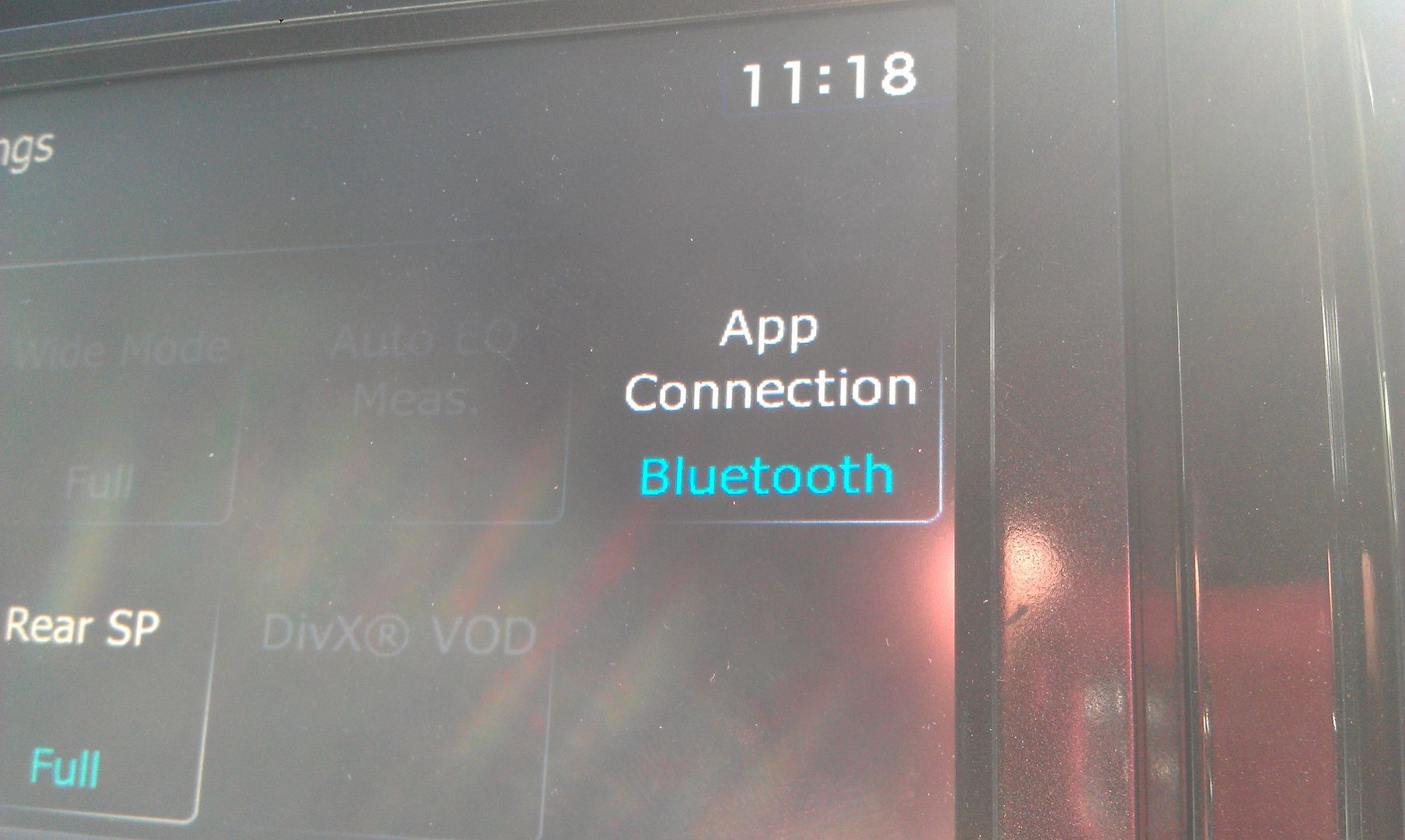
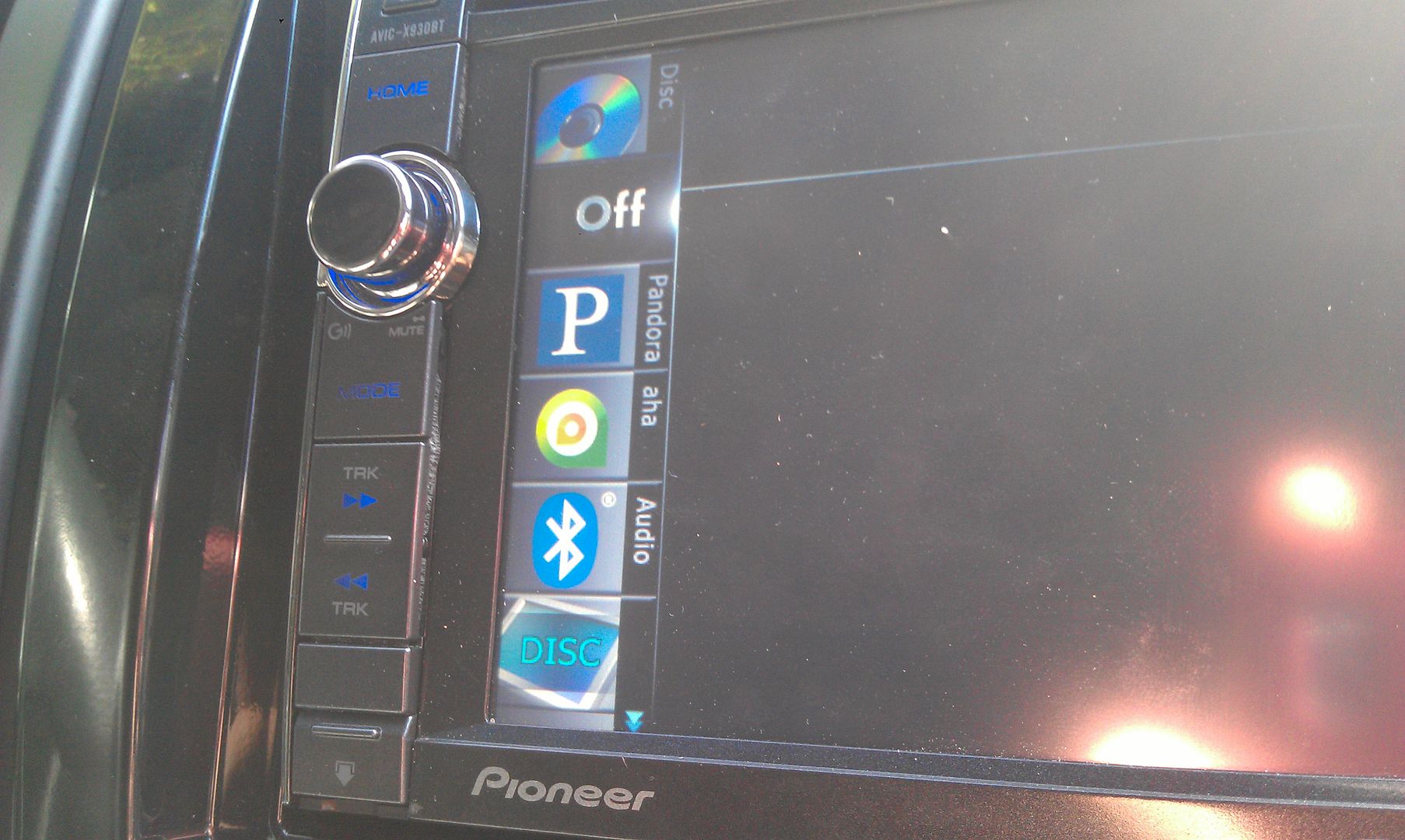
Pair to your Android phone (which you will have to do over again since you updated the bluetooth firmware which erased any stored phones) and you'll get a new list of options in you sources!
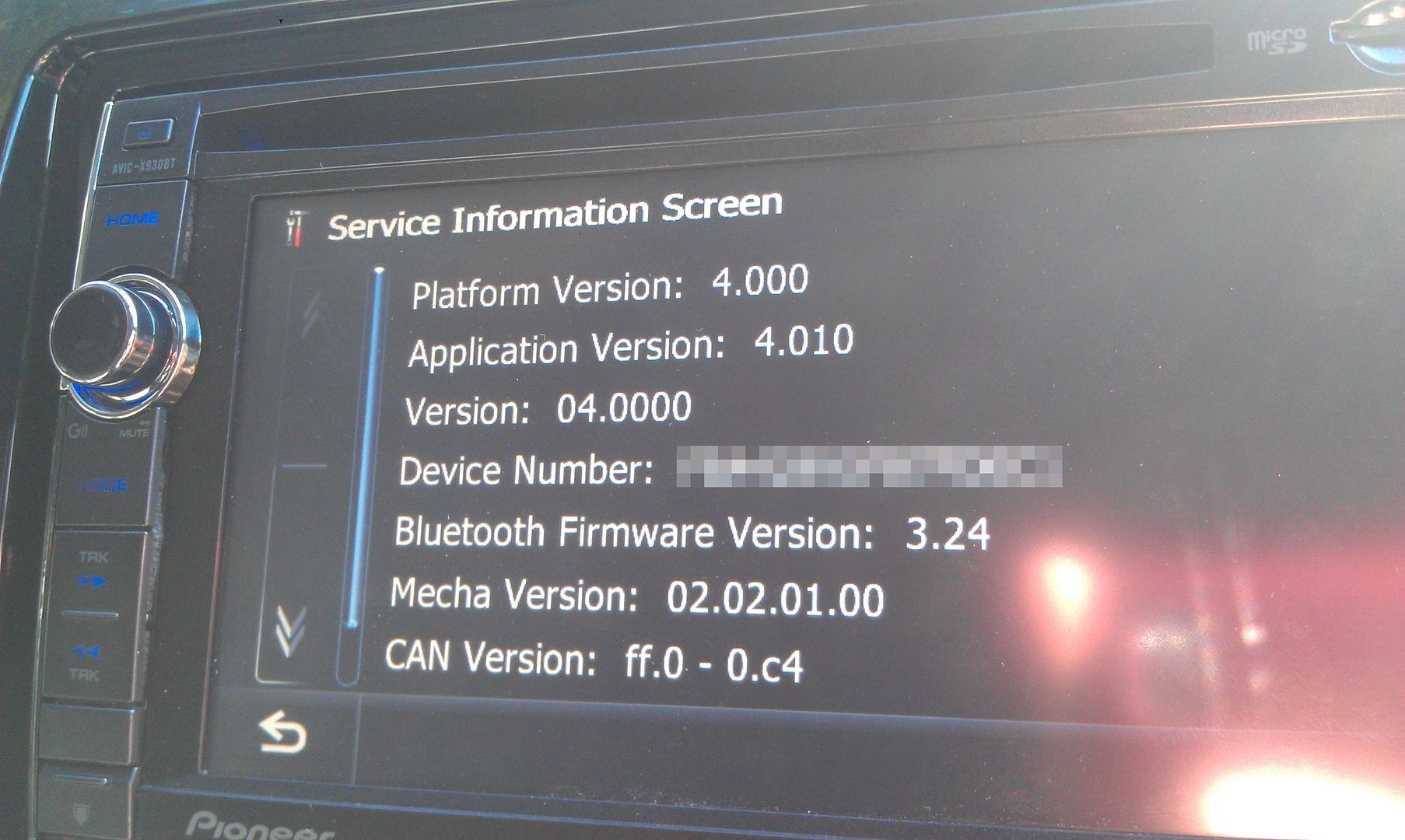
And for final proof of the successful update 
Thanks for all the info and help everyone has given; this forum rocks!
 especially after i figured out how to download a torrent file (torch) and then find a program to unzip it (rar free extract frog)
