OP, absolutely yes you can do that.
Thanks Mannyman. GL with the install. BTW what kind of car are you installing this in? I'm going to put mine in a 350Z once I get it. Should be a nice setup and hopefully it'll have that 'stock' look.
OP, absolutely yes you can do that.
Thanks Mannyman. GL with the install. BTW what kind of car are you installing this in? I'm going to put mine in a 350Z once I get it. Should be a nice setup and hopefully it'll have that 'stock' look.
Good job! Post some pictures when you are done.
Will definitely post pics and who knows maybe even a video. We'll see...
I'm installing in a 95 Nissan Maxima. This is my first time installing a car stereo, but I think I can handle it. The harness is wired and ready to go, I just gotta put it in there now.
By the way, I will be installing with ipod and xm navtraffic capabilities...
Good stuff. Remember to disconnect your battery before installing it. I was an idiot when I first did it since I didnt want to re-enter my security system code. So I ended up blowing a fuse or two instead.
why are you blowing fuses bro? you use a harness, plug it in after connecting it on the bench. now if your splicing wires and letting things hang and touch in the dash thats another story, but for the quick and easy harness install theres no need to disconnect the battery.
Yup, I'm fully aware of that. Good lookin out though.
Actually, I'm changing my car battery tomorrow too... So I'll be working with the battery terminals for sure.
GL and post them pics (and video). YouTube is your friend. 
I'm checking the availability now on CF. Here is their response "We don't have an ETA on the D3 yet. I can e-mail you when we get that info, or if you want to go ahead and place your order, just enter my name as your advisor and I will keep you updated."
Alrighty then... 
why are you blowing fuses bro? you use a harness, plug it in after connecting it on the bench. now if your splicing wires and letting things hang and touch in the dash thats another story, but for the quick and easy harness install theres no need to disconnect the battery.
Yeah... I tried to do it without the harness. Really stupid back then. Everyone starts off as a newbie!
I finally got the d3 installed (Crutchfield had sent me the wrong harness so they had to sat deliver another one to me), I haven't had a spare minute to mount my navigation system or xm radio up but I have been playing with the radio and ipod connection tonight. I'll set up the gps antenna and xm tomorrow. So far I think the unit is awesome!
Also, I took a 2 minute video showing the new ipod experience. I would like to upload it to youtube but I'm having problems with the upload right now. Ipod integration is very nice indeed, my only complaint is that the id tags don't scroll if they're long.
One other neat thing the d3 does is if you haven't set a color preference for your illuminated buttons, it slowly changes through random colors kinda like a rainbow effect. The video does show that a bit if you guys end up ever seeing it!
Anyway I gotta run for now but will check in soon!
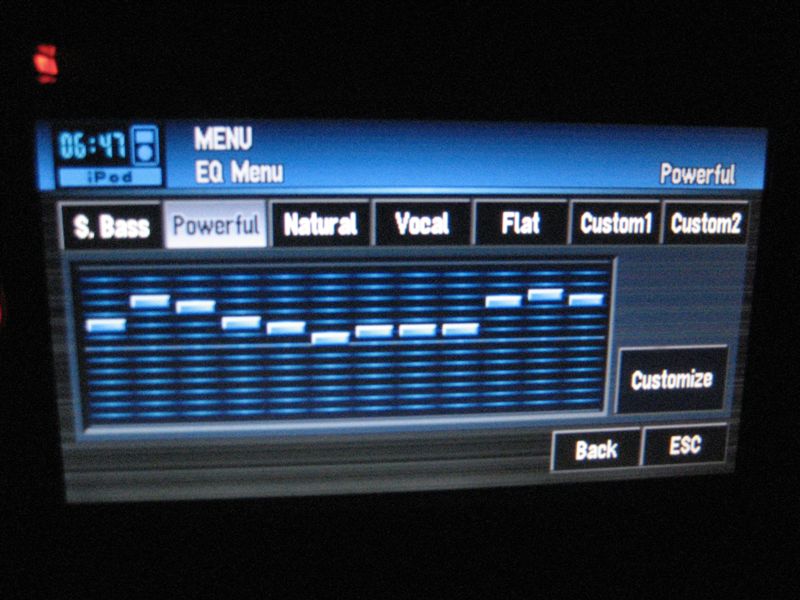
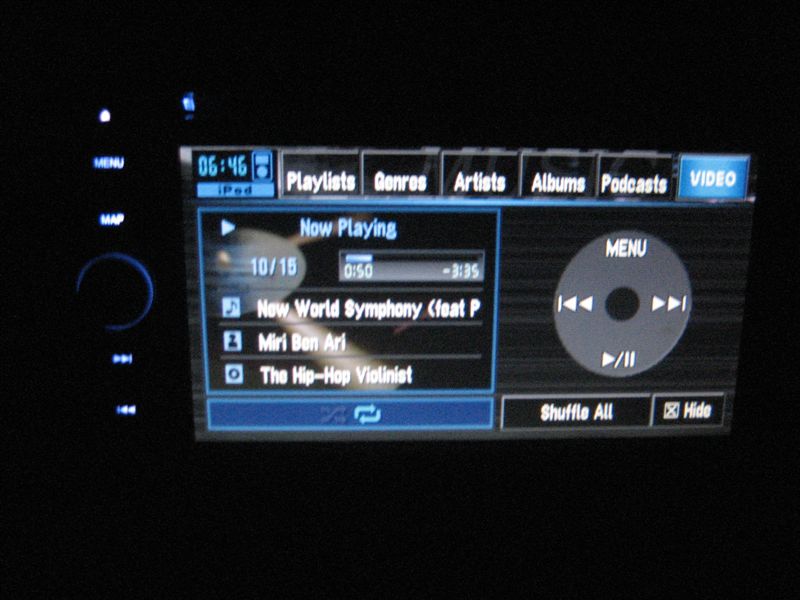
Here are some pictures for the time being, excuse the dirtiness I'm going to be tidying this dash up real soon!




I ended up compressing the video and uploading to sendspace:
http://www.sendspace.com/file/cowvni
Some things to point out:
- When the video starts I am turning on my car, notice that the ipod music starts up very quickly as the pioneer unit is still booting up. Then it seamlessly takes you to the ipod playback menu.
- The playback quality is excellent. I didn't need to mess with any volume controls on the ipod itself to get it working with correct amplification.
- You can use the on screen controls to change songs, or you can use the buttons on the left as well.
- I forgot to demonstrate the volume knob. It has a numeric representation of volume level that appears on the lower right corner of the screen, from 0 to 40. Very very nice! Also for the mute button just push and hold in the volume knob. Just push it (click) to quickly change av inputs.
- The illuminated lights on the left side have the ability to change colors on the fly, pretty neat effect.
- Ipod navigation is pretty quick and seamless. I have some 3000+ songs on my ipod and this interface is working out for me pretty well. You can still look through the ipod's library while driving, by the way. Also most of you already knew that the ipod does charge as it is plugged in, unless you turn this feature off in the menu.
- The actual ipod unit syncs with the Pioneer logo on its screen, actually I forgot where but there i found an option in one of the d3's menus that allows you to leave the pioneer sync screen and use the ipod's display and buttons to access the ipod directly.
- You can leave the ipod menu and return to navigation functions without disrupting music playback.
- The shuffle all button at the bottom actually stops your current playlist and plays ALL of your library in shuffle mode. Don't hit this by accident! To shuffle your current playlist you have to go out into a menu and change the shuffle mode.
- As I said before, the only real complaint from me is that the song tags don't scroll. But that won't kill this deal.
At the end of the day, I 100% recommend this solution for ipod owners. I don't have a video ipod so I can't comment about ipod video playback.
Awesome Ipod description, thanks! Makes me really anxious to have my install done. The color changing buttons are kinda funky to watch in the video (the colors man, the colors!).
Cool Video, Thanks! Vast improvement on the Ipod controls. Now, if my D3 would only get here. 
awesome.. finally some videos of it working...
cant wait for mine to come in. music started up real quick off the ipod
Yeah, sorry it took so long. Had a few complications like I didn't have an adapter to hook up my stock antenna which I wasn't aware that I needed so I had to find a local shop that carried it, also Crutchfield had sent me the wrong harness for my vehicle.
Also, looks like I've gotta open my console back up to apply the bypass since they figured it out, I will probably do that this morning!
have u had any chance to mess with divx/xvid movies on it? how is browsing on say mp3 dvd with folders and such? able to put use your own images as background?
I haven't done any of that yet. I haven't attached the parking brake wire yet so the features available were limited. I finished the install minutes before I had to leave for some obligations yesterday, and was pretty much busy for the remainder of the day. I should have plenty of time today to finish the work and fully test the unit..
So far on my to do list, I will be testing DVD Playback, divx/xvid playback, navigation, xm radio capabilities... I'll try and get an mp3 dvd burned and maybe copy some background pics as well so I can try that functionality as well.
Thanks for the vid man. I cant wait to get mine! By chance, can you scroll through your lists using the bar in the middle, like hold and scroll up or down?
Hey Manny, I hope you don't mind, I posted your video on youtube to show at my car forum. If you do, I have no problem taking it down. Thanks for the review, mine is being installed on tuesday. Can't wait.
Hey Manny, I hope you don't mind, I posted your video on youtube to show at my car forum. If you do, I have no problem taking it down. Thanks for the review, mine is being installed on tuesday. Can't wait.
No problem. Hope you like your new d3 unit!
Thanks for the vid man. I cant wait to get mine! By chance, can you scroll through your lists using the bar in the middle, like hold and scroll up or down?
You can't use the bar in the middle which kinda sucks, I have 22 pages worth of artists on my library list. However, you can hold the page down button to quickly skip to the page you want, however as it is skipping it doesn't show you the artists you are skipping through. So you'd have to know whereabouts which page to stop on. It would have been nice if it at least gave the letter of the alphabet you were in.
Well who knows, maybe they'll come out with a software update. Thats a pretty easy fix I'd think. But either way, sound like a great unit. And at the least, u dont have to let each page load so u can get to the right place quickly.
Very sweet. Can you say if it plays back Apple Lossless files? You can make these when ripping a CD in iTunes if you set your import format to use that codec. If it does, I'm all in. 