here we go...
IMG]http://i151.photobucket.com/albums/s123/nmdemalto32/CIMG1987.jpg[/img]
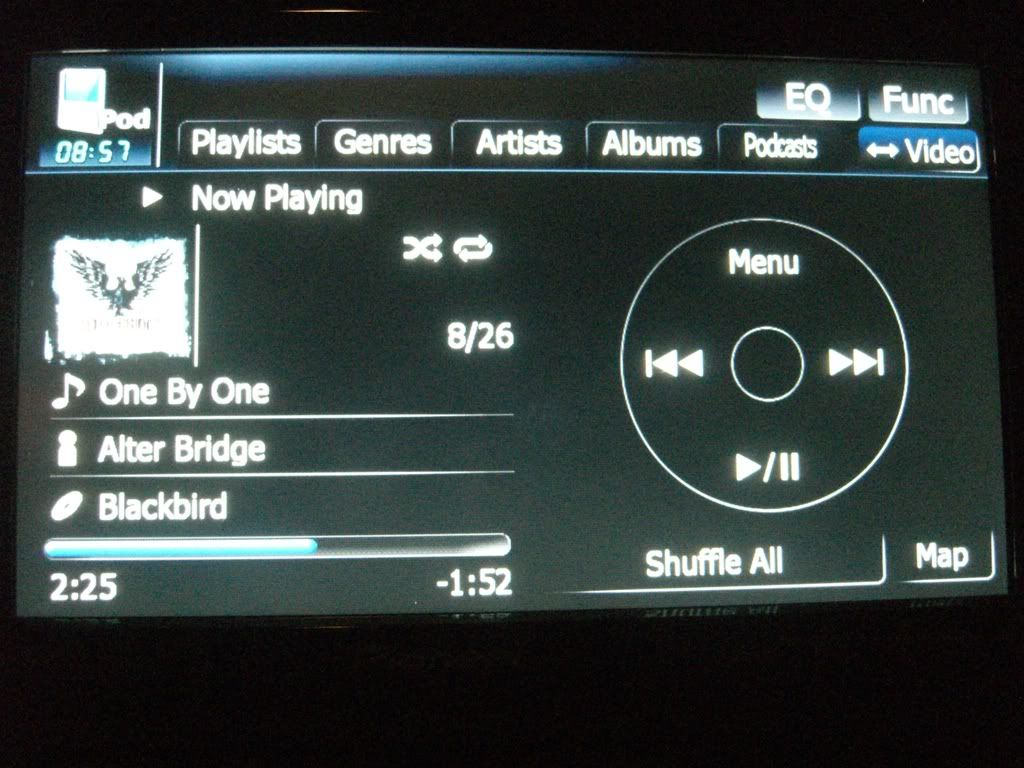
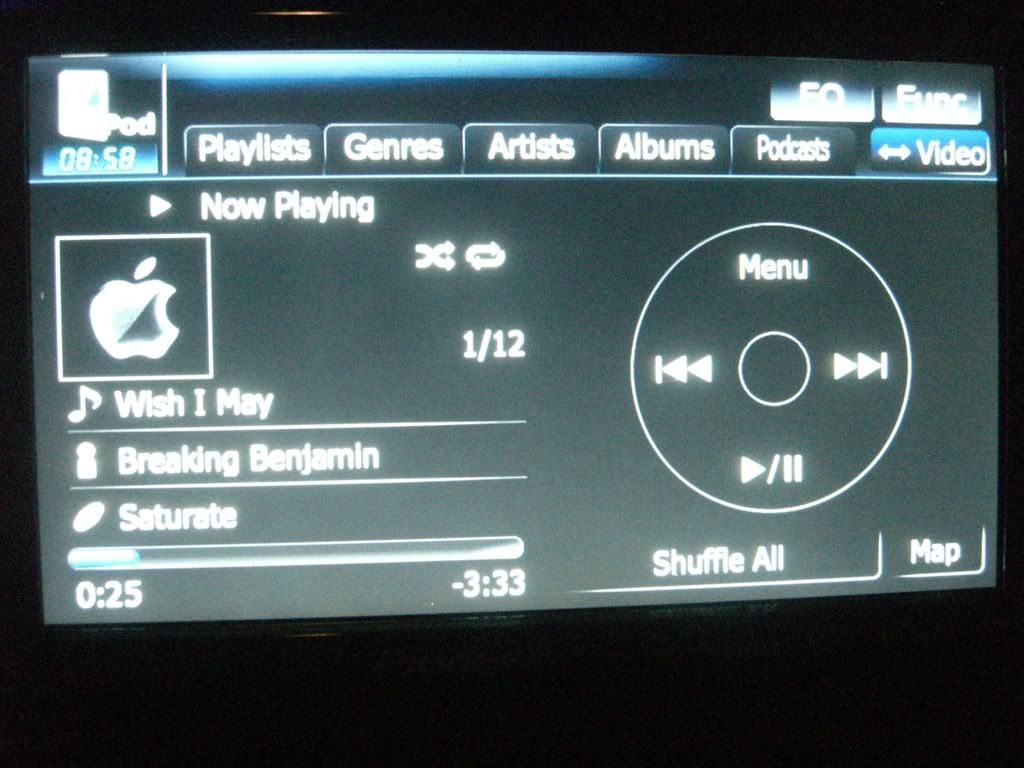
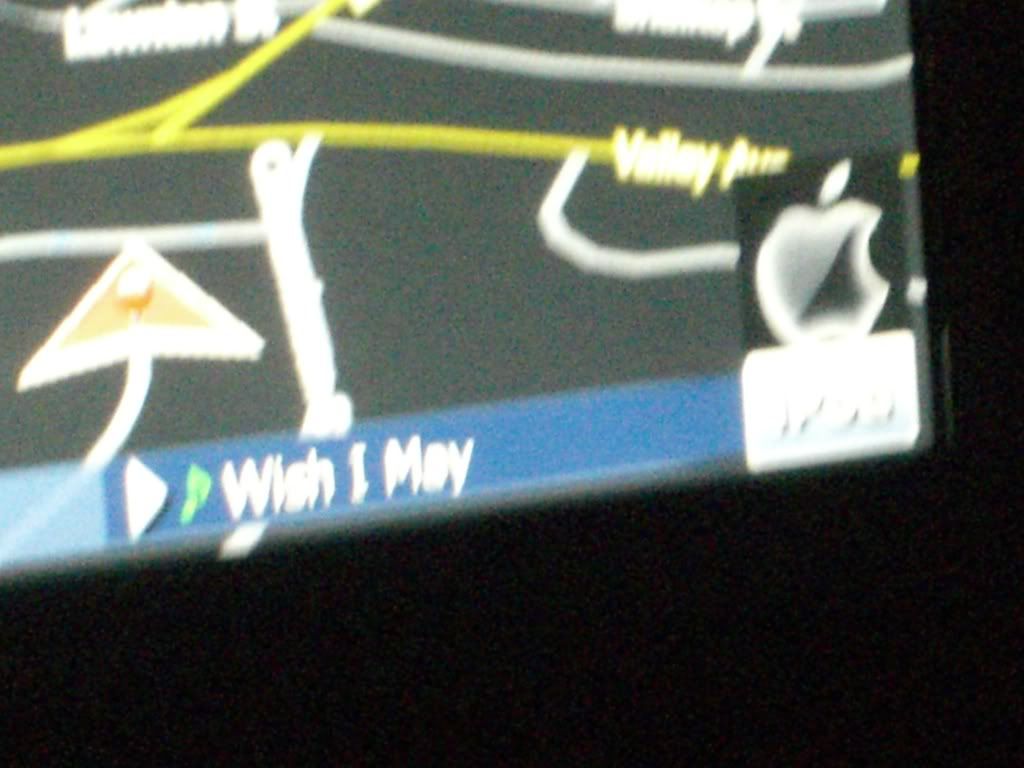
sorry for the blurriness... the apple logo is when there is no artwork
That looks pretty sick. What'd you, just black out the gray backgrounds and change the Album art .bmp's to the apple logo?
If I may make a suggestion, howbout blacking out the gray fades behind the clock and up top the UI, and changing the clock numbers to gray, may looks even sleeker!
yeah, it was pretty easy, just take em in to paint and brush over till the whole thing is black... i was thinking of doing that, but i haven't gotten around to it yet...
Well People, Here is Something I have Been Working On for a little bit here an there.
ID LIKE TO INTRODUCE:The beginnings of the KITT dash.
From:

To:
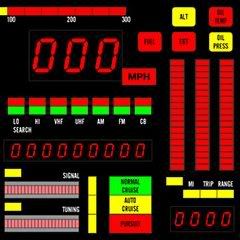
Kitt Dash:
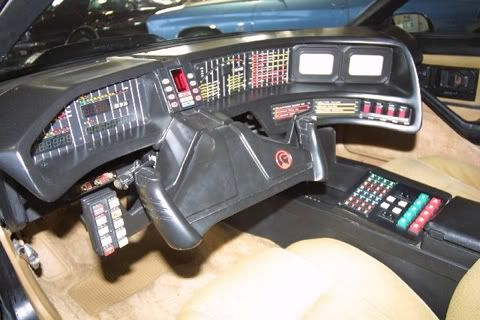
Soon:
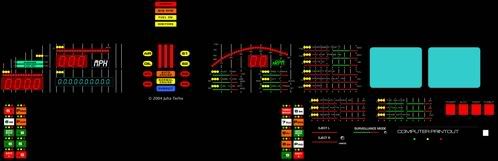
This is still Beta and im no where near done, so im open to options from every one.
That will fit great with my car that I fitted with converted blue scanner. 
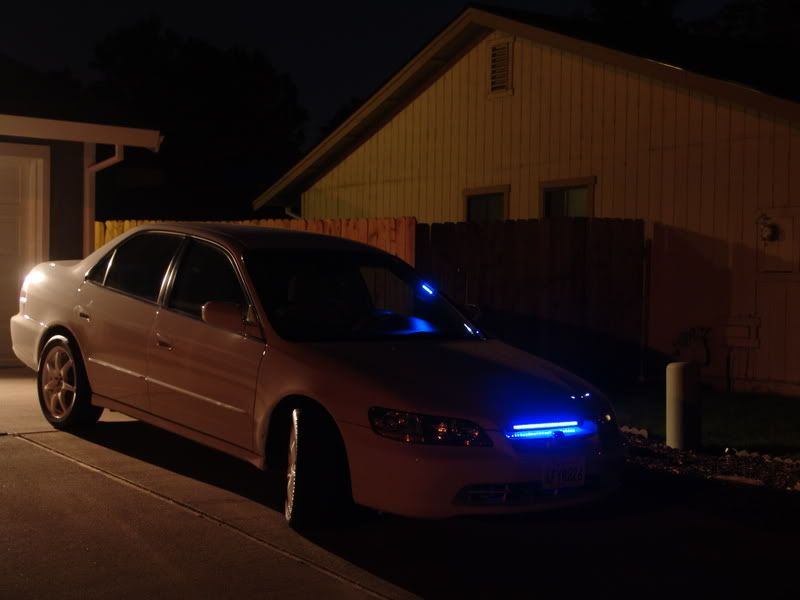
I will update on the images so if u would like to take them and try them you can. I am not done yet but I will try and work on them soon.
I can't figure out which images to change to get the main "no artwork" image to change. I figured out the one that shows up on the actual map but not on the ipod interface screen. Can you tell me which image files I need to edit?
Thanks
I can't figure out which images to change to get the main "no artwork" image to change. I figured out the one that shows up on the actual map but not on the ipod interface screen. Can you tell me which image files I need to edit?
Thanks
They're in, I believe, the AV folder in the Image.res file found in the APL directory. Either that or the Common folder, but I'm 90% sure its the AV one.
I can't figure out which images to change to get the main "no artwork" image to change. I figured out the one that shows up on the actual map but not on the ipod interface screen. Can you tell me which image files I need to edit?
Thanks
They're in, I believe, the AV folder in the Image.res file found in the APL directory. Either that or the Common folder, but I'm 90% sure its the AV one.
Thanks. Found them... I didn't realize I needed to change all 3 files. One more step towards my STi theme!
Where exactly?
do the pics I want have to stay at 240x240 for the main screen? I have a older pioneer omega logo that i wanna use butits only 230x190 will I fuck it up if I use this???
You'll mess up the X and Y if you edit the size. Just take your idea and make it work with the provided sizes.
hey guys, someone mentioned about removing the black boxes from the arrows on the ipod wheel. How do you do that? when i look at the other files some of them have a magenta background. does that represent transparency?
Thanks
Yes, that pinkish color represents a transparent color. Can't tell ya if that will work on all the images though.
has anyone on here worked with editing these images on a mac with photoshop? i just want to know how they are saving them out. i've been editing a lot of the images in a separate file and i just want to make sure i'm doing it correctly.
On a separate note, i noticed some files don't have the pink color in the file but i know it is using transparency? for example the progress bar when your in the ipod screen, specifically 746_32K_AV-101_32b.bmp. if you notice it doesn't have any pink in the file but when it is being used it doesn't have the black on top and bottom. any thoughts there?
Thanks
I use photoshop on a PC, it shouldn't make a difference what platform you use as long as you save it correctly. If memory serves correctly, save as a 24-bit BMP, not a 32. I saved some of mine as a 32 and they would not load.
Just a heads up 
At least i'm pretty sure it's 24 bit...
Yup, just verfied. Save it as a bmp, 72 dpi at 24 bits. You should be good to go after that.
thanks for the info on saving the images.
any thoughts on the transparency issue in my previous post?
Have any of you found a way to remove the AV source icons for sources that don't exist in the system on the AVIC-F series? For example, if you have XM, but not Sirius, to have the Sirius icon disappear. Same for the HD radio, Aux 1/2, EXT, etc.
hey, i was wondering how you go about editing these. im dying to start messing around with making my own themes, but its giving me a bit of trouble. i extracted the image.res with 7zip, edited a single BMP just to test the waters, recreated a new file "image.7z, and then i replaced it on my unit. . . it wouldnt boot up, then i realised, i only renamed it "image.res.7z, so this time i replace the extension and now its "image.res" and my unit boots fine. . . . but there's NO IMAGES (other than the GPS map) i havent messed with it that much, but i figered id ask nonetheless. and soon as i get this thing going, i'd like to start a "themes thread" where people can dump their image.res files and share themes
well, i been at it and still cant get this thing to work. i boot it up and all i see is text and nothing but black (maps shows perfectly fine). WTH am i doing wrong? i have a saved folder thats a complete UNTOUCHED backup of my "MYFLASH" and i copied the IMAGE.res from there to another folder to test. i edited a BMP in photoshop, re-7zipped the file. . . nope, tried again with another copy made from the unmodified file, this time edited a BMP with Paint, re-7zipped. . . .still nothing (and yes i am changing the extension from .7z to .res and im saving the files as 24-bit BMPs. . .wtf am i doing wrong?. . . .
Don't know if there are issues on bumping old posts, but does anyone have this image.res by catchmeifyoucan?
2. Create a new text document and call it "Launch Pioneer VM in 800x480.bat". Make sure you have show file extensions enabled in Windows.
3. Paste the information below into the batch file and save it.
Code:
"C:\program files\Microsoft Device Emulator\1.0\DeviceEmulator.exe" "C:\Program Files\Windows Mobile 6 SDK\PocketPC\DeviceEmulation\0409\PPC_USA.bin" /memsize 256 /s "C:\Program Files\Microsoft Windows Mobile 5.0 MSFP Emulator Images\pocketpc.dess" /tooltips ON /video 800x480x16 /vmname "Pioneer Emulator"
I have made batch files before and don't normally have quotes. Do I need to remove any? I also don't have the pocketpc.dess and I had to change DeviceEmulation to DeviceEmulationv61
Help!!!
I just modified and moved the new image.res folder to my apl folder in testmode.
Now when I restart, i stays on the splash screen, any suggestions?
I also messed up when I overwritten my image.res file in my backup on the computer when i was trying to do the mods on the emulator. I took the image.res folder that was posted from this thread. maybe because it was from a f-series?
I have a x910, could it be that I need the original image.res from this unit to bring it back to life?
Thanks,
Rock
**EDIT**
Never mind fellas, found it. Thanks,
Rock
Does anyone know where I can locate the .ui file that handles the placement of the "currently playing" images like the little green music note, grey play button and background image bar that is located at the bottom of the navigation screen between the current street name and the ipod/fm/cd icon?
I know the green music note is 746_32K_OM-027_32b.bmp and the small grey play button is 746_32K_OM-029_32b.bmp. I just can't find them in the .ui files.
I'm trying to move them down a few pixels because I don't like that small strip of map that shows below it.