Next you can trim the image, resize the canvas so that it is a square, and then resize everything to 82px X 85px.
Posted Oct 17, 2008 · 23:02 UTC#76
Next you can trim the image, resize the canvas so that it is a square, and then resize everything to 82px X 85px.
Next you can trim the image, resize the canvas so that it is a square, and then resize everything to 82px X 85px.
Thanks man...sorry for not catching that before.
Has any one gotten this to work after the 2.0 update. I have tried editing the sys.txt at the root of the igo folder but the avic just displays the "please wait" start up message.
So I'm not sure what I'm doing wrong any help would be great.
Works for me.
Works for me.
I'll try making the change to the sys.txt again... and see what happens.. I had to delete that file and let the unit rebuild it to get it running again.
I've gotten the 3d arrow to disappear but can't get my static image to display.
Uploaded a copy of my sys.txt... every time I put this on the avic it just sits on the starting up message that never goes away.
Since I updated to 2.0 the 2d version of this is no longer working for me either. The 3d version still works fine. Which is good for me because I like north up, but I still would like to make sure both ways work.
Trying to read through, but pretty confused. I want to replace my 3D icon.. looks like it's a .mdl file? How can I get my bmp to replace the 3D icon?
my error was my mistake, when I went to do the fix again I put the images in the wrong folder...I just get to excited and try to do things to fast
Sounds like you made a typo in the changes. Check that the correct syntax is used (that you're not missing a closing quote for example).
If you have a text editor with syntax highlighting this is much easier, otherwise just read through it and make sure you didn't miss something. It's touch to debug on these units because you don't get any errors, things just don't work.
Did it over again and it worked fine, so I think you're right-- syntax error somewhere.
In any case, whenever I drag around the map, the 3d car stays with me. Normally you could drag around and the cursor would stay in place. Is this because this is just a static image placed in that location now?
Yep, that's exactly it. We don't know how to edit the .spr files that Pioneer uses for the arrow, so instead we just pin a 2D image in the correct place on the screen. That's also why when you pan and tilt the car doesn't change like the arrow does.
It's a low tech approach that works most of the time.
I've attached a car3d.bmp of an 08 Tiburon.
I have a smaller version and a standard size.
I've also altered the x= value in navigatemap_800_400 to a bit higher value.
I believe my current value is x= 374.
This centered the car image on the road a bit more.
Actually SPR are just text files with pointers to bitmaps or parts of a bitmap. Actual 3D models are MDL files, and _thosre_ nobody knows what to do with 
Oops! Thanks for catching my mix up, I did know that, I swear! 
No problem.
i will gladly pay someone $50 bucks or so via pay pal to do my car icon for me.
i have a 05 Scion XB color black cherry.
thanks in advance guys!
Is this something I can do on my Z1? This would be a cool addition.
Thanks!
Alan
Is this something I can do on my Z1? This would be a cool addition.
Thanks!
Alan
No 
Can someone please help finish removing the background from my car image so I can use it as my nav arrow. I am not very good at photoshop and would really appreciate it.
Thanks
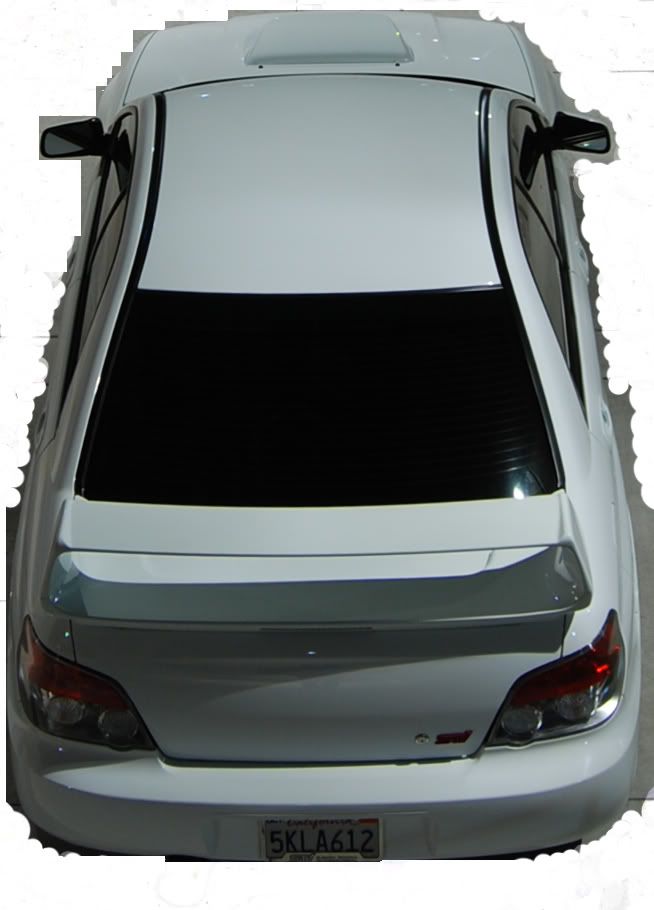
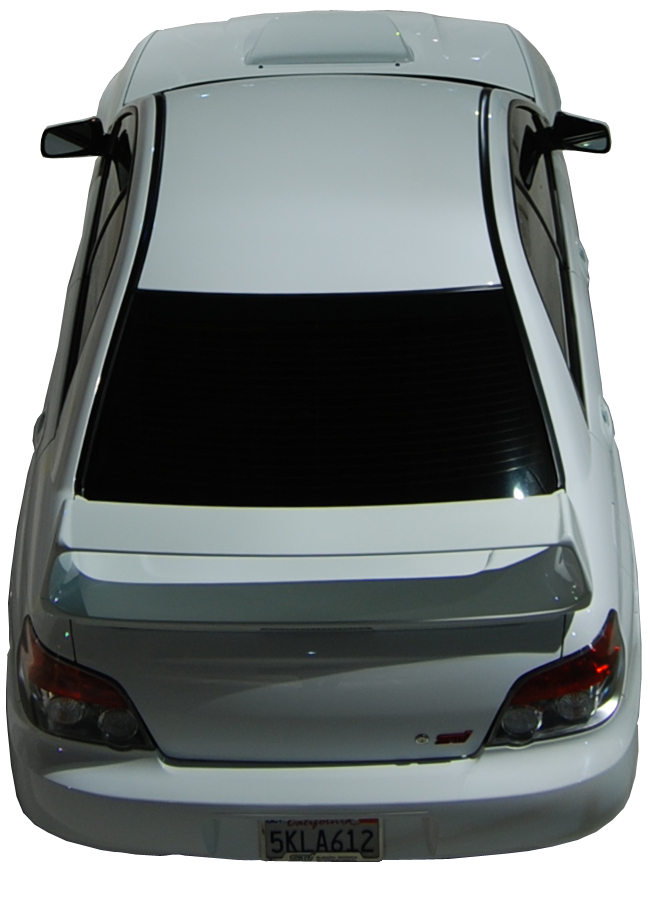
Here you go.. in png-24 format. You will need to size and convert
Can anyone post an original copy of sys.txt file. I think I messed up and did not back mine up. Thanks