Okay, quick question regarding this if anyone is available to still help. I have the x930BT unit and it worked fine (I bought it a few years ago) but I sold it to my friend just recently and installed it fine and it was working but he had to do some battery work a few weeks after and then when he went to start it all up it now asks for a password. Which is weird because I never remember setting one, he did not either plus he had already installed it fine just a few weeks prior already! I tried all passwords I would ever use anyways just to check and nothing. Sooo, I come here and figured i'd try this however when I click the link form page 3 or whatever from this post, it will not finish downloading and give me an error. I have tried several different computers now and it looks like it finishes but then gives a network error or something. Could it be the network I'm on, should I try my laptop on a whole other network? Is this link to the download just no good anymore (it was a few years ago now)?
any help is appreciated, I hate to be in this position where I had a like brand new unit that I sold to my friend and now he has a stereo he cant use..


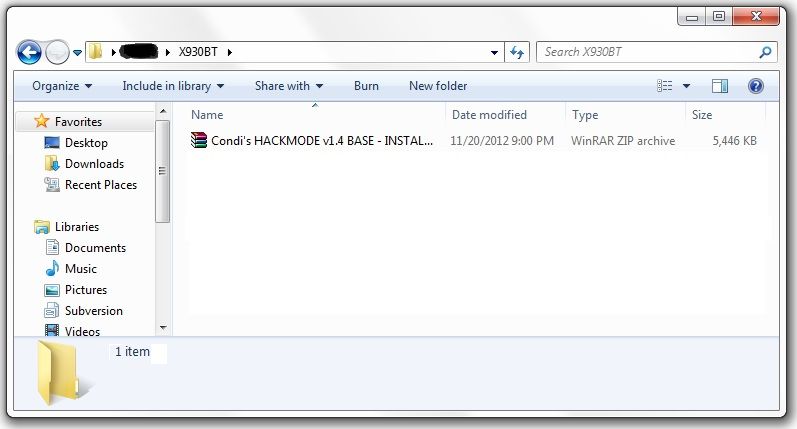
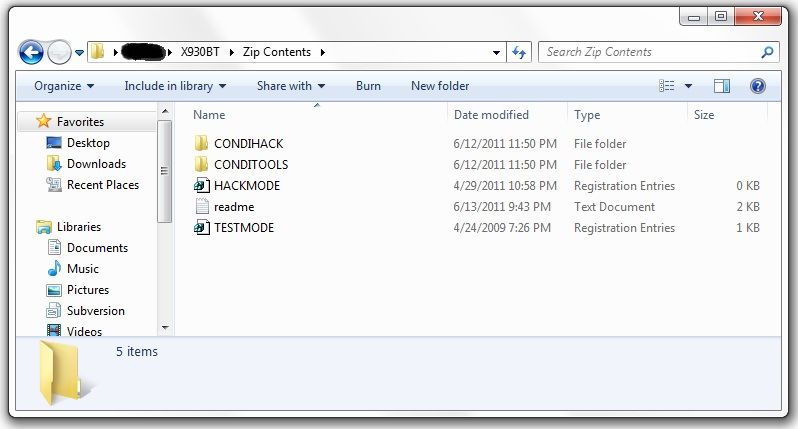 At this point, it's time to make your way to the password protected unit with the micro SD card you just place the files above into.With the unit powered off (key in the OFF possession, or just no power supplied if your doing this out of the vehicle), load the card into the device. Power the unit on and wait for it to boot, at which point it should boot into testmode.
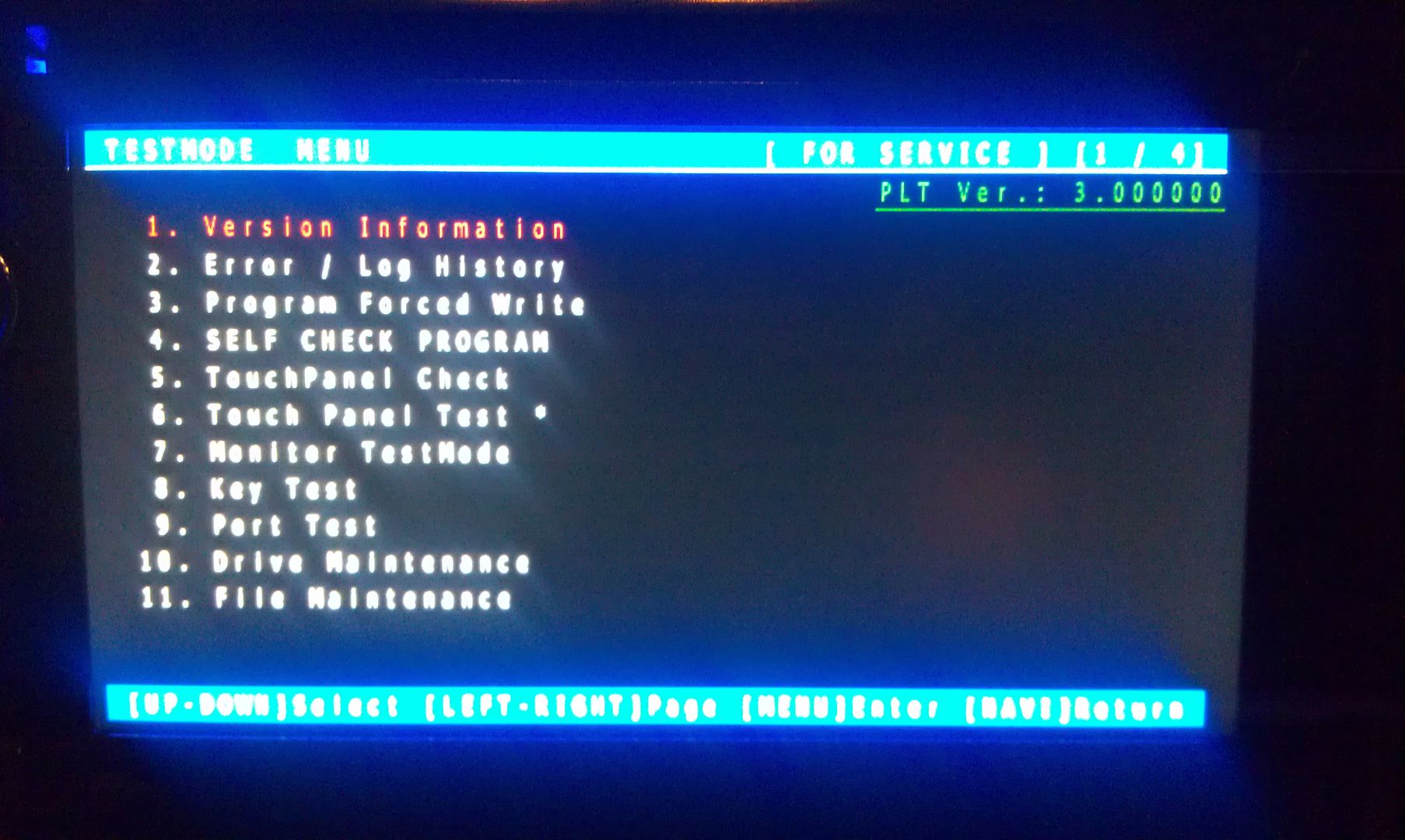 Once in testmode, on an X930BT, and I would imagine it would be the same for all of the X9X0BT series, the only buttons and actions that will be needed to navigate the screens are the following:*HOME - escape/cancel/go back*MODE - enter/select*Volume down (left) - move selection on screen down*Volume up (right) - move selection on screen upI CANNOT STRESS HOW STRONGLY I RECOMMEND THAT YOU DO NOT MESS WITH ANY OTHER FILES IN HERE IF YOU DO NOT KNOW WHAT YOU ARE DOING!!! IT IS VERY EASY TO BRICK YOUR UNIT USING TEST MODE!!! I TAKE NO RESPONSIBILITY IF YOU SCREW THINGS UP; YOU ARE DOING THIS AT YOUR OWN RISK!!!Move the selection on the screen down to #11, File Maintence
 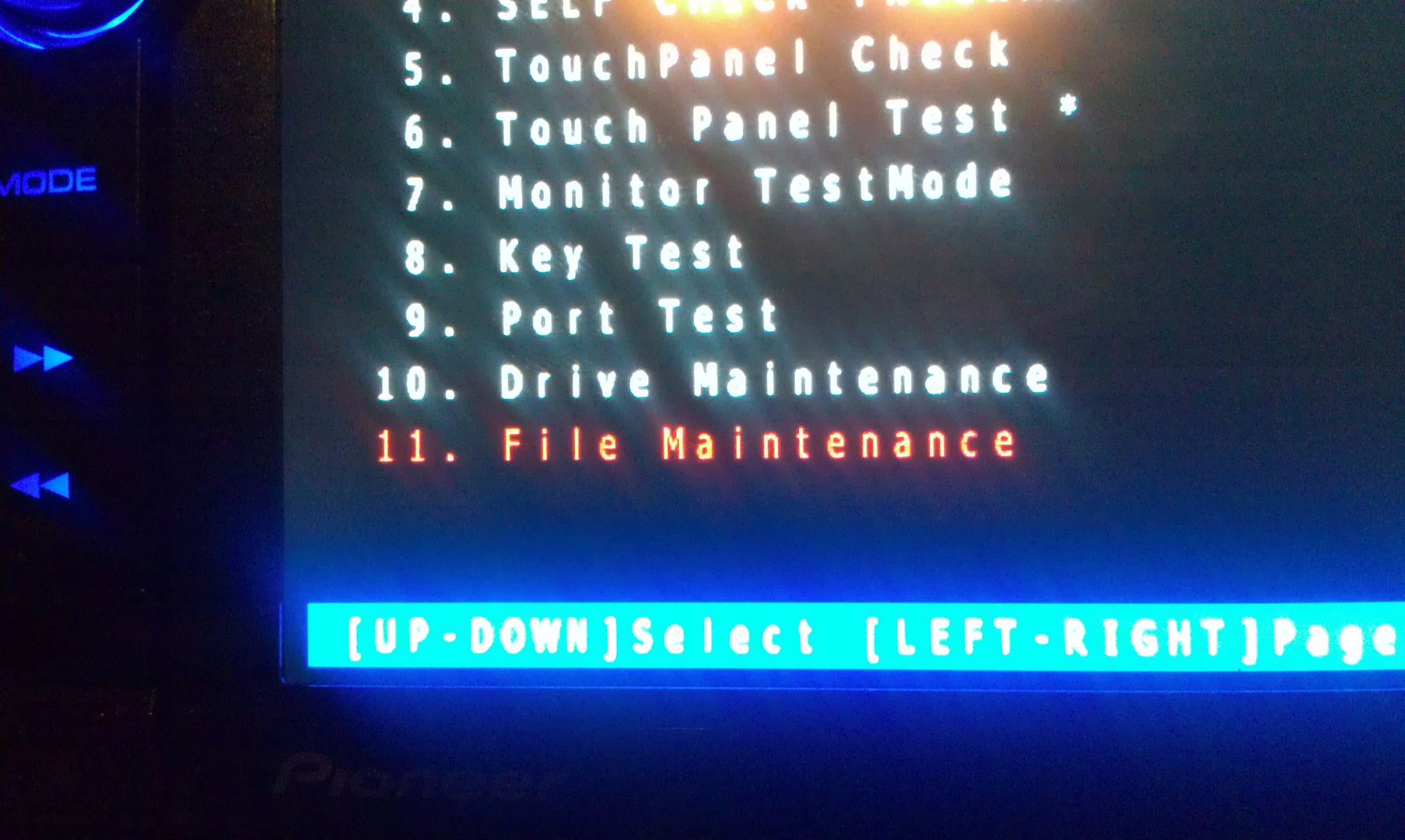 Press MODE and you will enter the File Maintence screen
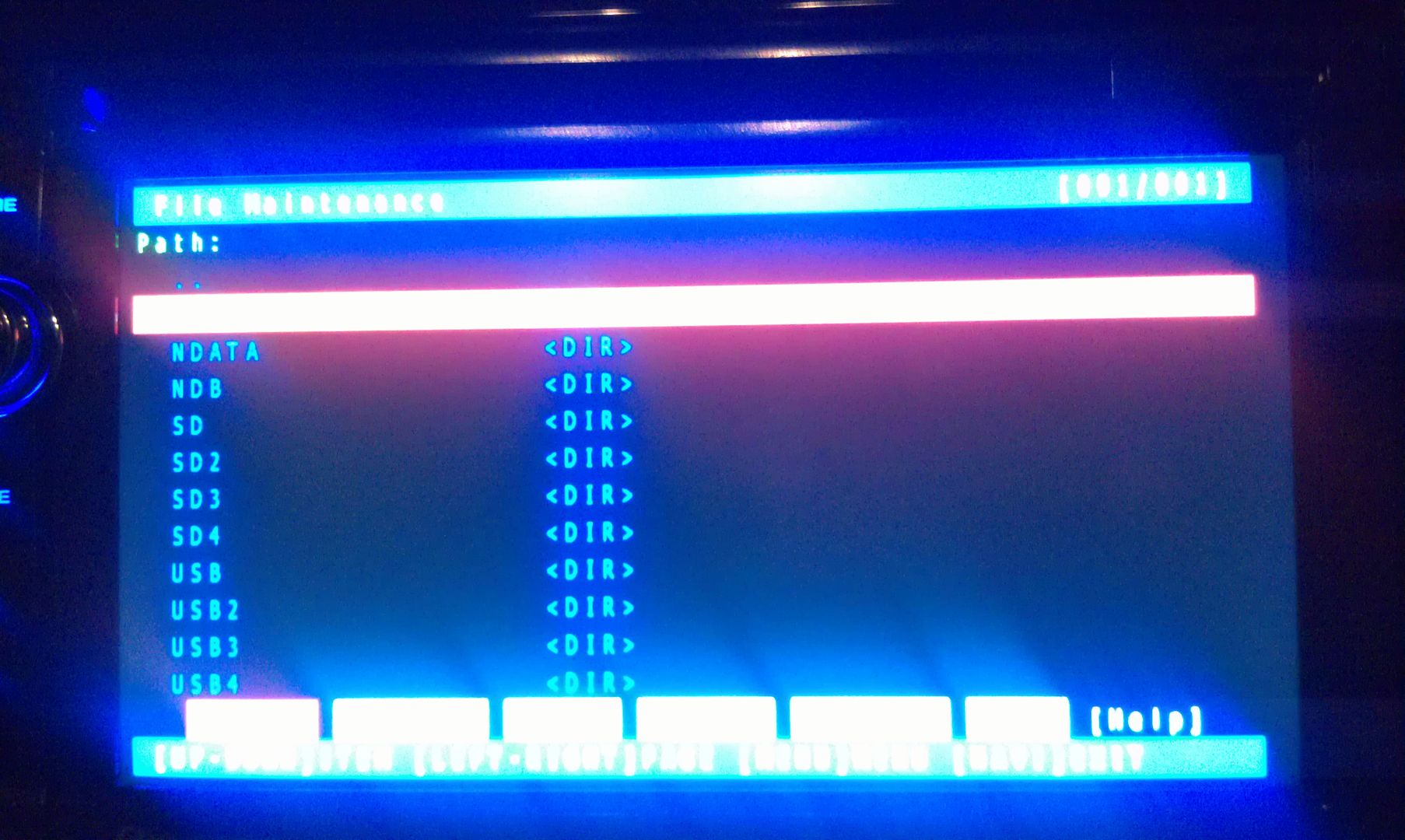 Now select User and open it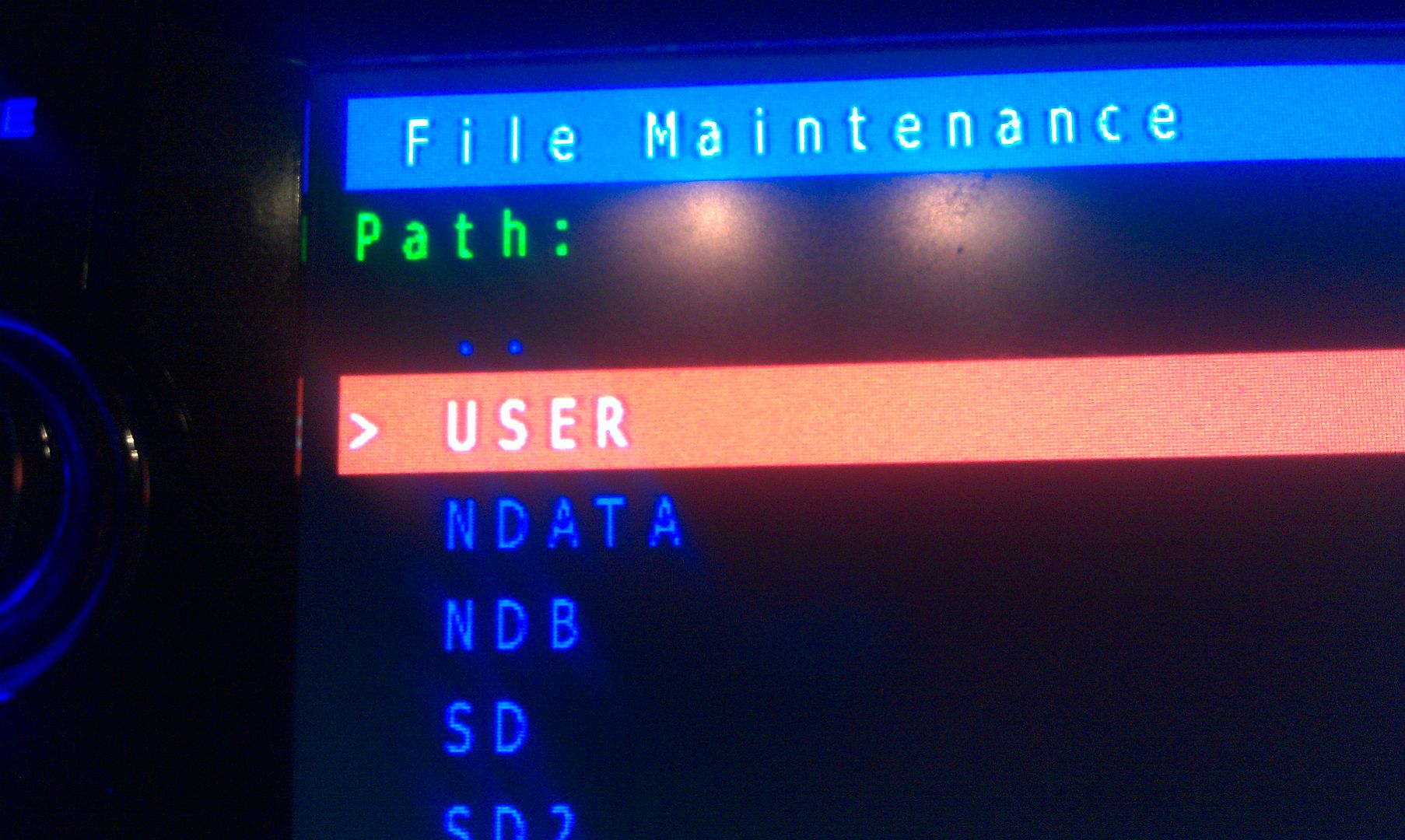
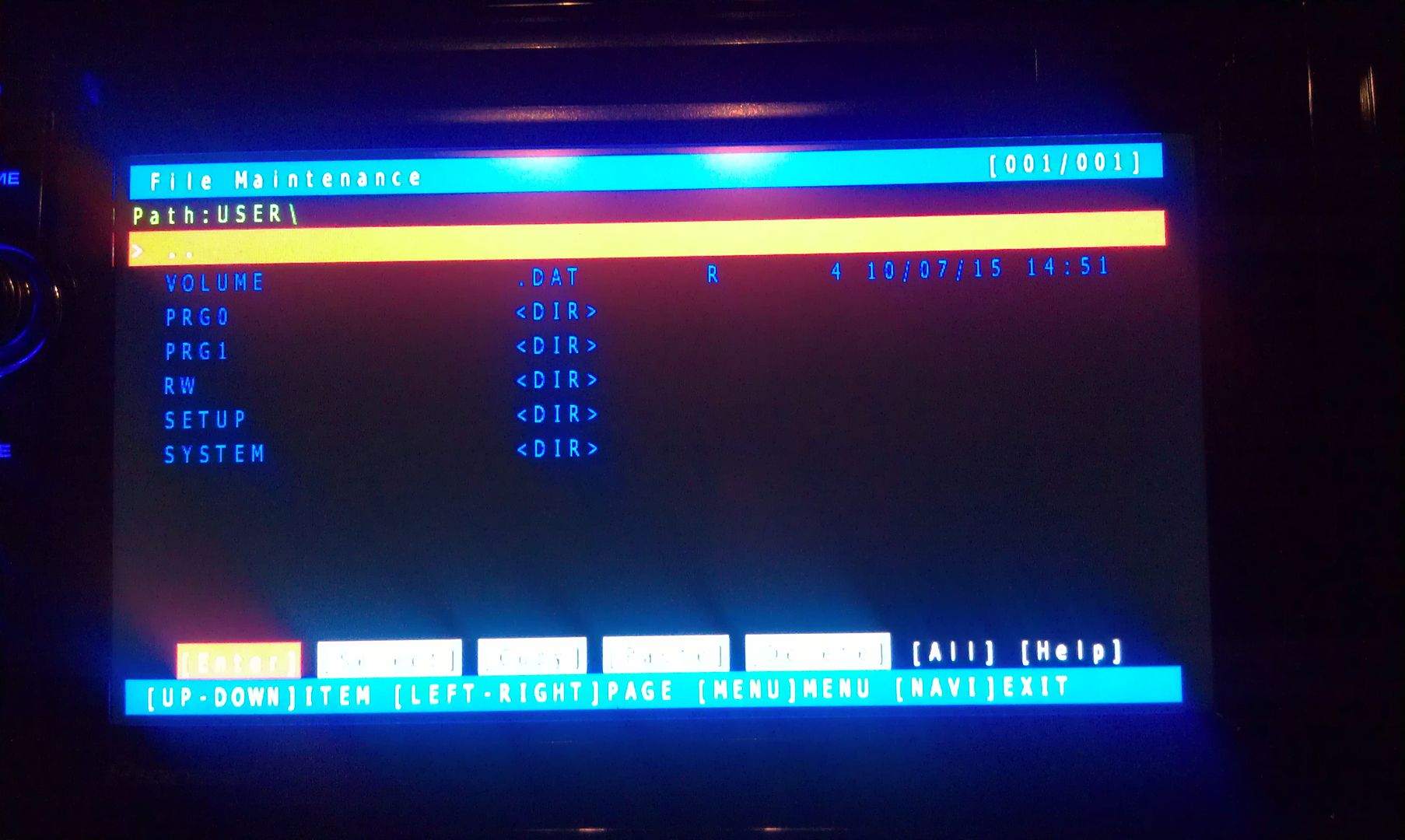 Now select System and enter it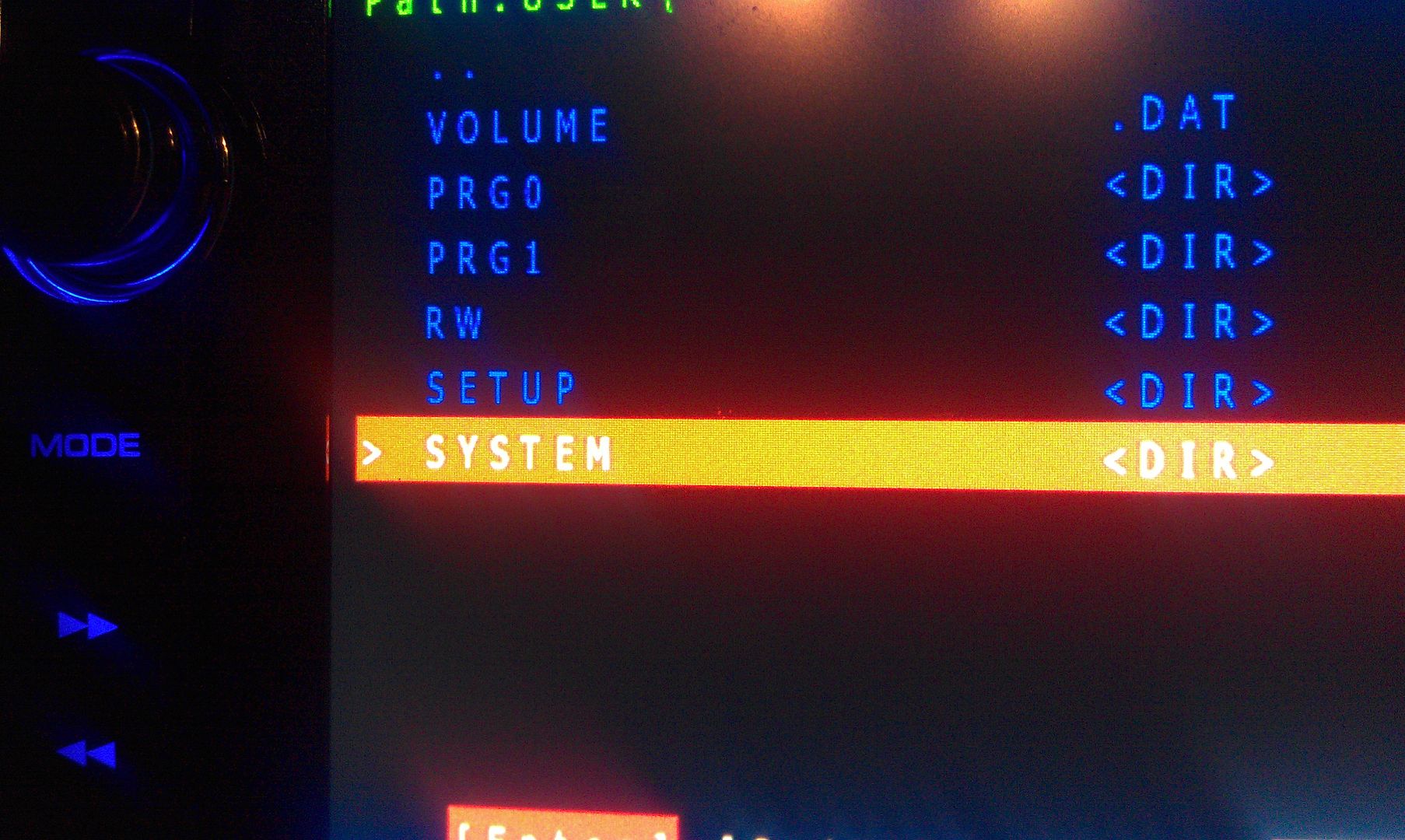
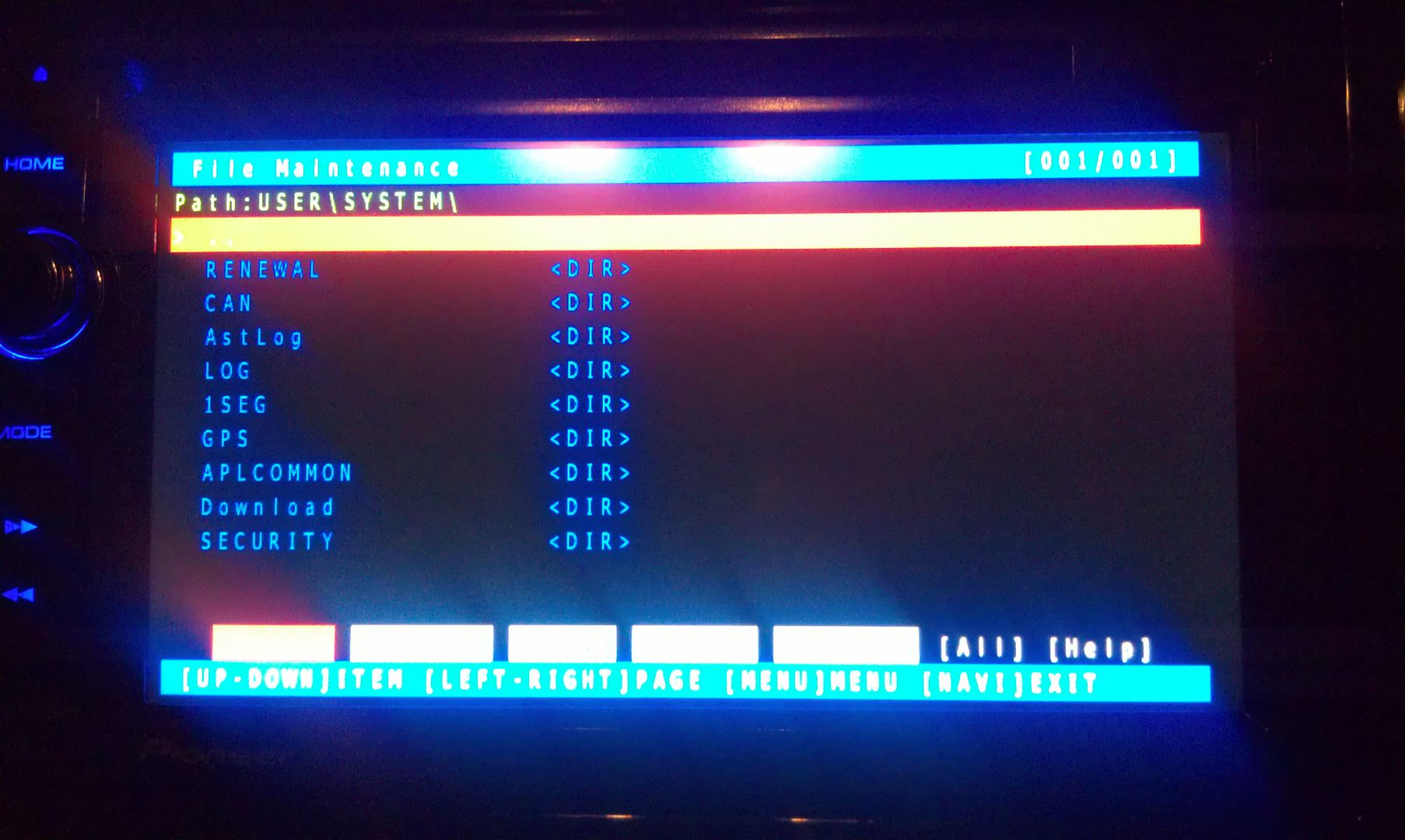 Now go to security and enter it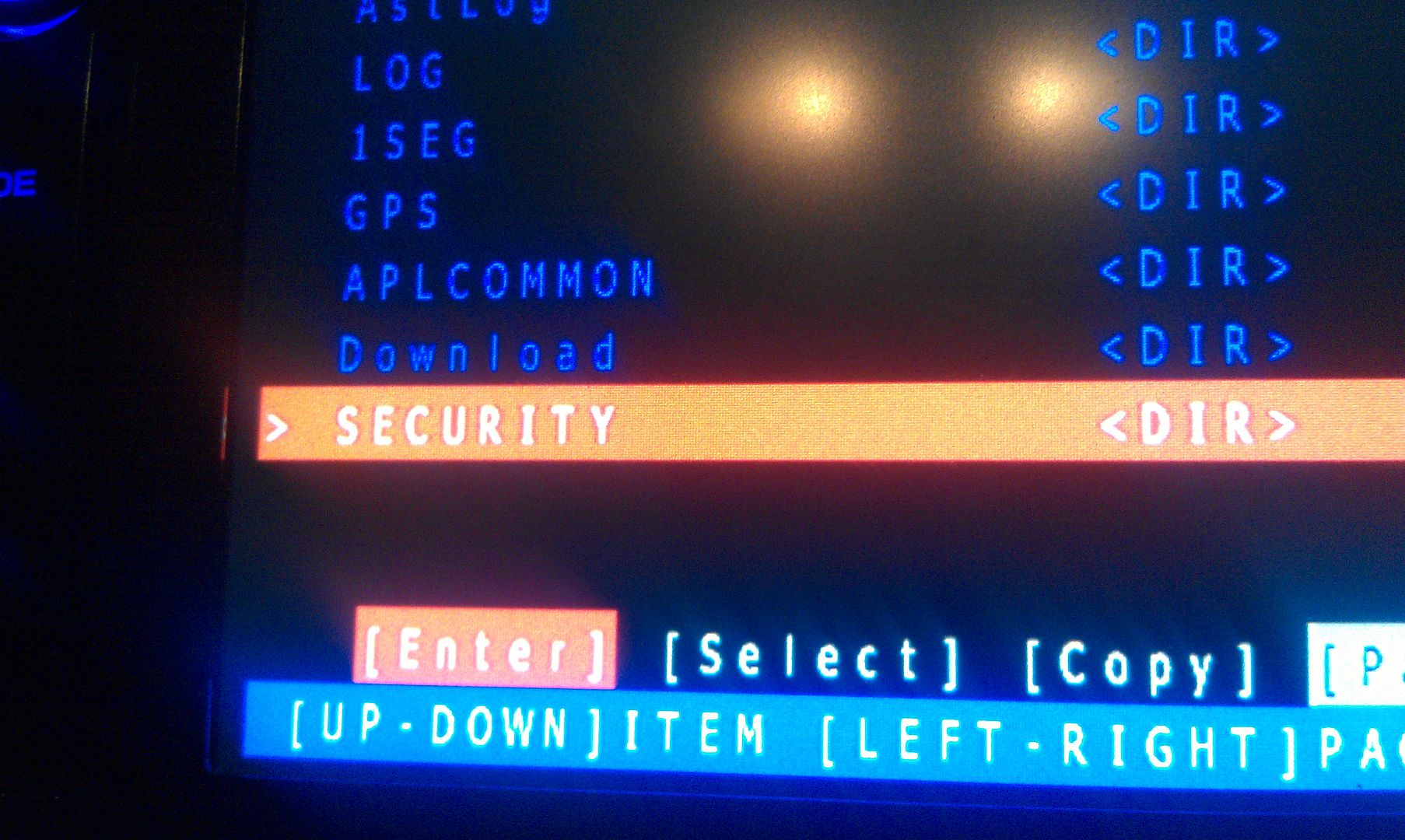
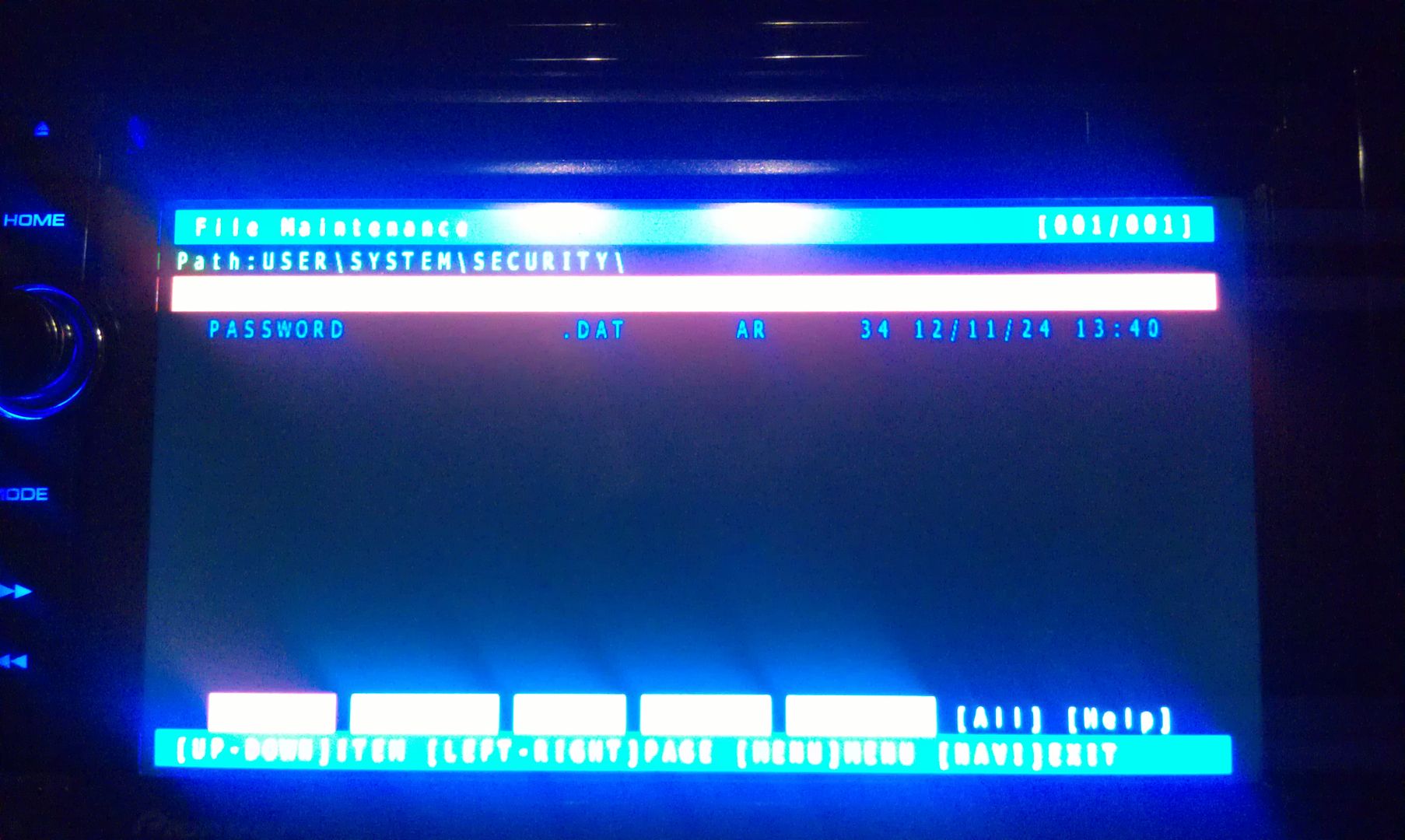 The only thing on the screen at this point is Password, so enter it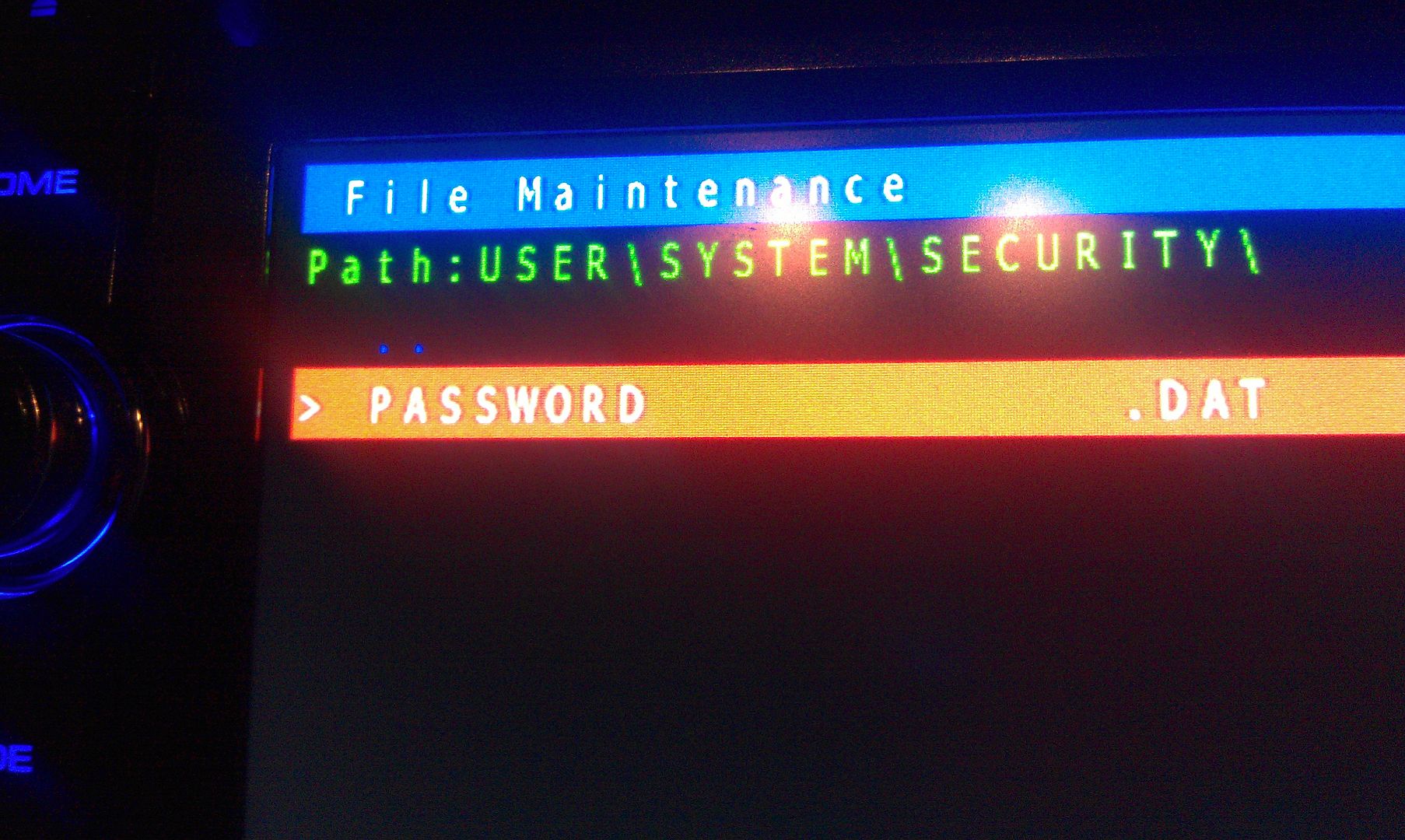
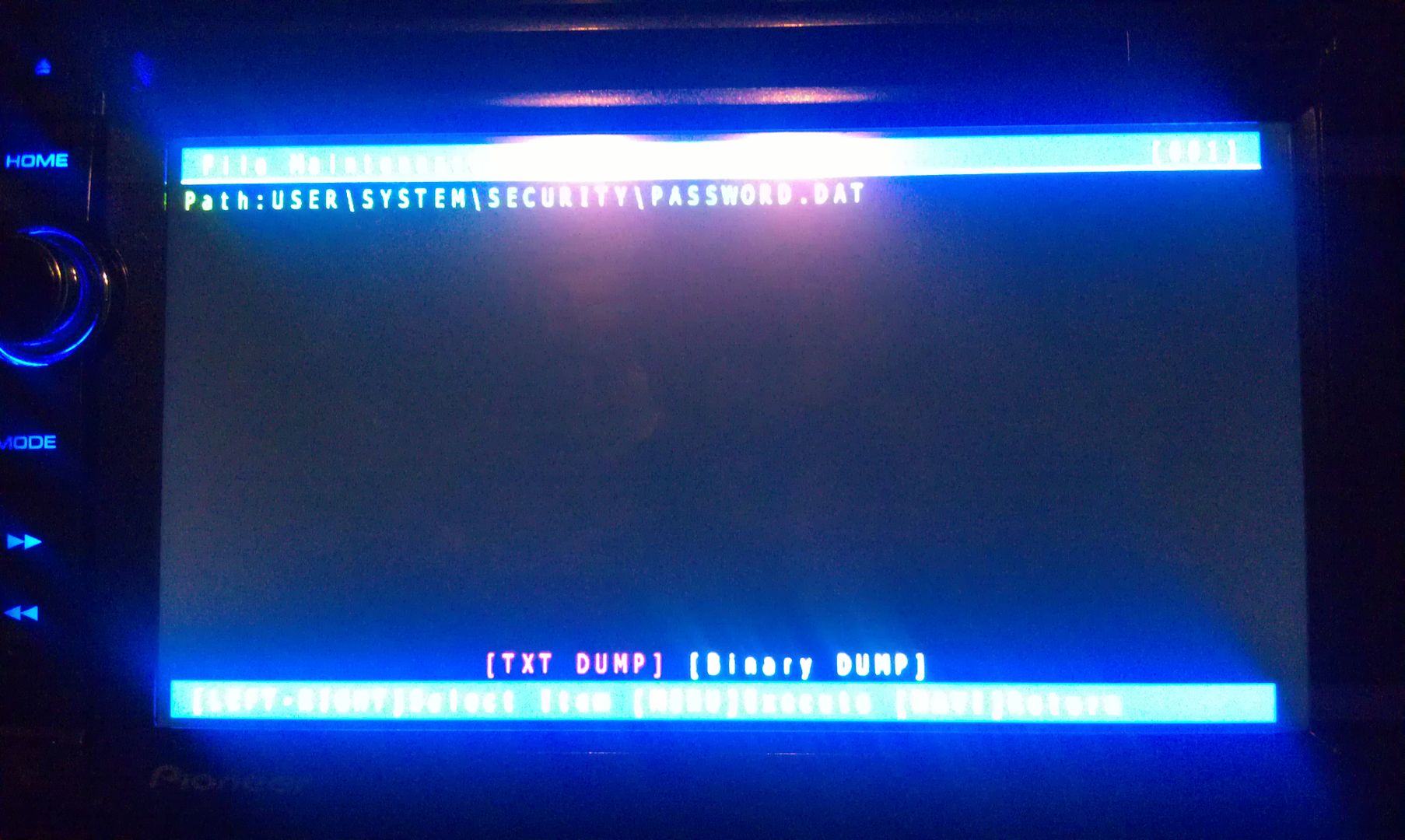 There is only option on this screen that you you are concerned with here, a text dump. You do not have to move the selection around, just press MODE to perform the text dump, and VIOLA, the password that the unit is locked with is displayed near the top left of the screen!(I've blurred my password out here for obvious reason)
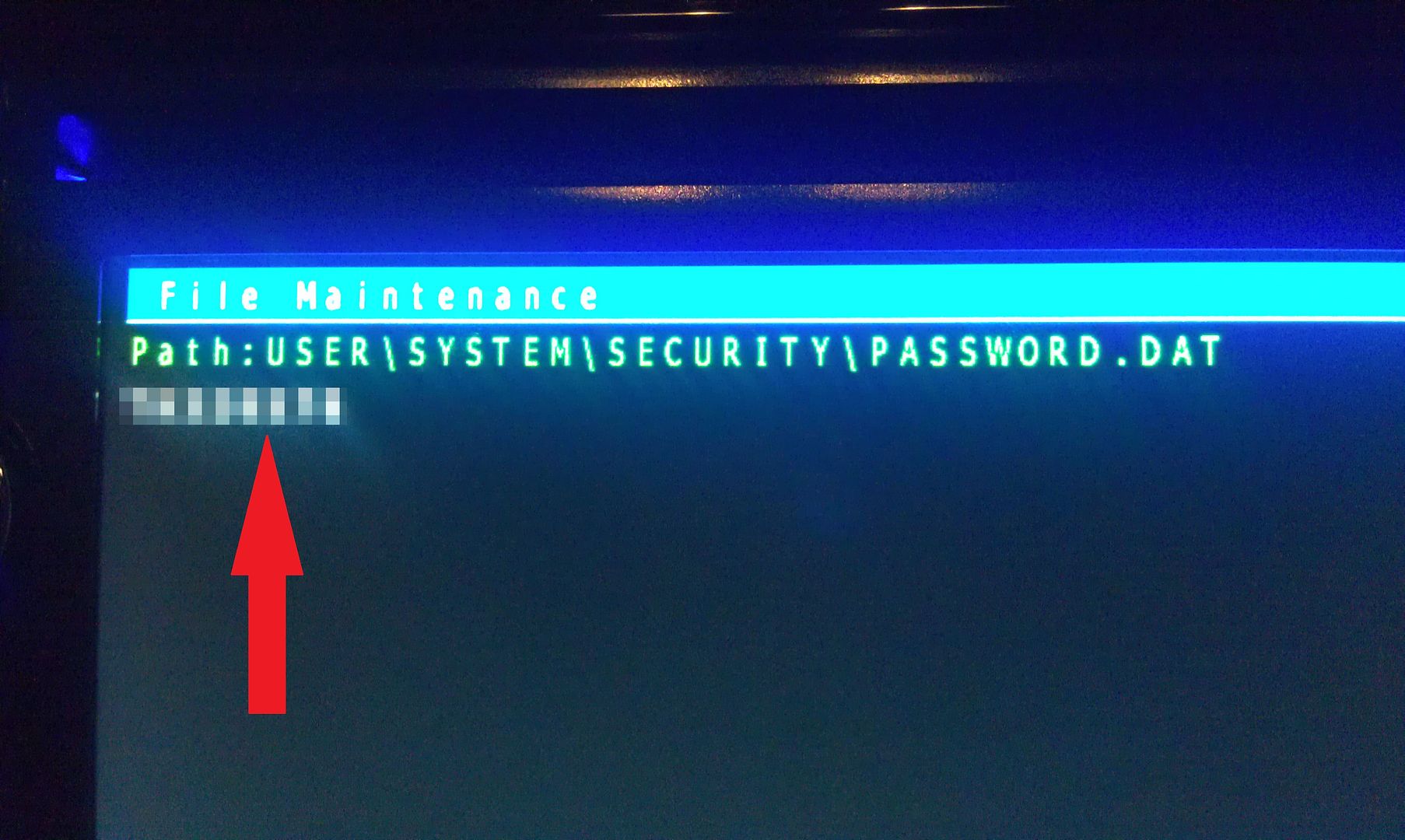 Write this password down (unless is something you can remember), then just back out of all the menus using the HOME key until you get the the first screen, at which point you can power the unit off and remove the SD card. With the card removed, power the unit back up and enter your recovered password when prompted, and enjoy :)If you're not going to remember the password you just recovered, I'd suggest changing it. Take a look in the owners manual for those instructions.Hope that helps everyone a little more!by the way, I think this thread should become a sticky...