2013 European Map Update for AVIC-F30BT, AVIC-F930BT, AVIC-F9310BT, AVIC-F40BT, AVIC-F940BT, AVIC-F840BT, AVIC-F8430BT and some older models.
I have uploaded the files here:
http://www.4shared.com/rar/mwirjwPQ/pioneer_2013_updatepart1.html
Special thanks to Pionara for the crack which can be found here:
http://avic411.com/index.php?app=core&module=attach§ion=attach&attach_id=15552
Couldn't have done it without his skill.
For those who are wanting to run this on other earlier headunits then try this cardinfo file that Travolta supplied:
http://avic411.com/index.php?app=core&module=attach§ion=attach&attach_id=15554
So far it's confirmed on a F20 headunit so may work on others.
Any of the above try at your own risk, I am in no way responsible if you brick your headunits.
INSTRUCTIONS (supplied by Travolta)
To do the update on an F930BT you just have to:
01) Download the files from the links above.
02) Extract them to a safe place.
03) Open the extracted folders and go into the Update folder
04) Replace the VERINFO.DAT with the above one.
05) Copy everything you extracted onto a clean 4GB+ SD Card which has been FAT32 Complete Formated
(make sure that the files and folders on the root of the SD card are:
FIRMWARE (folder)
Update (folder)
CARDINFO.cif
06) Put it in your Car (with the engine running or on a charger etc)
07) The Pioneer will ask you if you want to run the update choose ((yes)) the device will reboot and start the update.
08) Wait untill the update is completed
09) Once completed, it may ask you to update again, if so, select ((No)).
10) If you want to update your Bluetooth firmware then, enter Bluetooth settings and update the bluetooth firmware.
Please be sure that you did everything as mentioned above. It's better to make a backup of your system before updating.
For those with Avic F10BT, F20BT or F920Bt
Download the CARDINFO.CIF from above.
OR
Open the original CARDINFO.CIF in text editor, search and replace this:
KJJARRH8R51UX72EUR
With
X07EURX27EURX30EUR
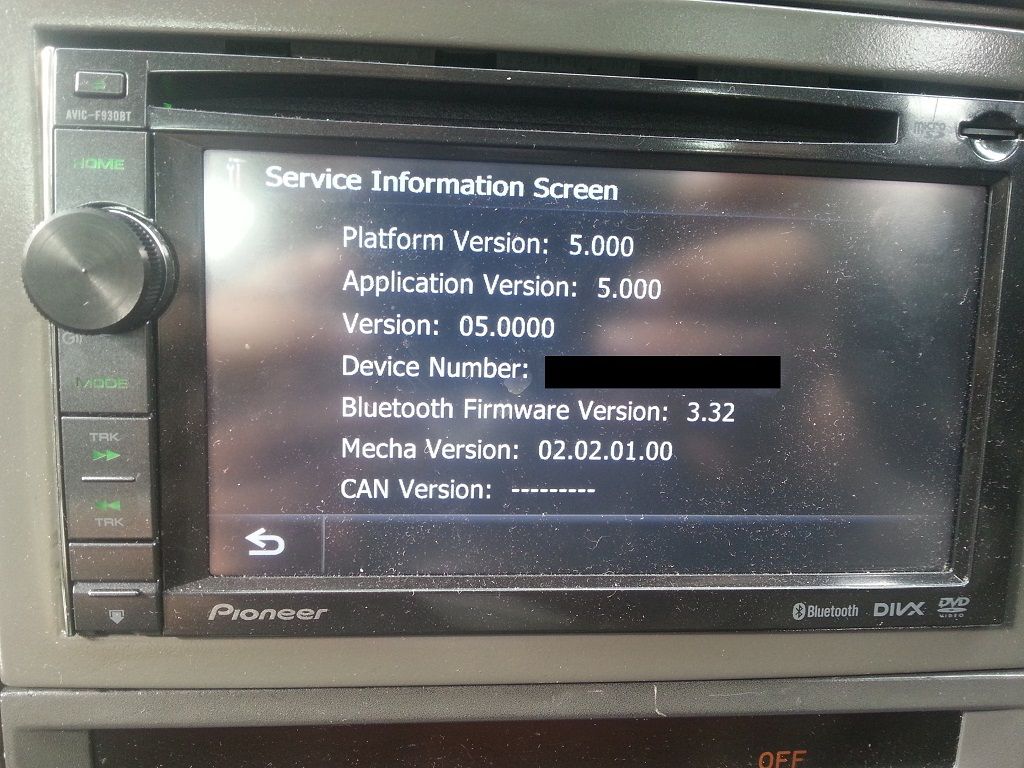
If you did everything correctly, you will have your AVIC updated to version 5.0 with the newest Europe Maps
TIPS
You have to apply the update before you can do any modding to remove nag screens etc. All system files have to be original.
Backup your TTS language files if you use anything other than English files before flashing as you may lose them and they revert to English.
If you didn't backup your TTS files some of you may be lucky. Frisk has created a thread listing a few of the TTS files.
Can be found here: http://avic411.com/index.php?/topic/37449-get-your-tts-files-backup-for-avic-f930btf940bt-here/