Search Archive

AVIC-MRZ99 Custom Firmware / Testmode

By crankz · Oct 09, 2014in Hacks/Mods💬 972 posts👁️ 566,761 views
Page 13 of 39
Posted Nov 04, 2017 · 00:13 UTC#301

hi dzo, thanks for your prompt response. I can't use the "test mode file" it "displyed "test mode fail, turn off acc" however pressing Navi and left right X3 got me into a test mode menu with 41 directories/modes - some in Japanese.


jpg of all the directories attached.


I panicked when I realised there is no escape/reset key to get to the main menu.! I turned of the power to reset. phew. Please advise if that was the correct procedure.


attachicon.gif20171104_1133501.jpg

attachicon.gif20171104_1133461.jpg

attachicon.gif20171104_1133421.jpg

attachicon.gif20171104_1133191.jpg

attachicon.gif20171104_1133341.jpg


Once again thanks, I look forward to further instructions as to which directory to back up and how to proceed.

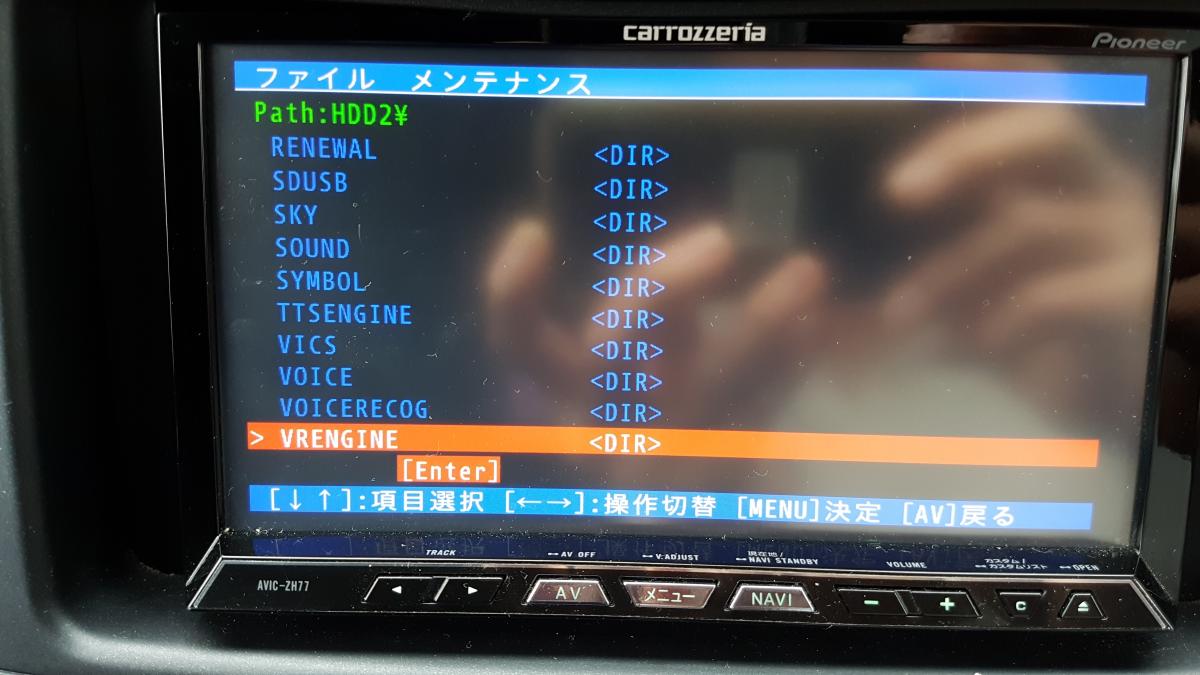
Item 9 on the first page is the file manager. This should let you copy and paste the language files to an sd card. It should be very silimar to this:

There is a chance that copy and paste doesn't work without the correct testmode key.

Posted Nov 04, 2017 · 02:09 UTC#302

I entered item 9 but there is no "user" directory. jpg files attached


post-147009-0-43201600-1509761220_thumb.jpg

post-147009-0-99184500-1509761326_thumb.jpg

post-147009-0-43201600-1509761220_thumb.jpg

post-147009-0-99184500-1509761326_thumb.jpg

Edited Nov 04, 2017 by Paj
Posted Nov 04, 2017 · 02:27 UTC#303

I entered item 9 but there is no "user" directory. jpg files attached


attachicon.gif20171104_1405421.jpg

attachicon.gif20171104_1405511.jpg


Can you copy the NX064 directory to an sd card and post it somewhere. You can use google translate on a phone to do a live translate of the japanese messages.

Posted Nov 04, 2017 · 02:46 UTC#304

Cheers, been using the google translate app to navigate. Going to try saving NX064 directory now, wish me luck :):razz:


post-147009-0-86869100-1509763388_thumb.jpg

post-147009-0-36282200-1509763421_thumb.jpg

post-147009-0-86869100-1509763388_thumb.jpg

post-147009-0-36282200-1509763421_thumb.jpg

Posted Nov 04, 2017 · 02:59 UTC#305

Bingo as you intructed the directories PRG0 and PRG1. No copy and paste menu


post-147009-0-38522100-1509764137_thumb.jpg

post-147009-0-88881400-1509764205_thumb.jpg

post-147009-0-50184700-1509764251_thumb.jpg

post-147009-0-38522100-1509764137_thumb.jpg

post-147009-0-88881400-1509764205_thumb.jpg

post-147009-0-50184700-1509764251_thumb.jpg

Posted Nov 04, 2017 · 03:25 UTC#307

No can't see .../LANGDATA nor a copy and paste command

Posted Nov 04, 2017 · 03:26 UTC#308

Do you think it resides in the APL directory?

Posted Nov 04, 2017 · 03:28 UTC#309

Delete double up

Edited Nov 04, 2017 by Paj
Posted Nov 04, 2017 · 03:31 UTC#310

post-147009-0-99099900-1509766243_thumb.jpg


Will this help?

post-147009-0-99099900-1509766243_thumb.jpg

Posted Nov 04, 2017 · 03:33 UTC#311

Oop

Do you think it resides in the APL directory?

Oops me bad. Sorry I was miles away... can't copy and paste.

Posted Nov 04, 2017 · 03:39 UTC#312

No Langdata file


post-147009-0-00111500-1509766768_thumb.jpg

post-147009-0-00111500-1509766768_thumb.jpg

Posted Nov 04, 2017 · 03:41 UTC#313

Nor in PRG1

Posted Nov 04, 2017 · 03:44 UTC#314

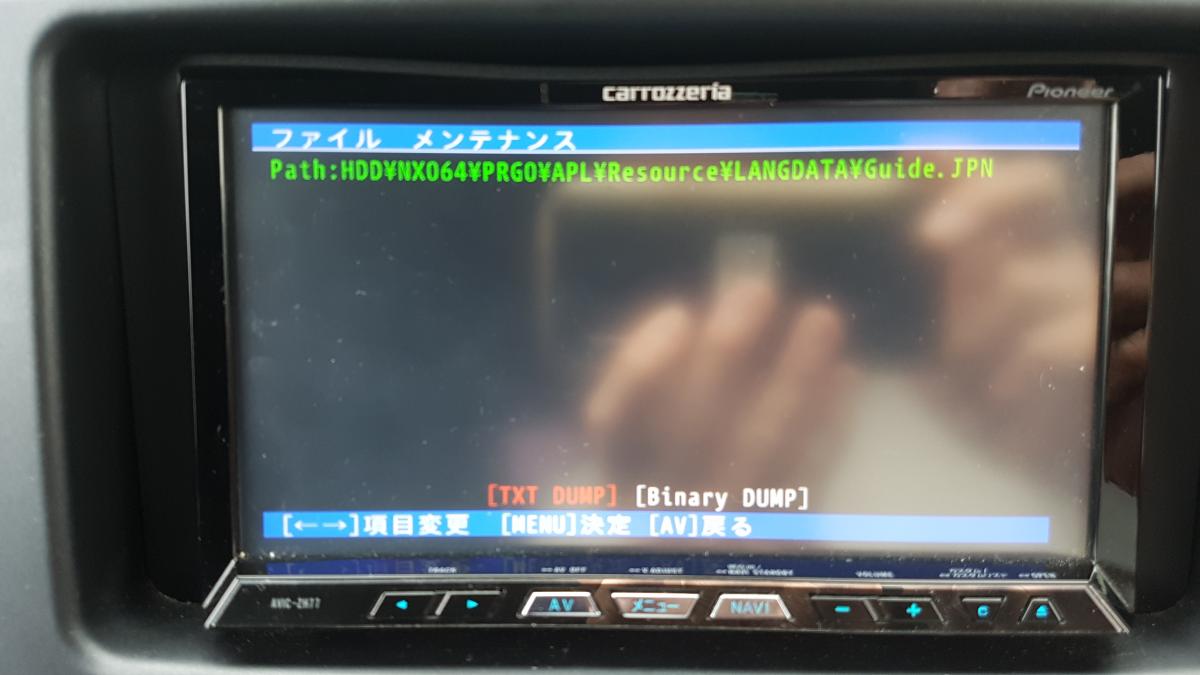
Found. Inside Resource directory post-147009-0-71203400-1509767015_thumb.jpgpost-147009-0-22409000-1509767040_thumb.jpg

post-147009-0-00111500-1509766768_thumb.jpg

Posted Nov 04, 2017 · 03:46 UTC#315
post-147009-0-30200500-1509767162_thumb.jpg
Posted Nov 04, 2017 · 04:01 UTC#316


I don't think that's the correct file, but you still need to be able to copy and paste. Can you try the testmode key from post #90.

Posted Nov 04, 2017 · 04:18 UTC#317

post-147009-0-11121100-1509769098_thumb.jpg


Nope :(

Posted Nov 04, 2017 · 04:53 UTC#319

Same result

Posted Nov 04, 2017 · 05:05 UTC#320

кто нибудь запуÑтил видеоклипы  Ñ Ð¡Ð” карты?

Posted Nov 04, 2017 · 18:57 UTC#322

Thanks dzo. I'll try it later this afternoon..

Posted Nov 04, 2017 · 23:00 UTC#323

dzo, no joy as well :(


hey, thanks for your effort I really appreciate it.

Edited Nov 04, 2017 by Paj
Posted Nov 05, 2017 · 15:58 UTC#324

дорогой DZO поделитеÑÑŒ переводом переводом на английÑкий Ñзык пожалуйÑта, на MRZ07. подойдет ли из ÑÐ¾Ð¾Ð±Ñ‰ÐµÐ½Ð¸Ñ 59?

Edited Nov 05, 2017 by Ilnur
Posted Nov 06, 2017 · 15:02 UTC#325

I just bought a MRZ77 as well, so maybe I can help once it gets here. Keeping an eye on this thread, thanks for everyone's hard work!

Page 13 of 39